
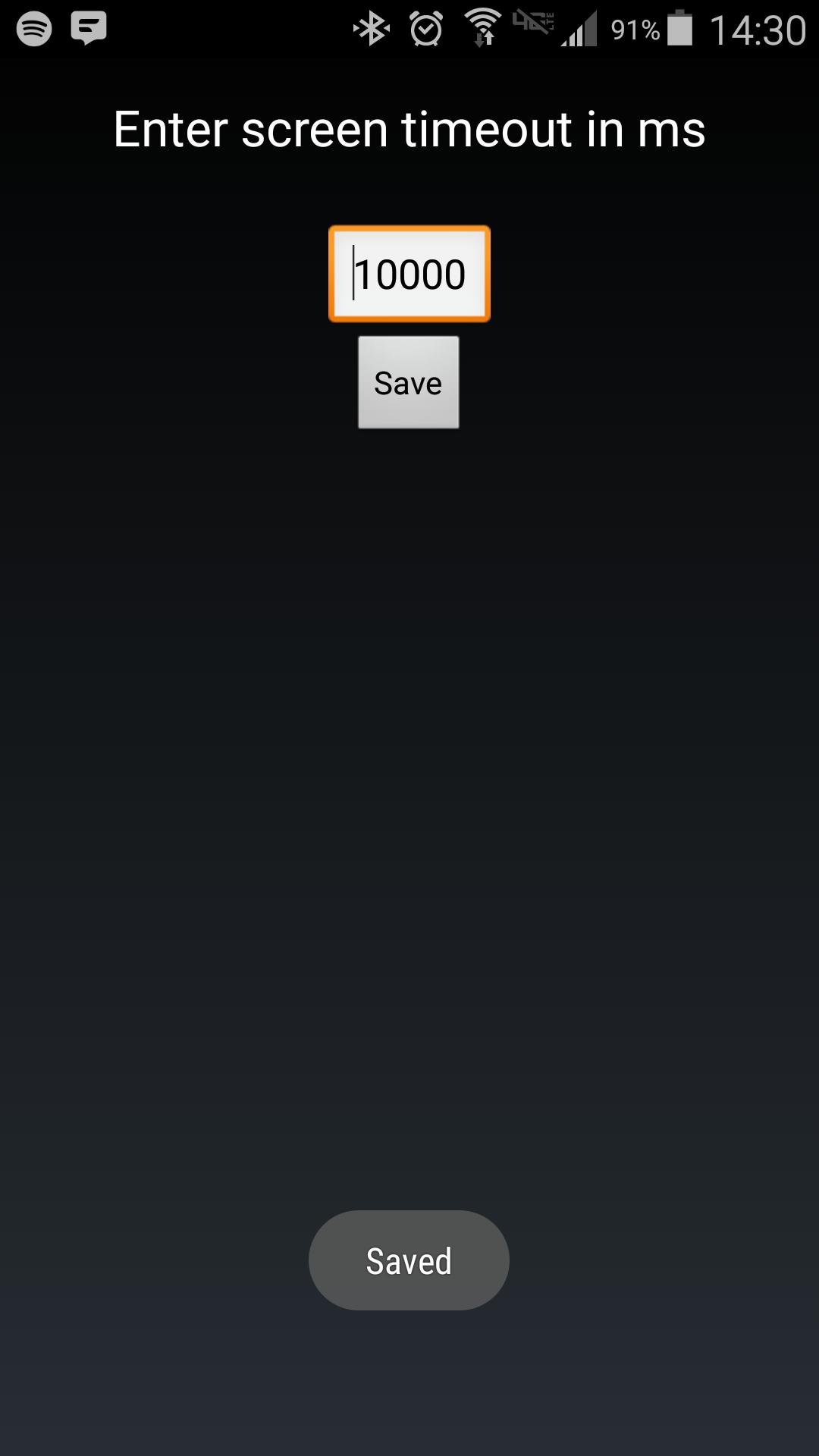
Android makes it somewhat difficult to receive the Screen On intent from the system (in order to protect your phone from being overrun with services). Instead of adding another long service to your phone, use Tasker to launch this simple service to hold your lockscreen on for however long you want.
After choosing your time in the UI, in your Tasker task, run this shell command:
am startservice -n com.binarybombtech.lockscreentimeout/.ScreenIntentService
Latest Version
1.0Uploaded by
Jounior Wills
Requires Android
Android 4.1+
Category
Free Personalization AppContent Rating
Everyone
Report
Flag as inappropriateLast updated on Sep 15, 2016
This release includes minor bug fixes and general improvements. Update to the latest version for the best experience.



APKPure - A multi-platform app store primarily focused on Android, providing extensive app-related content. Discover the app you want easier, faster, and safer, with quick and efficient downloads and installations.













