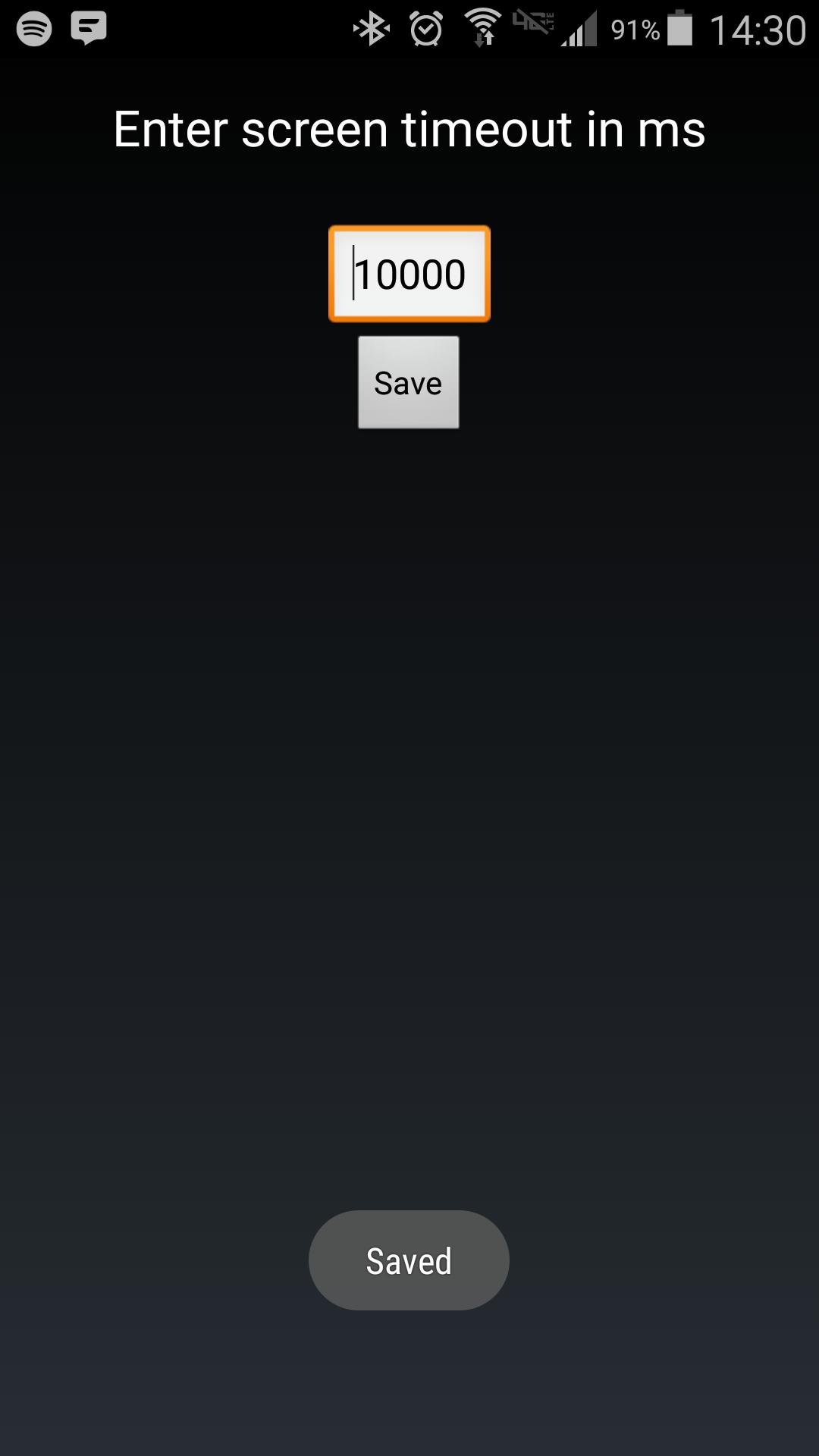
Android makes it somewhat difficult to receive the Screen On intent from the system (in order to protect your phone from being overrun with services). Instead of adding another long service to your phone, use Tasker to launch this simple service to hold your lockscreen on for however long you want.
After choosing your time in the UI, in your Tasker task, run this shell command:
am startservice -n com.binarybombtech.lockscreentimeout/.ScreenIntentService
En Son Sürüm
1.0Yükleyen
Jounior Wills
Gereken Android sürümü
Android 4.1+
İçerik derecelendirmesi
Everyone
Bildir
Uygunsuz olarak işaretleLast updated on Sep 15, 2016
Bu sürümde küçük hata düzeltmeleri ve genel iyileştirmeler bulunur. En iyi deneyim için en yeni sürüme güncelleyin.



APKPure - Android ağırlıklı, çok platformlu bir uygulama mağazası olup, geniş uygulama içeriği sunmaktadır. İstediğiniz uygulamayı daha kolay, hızlı ve güvenli bir şekilde keşfedin, hızlı ve verimli indirme ve kurulum imkanlarıyla.