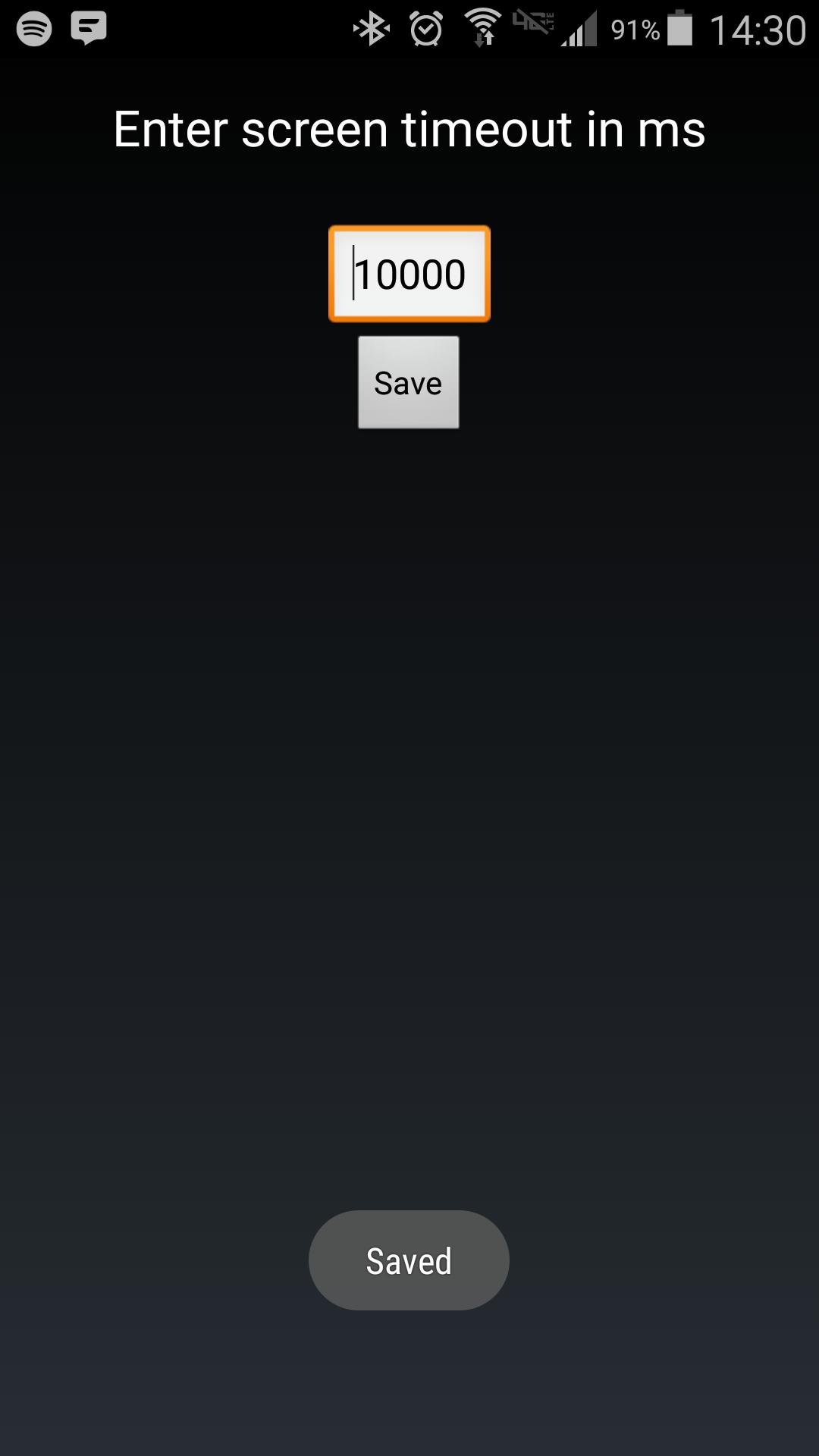
Android makes it somewhat difficult to receive the Screen On intent from the system (in order to protect your phone from being overrun with services). Instead of adding another long service to your phone, use Tasker to launch this simple service to hold your lockscreen on for however long you want.
After choosing your time in the UI, in your Tasker task, run this shell command:
am startservice -n com.binarybombtech.lockscreentimeout/.ScreenIntentService
Phiên bản mới nhất
1.0Được tải lên bởi
Jounior Wills
Yêu cầu Android
Android 4.1+
Danh mục
Miễn phí Cá nhân hóa ỨNG DỤNGXếp hạng nội dung
Everyone
Báo cáo
Gắn cờ là không phù hợpLast updated on Sep 15, 2016
Phiên bản này bao gồm các bản sửa lỗi nhỏ và cải tiến chung. Hãy cập nhật lên phiên bản mới nhất để có trải nghiệm tốt nhất.



APKPure - Kho ứng dụng đa nền tảng chủ yếu tập trung vào Android, cung cấp nội dung phong phú về ứng dụng. Khám phá ứng dụng bạn muốn dễ dàng, nhanh chóng và an toàn hơn, với tính năng tải xuống và cài đặt nhanh chóng và hiệu quả.