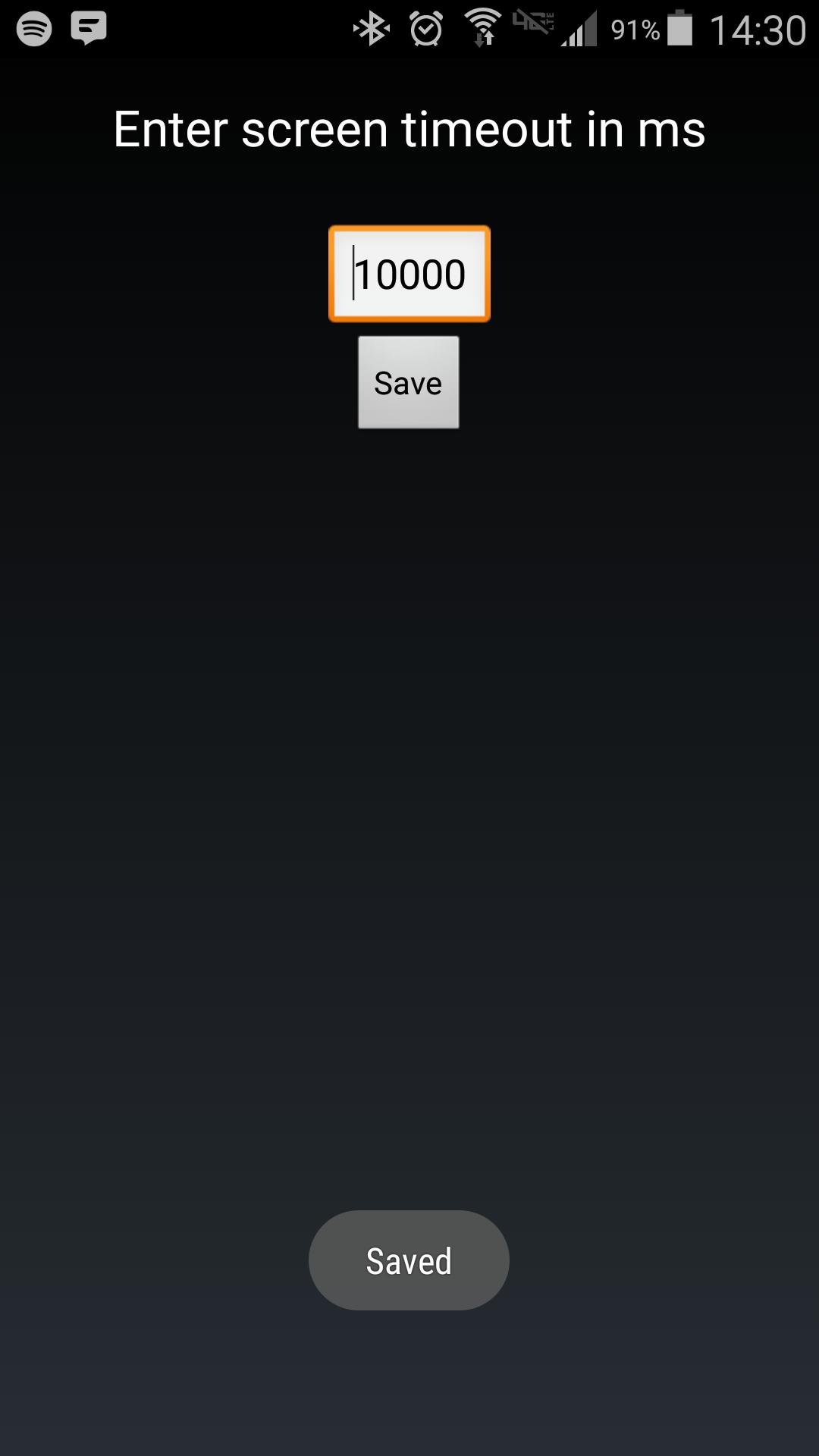
Android makes it somewhat difficult to receive the Screen On intent from the system (in order to protect your phone from being overrun with services). Instead of adding another long service to your phone, use Tasker to launch this simple service to hold your lockscreen on for however long you want.
After choosing your time in the UI, in your Tasker task, run this shell command:
am startservice -n com.binarybombtech.lockscreentimeout/.ScreenIntentService
احدث اصدار
1.0محمل
Jounior Wills
Android متطلبات النظام
Android 4.1+
الفئة
مجاني تخصيص تطبيقاتتقييم المحتوى
Everyone
الإبلاغ
تحديد كغير مناسبLast updated on 15/09/2016
يتضمن هذا الإصدار إصلاحات بسيطة للأخطاء وتحسينات عامة. حدّث إلى أحدث إصدار للحصول على أفضل تجربة.



APKPure - متجر تطبيقات متعدد المنصات يركز بشكل أساسي على نظام أندرويد، ويوفر محتوى واسع يتعلق بالتطبيقات. اكتشف التطبيقات التي تريدها بسهولة وسرعة وأمان، مع تنزيلات وتثبيتات سريعة وفعالة.