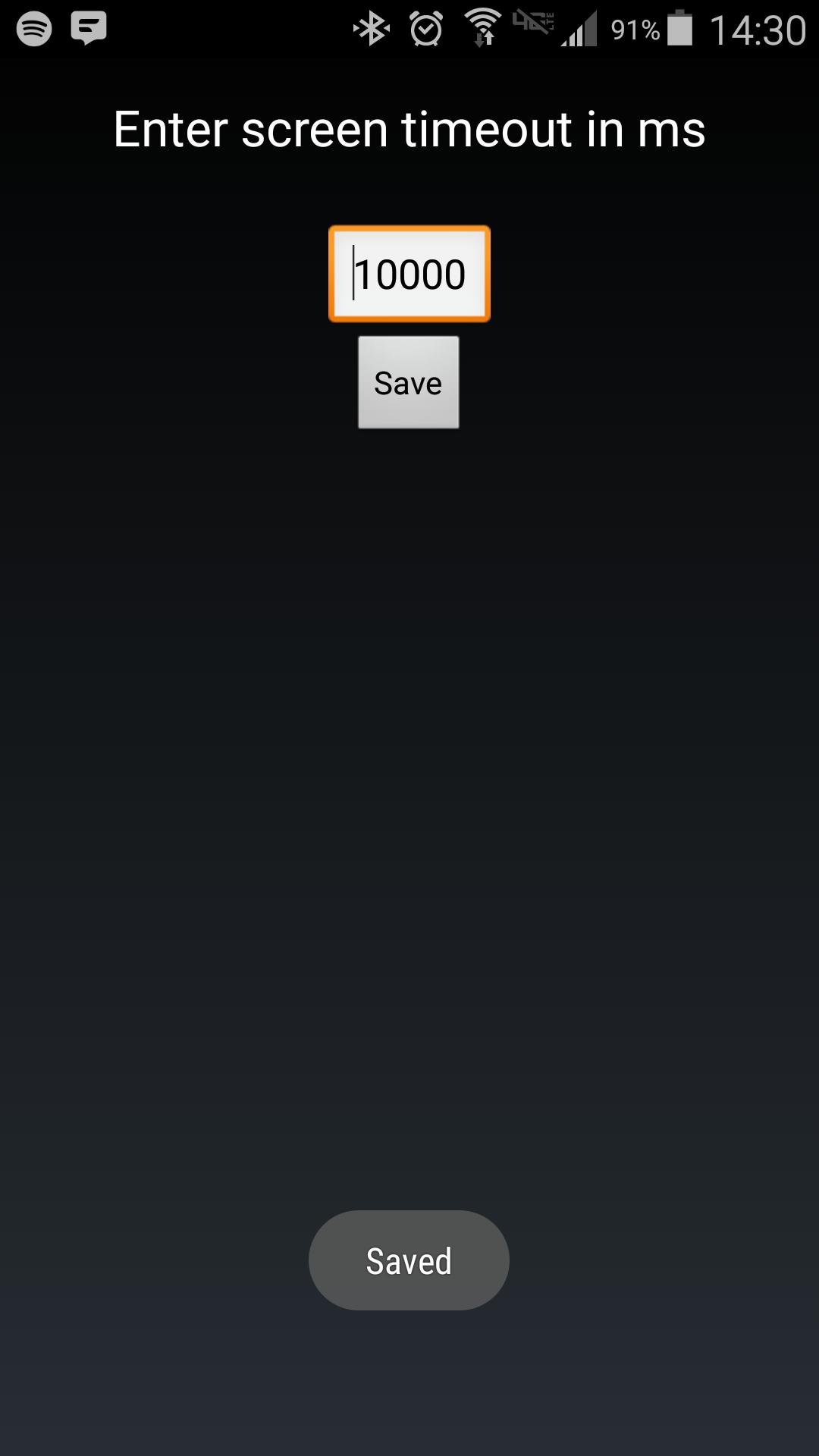
Android makes it somewhat difficult to receive the Screen On intent from the system (in order to protect your phone from being overrun with services). Instead of adding another long service to your phone, use Tasker to launch this simple service to hold your lockscreen on for however long you want.
After choosing your time in the UI, in your Tasker task, run this shell command:
am startservice -n com.binarybombtech.lockscreentimeout/.ScreenIntentService
Последняя версия
1.0Загрузил
Jounior Wills
Требуемая версия Android
Android 4.1+
Категория
Бесплатно Персонализация ПриложениеВозрастные ограничения
Everyone
Жаловаться
Сообщить о неприемлемом содержанииLast updated on 15/09/2016
В этой версии исправлены мелкие ошибки и внесены общие улучшения. Обновите приложение до последней версии для максимального удобства.



APKPure - Мультиплатформенный магазин приложений, в основном ориентированный на Android, предоставляющий обширный контент, связанный с приложениями. Находите нужные приложения проще, быстрее и безопаснее, с быстрой и эффективной загрузкой и установкой.