

Screen Lock is for users who lock or wake the phone many times a day. Frequent presses can wear the power button, so this app adds a simple on screen control that replaces that task. You decide where the control appears and how it behaves, and it works across apps. In addition, it supports everyday actions that reduce steps in common tasks. If the power key feels unreliable, download Screen Lock to keep locking quick and consistent.
Virtual buttons where you need them
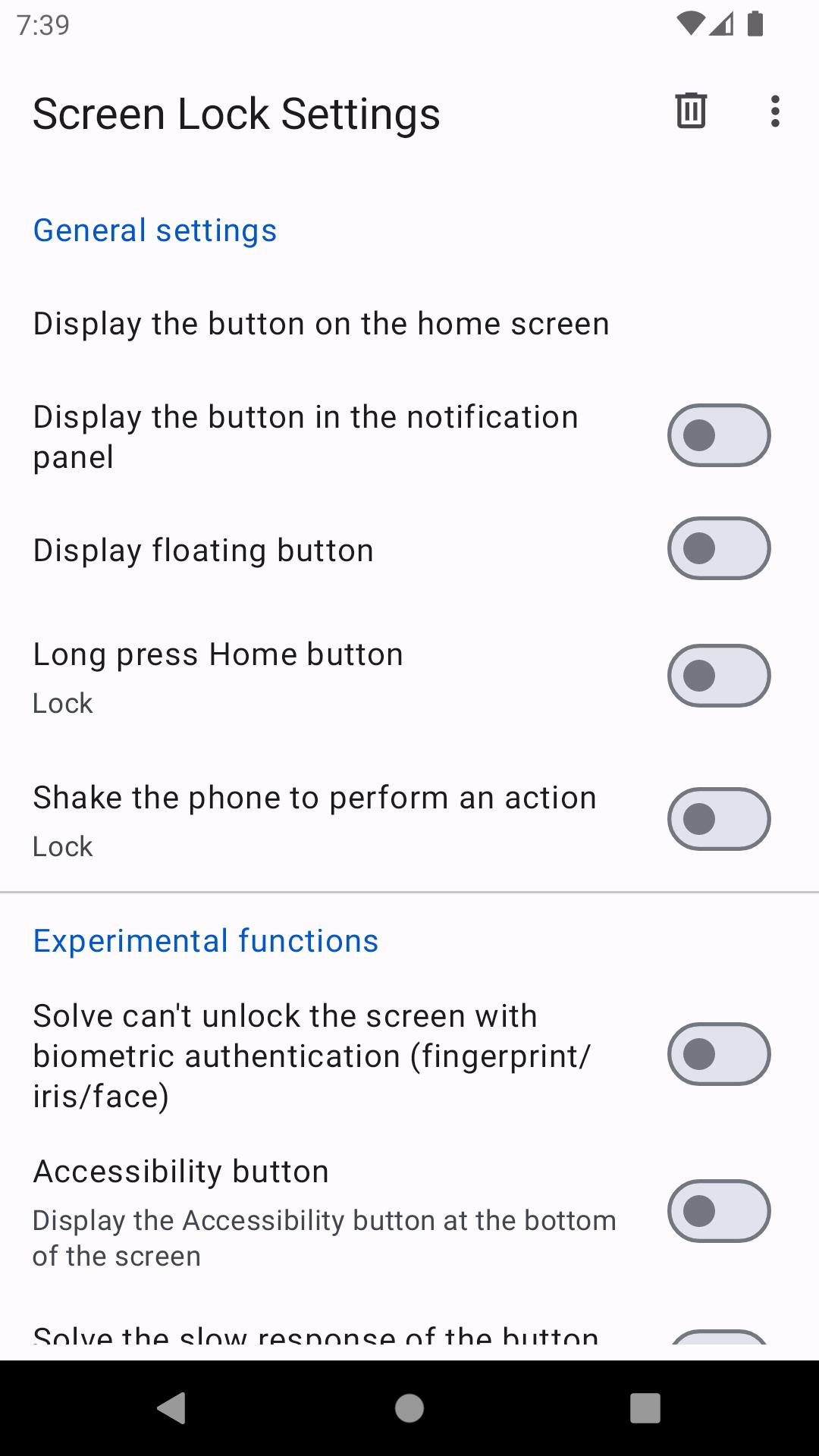
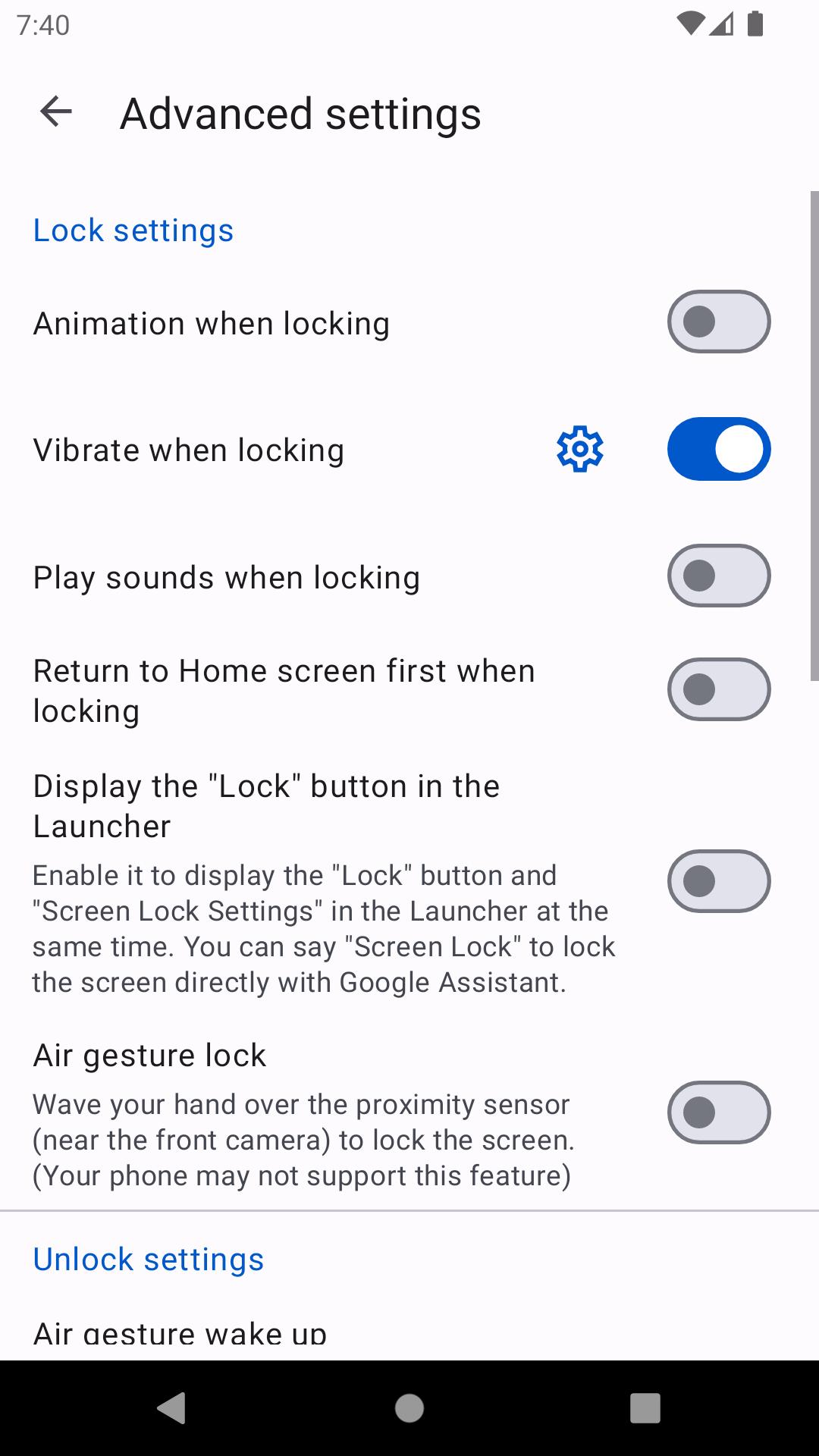
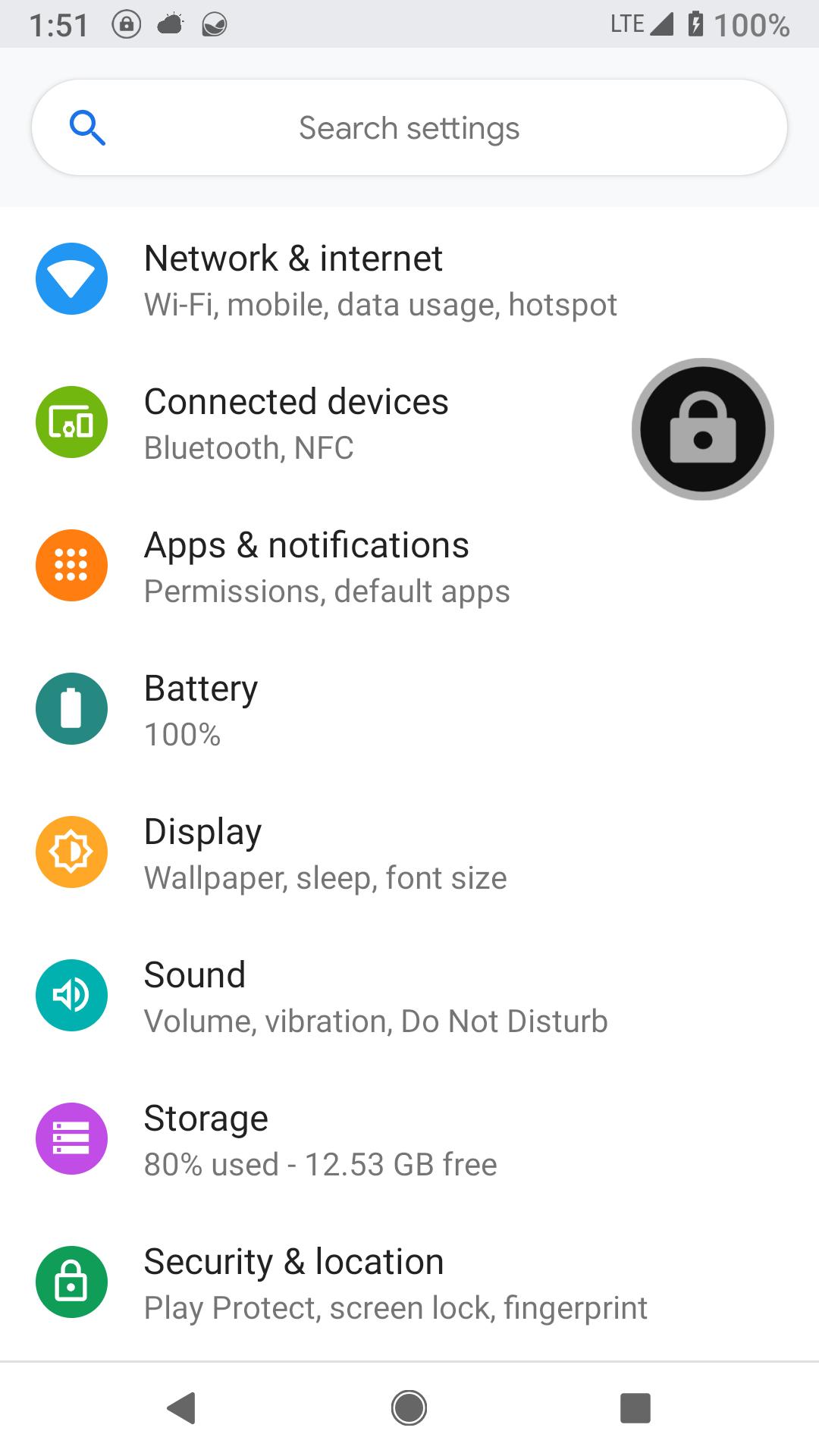
Screen Lock APK places a lock control on the home screen, in the notification panel, or as a floating button over apps. Tap to lock instantly or assign another action as needed.
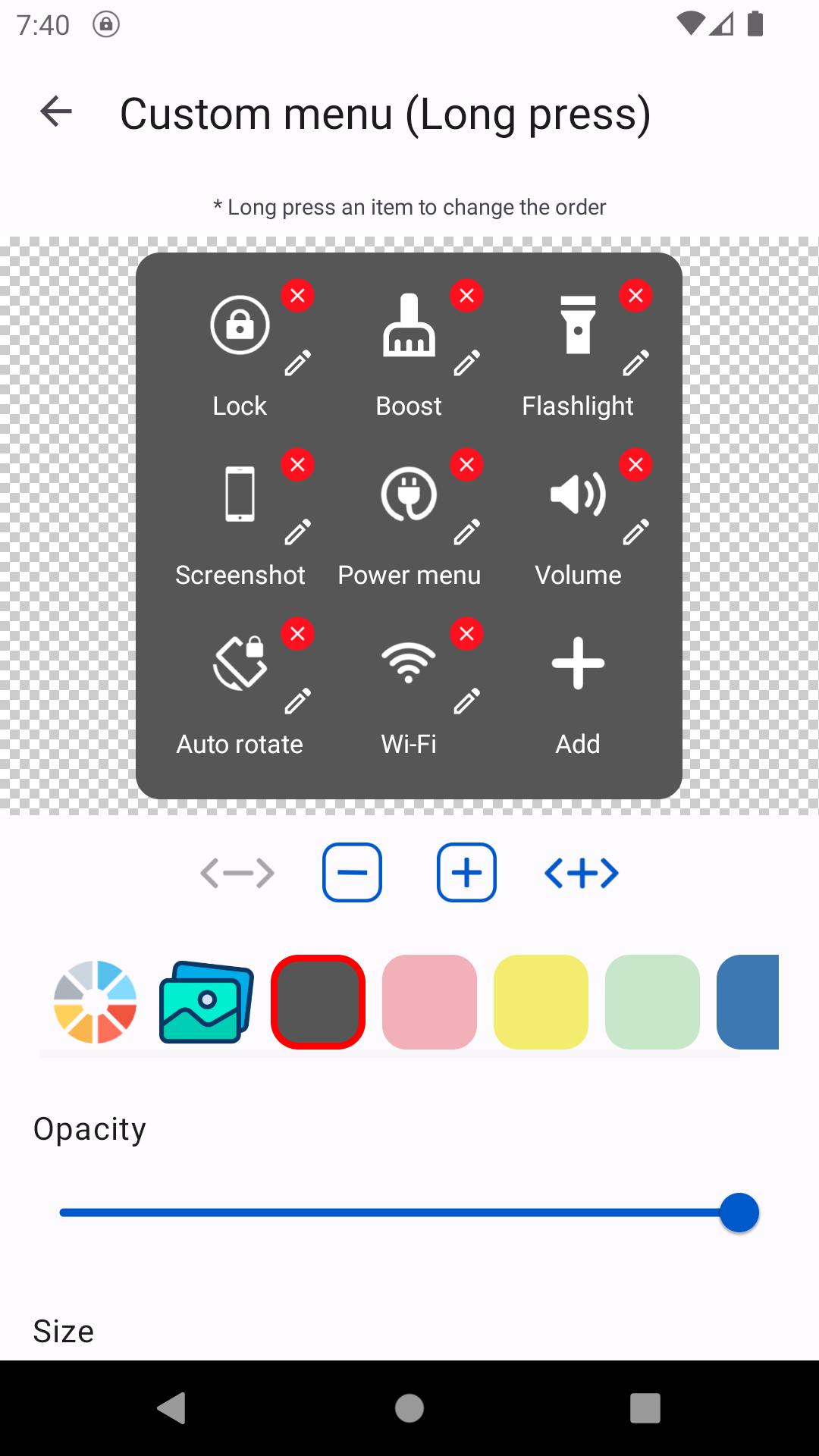
Built-in quick actions
Floating button customization
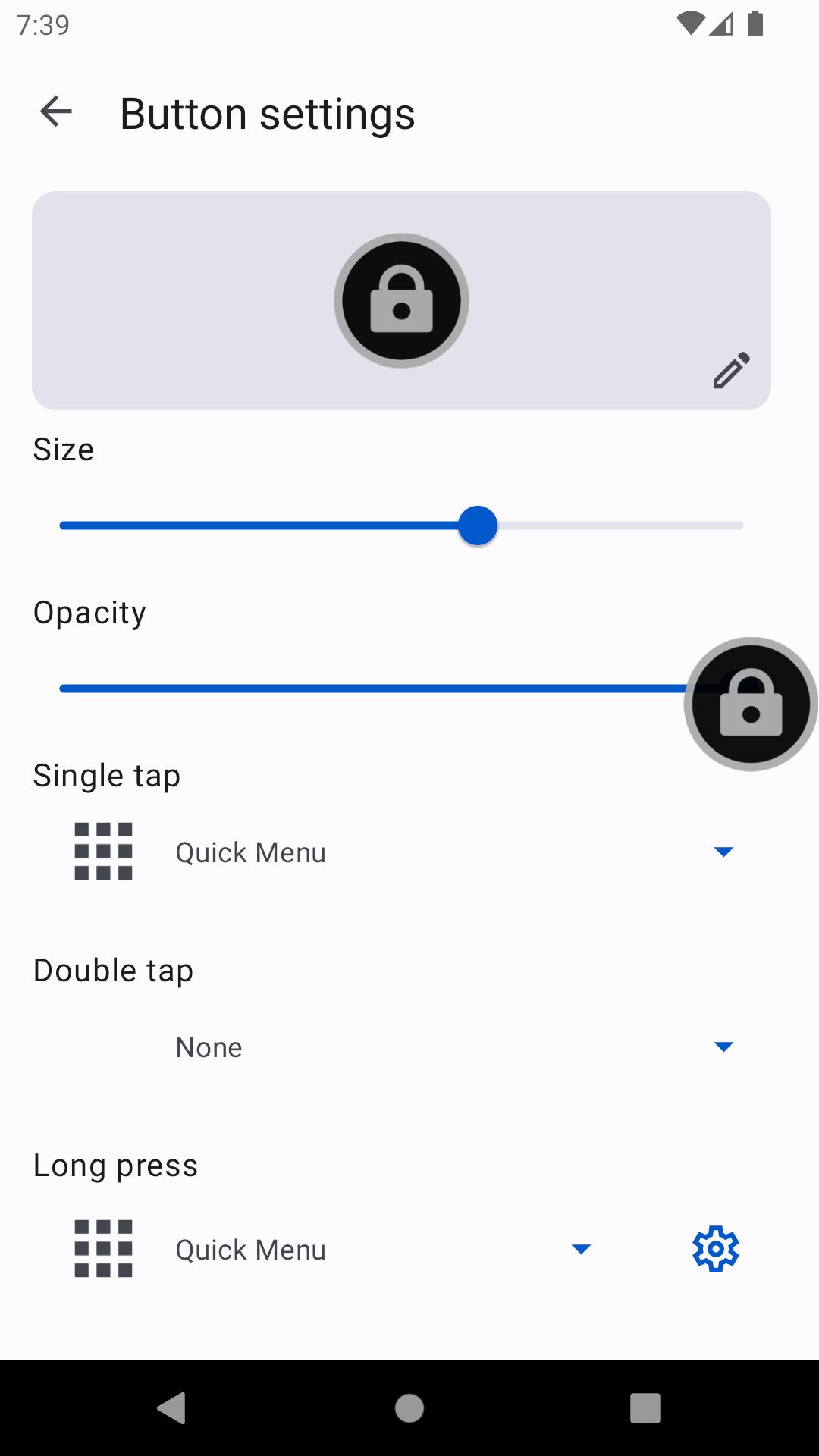
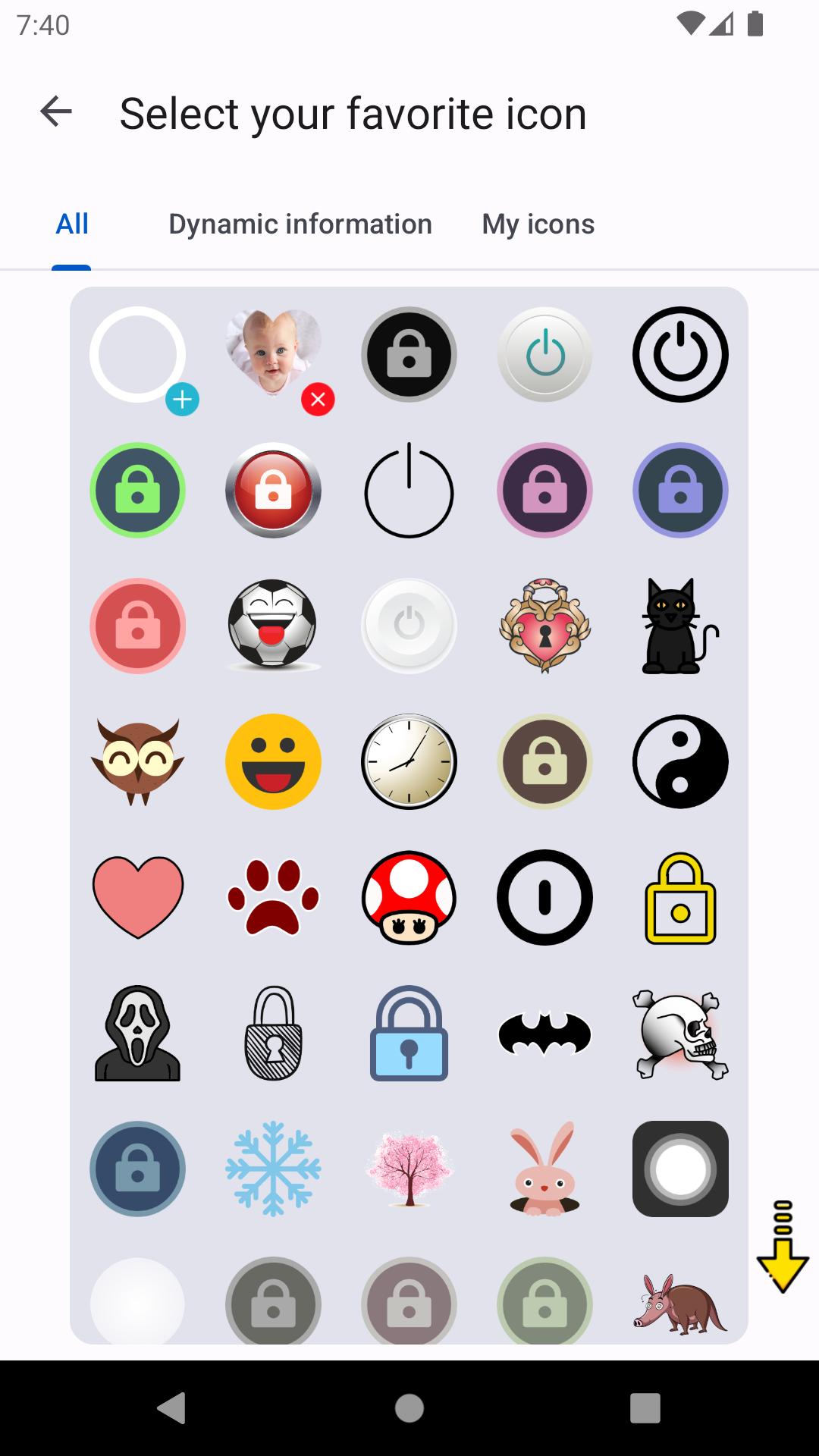
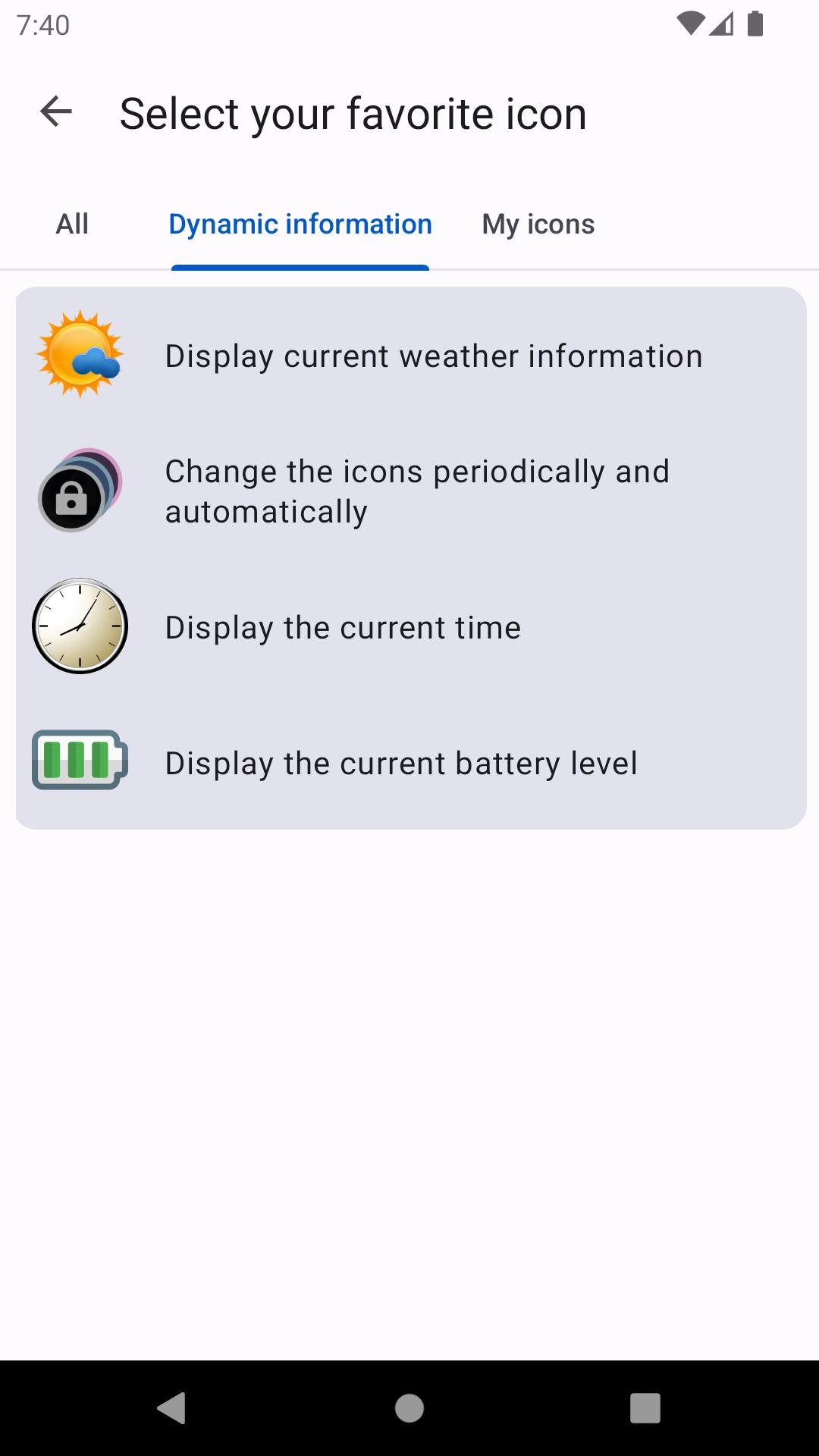
Adjust size and opacity to fit your display. Choose round, rectangular, narrow bar, or love shapes. Show weather or a clock on the button, auto show or hide in fullscreen, and use tap or swipe gestures.
Setup and permissions
Accessibility Services are required for features such as screen off, virtual keys, floating button auto hide, screenshots and recordings, power menu, media controls, and touch blocking. If Device Administrator is enabled, disable it before uninstalling in app settings.
Screen Lock replaces frequent hardware power button presses with simple on screen controls and practical actions. Set it up, choose your preferred button style, and adjust permissions for the features you need. For the Screen Lock latest version, review the notes above and install when ready.
Latest Version
13.0Uploaded by
Simi Studio
Requires Android
Android 5.0+
Category
Free Tools AppContent Rating
Teen · Sexual Themes
Report
Flag as inappropriateLast updated on Aug 1, 2025
This release includes minor bug fixes and general improvements. Update to the latest version for the best experience.



APKPure - A multi-platform app store primarily focused on Android, providing extensive app-related content. Discover the app you want easier, faster, and safer, with quick and efficient downloads and installations.













