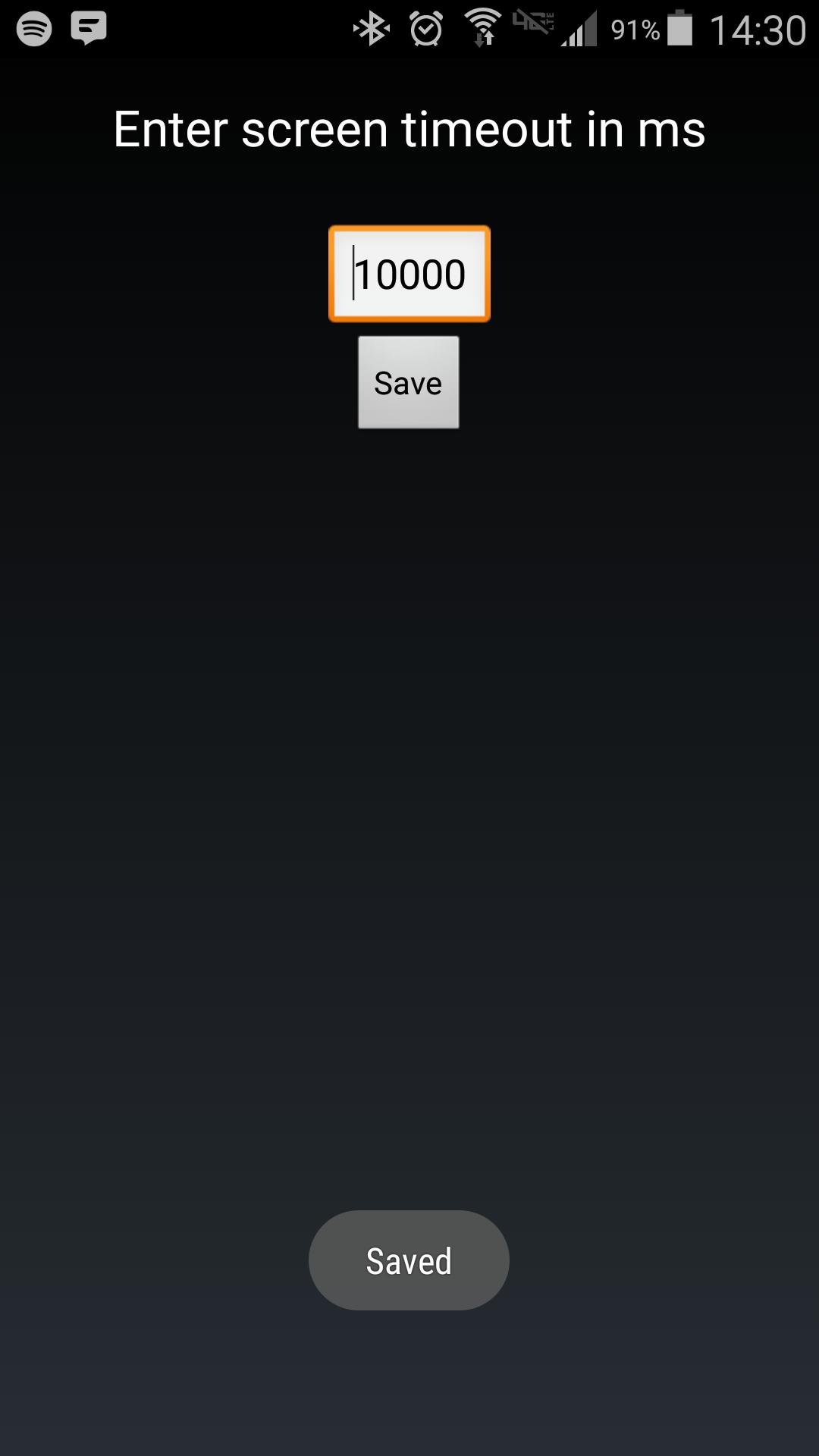
Android makes it somewhat difficult to receive the Screen On intent from the system (in order to protect your phone from being overrun with services). Instead of adding another long service to your phone, use Tasker to launch this simple service to hold your lockscreen on for however long you want.
After choosing your time in the UI, in your Tasker task, run this shell command:
am startservice -n com.binarybombtech.lockscreentimeout/.ScreenIntentService
সাম্প্রতিক সংস্করণ
1.0আপলোড
Jounior Wills
Android প্রয়োজন
Android 4.1+
সামগ্রীর রেটিং
Everyone
রিপোর্ট করুন
অনুপযুক্ত হিসাবে ফ্ল্যাগ করুনLast updated on Sep 15, 2016
এই সংস্করণে ছোটখাটো বাগ ফিক্স ও সাধারণ উন্নতি রয়েছে। সেরা অভিজ্ঞতার জন্য সর্বশেষ সংস্করণে আপডেট করুন।



APKPure - একটি মাল্টি-প্ল্যাটফর্ম অ্যাপ স্টোর যা মূলত অ্যান্ড্রয়েডের উপর ফোকাস করে, বিস্তৃত অ্যাপ-সংক্রান্ত কন্টেন্ট প্রদান করে। দ্রুত এবং দক্ষ ডাউনলোড ও ইনস্টলেশনের মাধ্যমে আপনার কাঙ্ক্ষিত অ্যাপটি আরও সহজে, দ্রুত এবং নিরাপদে আবিষ্কার করুন।