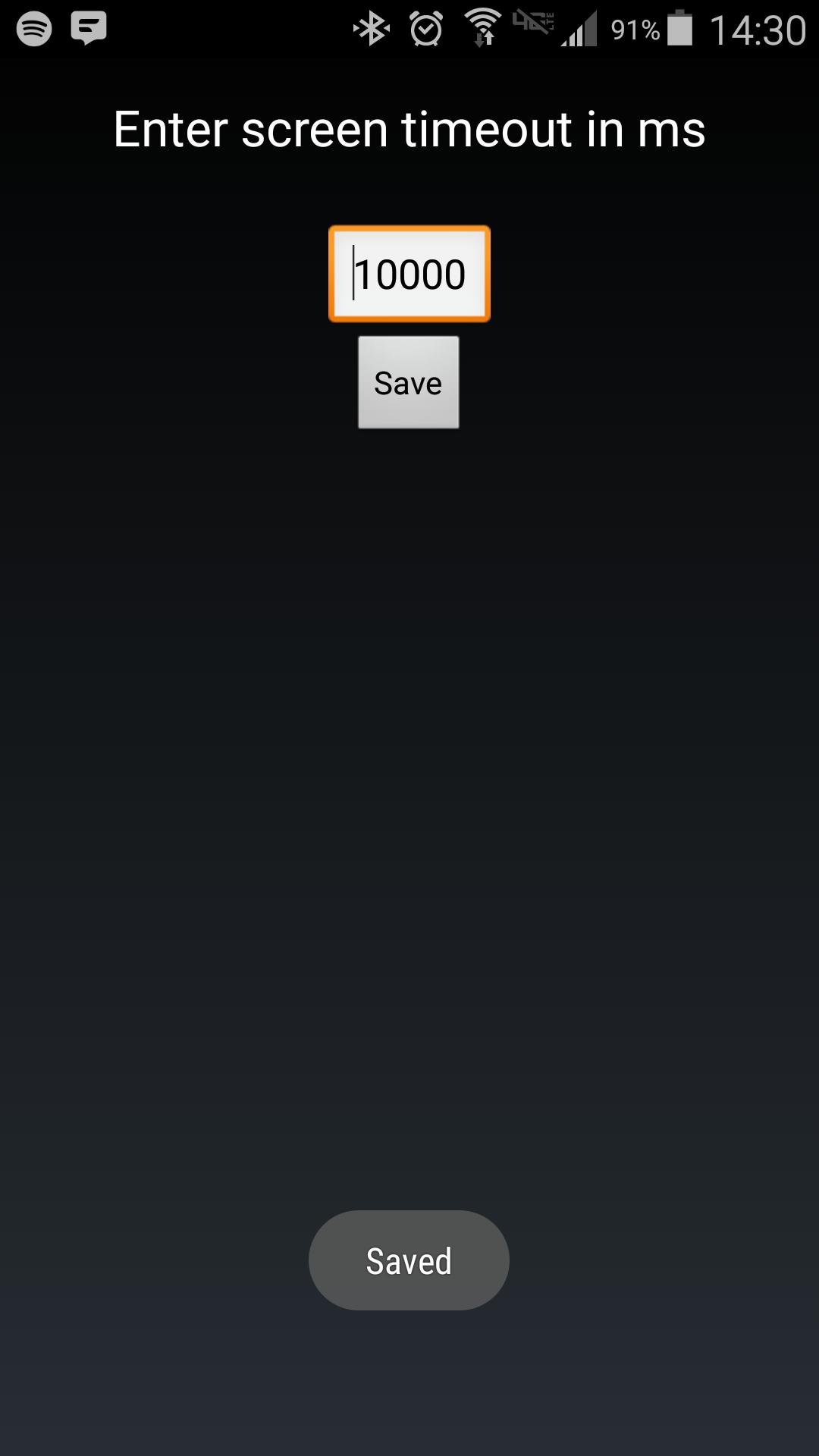
Android makes it somewhat difficult to receive the Screen On intent from the system (in order to protect your phone from being overrun with services). Instead of adding another long service to your phone, use Tasker to launch this simple service to hold your lockscreen on for however long you want.
After choosing your time in the UI, in your Tasker task, run this shell command:
am startservice -n com.binarybombtech.lockscreentimeout/.ScreenIntentService
Last updated on 2016年09月15日
このバージョンには軽微な不具合の修正と全般的な改善が含まれています。快適に利用するため、最新版にアップデートしてください。


APKPure - Androidを中心としたマルチプラットフォームのアプリストアで、豊富なアプリ関連コンテンツを提供しています。より簡単に、より速く、より安全にアプリを見つけることができ、ダウンロードとインストールも迅速かつ効率的です。