Scan Date:May 7, 2026
Show More


WiFi Master helps when you need internet without using mobile data or when traveling. It relies on a community of users who share access to open and shared hotspots, so you can find nearby connections and stay online. Browsing is designed with privacy in mind, and passwords are never exposed. Additionally, the app guides you to suitable networks and reduces manual steps while connecting. Many users choose to download WiFi Master for straightforward access to public WiFi in daily situations.
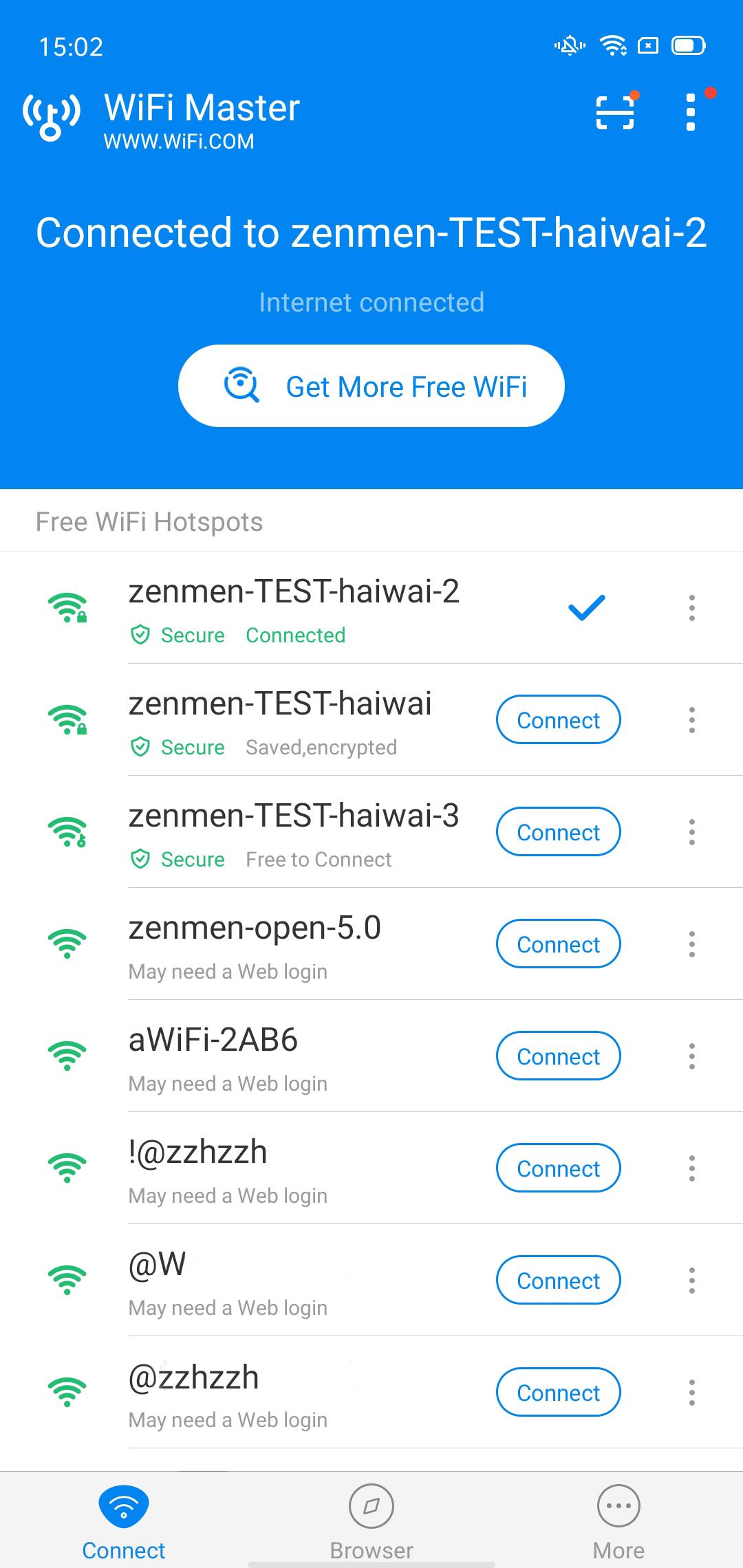
WiFi Master can auto-connect to open hotspots when available. You can tap once to join a nearby network without entering credentials. This reduces time spent searching and helps you get online quickly. When a known hotspot is detected, connection stays stable for typical browsing, messaging, and maps.
Community-shared network with encrypted credentialsThe app taps into a global pool of user-shared WiFi hotspots. Any shared passwords are encrypted and never shown to you or stored in plain text. As a result, you can join shared networks without seeing or exposing sensitive data. This community approach expands access in many cities and public places.
Private browsing and data protectionWiFi Master includes a built-in anonymous browser for private sessions. Traffic is protected to reduce exposure on public networks. You can open sites and search without leaving local traces in the app’s browser. This setup is helpful when accessing WiFi in cafes, malls, or transit areas.
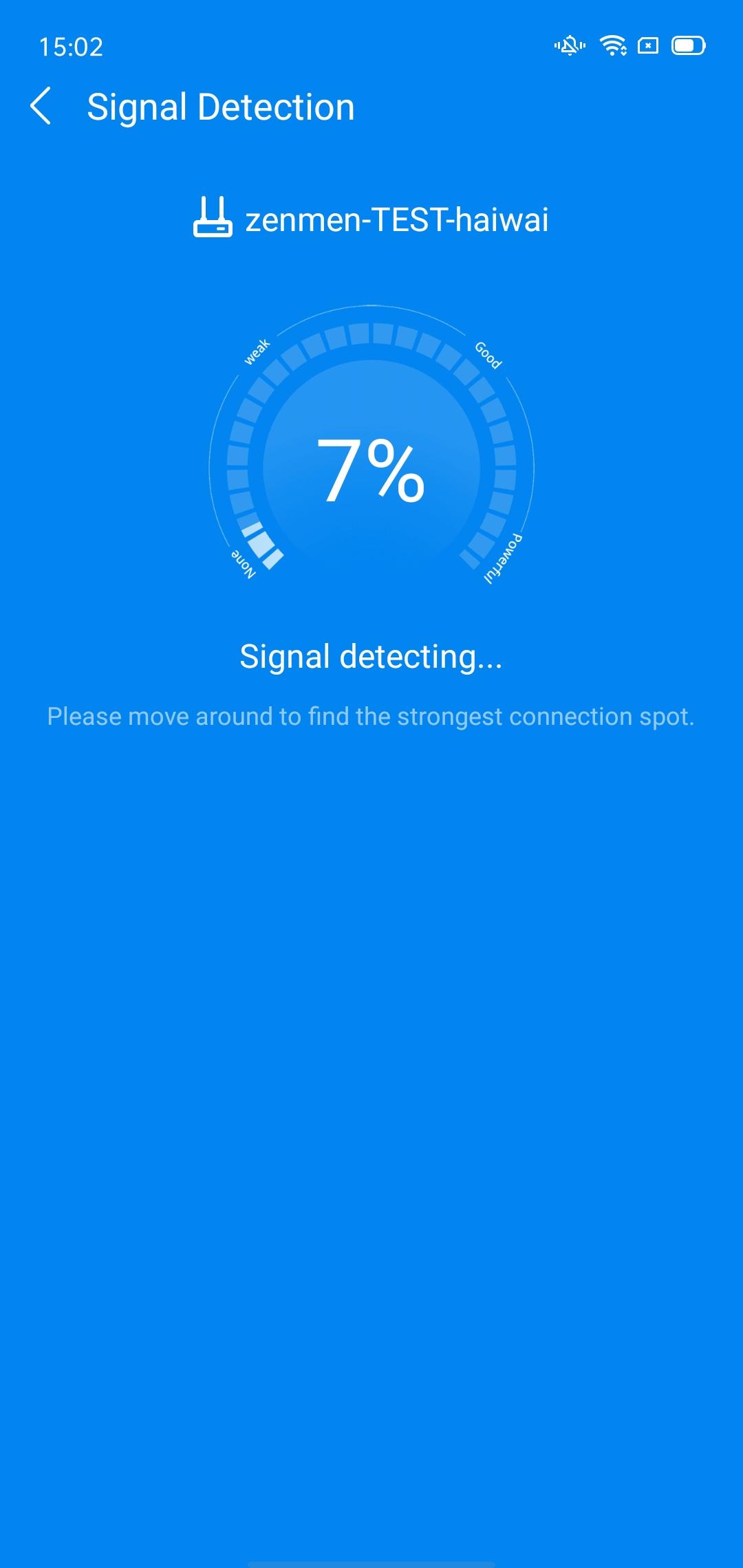
Network tools for signal and security checksYou get tools to examine WiFi signal strength and basic security risks. WiFi Master scans for anti-scraping threats and performs safety checks before connecting. This helps you decide whether a hotspot is suitable for regular use. Results appear clearly, so you can switch to a different hotspot when needed.
Clear usage boundariesWiFi Master is not a hacking tool and does not unlock closed networks. It connects only to open or user-shared hotspots that are available through the community. Passwords are not revealed at any point. This keeps usage aligned with local rules and typical public WiFi etiquette.
Availability depends on location and community contributions, so some areas may have fewer shared hotspots. The app may surface notifications or switch connections in the background; you can adjust auto-connect and alerts in Settings to avoid unwanted changes while using other apps. WiFi Master uses an ad-supported model, and heavy ads may sometimes disrupt usage. When reviewing the WiFi Master latest version, check permissions during setup and fine-tune notifications to reduce friction.
WiFi Master is developed by LinkSure Network and was formerly known as WiFi Master Key. The brand emphasizes privacy, including encrypted credentials and anonymous browsing. Passwords are not shown to users, and connections are limited to shared or open hotspots. If needed, users can request data deletion from the developer through official contact methods.
Getting started is simple on Android phones. Install the app and grant basic permissions for scanning nearby hotspots. If you prefer direct installation, the WiFi Master APK can be used.
WiFi Master offers community-powered access to open hotspots with privacy-first browsing and security checks. Install the WiFi Master latest version and follow the quick steps above to get online in common public places.
For support and official information, use the following contacts.
Latest Version
5.5.87Uploaded by
Khant KoKo
Requires Android
Android 6.0+
Category
Free Tools AppContent Rating
Everyone
Security Report
Report
Flag as inappropriateLast updated on May 7, 2026
- More stable experience, taking much less phone memory!
- More hotspots available to be connected in the updated version
- Bug Fixed
Suggestions? officialwifimasterkey@gmail.com




APKPure - A multi-platform app store primarily focused on Android, providing extensive app-related content. Discover the app you want easier, faster, and safer, with quick and efficient downloads and installations.