Scan Date:Dec 8, 2025
Show More


VirusTotal Mobile helps when you want a quick second opinion before opening a file, installing an unfamiliar app, or tapping a suspicious link. It connects to the VirusTotal service and returns results from many scanners, which makes it easier to spot potential issues without guesswork. As a result, you can review risks in one place and decide what to do next. It is designed for checking on demand, and it does not provide real time protection like a full antivirus. If you need an install package, look for the VirusTotal Mobile APK.
Multi engine app checks
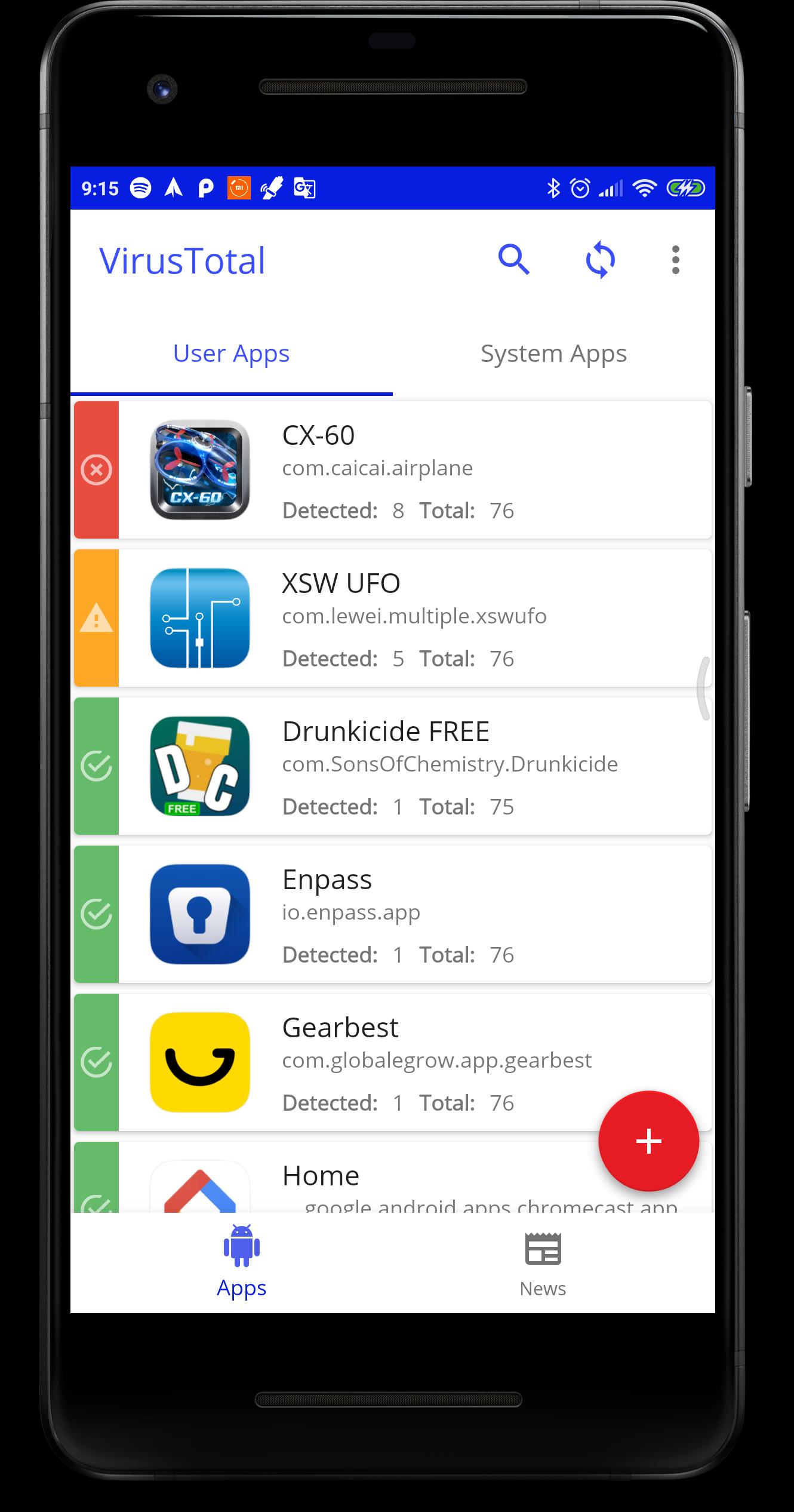
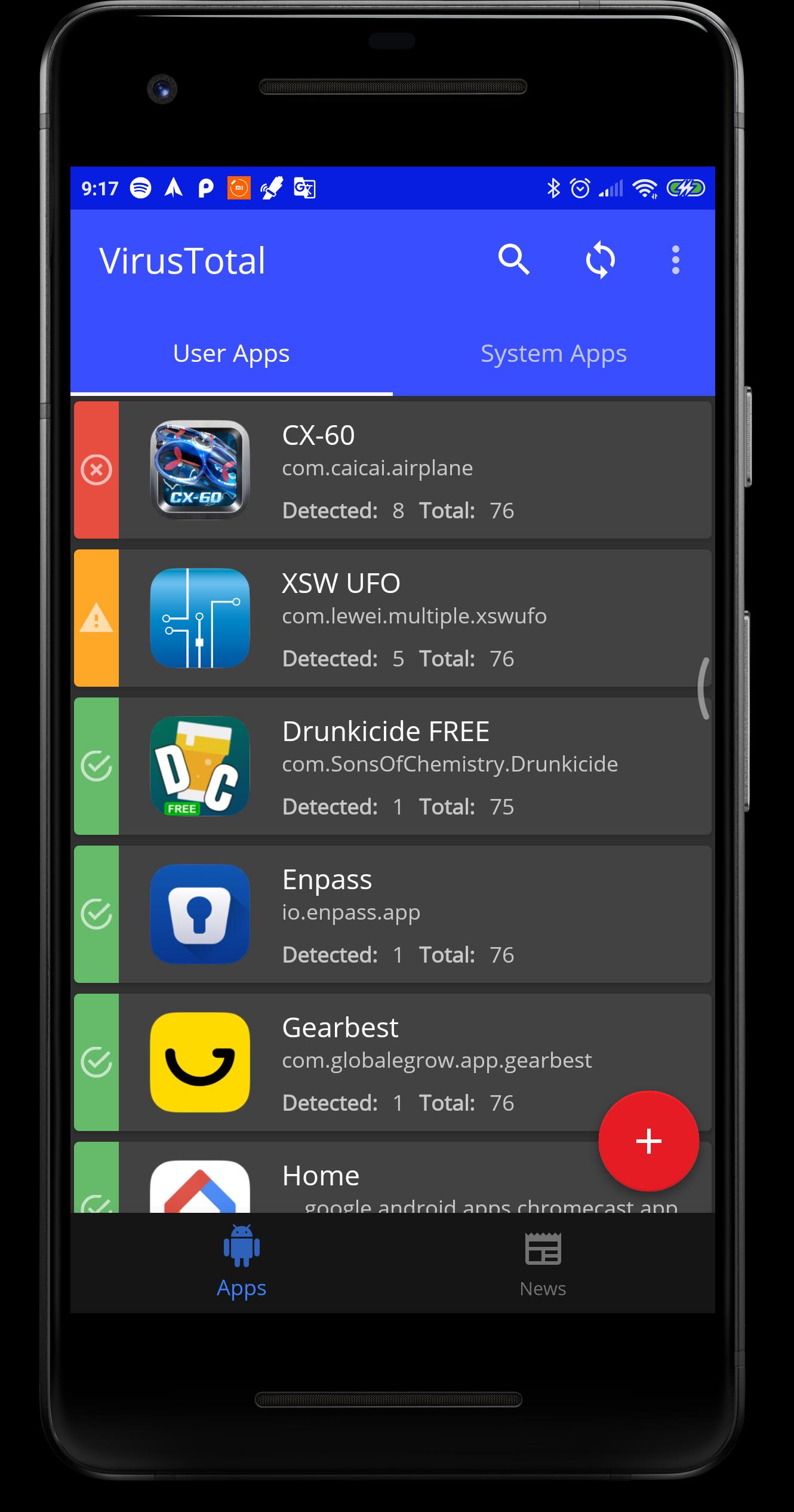
VirusTotal apk reviews installed apps against many antivirus engines to highlight unwanted content. You can quickly see if different scanners flag the same package, which helps you notice patterns before taking action. This approach gives you a broader view than a single scanner.
File and link scanning from your phone
Beyond checking apps, you can scan files or web addresses that you encounter while browsing or messaging. Use the Android share menu to send an item to VirusTotal Mobile for analysis without switching context. This keeps the review step simple when something looks unfamiliar.
Upload unknown apps and APKs
If an application is not known or you want deeper analysis, you can submit it directly from your device. VirusTotal Mobile sends the item to the VirusTotal service for cloud scanning so you can view community detections later. This supports cautious review of sideloaded packages.
Clear detection labels and details
When a scan finishes, VirusTotal Mobile shows which engines detected an issue and the labels they used, such as virus, trojan, or worm. You can compare results across engines to understand if alerts are consistent or isolated. This clarity helps you decide whether to keep, remove, or research an item.
Scan statistics and submission history
VirusTotal Mobile apk tracks how many items you have scanned and how many detections appeared across your submissions. These counts provide a quick sense of your recent activity and outcomes. It also helps you spot patterns in the types of items you review.
Different antivirus engines do not always agree, and a single detection does not always indicate a confirmed threat. Look at how many engines flag an item, which families are listed, and whether the detections use generic or specific names. If most engines show clean results and only one reports a generic label, it may be a false alarm. If several engines align on similar labels, treat the item with more caution and consider removing or avoiding it.
This quick guide explains the basic flow for checking items on an Android phone. If you just installed the VirusTotal Mobile latest version, these steps will help you start scanning right away.
Open VirusTotal Mobile and allow any prompts needed for access so the app can list installed packages and receive shares.
To review installed apps, choose the apps section, then pick an app to check and start the scan. Wait for results to load.
To scan a file or link, go to the item in another app, tap Share, and select VirusTotal Mobile. Confirm to begin analysis.
If you want deeper review of an unknown APK, select the upload option in VirusTotal Mobile and submit the file from storage.
After results appear, compare detection counts and labels, then decide whether to keep, uninstall, or research the item further.
VirusTotal Mobile provides quick, multi engine verdicts for apps, files, and links so you can make informed choices on your phone. For a simple way to verify unfamiliar content before you act, download VirusTotal Mobile and use it whenever something looks uncertain.
Latest Version
2.5.8Uploaded by
FunnyCat
Requires Android
Android 4.4+
Category
Free Tools AppContent Rating
Everyone
Security Report
Report
Flag as inappropriateLast updated on Dec 8, 2025
Minor bug fixes and improvements. Install or update to the newest version to check it out!





APKPure - A multi-platform app store primarily focused on Android, providing extensive app-related content. Discover the app you want easier, faster, and safer, with quick and efficient downloads and installations.