Scan Date:Apr 22, 2026
Show More


OiTube: Skip Ads Tube suits users who want to watch videos and listen to music without interruptions. It focuses on simple playback and multitasking so you can keep media running while you chat or browse. The interface is straightforward, and content discovery makes it easy to find something new when you have a few minutes. For quick setup and a clean experience, download OiTube: Skip Ads Tube and start playing right away. It also supports high quality streams, which is helpful on modern phones.
OiTube: Skip Ads Tube blocks unwanted ads and visible popups during playback. You can watch videos and listen to music with fewer interruptions, which makes long sessions more consistent. The blocking works inside the app and does not require extra configuration.
Background play for multitaskingYou can keep audio or video playing while you use other apps. This is useful for messaging, reading, or checking maps during a long clip. Playback continues in the background so you do not have to pause when you switch tasks.
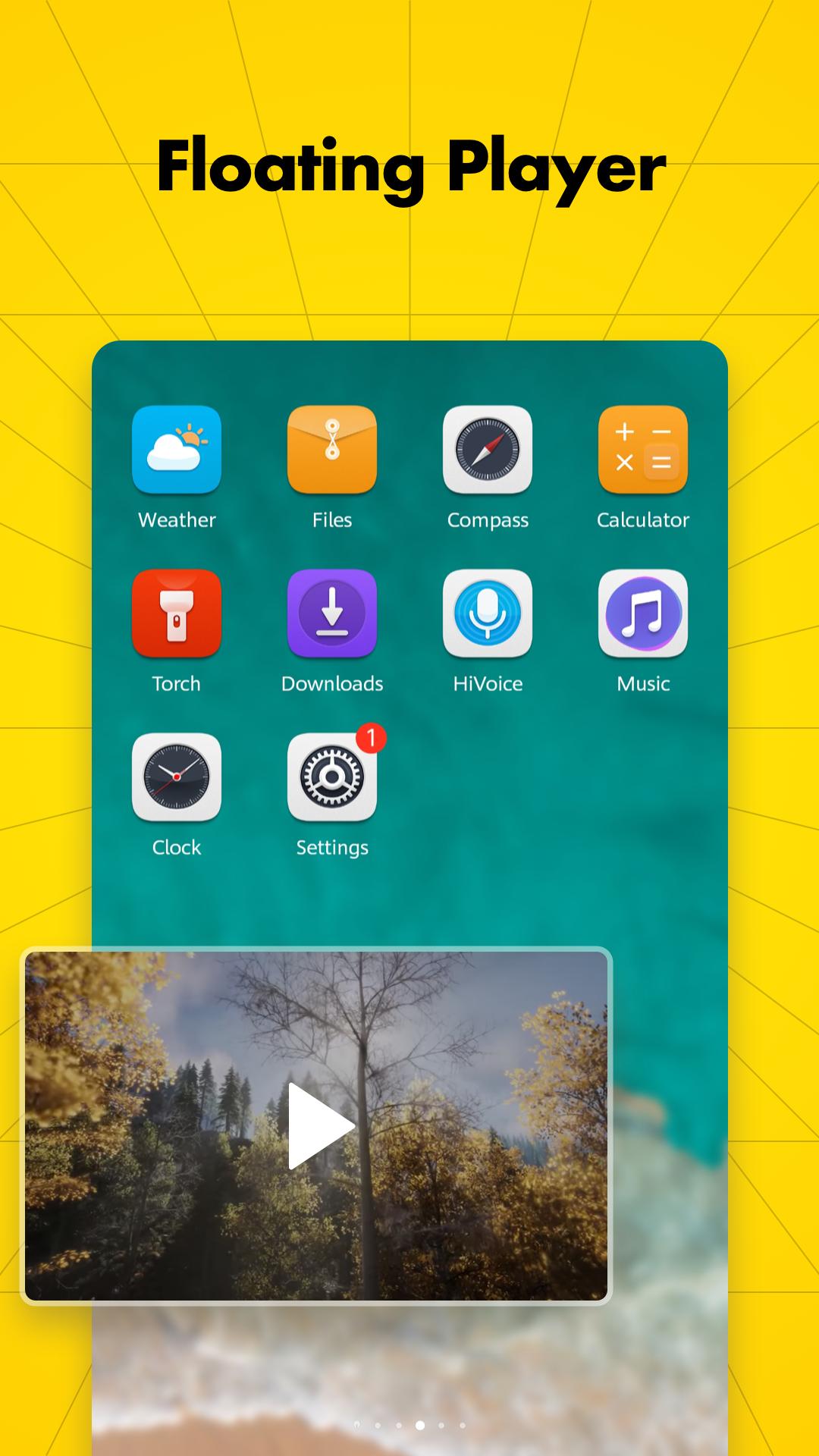
Floating play windowFloating Play Mode opens your video in a small popup window that you can move around the screen. You can resize the window to fit your layout or switch back to full screen when needed. This helps you watch while replying to messages or browsing.
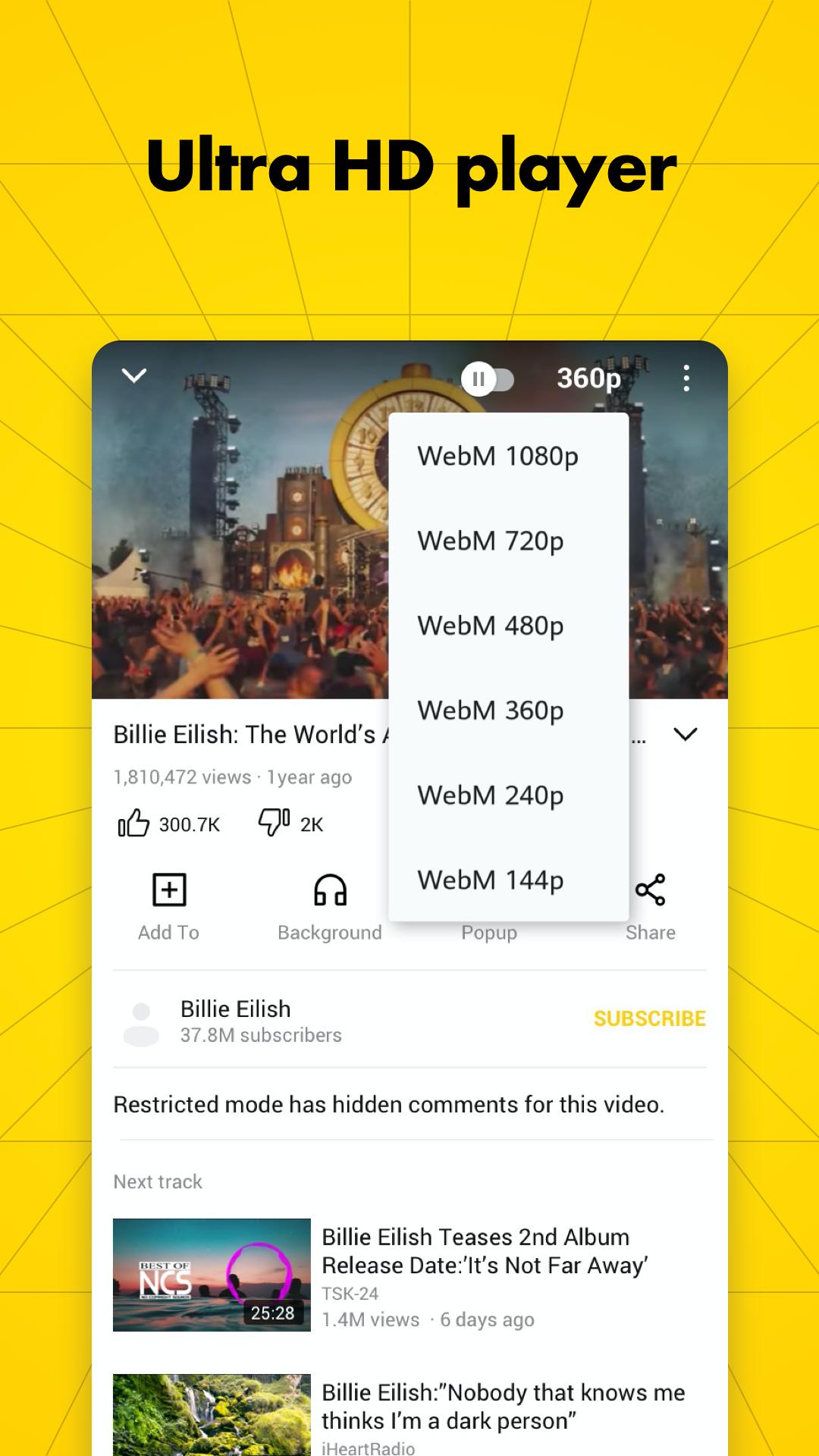
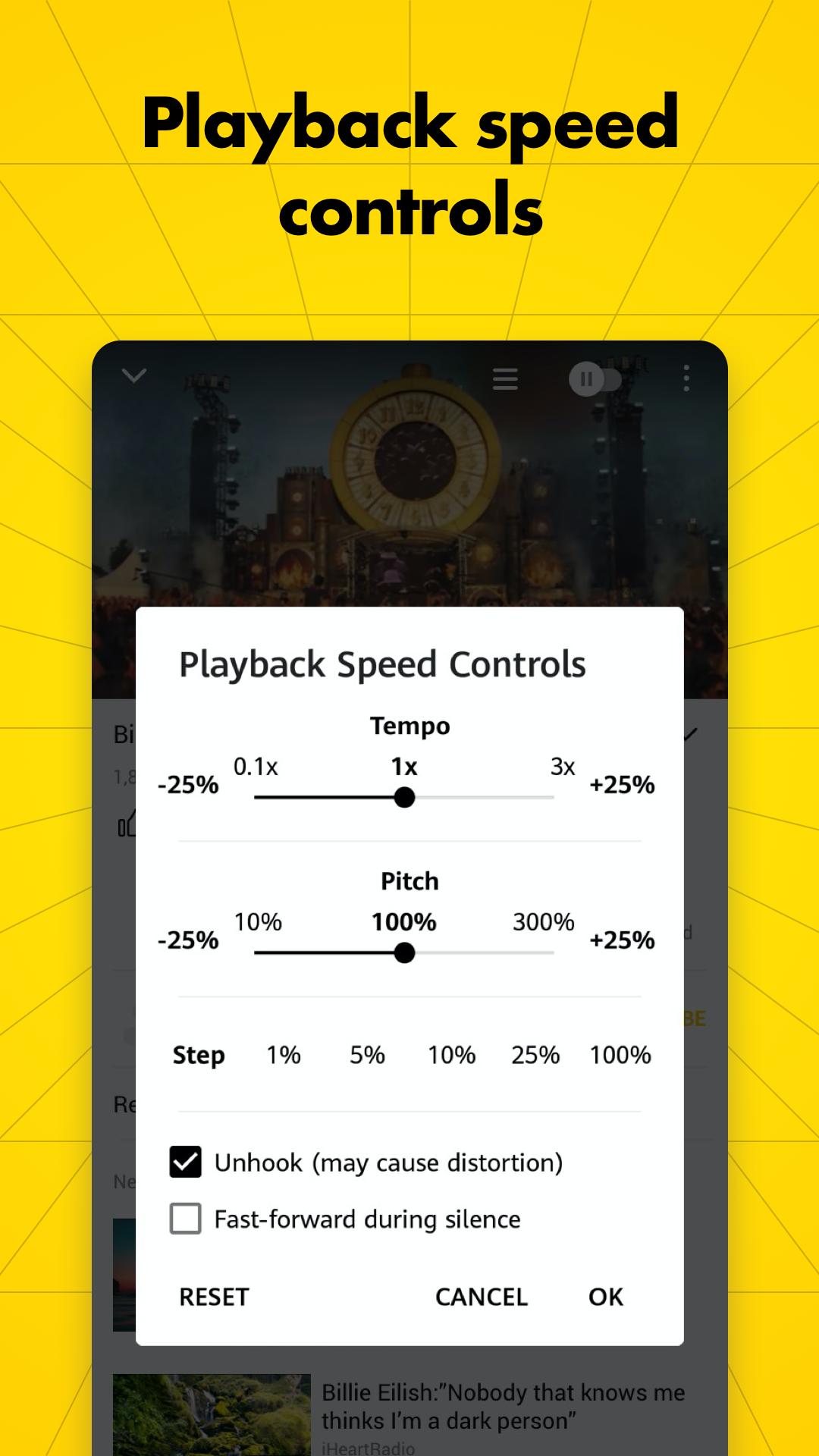
HD to 4K with simple controlsOiTube: Skip Ads Tube supports high resolution streams from HD up to 4K. You can adjust brightness, volume, and playback speed quickly without leaving the player. These controls make it easier to match the video to your environment.
Find and follow contentUse powerful search to locate videos and music, explore trending items, and collect favorites for quick access. You can share links with friends directly from the player. Sign in to manage channel subscriptions so updates appear in your feed without needing premium upgrades.
Ad blocking is enabled by default inside the app. It targets in player ads and common popups that may interrupt viewing. If you still see ads, check that you are playing content through OiTube and not through another app. OiTube does not change how ads work in external apps like YouTube, so open content directly inside OiTube.
If the skip option does not appear or playback stutters, first close and reopen OiTube to refresh the session. Then clear the app cache from your phone settings and try again. If videos still buffer, test on a different network or move closer to your router to improve connection stability. Keeping the app updated can also resolve minor performance issues.
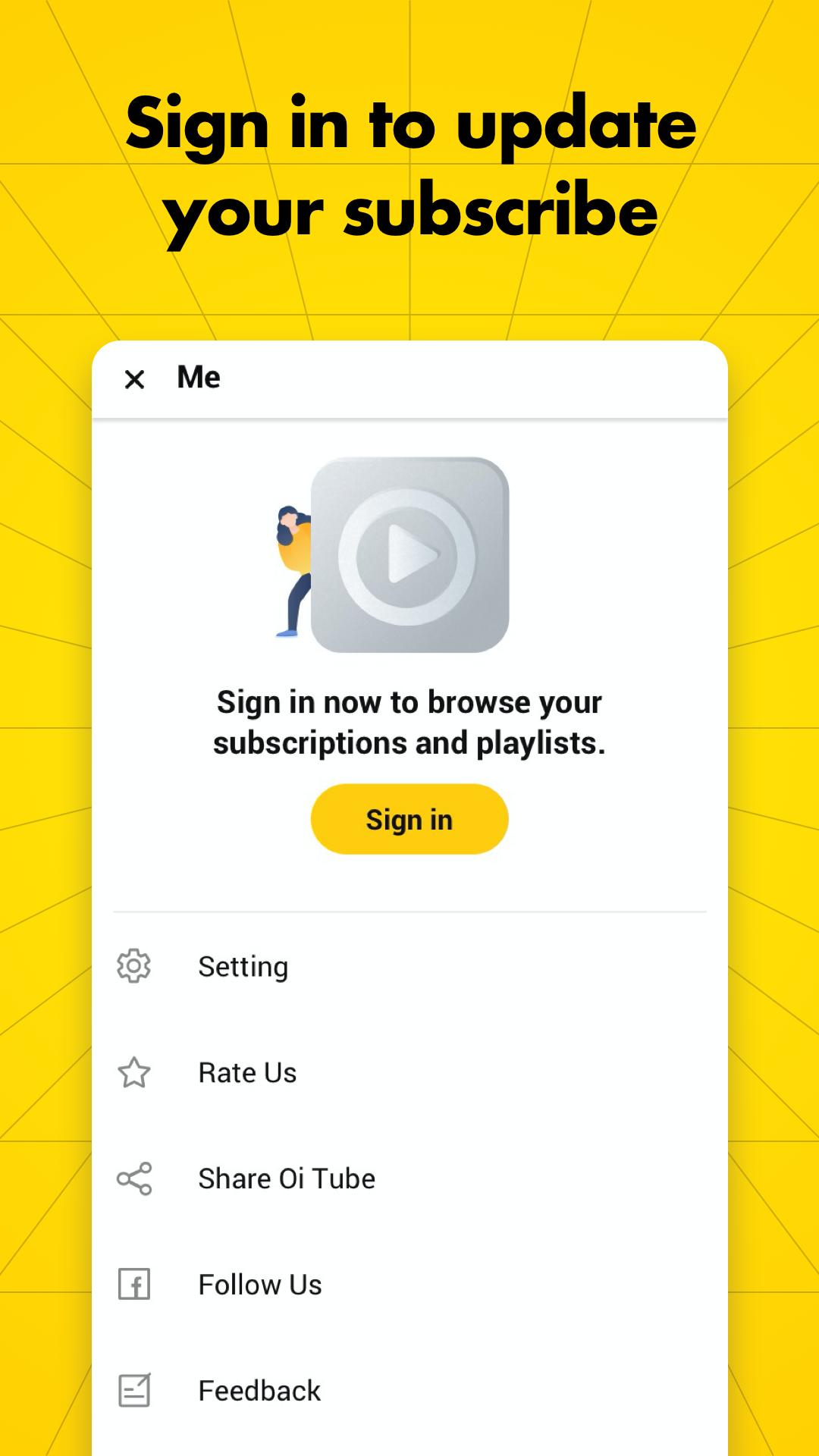
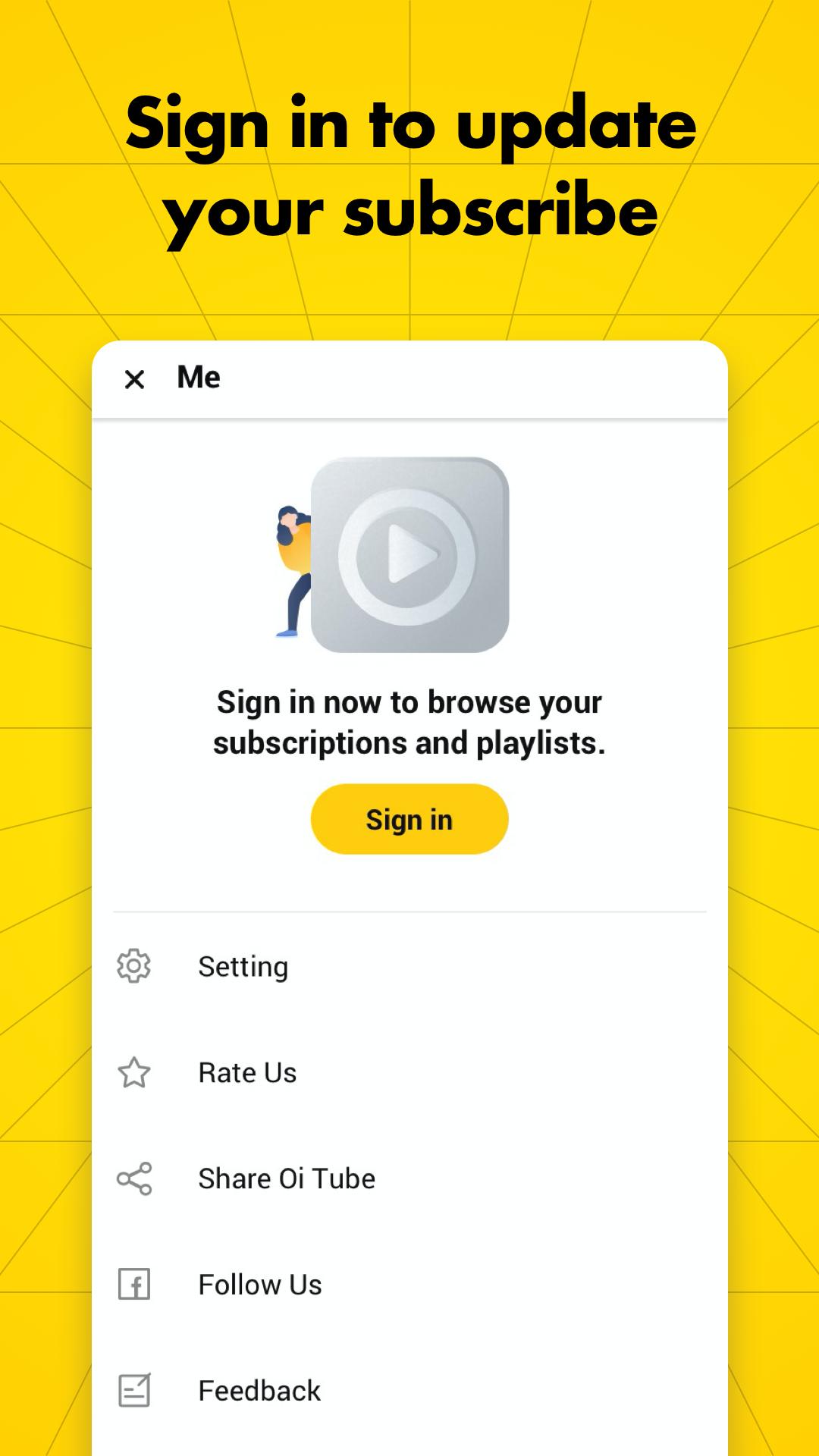
Signing in lets OiTube update and manage your channel subscriptions so new uploads appear in one place. Subscriptions in OiTube apply to content you follow inside the app and help organize your feed. You can still browse trending sections without signing in, but sign in makes it easier to track channels over time.
Getting started takes only a moment and works well for daily viewing. If you prefer a direct install, look for OiTube: Skip Ads Tube APK from a trusted source. The steps below show a simple path from first open to everyday use.
OiTube: Skip Ads Tube focuses on clean playback, simple controls, and easy discovery for everyday viewing. For the latest ad blocking and multitasking improvements, try the OiTube: Skip Ads Tube latest version on your device.
Latest Version
5.6.40.101Uploaded by
OiTube Team
Requires Android
Android 5.0+
Available on
OiTubeCategory
Free Tools AppContent Rating
Mature 17+ · Strong Language
Security Report
Report
Flag as inappropriateLast updated on Apr 24, 2026
Minor bug fixes and improvements. Install or update to the newest version to check it out!





APKPure - A multi-platform app store primarily focused on Android, providing extensive app-related content. Discover the app you want easier, faster, and safer, with quick and efficient downloads and installations.