Scan Date:May 5, 2026
Show More


Google Play services runs quietly on Android and supports Google apps as well as many third-party apps that you use every day. It delivers background updates, account integrations, and security checks so features like sign-in, notifications, and location continue to work reliably. Therefore, many apps depend on Google Play services, and disabling or removing Google Play services can cause errors, missing notifications, or complete app failures.
Reliable sign-in and sync
Google Play services enables Google Sign in across apps, which reduces password typing and keeps data consistent. It also syncs contacts and manages account data so your information stays up to date on the device. This makes switching between apps and services smoother.
Accurate location and maps support
It provides high-accuracy location by combining GPS, Wi Fi, and mobile networks with efficient power use. Mapping and navigation apps rely on it for faster location locks and richer map details. Moreover, location-aware features inside many everyday apps work better when this service is active.
Security checks and privacy controls
Google Play services runs built-in malware scanning and device integrity checks to help protect your phone. It also exposes the latest privacy settings so you can control permissions for location, contacts, and more. In addition, it supports secure communication that many banking and payment apps expect.
Background updates and app compatibility
This component delivers background updates that keep Google apps and many third-party apps aligned with current APIs. As a result, developers can target consistent behavior, and your apps keep running as intended. Also, it reduces the number of manual updates you need to manage.
Notifications and performance improvements
Google Play services underpins reliable push notifications so messages, rides, and delivery alerts arrive on time. Performance boosts such as faster offline searches and optimized background services help apps feel responsive. Therefore, multitasking across several apps becomes more stable.
Gaming stability and features
Many games use Google Play services for sign-in, cloud-based saves, and leaderboards. The component improves session stability and reduces setup steps before play. Finally, it helps games connect to friends and achievements when the developer enables those features.
Google Play services is not a storefront or app marketplace. It is a background system layer that apps call for sign-in, location, notifications, updates, and security checks. Therefore, you will not open it to browse or install apps, and it generally stays out of sight.
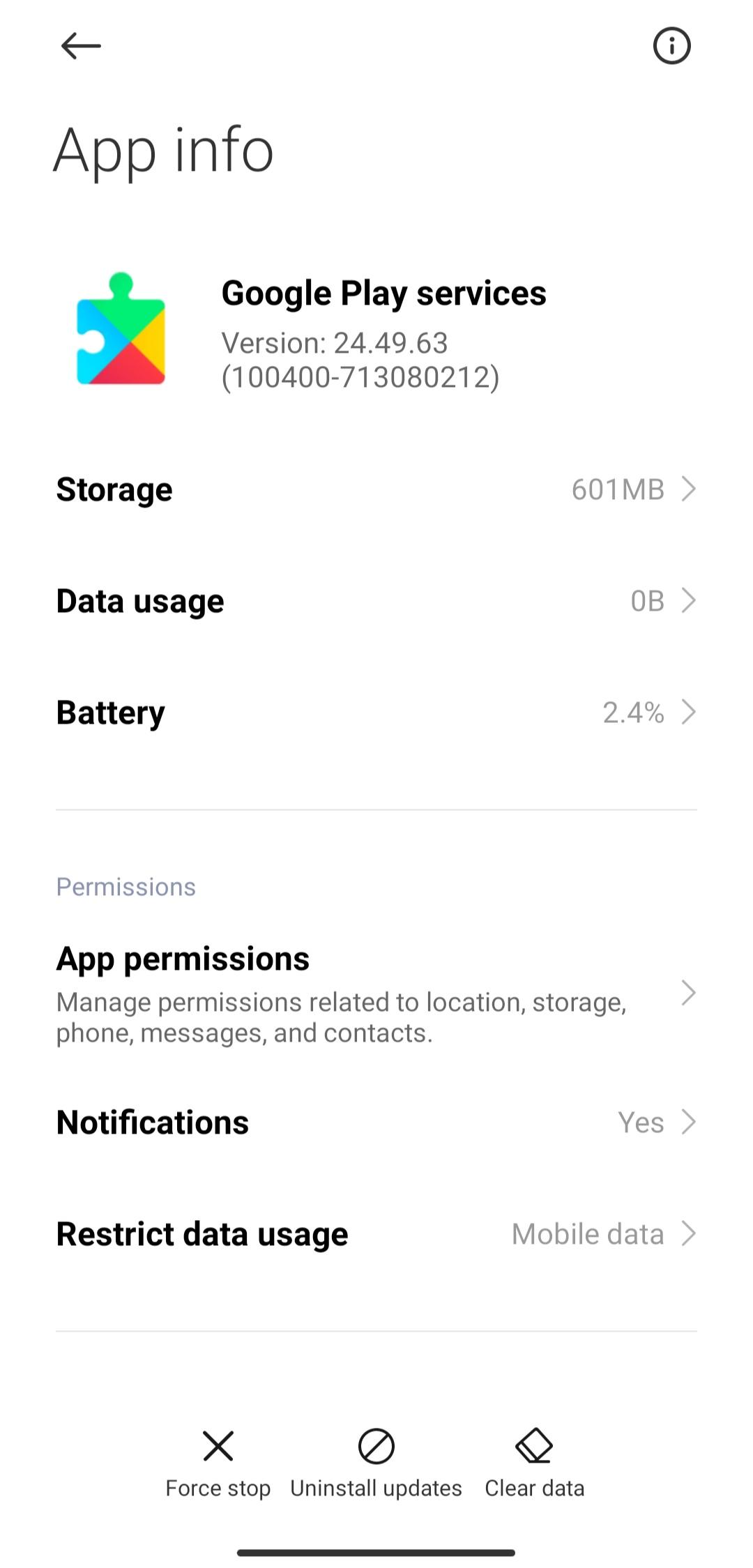
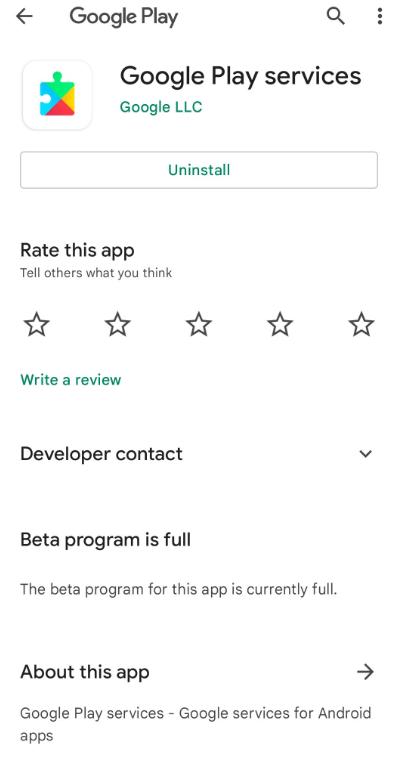
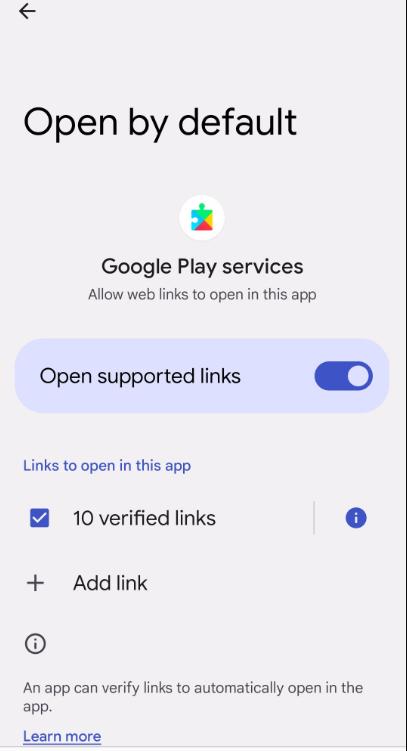
You can review its status from Settings. Open Settings, then Apps, then use the option to Show system apps, and select Google Play services. From there, you can check permissions, storage, and whether it is enabled.
Update required loop: If an app says Google Play services needs an update but no prompt appears, clear the cache for Google Play services, then install the latest Google Play services APK latest version from APKPure.
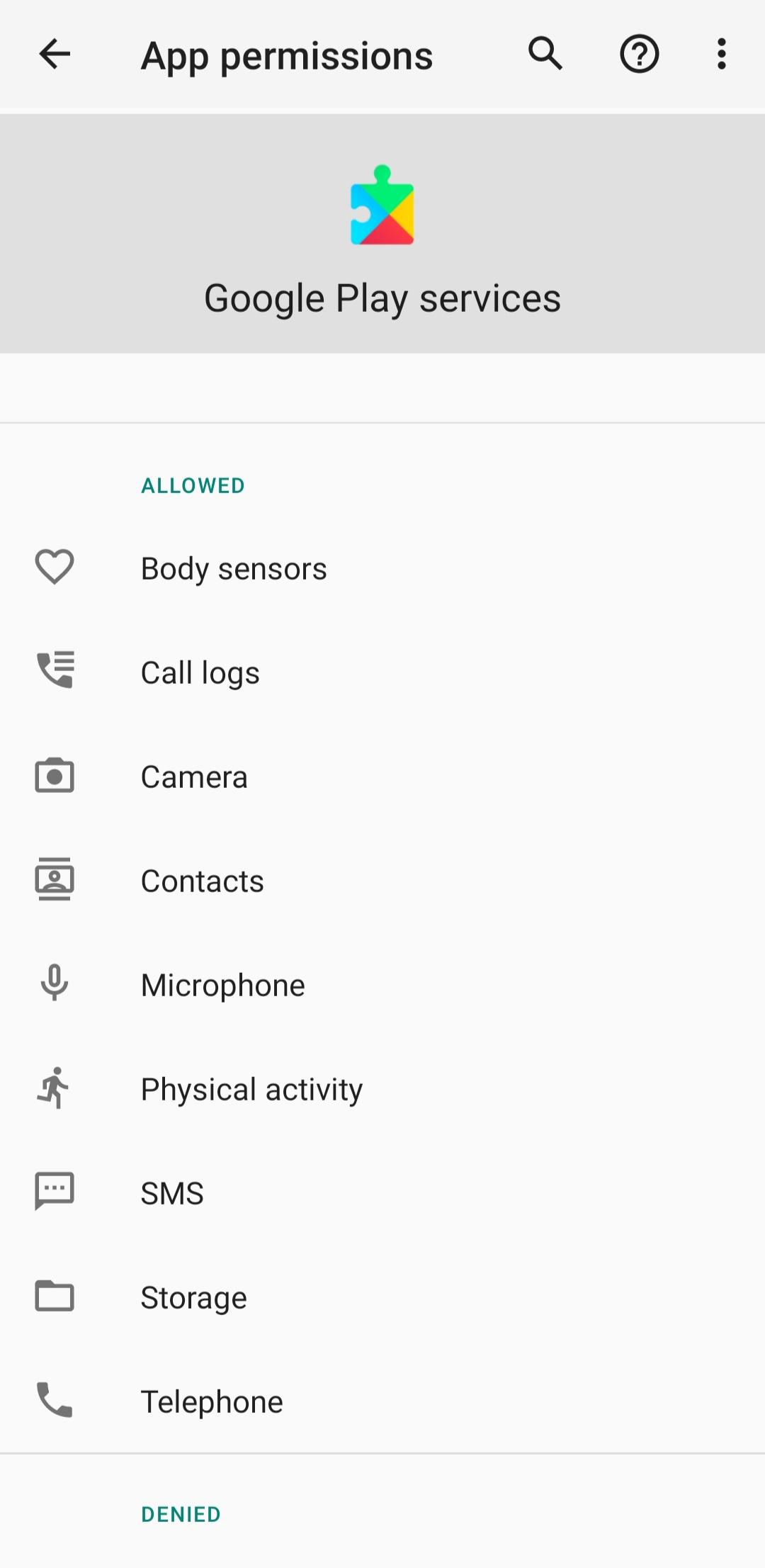
Location permission not showing: Open Settings, choose Apps, pick Google Play services, and review Location under Permissions. Then restart the app that requested the location.
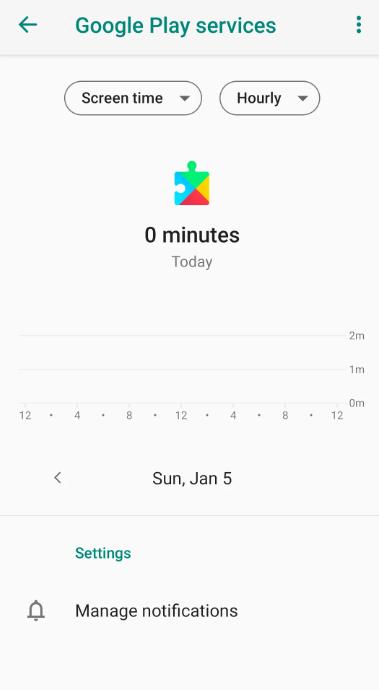
Unexpected downloads: Background updates are part of how this component maintains reliability. You can review data usage in Settings to understand when updates occurred.
After a factory reset: Some apps will prompt for Google Play services before sign-in. Download Google Play services from APKPure and complete the setup first.
Most Google Play services users do not need to open or change this component, although a quick check can fix common issues. The steps below cover enabling, updating, and basic cleanup. Follow them in order, so changes apply correctly.
Open Settings on your device, go to Apps, choose See all apps, then select the three-dot menu to Show system apps. Find and tap Google Play services.
If it is disabled, tap Enable. Review Permissions and allow items your apps rely on, such as Location and Contacts. After this, return to the home screen.
Download Google Play services APK latest version from APKPure, then install the update. This resolves most “update required” prompts and compatibility errors.
If problems persist, go back to Settings, open Google Play services, choose Storage and cache, and tap Clear cache. Then restart your phone so the changes take effect.
Open a few dependent apps and confirm sign-in, maps, and notifications work. If an app still alerts about an update, install the Google Play services APK again from APKPure.
Google Play services keeps essential features like sign-in, maps, notifications, and security checks running smoothly. When an app needs it, install or update with the Google Play services APK to restore full functionality.
For official help and policies, see the sources below.
Latest Version
26.17.61 (100400-906609128)Uploaded by
Lưu Đức Hiệp
Requires Android
Android 9.0+
Category
Free Tools AppContent Rating
Everyone
Security Report
Report
Flag as inappropriateLast updated on May 7, 2026
Minor bug fixes and improvements. Install or update to the newest version to check it out!


APKPure - A multi-platform app store primarily focused on Android, providing extensive app-related content. Discover the app you want easier, faster, and safer, with quick and efficient downloads and installations.