

WiFi Password brings hotspot discovery, secure sharing, saved password viewing, and network diagnostics together in one place. It helps you find nearby free or user shared Wi‑Fi so you can get online without typing long codes. Moreover, it checks network safety before you connect and offers a clear Wi‑Fi map, speed test, and signal tools. The app focuses on community sharing with privacy in mind, and it never exposes plain passwords on the server. Get the WiFi Password APK to manage connections on the go and keep your Android device connected with less effort.
Find and connect to free or shared Wi‑Fi
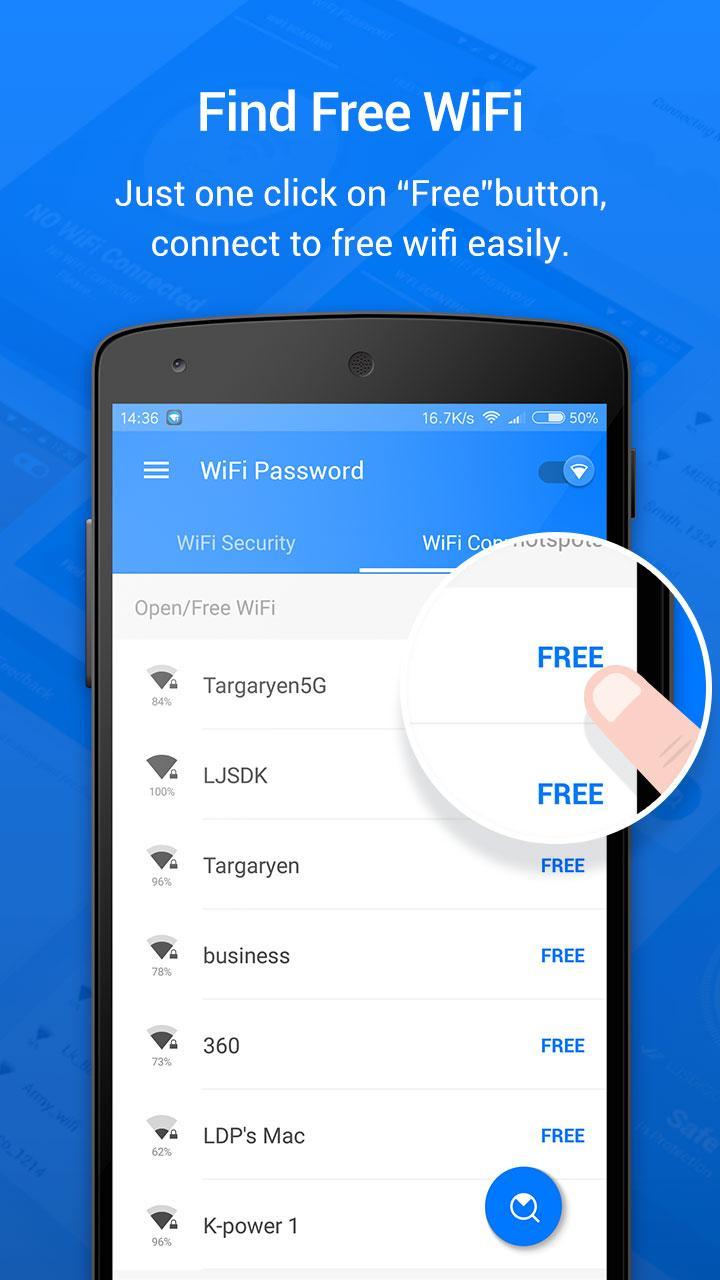
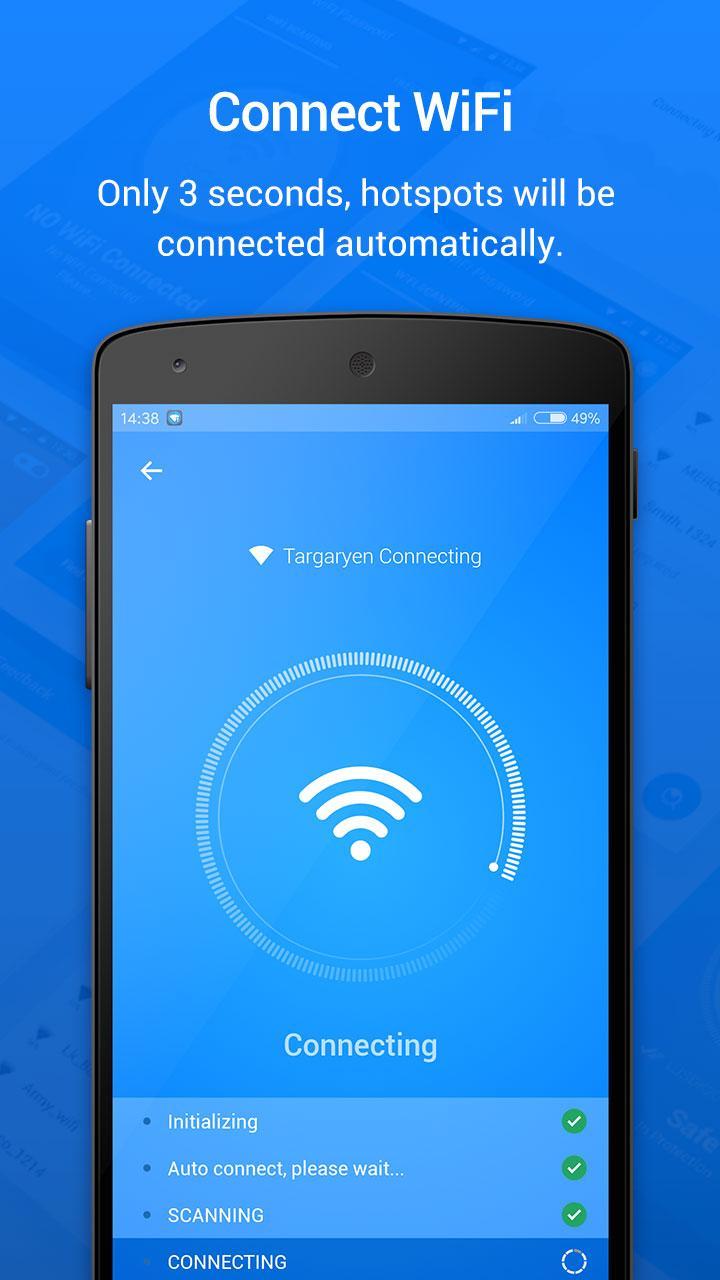
WiFi Password locates free and user shared hotspots around you and lets you connect with one tap. It removes the need to type passwords in busy places. In addition, it filters results to show networks that are open or shared by the community.
Safety checks before you join
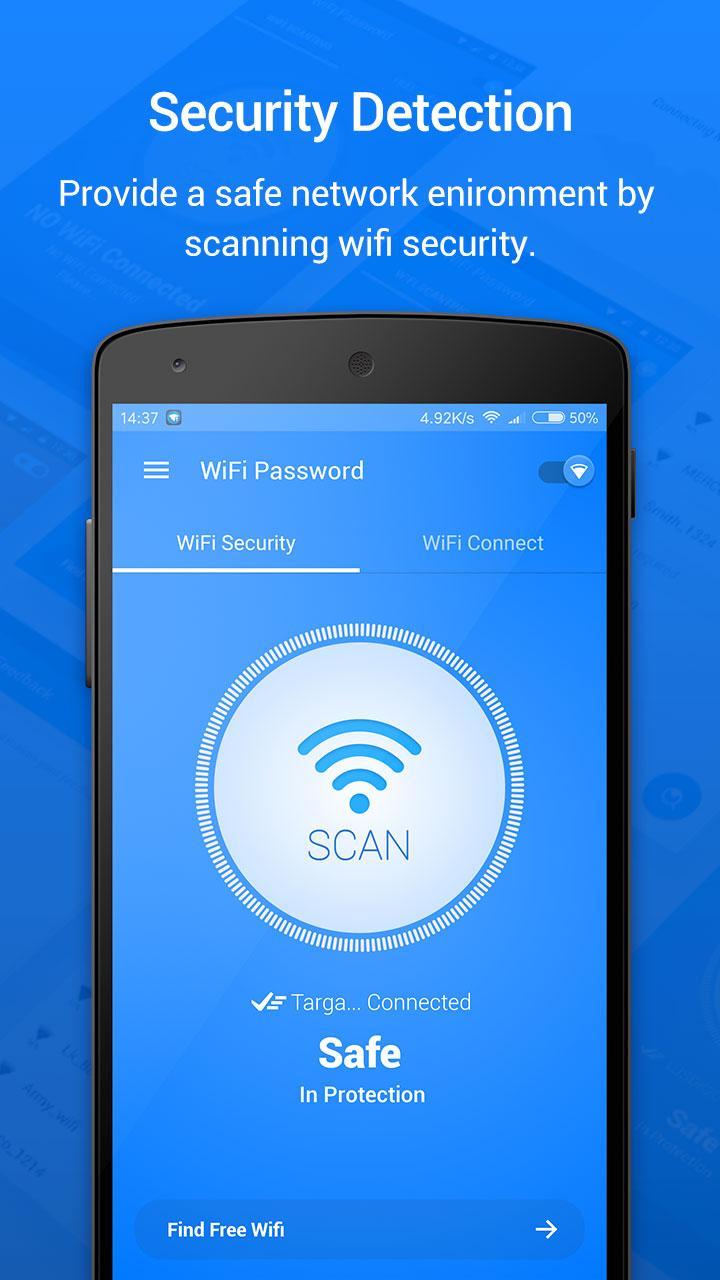
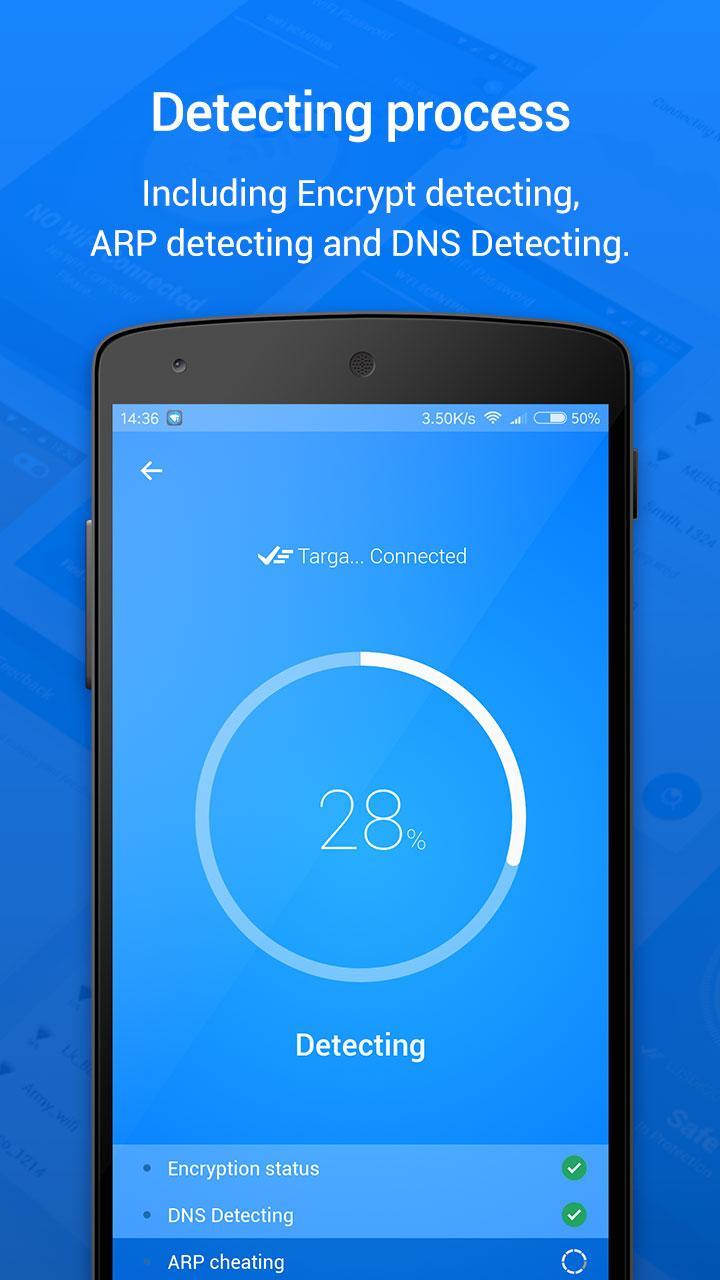
The app runs quick tests on encryption, ARP, and DNS to help you avoid risky networks. You can see basic safety signals and decide whether to connect. Therefore, you can browse with more confidence in unfamiliar locations.
WiFi Password show and QR sharing
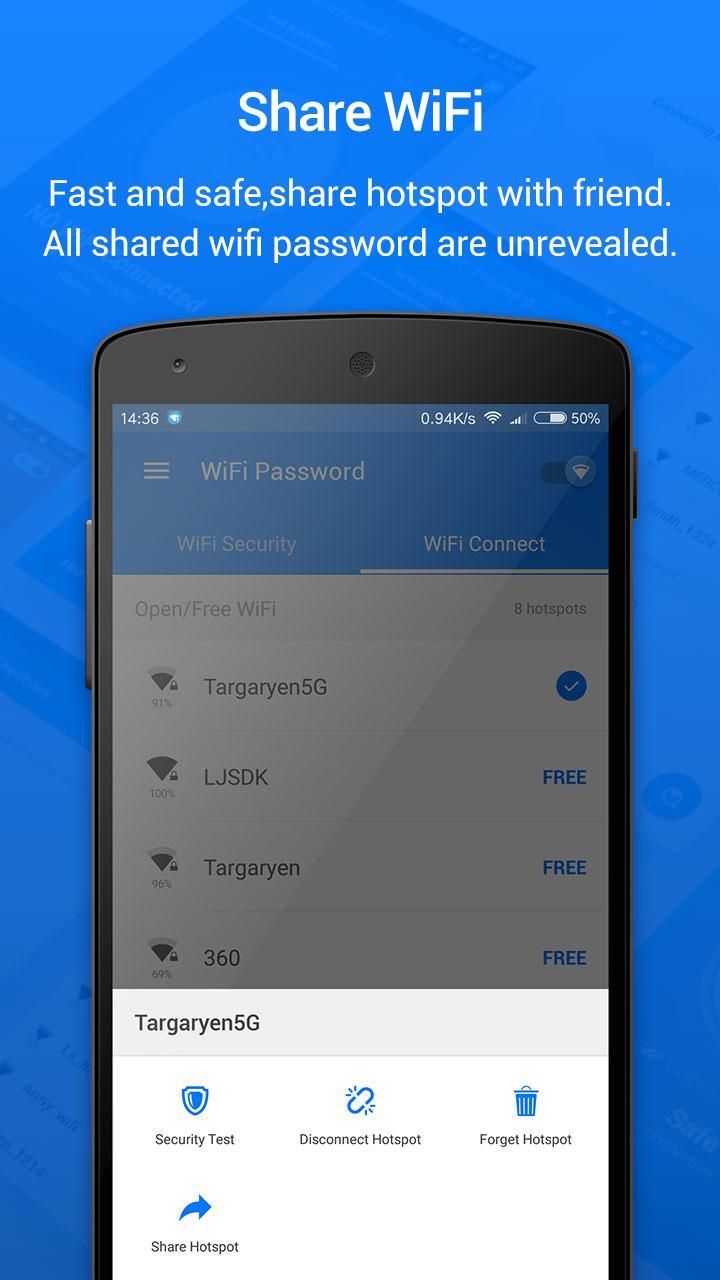
WiFi Password can display saved Wi‑Fi credentials that your device already knows, where Android allows it. You can also share via QR code so others connect instantly by scanning. This helps you avoid revealing the plain password while still letting friends join.
All‑in‑one tools for daily Wi‑Fi tasks
You get a Wi‑Fi map, network list, signal strength meter, speed test, and a view of connected devices. These tools make it easier to pick the best hotspot and check performance. As a result, you spend less time guessing and more time online.
Personal hotspot and credential sharing
Create a personal hotspot to share your mobile data when needed. You can also share Wi‑Fi access details without exposing the text password. This is useful in cafes, meetings, or at home with guests.
Community driven and privacy minded
Only free, open, or user shared networks appear in the app. Shared passwords remain unrevealed on the server by design. In addition, WiFi Password does not hack or break into protected networks.
WiFi Password focuses on legal access to the internet. It helps you connect to open hotspots and networks shared by the community, and it does not attempt to crack passwords or bypass security. Moreover, the app is built so that shared credentials are not stored in plain text on the server.
Saved network viewing depends on your Android version and permissions. On recent Android versions, the app can display or share saved credentials only when the system allows it, often through a QR code or device authentication. Therefore, features like WiFi Password show work within OS rules without requiring risky methods.
WiFi Password is designed for Android phones and tablets. It helps travelers, students, remote workers, and anyone who needs quick internet access on the go. If you want a Wi‑Fi map experience with simple sharing and safety checks, download WiFi Password and start with the networks around you.
Follow this quick guide to find and connect to a hotspot, check safety, and share access with friends. The steps focus on common actions you will take in WiFi Password.
WiFi Password helps you find free or shared hotspots, test safety, and share access with less typing. Get the WiFi Password APK latest version on APKPure and start connecting more easily.
Can WiFi Password show saved Wi‑Fi passwords without root?
WiFi Password can show saved Wi‑Fi credentials on your device when Android permits it, and many cases do not require root. On newer Android versions, the app may display or share a QR code instead of a plain password, and the system may ask for device authentication. This approach keeps WiFi Password within OS rules while offering a practical WiFi Password show option.
Does WiFi Password hack Wi‑Fi networks?
No, WiFi Password does not hack networks and does not crack locked passwords. The app lists only free, open, or user shared hotspots and keeps shared passwords unrevealed on the server. Therefore, you connect legally to networks that the community has chosen to share.
How do I download WiFi Password APK on APKPure?
To download WiFi Password, visit this page on APKPure and tap Download APK. After the file finishes downloading, open it and follow the on screen steps to install. For updates, return to APKPure and get the WiFi Password APK latest version.
Can I connect to free Wi‑Fi without entering a password?
Yes, WiFi Password helps you connect to open hotspots and user shared networks that do not require manual typing. The app can also scan a QR code to join a shared network instantly. This makes free WiFi password connect tasks faster in public places.
Is WiFi Password available for Android phones?
Yes, WiFi Password is available for Android phones and tablets as an APK download. You can get the WiFi Password APK on APKPure and use it as a simple Wi‑Fi map and connection toolkit on your device.
Latest Version
3.10.3Uploaded by
رياض هلال
Requires Android
Android 4.1+
Category
Free Tools AppContent Rating
Everyone
Report
Flag as inappropriateLast updated on Apr 26, 2020
- NEW FEATURE: View connected WiFi Password
- bug fix for WIFi security check/ dns injection detect



APKPure - A multi-platform app store primarily focused on Android, providing extensive app-related content. Discover the app you want easier, faster, and safer, with quick and efficient downloads and installations.











