**This app requires our Edutool@3dPopup series of products**
1. Open the app.
2. Pick the product you have from the list of items.
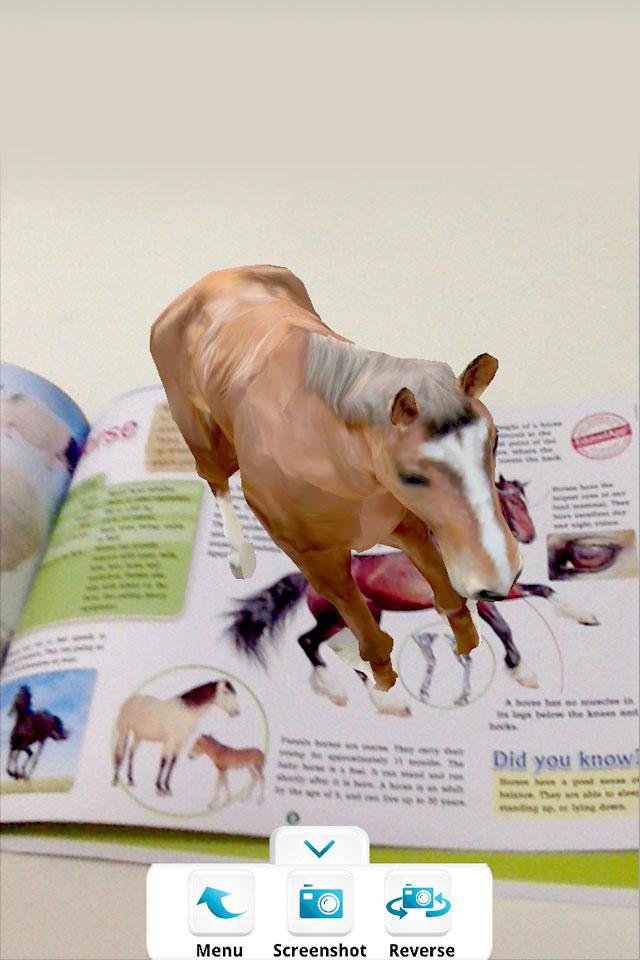
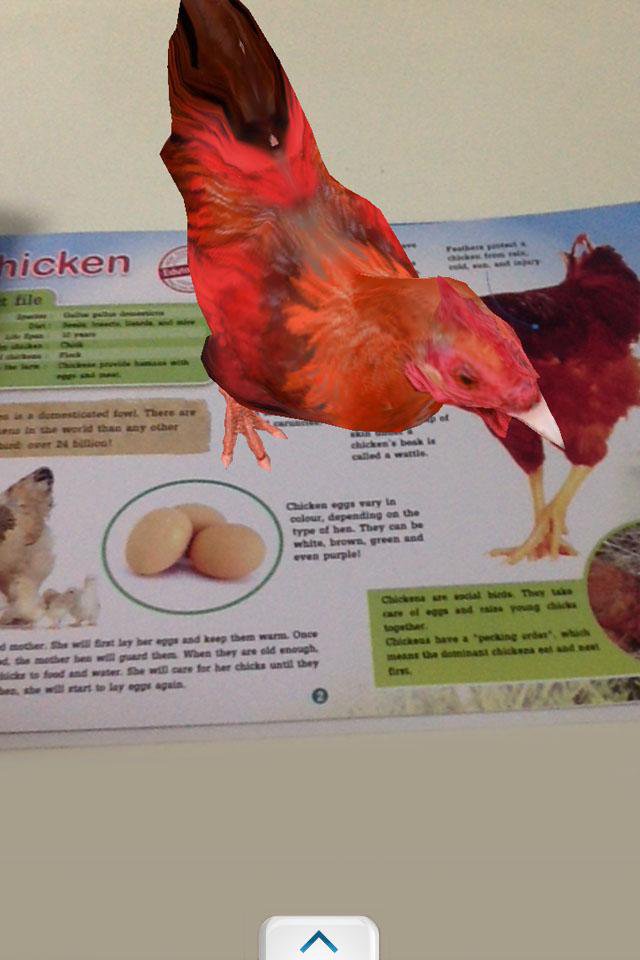
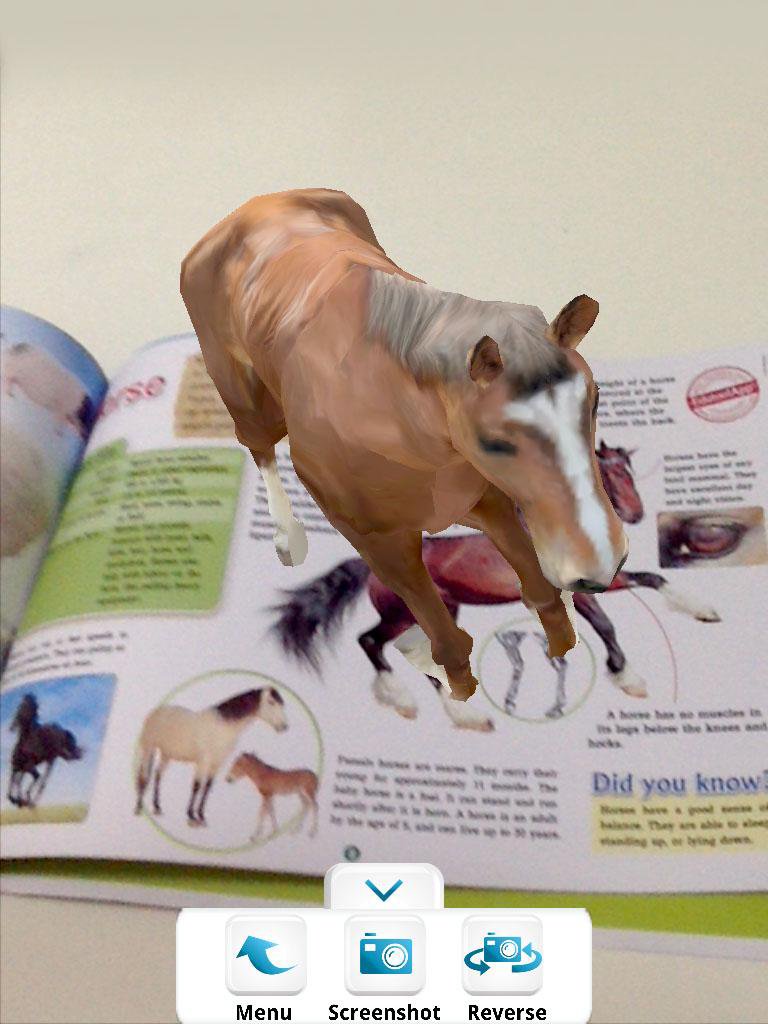
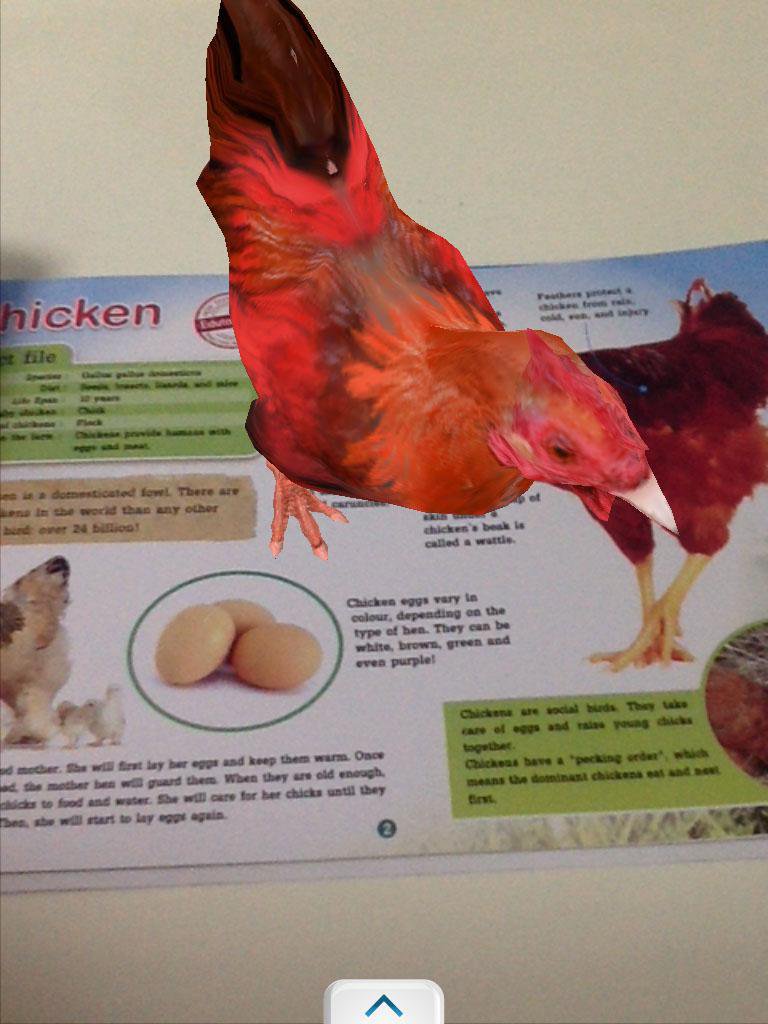
3. Point your device camera at the item, making sure the item is fully visible by the camera.
3. Watch it come alive!
Tip: You can take screenshots by pressing the "screenshot" button, or switch to the front-facing camera by pressing the "reverse" button.
Exit by pressing your home button or back button.
-----------------------------------------------------------------
Developed by Edutool Discovery Centre (M) Sdn Bhd
Visit us at www.edutoolapps.com for more information!
Notes:
Minimum supported Android version is 4.0 (Ice Cream Sandwich)
Ostatnia Wersja
4.2Przesłane przez
Minh Thắng
Wymaga Androida
Android 4.0+
Kategoria
Darmowe Edukacja AplikacjaOcena treści
Everyone
Last updated on Nov 4, 2016
Ta wersja zawiera drobne poprawki błędów i ogólne ulepszenia. Zaktualizuj ją, aby uzyskać najlepsze wrażenia.

APKPure - Wieloplatformowy sklep z aplikacjami skupiający się głównie na systemie Android, zapewniający szeroki wybór treści związanych z aplikacjami. Odkrywaj poszukiwane aplikacje łatwiej, szybciej i bezpieczniej, z szybkim i wydajnym pobieraniem oraz instalacją.