**This app requires our Edutool@3dPopup series of products**
1. Open the app.
2. Pick the product you have from the list of items.
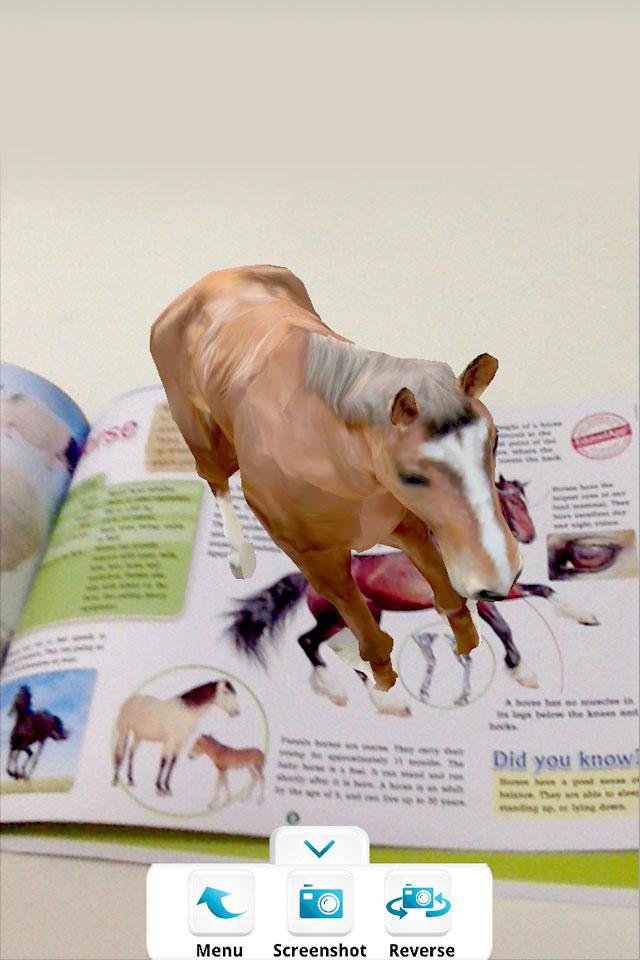
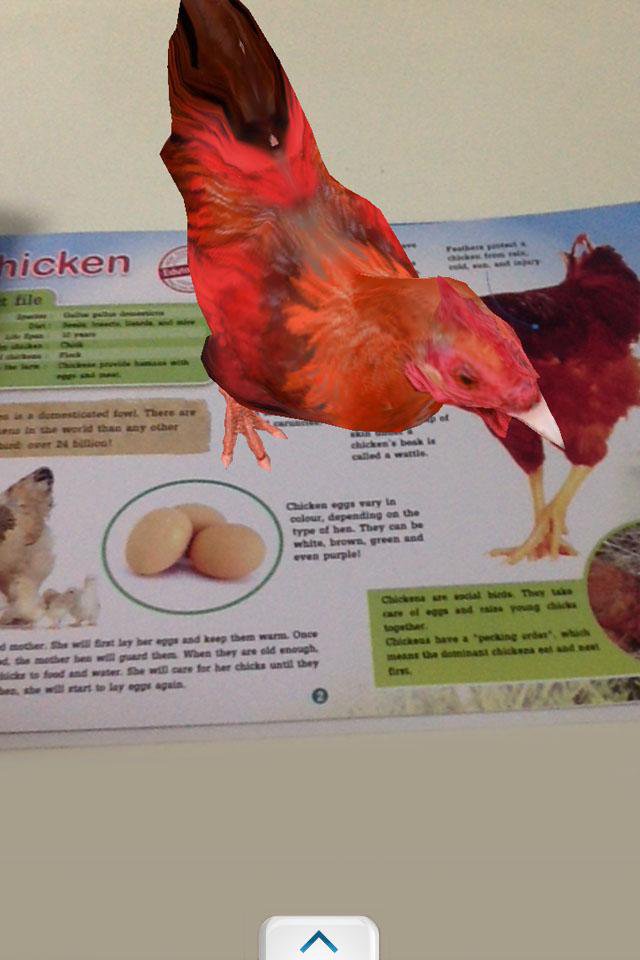
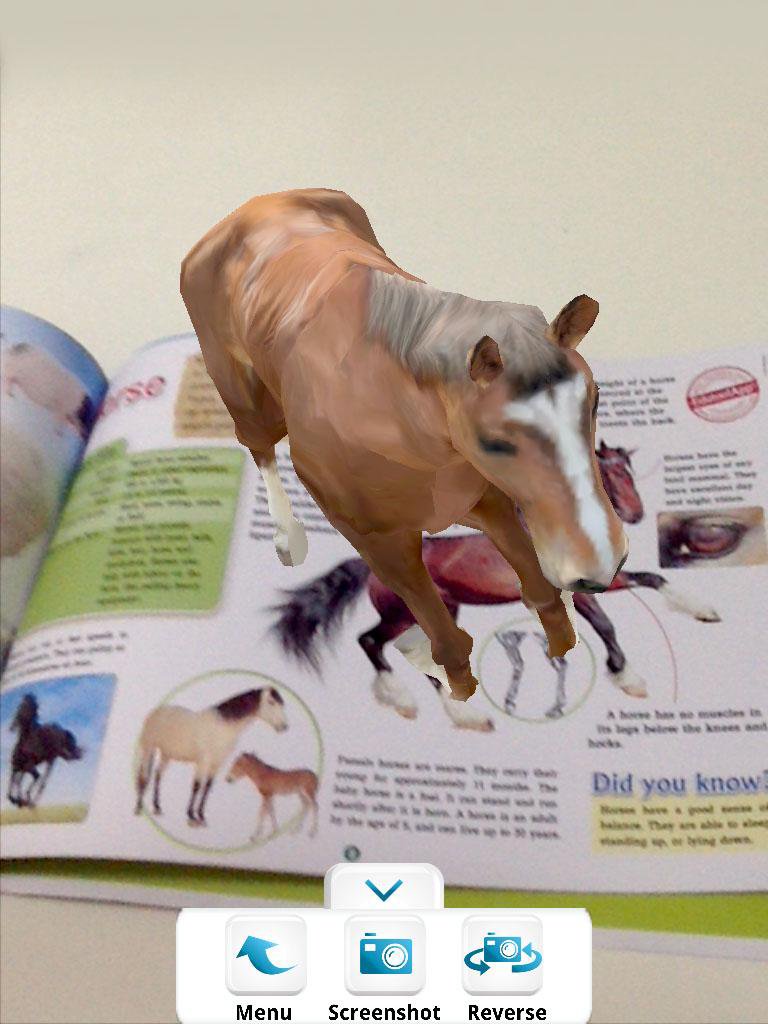
3. Point your device camera at the item, making sure the item is fully visible by the camera.
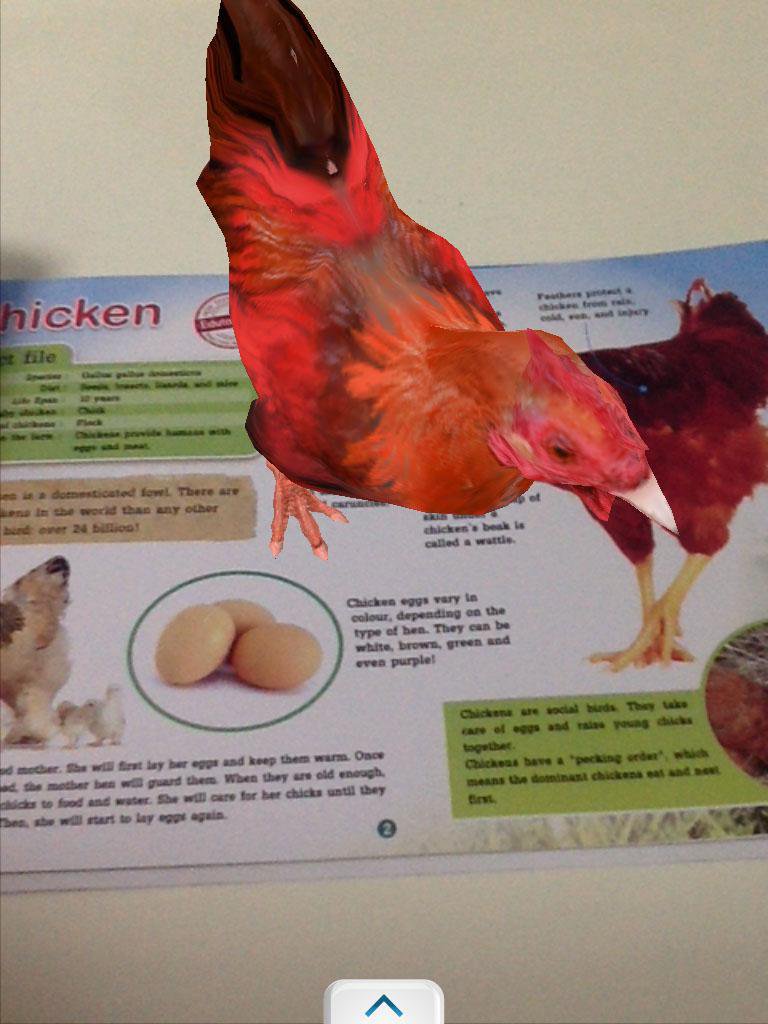
3. Watch it come alive!
Tip: You can take screenshots by pressing the "screenshot" button, or switch to the front-facing camera by pressing the "reverse" button.
Exit by pressing your home button or back button.
-----------------------------------------------------------------
Developed by Edutool Discovery Centre (M) Sdn Bhd
Visit us at www.edutoolapps.com for more information!
Notes:
Minimum supported Android version is 4.0 (Ice Cream Sandwich)
เวอร์ชันล่าสุด
4.2อัปโหลดโดย
Minh Thắng
ต้องใช้ Android
Android 4.0+
Category
ฟรี การศึกษา แอปการจัดประเภทเนื้อหา
Everyone
รายงาน
ปักธงว่าไม่เหมาะสมLast updated on Nov 4, 2016
เวอร์ชันนี้มีการแก้ไขข้อบกพร่องเล็กน้อยและการปรับปรุงทั่วไป อัปเดตเป็นเวอร์ชันล่าสุดเพื่อประสบการณ์ที่ดีที่สุด

APKPure - ร้านค้าแอปพลิเคชันแบบมัลติแพลตฟอร์มที่มุ่งเน้นระบบ Android เป็นหลัก พร้อมให้บริการเนื้อหาที่เกี่ยวกับแอปอย่างครบครัน ค้นพบแอปที่คุณต้องการได้ง่าย รวดเร็ว และปลอดภัยยิ่งขึ้น พร้อมการดาวน์โหลดและติดตั้งที่รวดเร็วและมีประสิทธิภาพ