**This app requires our Edutool@3dPopup series of products**
1. Open the app.
2. Pick the product you have from the list of items.
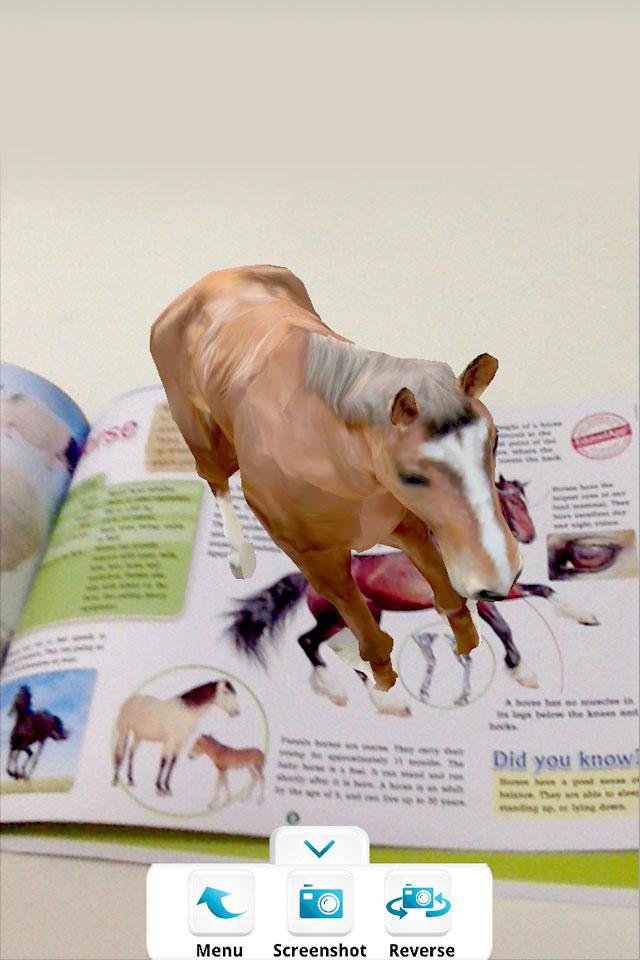
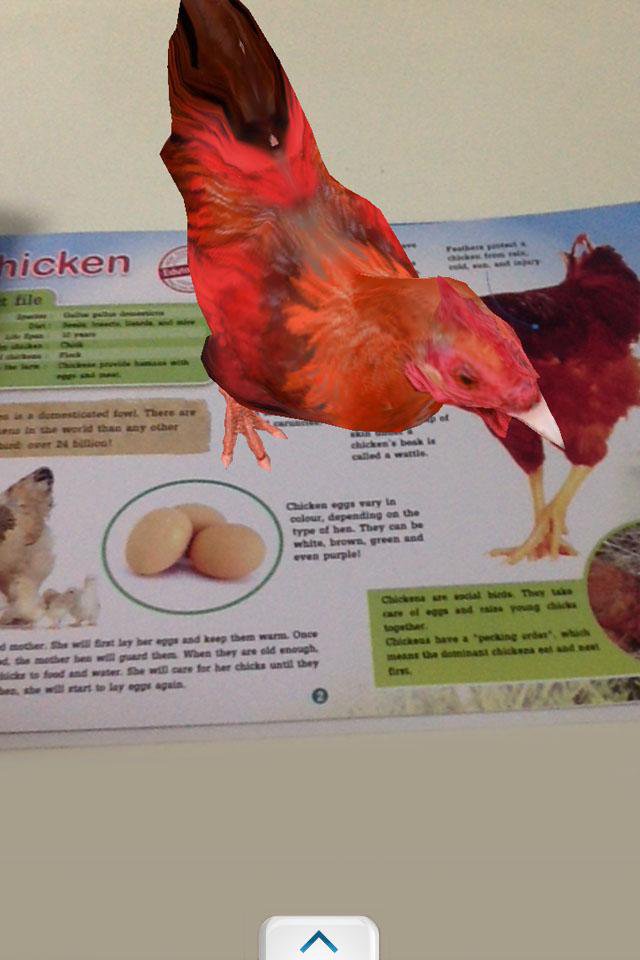
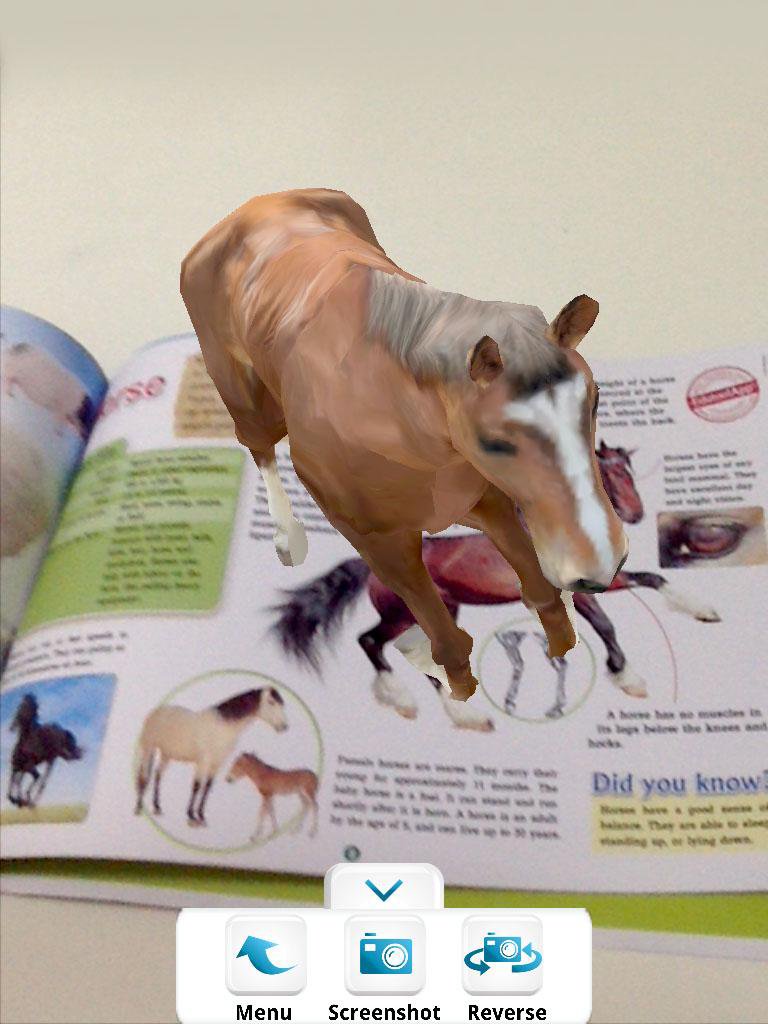
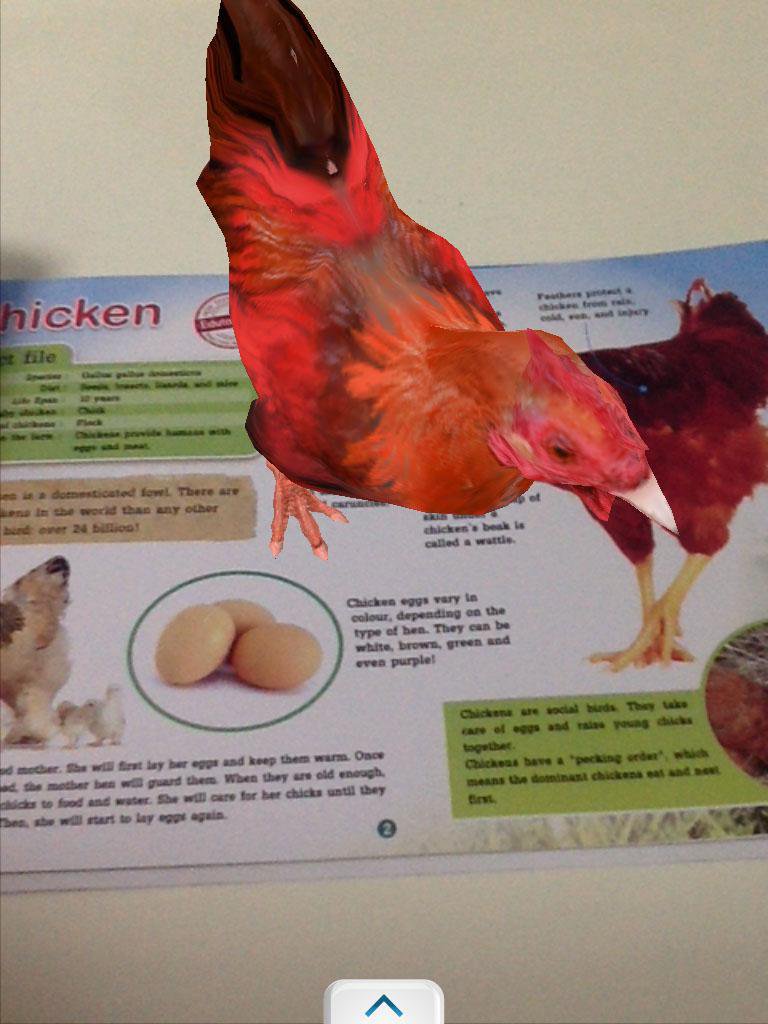
3. Point your device camera at the item, making sure the item is fully visible by the camera.
3. Watch it come alive!
Tip: You can take screenshots by pressing the "screenshot" button, or switch to the front-facing camera by pressing the "reverse" button.
Exit by pressing your home button or back button.
-----------------------------------------------------------------
Developed by Edutool Discovery Centre (M) Sdn Bhd
Visit us at www.edutoolapps.com for more information!
Notes:
Minimum supported Android version is 4.0 (Ice Cream Sandwich)
Last updated on Nov 4, 2016
이 버전에는 사소한 버그 수정과 전반적인 개선 사항이 포함되어 있습니다. 최상의 환경을 위해 최신 버전으로 업데이트하세요.

APKPure - 안드로이드를 중심으로 한 멀티플랫폼 앱스토어로, 다양한 앱 관련 콘텐츠를 제공합니다. 더 쉽고, 빠르고, 안전하게 원하는 앱을 찾아보세요. 빠르고 효율적인 다운로드와 설치가 가능합니다.