**This app requires our Edutool@3dPopup series of products**
1. Open the app.
2. Pick the product you have from the list of items.
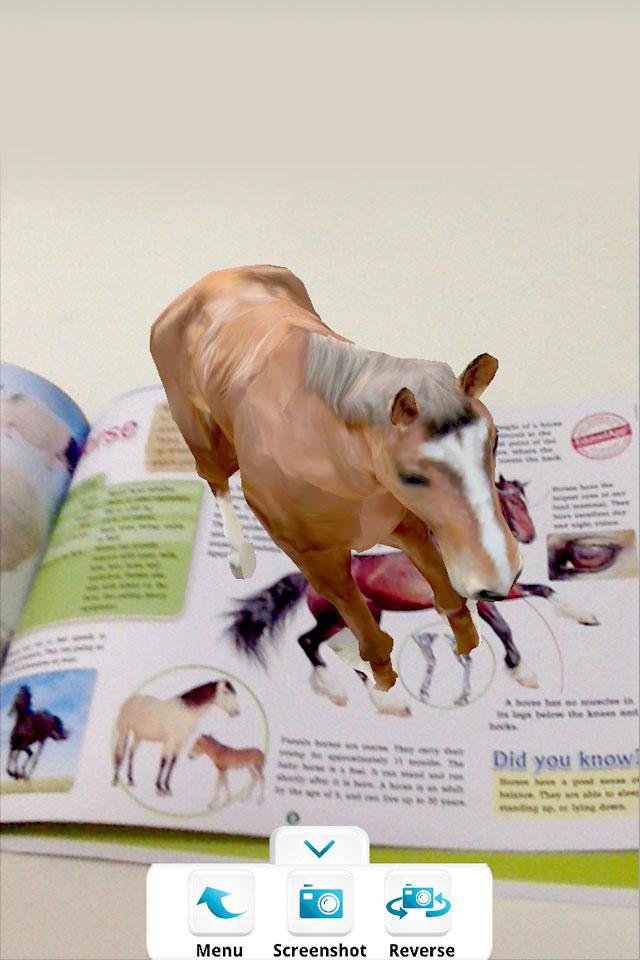
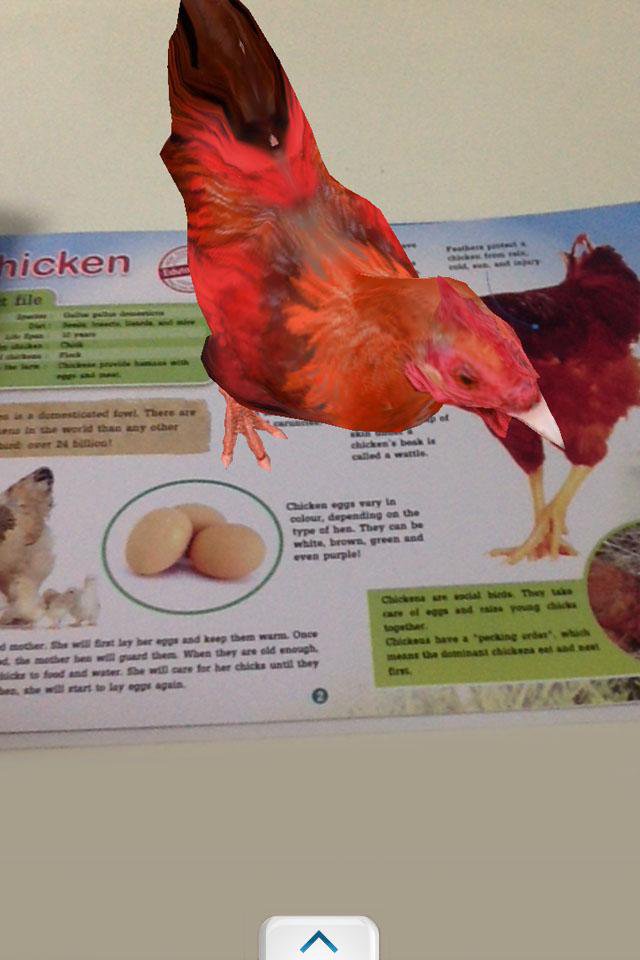
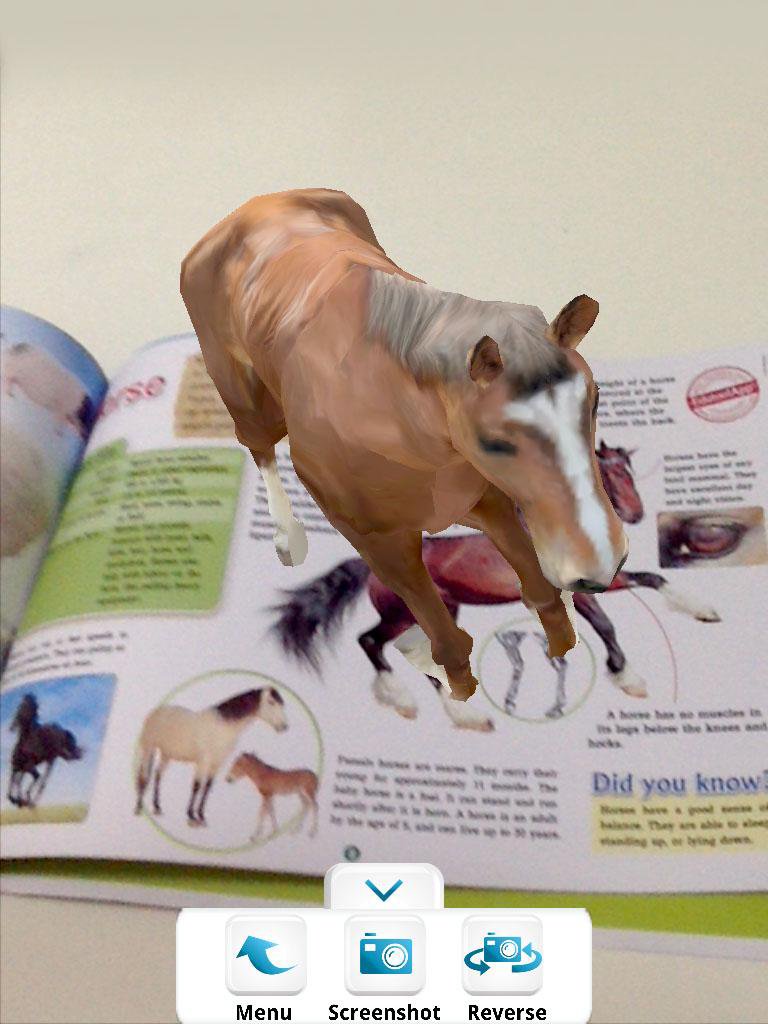
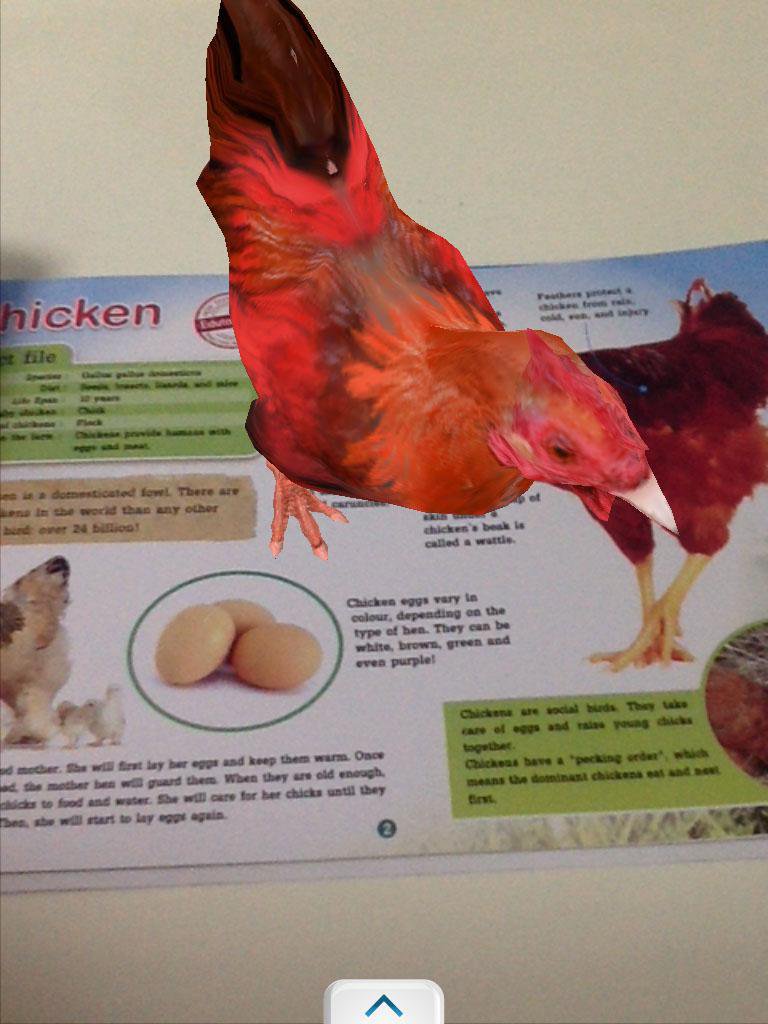
3. Point your device camera at the item, making sure the item is fully visible by the camera.
3. Watch it come alive!
Tip: You can take screenshots by pressing the "screenshot" button, or switch to the front-facing camera by pressing the "reverse" button.
Exit by pressing your home button or back button.
-----------------------------------------------------------------
Developed by Edutool Discovery Centre (M) Sdn Bhd
Visit us at www.edutoolapps.com for more information!
Notes:
Minimum supported Android version is 4.0 (Ice Cream Sandwich)
Последняя версия
4.2Загрузил
Minh Thắng
Требуемая версия Android
Android 4.0+
Категория
Бесплатно Образование ПриложениеВозрастные ограничения
Everyone
Жаловаться
Сообщить о неприемлемом содержанииLast updated on 04/11/2016
В этой версии исправлены мелкие ошибки и внесены общие улучшения. Обновите приложение до последней версии для максимального удобства.

APKPure - Мультиплатформенный магазин приложений, в основном ориентированный на Android, предоставляющий обширный контент, связанный с приложениями. Находите нужные приложения проще, быстрее и безопаснее, с быстрой и эффективной загрузкой и установкой.