**This app requires our Edutool@3dPopup series of products**
1. Open the app.
2. Pick the product you have from the list of items.
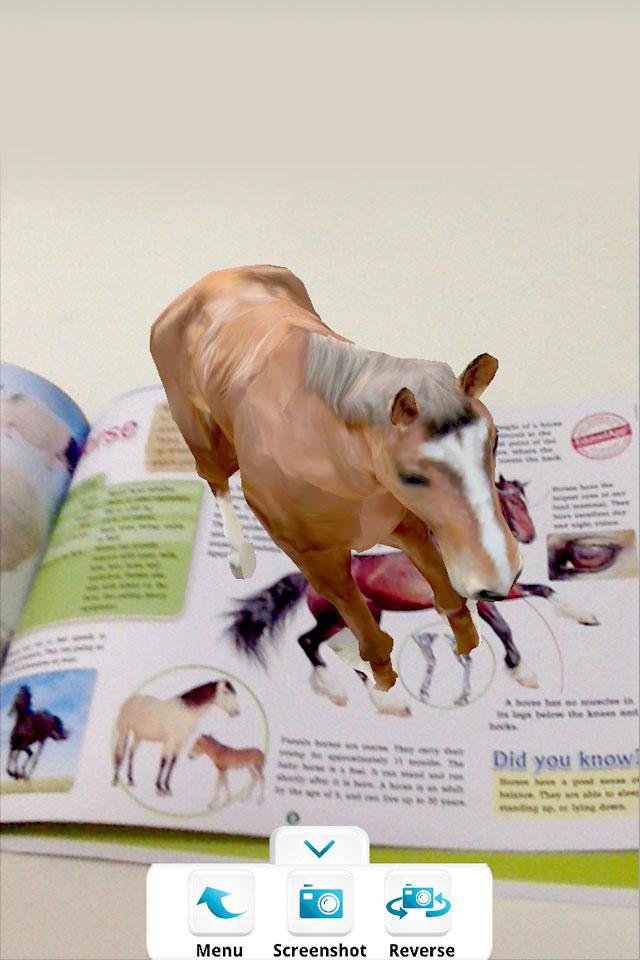
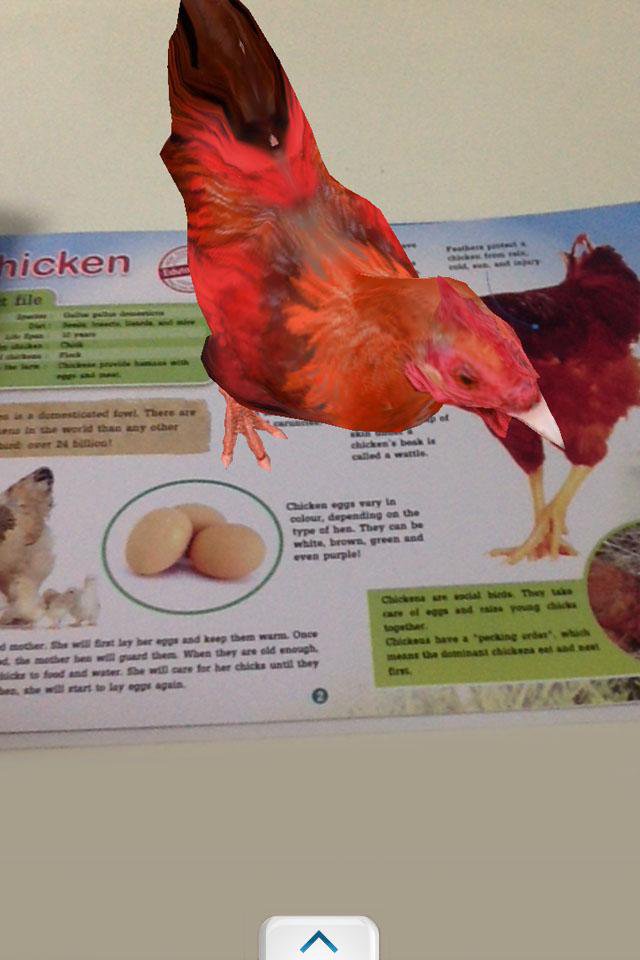
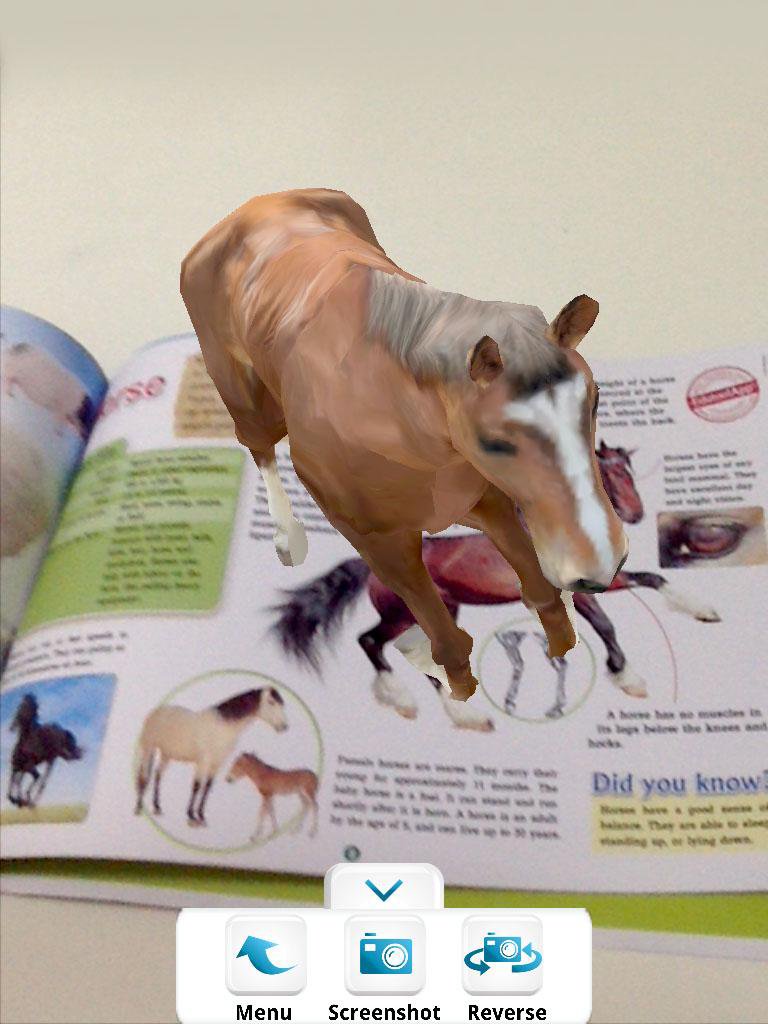
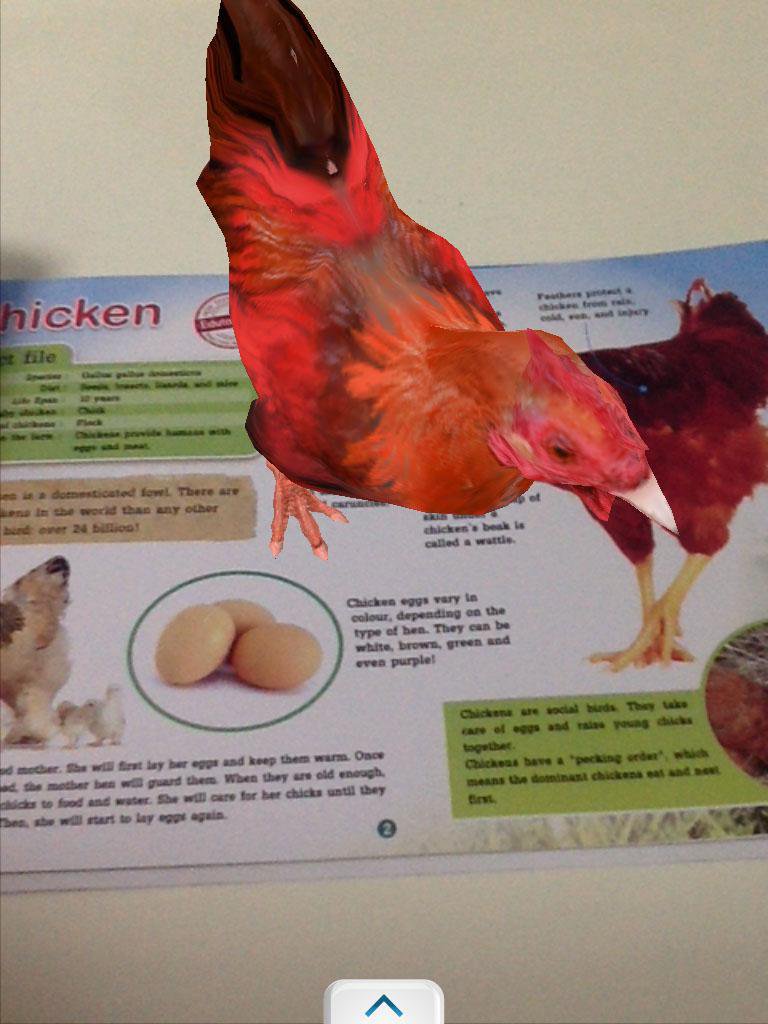
3. Point your device camera at the item, making sure the item is fully visible by the camera.
3. Watch it come alive!
Tip: You can take screenshots by pressing the "screenshot" button, or switch to the front-facing camera by pressing the "reverse" button.
Exit by pressing your home button or back button.
-----------------------------------------------------------------
Developed by Edutool Discovery Centre (M) Sdn Bhd
Visit us at www.edutoolapps.com for more information!
Notes:
Minimum supported Android version is 4.0 (Ice Cream Sandwich)
Dernière version
4.2Telechargé par
Minh Thắng
Nécessite Android
Android 4.0+
Catégories
Gratuit Enseignement APPLICATIONClassification du contenu
Everyone
Signaler
Signaler comme inappropriéLast updated on Nov 4, 2016
Cette version comprend des corrections de bugs mineurs et des améliorations générales. Installez la dernière version pour profiter d’une expérience optimale.

APKPure - Une boutique d'applications multi-plateforme principalement axée sur Android, offrant un vaste contenu lié aux applications. Découvrez l'application que vous souhaitez plus facilement, plus rapidement et en toute sécurité, avec des téléchargements et des installations rapides et efficaces.















![Comment télécharger la dernière version de Google Play Store APK 42.0.20-23 [0] [PR] 654119317 pour Android 2024](https://image.winudf.com/v2/image/YWRtaW5fR29vZ2xlLVBsYXktU3RvcmUtNi4xLjEyLUFQSy5wbmdfMTUxMzA2Nzg1ODQzOQ/banner.jpg?fakeurl=1&w=192)


