**This app requires our Edutool@3dPopup series of products**
1. Open the app.
2. Pick the product you have from the list of items.
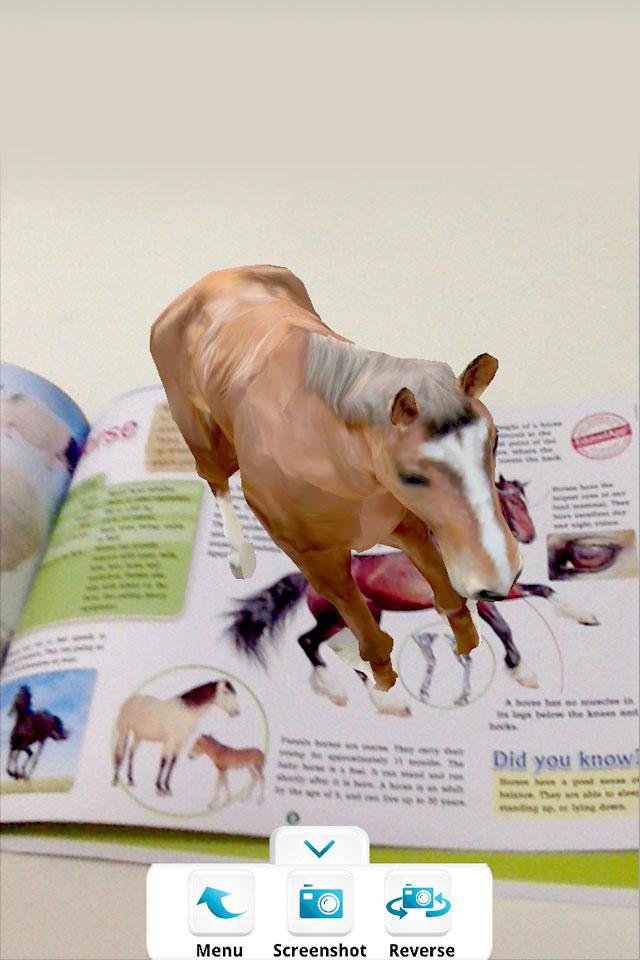
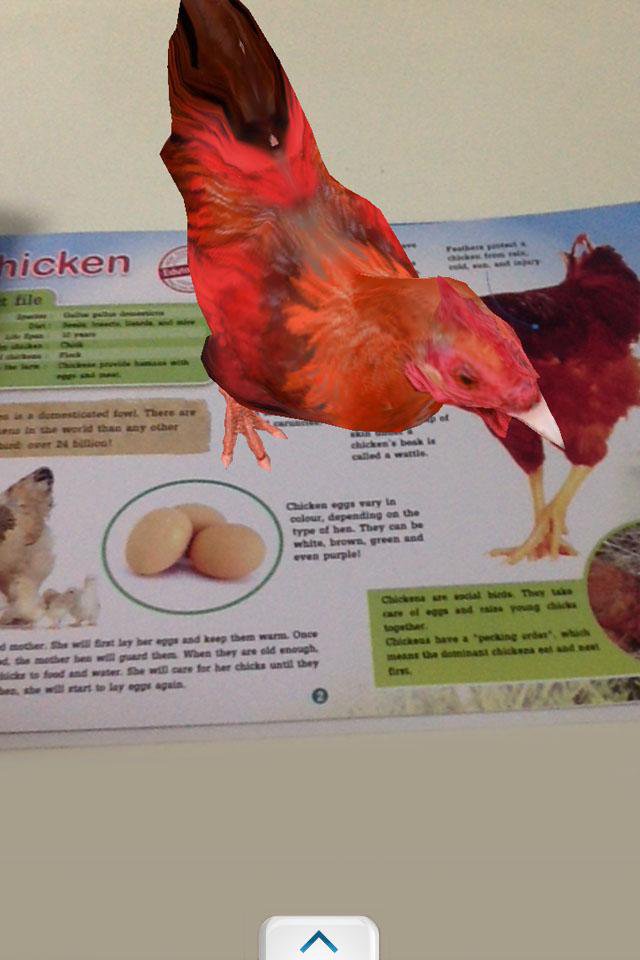
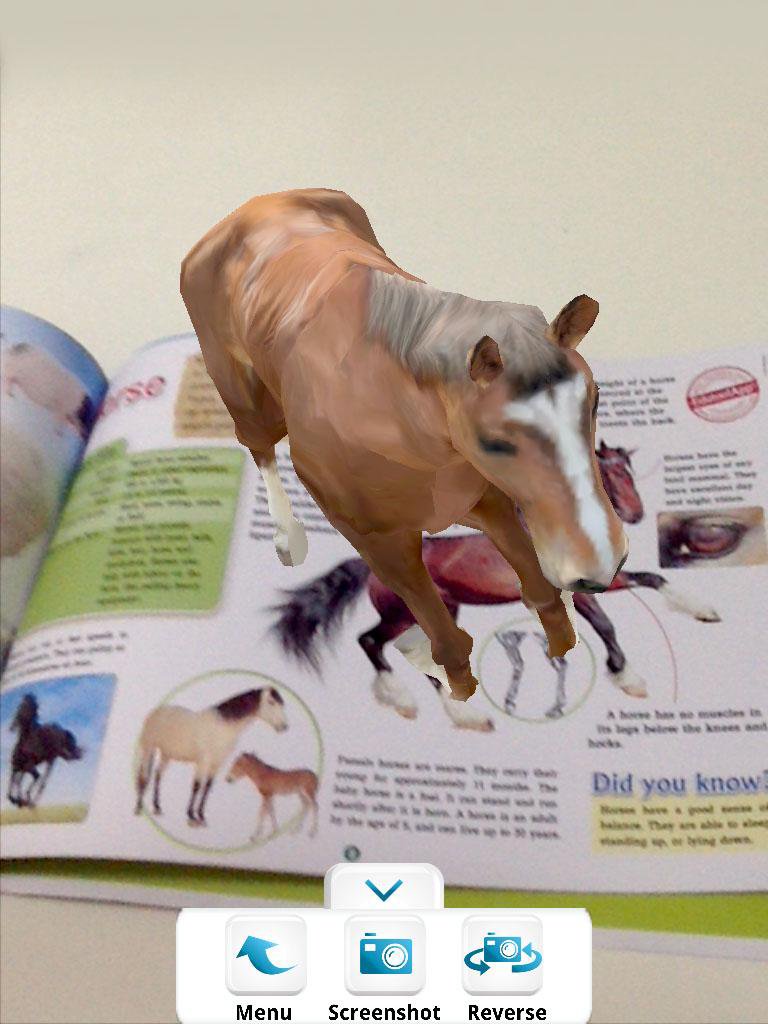
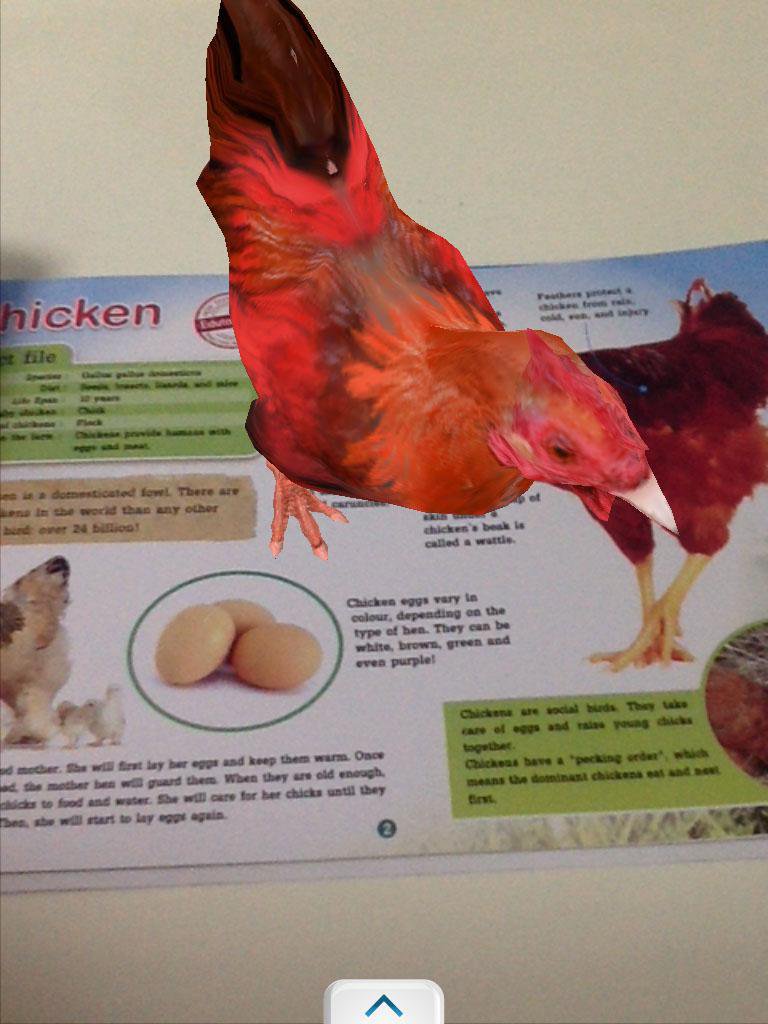
3. Point your device camera at the item, making sure the item is fully visible by the camera.
3. Watch it come alive!
Tip: You can take screenshots by pressing the "screenshot" button, or switch to the front-facing camera by pressing the "reverse" button.
Exit by pressing your home button or back button.
-----------------------------------------------------------------
Developed by Edutool Discovery Centre (M) Sdn Bhd
Visit us at www.edutoolapps.com for more information!
Notes:
Minimum supported Android version is 4.0 (Ice Cream Sandwich)
Versi Terbaru
4.2Dimuat naik oleh
Minh Thắng
Memerlukan Android
Android 4.0+
Category
PERCUMA Pendidikan APLIKASIPenilaian Kandungan
Everyone
Laporkan
Tandai sebagai tidak sesuaiLast updated on Nov 4, 2016
Versi ini mengandungi pembaikan pepijat kecil dan penambahbaikan umum. Kemas kini kepada versi terkini untuk pengalaman terbaik.

APKPure - Sebuah gedung aplikasi berbilang platform yang tertumpu terutamanya pada Android, menyediakan kandungan berkaitan aplikasi yang meluas. Temui aplikasi yang anda mahukan dengan lebih mudah, pantas, dan selamat, dengan muat turun dan pemasangan yang cepat dan cekap.