Add a widget and web URL
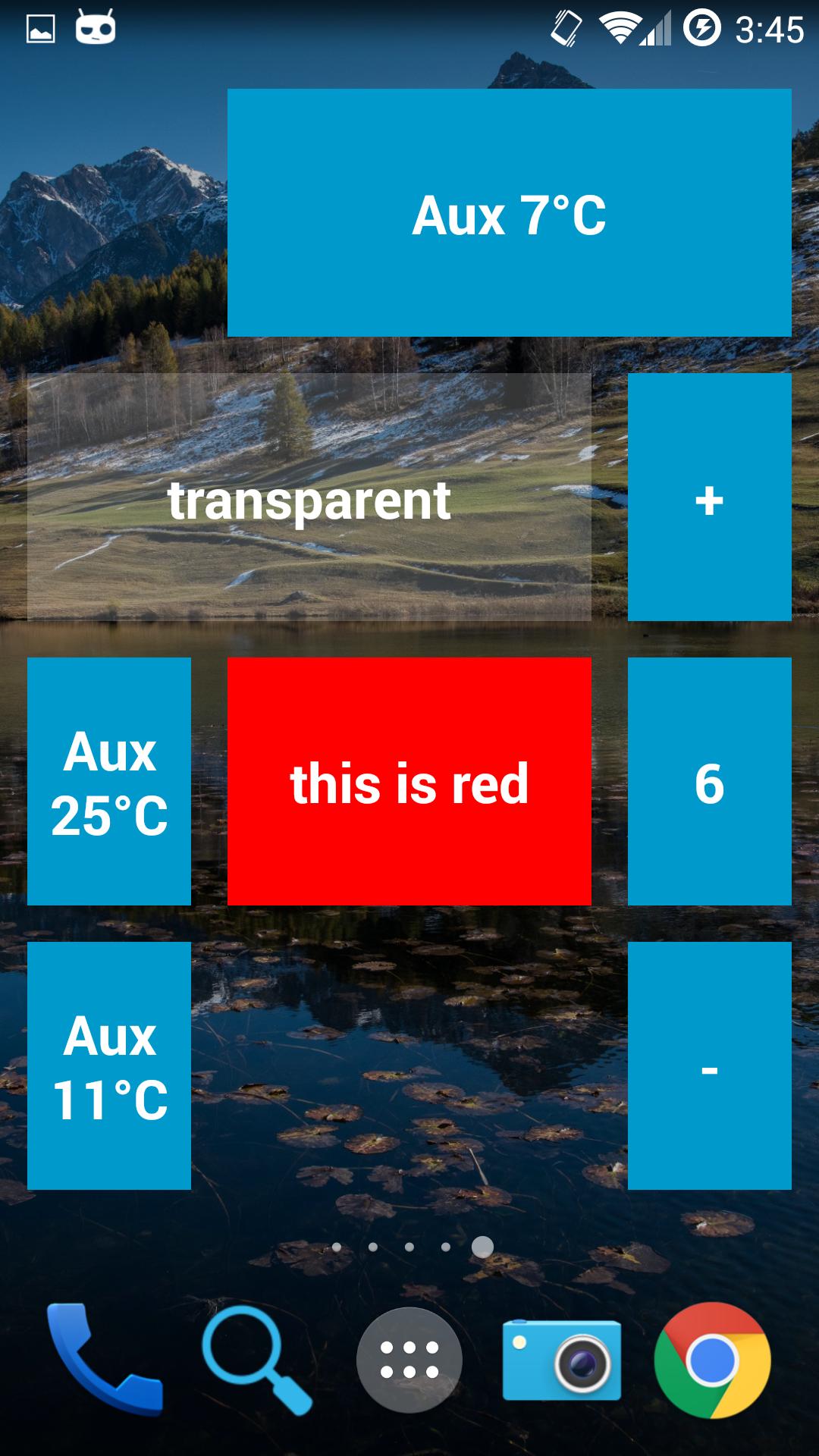
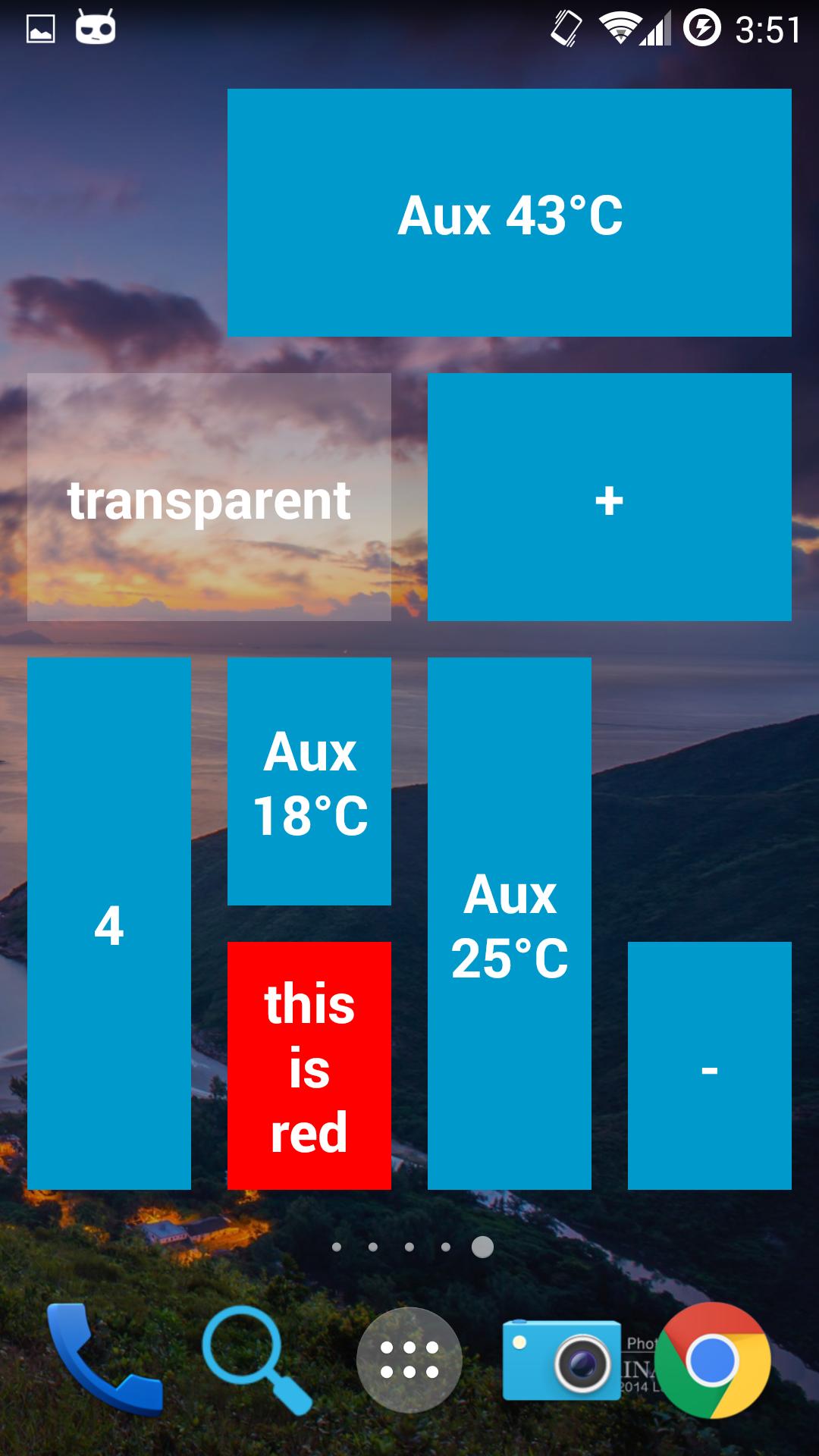
The widget does a GET request for the web URL, the result is shown as text inside the widget.
- Hello World! → Hello World!
- #ff0000 Hello World! → Hello World! (with red background)
- red Hello World!→ Hello World! (with red background)
The web request contains the query parameter isClick.
- isClick is true if the request is caused by the user tapping the widget.
- isClick is false if the request is caused by a periodic refresh of the widget.
If the first word inside the response is a valid color, it will be set as the background color of the widget.
Supported color formats are:
- #RRGGBB (hex color)
- #AARRGGBB (hex color with alpha)
- red (color name)
The following color names are supported:
'red', 'blue', 'green', 'black', 'white', 'gray', 'cyan', 'magenta', 'yellow', 'lightgray', 'darkgray', 'grey', 'lightgrey', 'darkgrey', 'aqua', 'fuchsia', 'lime', 'maroon', 'navy', 'olive', 'purple', 'silver', 'teal'.
Latest Version
1.0bUploaded by
Markus Alexandru
Requires Android
Android 4.0+
Category
Free Productivity AppContent Rating
Everyone
Report
Flag as inappropriateLast updated on Jan 11, 2016
Show network errors as an icon instead of text in the widget body
New app icon (rarely seen as a widget)
Include RO translation


APKPure - A multi-platform app store primarily focused on Android, providing extensive app-related content. Discover the app you want easier, faster, and safer, with quick and efficient downloads and installations.