Add a widget and web URL
The widget does a GET request for the web url, the result is shown inside of the widget.
The web request contains the query parameter "isClick".
isClick is "true" if the request is caused by the user tapping the widget.
isClick is "false" if the request is caused by a periodic refresh of the widget.
The widget outputs the recieved text from the http request into its body.
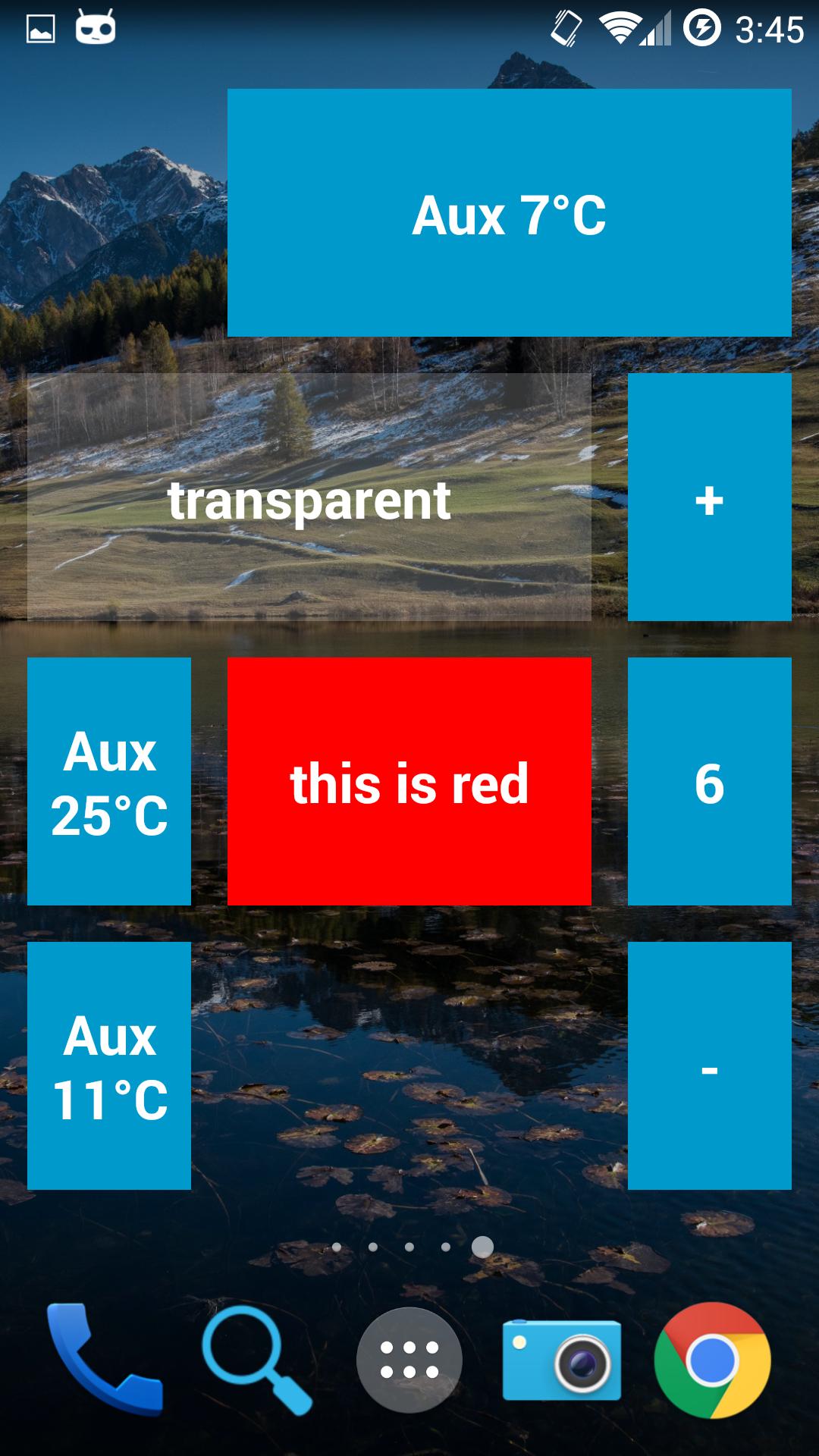
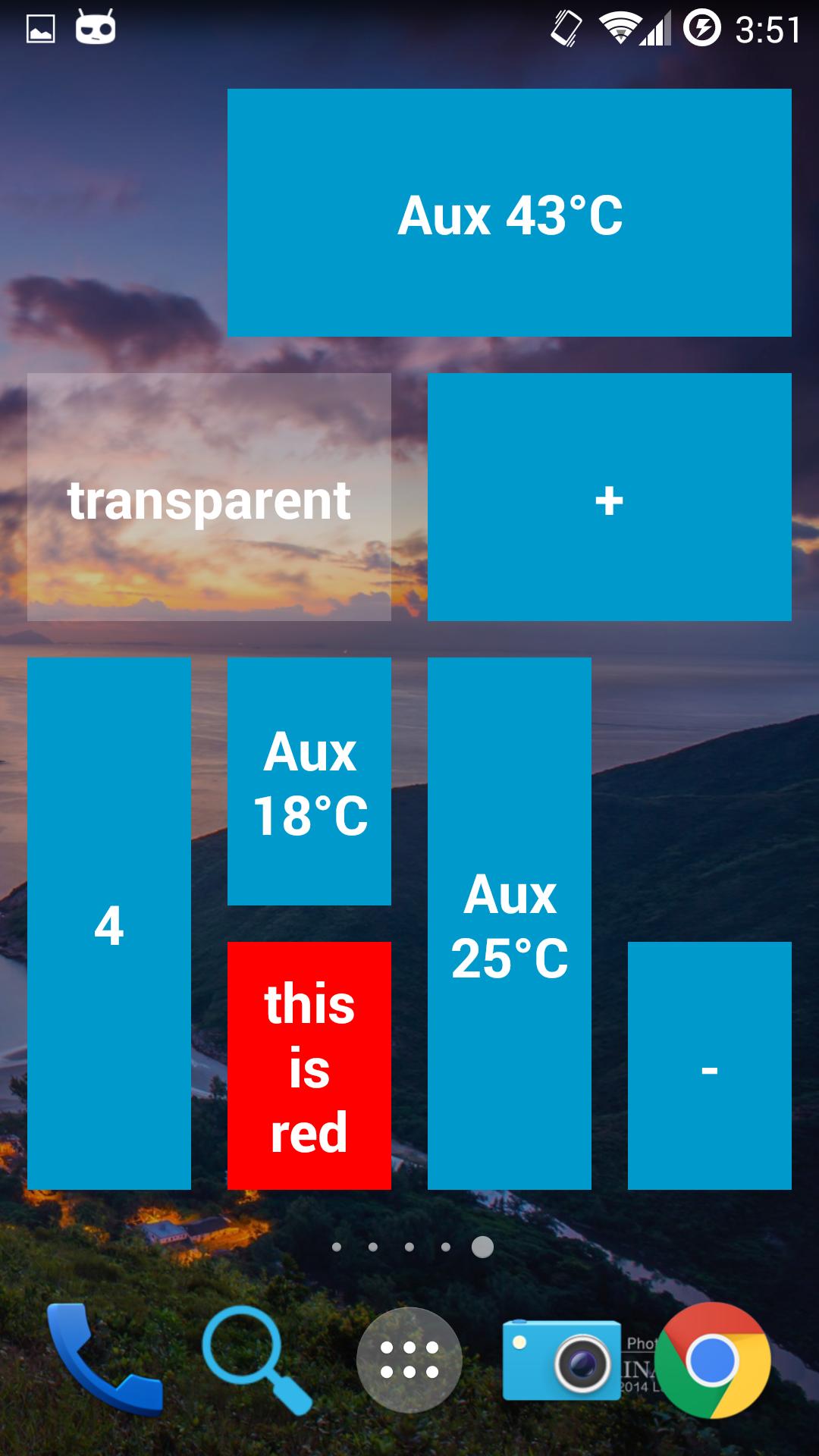
To customize the background color of the widget, the http response needs to start with the color separated from the text body with a black space character " " .
Supported color formats are: #RRGGBB #AARRGGBB or one of the following names: 'red', 'blue', 'green', 'black', 'white', 'gray', 'cyan', 'magenta', 'yellow', 'lightgray', 'darkgray', 'grey', 'lightgrey', 'darkgrey', 'aqua', 'fuchsia', 'lime', 'maroon', 'navy', 'olive', 'purple', 'silver', 'teal'.
Last updated on 2016年01月12日
Show network errors as an icon instead of text in the widget body
New app icon (rarely seen as a widget)
Include RO translation