Scan Date:Jan 6, 2026
Show More


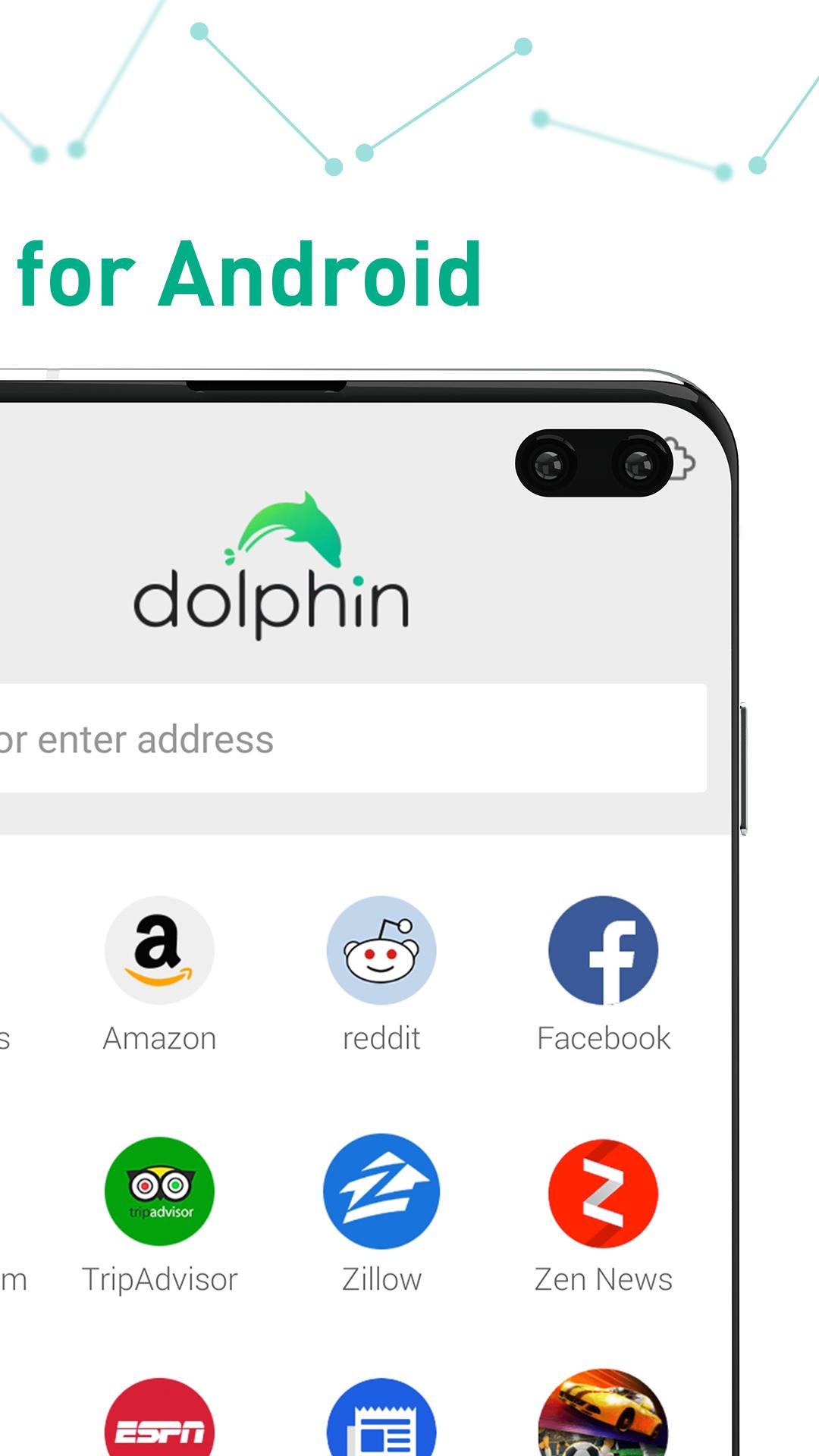
Dolphin fits busy browsing on a phone when you need quick pages and clear controls. It works for news, video, shopping, and social sites without complex settings. You move across sites smoothly, and keep work and personal activity separate when needed. Also, the interface uses familiar taps and swipes, so new users can learn fast. If you prefer manual install, Dolphin APK lets you set it up directly on your device.
Tabs bar and swipe control
First, Dolphin shows your open tabs along the top. You switch between pages by swiping. You can open new tabs when needed. This helps when comparing pages side by side.
Bookmarks and addons sidebars
Next, use the sidebars for quick access. Swipe from the left to see bookmarks and history. Swipe from the right to open tools and addons. Common options include Video Downloader, Web to PDF, and Translate.
Incognito browsing
When privacy is needed, turn on incognito. You can browse without saving history or cookies. Search terms are not added to history. This helps when using a shared device.
Gestures, voice, and media support
To skip typing, try gestures and voice. Draw simple shapes or letters to open sites and features, and use voice to search, share, bookmark, and navigate. AdBlock can reduce popups, banners, and some ad videos. Dolphin latest version supports HTML5 video and Flash playback for many pages.
Dolphin focuses on quick navigation, clear controls, and tools for private sessions. To begin, download Dolphin and follow the on screen steps. Explore tabs, sidebars, and media support at your own pace.
Latest Version
12.4.2Uploaded by
Zaid Marie
Requires Android
Android 4.1+
Category
Free Communication AppContent Rating
Everyone
Security Report
Report
Flag as inappropriateLast updated on Oct 22, 2025
Fixed bug and improved Dolphin Broswer more stable


APKPure - A multi-platform app store primarily focused on Android, providing extensive app-related content. Discover the app you want easier, faster, and safer, with quick and efficient downloads and installations.