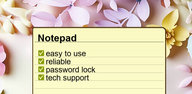
Notepad - simple notes suits everyday moments when you need to jot down a shopping list, a to-do item, or a quick idea without any setup. It focuses on speed and a clean layout so you can open it, type, and move on. Notes save locally for dependable access even without a network, and organization stays simple as your list grows. For quick reminders, it supports convenient access on your phone’s home screen. If this fits your routine, download Notepad - simple notes to keep daily notes close at hand.
Fast, plain text editing
Notepad - simple notes keeps the interface minimal so you can start a note in seconds. There are no limits on note length or number beyond your device storage, and automatic saving reduces the risk of losing changes. This approach helps you capture thoughts quickly and return later to refine them.
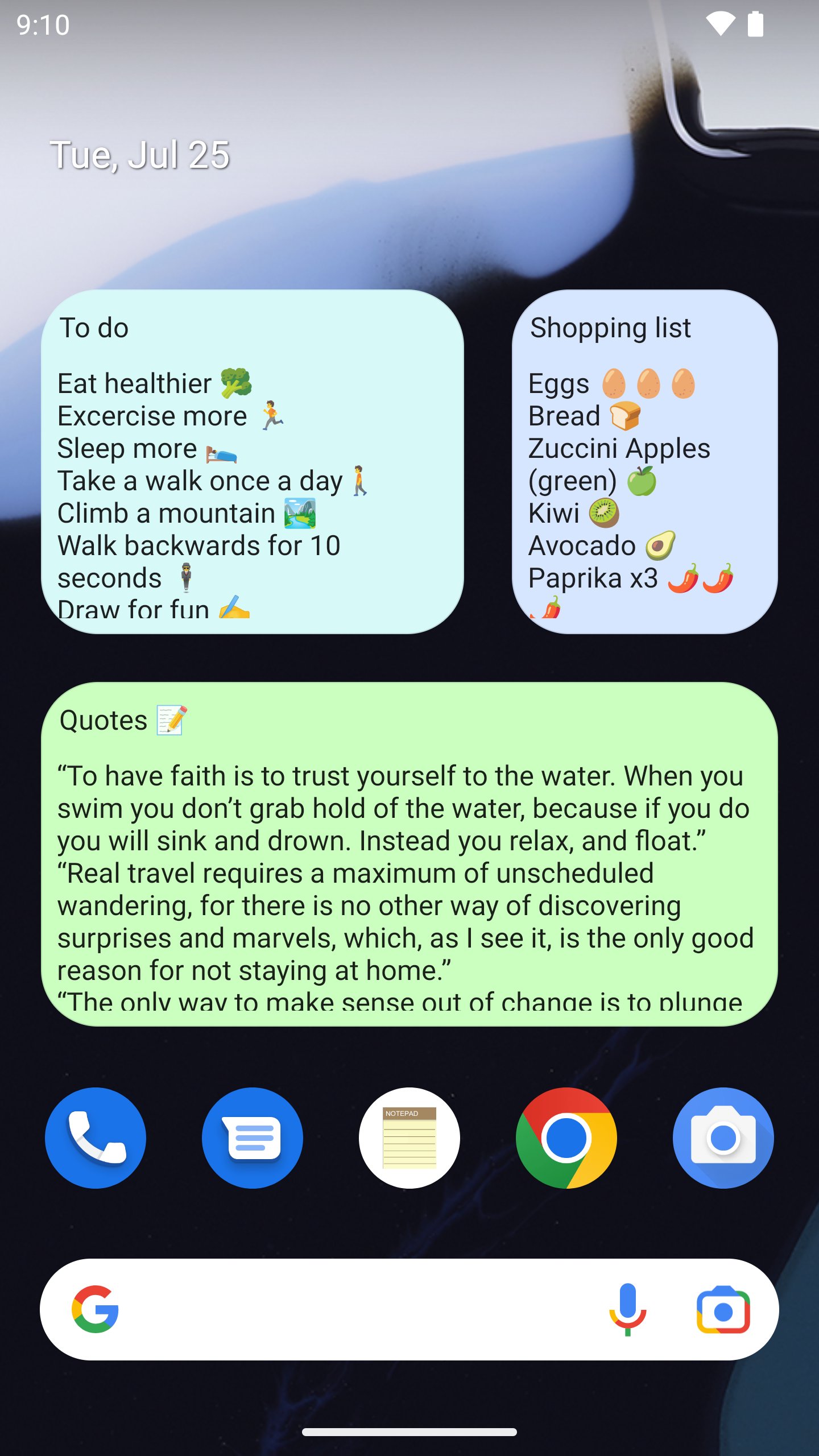
Home screen widgets for quick memos
You can pin notes to the home screen in a “post-it” style and add new items directly from the widget. This makes short reminders visible throughout the day and lets you edit without opening the full app. The widget flow is designed for quick access to your most important items.
Import, export, and share plain text
Notepad - simple notes lets you import and export .txt files so existing notes can move in and out easily. When a note is ready to share, send it to email or messaging apps with a few taps. This keeps your notes portable and easy to use across common text tools.
Reliable backup and restore
You can create a zip backup that includes all notes and restore it later if needed. Automatic saving supports the backup flow and helps prevent accidental data loss. This gives you a straightforward way to protect your notes when switching devices or preparing a reset.
Organize and personalize your workspace
Categories keep similar notes grouped, while powerful search helps you find the right text fast. Undo and redo assist during editing, and color themes including dark mode let you adjust the look to match your environment. Together these options make everyday note management consistent and simple.
To use widgets, install the app on internal storage. Android restricts widgets for apps installed on an SD card, so placing Notepad - simple notes internally ensures the home screen widget works as expected. This setup supports quick memo access without extra steps.
Export a zip backup before formatting your phone or switching devices to avoid losing notes. From version 1.7.0, device backup integration is available, which may help restore data during setup. Check for the Notepad - simple notes latest version to access the most stable backup options and then verify the restore after moving to a new device.
Optional app password lock and biometric unlock help protect sensitive notes. If you enable a password, store it safely since it controls access to your data. Biometric options such as fingerprint or face recognition depend on your device hardware and settings, so availability can vary.
This short guide covers the basics for creating and managing notes on a phone. If you installed the Notepad - simple notes APK, follow the steps below to set up, organize, and back up your content.
Notepad - simple notes focuses on fast, plain text capture with local storage, easy organization, and dependable backups. To keep lists and ideas close, download Notepad - simple notes and set up a widget for quick access.
For support or feedback, use the official contact below.
Latest Version
1.45.1Uploaded by
Risky Efendi
Requires Android
Android 6.0+
Category
Free Productivity AppContent Rating
Everyone
Report
Flag as inappropriateLast updated on Aug 11, 2026
Update 1.45.1:
+ Android 16 update
+ Checklist improvements
Please email me at notepad.free@outlook.com in case of any issues/questions regarding the app.




APKPure - A multi-platform app store primarily focused on Android, providing extensive app-related content. Discover the app you want easier, faster, and safer, with quick and efficient downloads and installations.