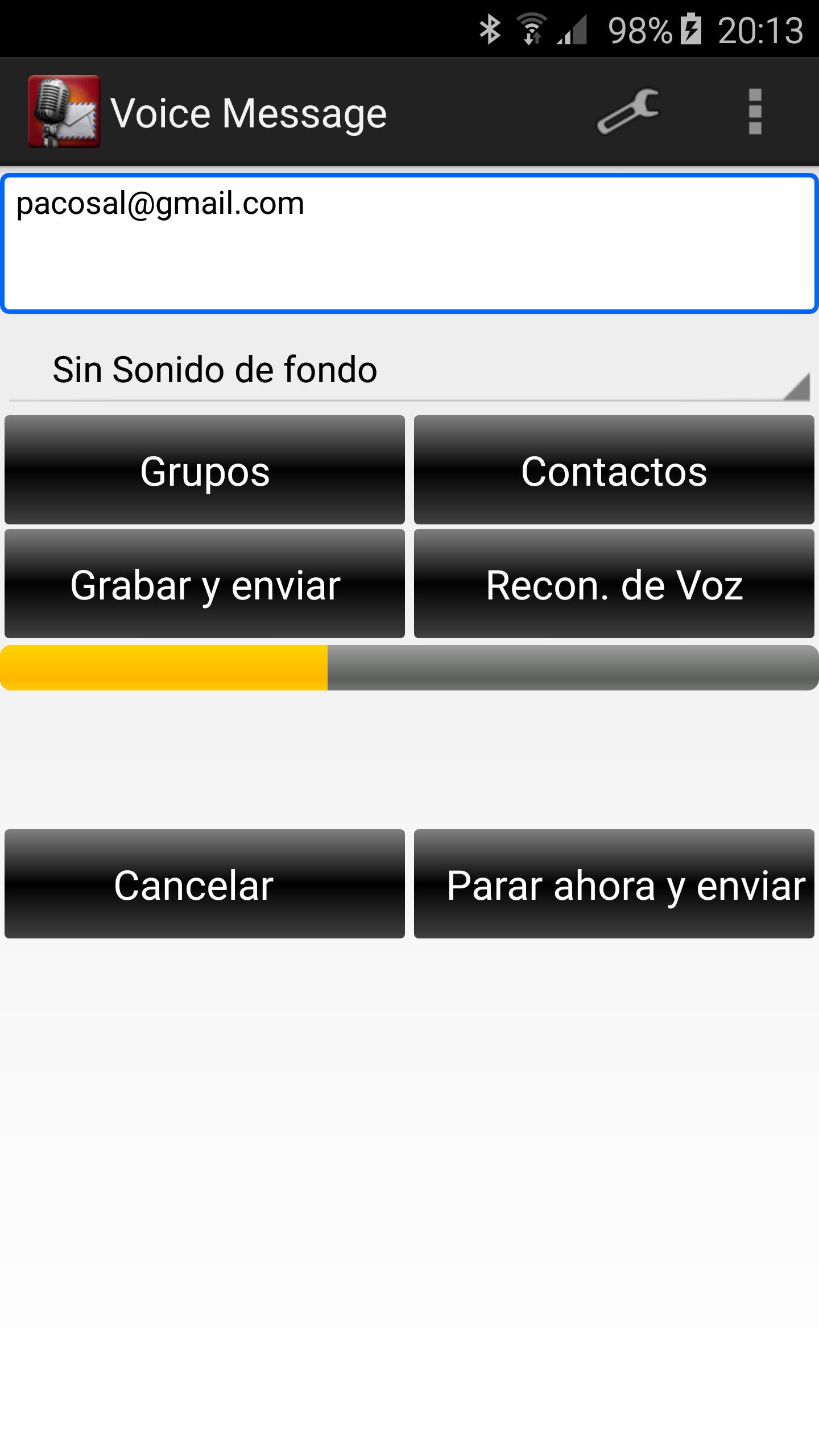
It uses your gmail to send and receive messages. Forget using the touch keyboard to send messages, simply speak to your device.
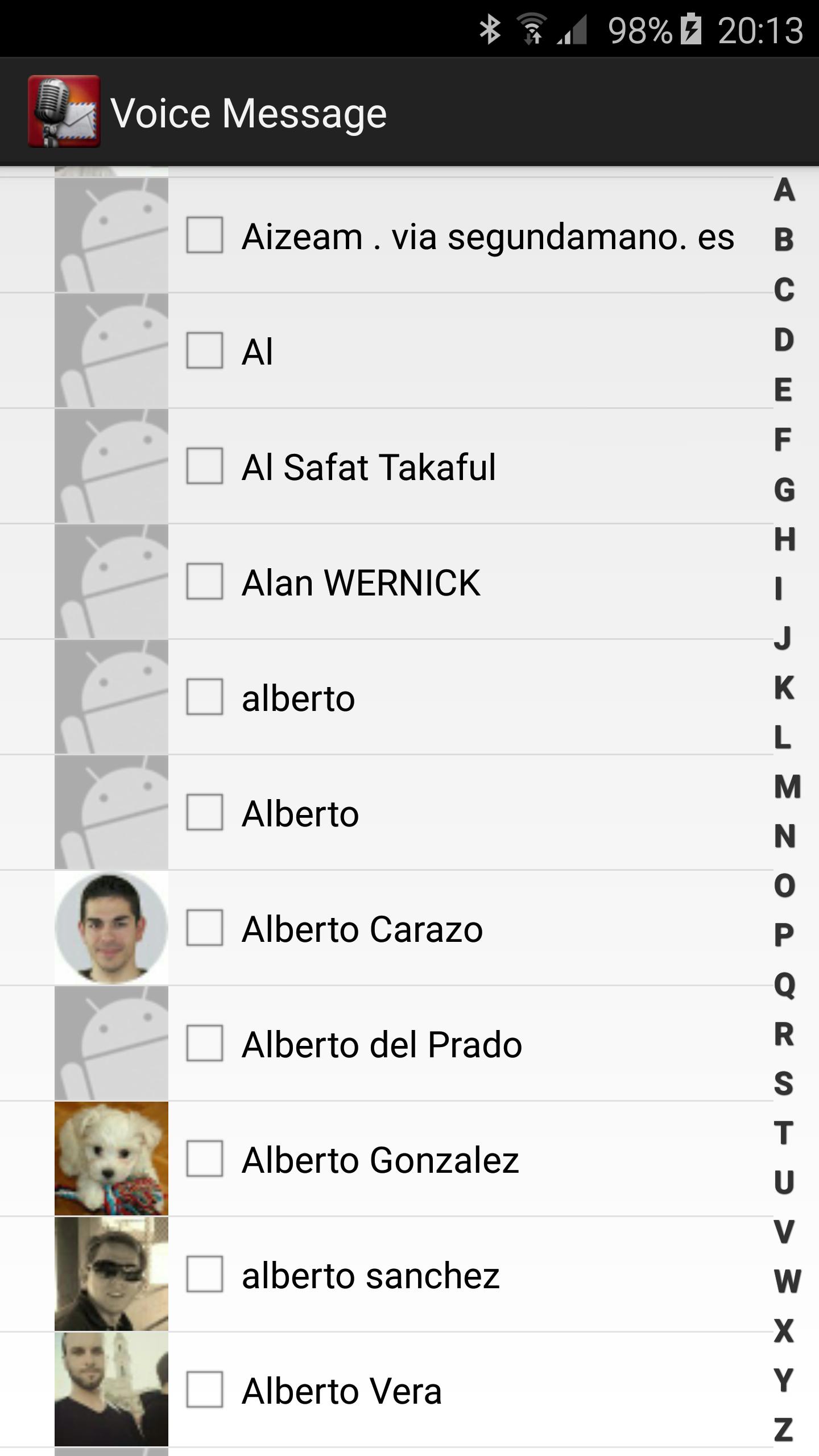
To send a message you must select any contact from the contact list. In order to a contact appear in this list it will have to have an email set.
You can select contacts individually from your Google Account.
To send the message you can tap on Record and Send button to record your voice or on Voice Recognition button.
Enjoy!
Latest Version
3.7.0Uploaded by
Jus Tine Ron I
Requires Android
Android 4.0+
Category
Free Communication AppContent Rating
Everyone
Report
Flag as inappropriateLast updated on Nov 7, 2016
- Groups removed
- Small changes


APKPure - A multi-platform app store primarily focused on Android, providing extensive app-related content. Discover the app you want easier, faster, and safer, with quick and efficient downloads and installations.