How to Start The Bazaar on Android: First Run Guide

2026-11-17
A first run guide to The Bazaar on Android: what to check before installing, how to pick a hero, and why one strong item beats a tidy board.
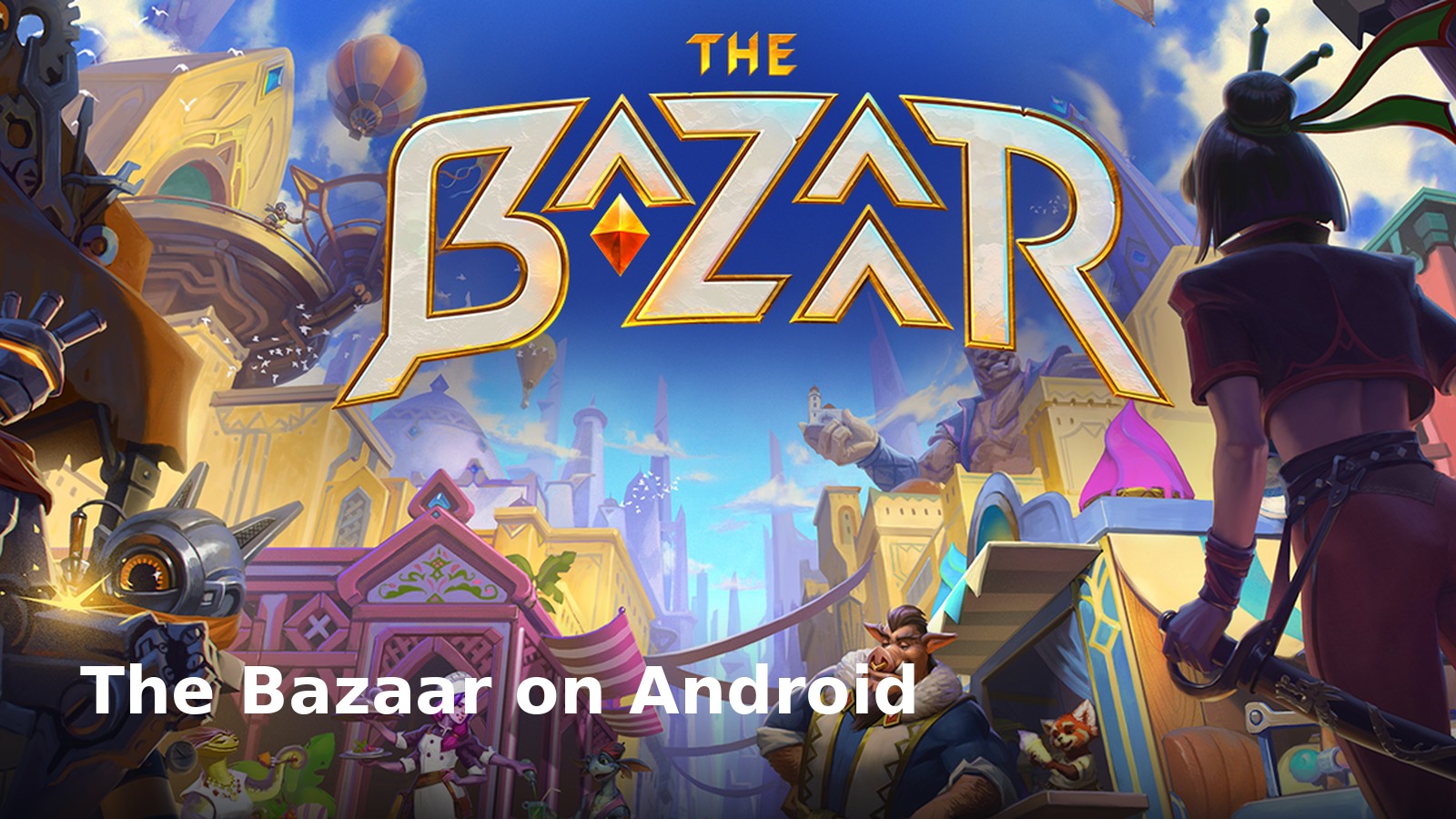
The Bazaar is finally playable on a phone. Tempo Games Studio brought its hero-building strategy game to Android this week, more than a year after the PC version arrived in August 2025, and the free download puts a full marketplace of weapons, potions, and very strange dinosaurs in your pocket.
The pitch is simple. You collect items, arrange them on a board, and watch the build fight for you against creatures and rival players. Every run hands you a different set of pieces, so the puzzle changes before you can memorize it.
That's also the problem for a new player. A game built on recombination gives you almost no fixed route to follow, and the first two hours can feel like guessing.
This guide covers the parts that aren't obvious from the store page. What to check before you install, how to read a hero, why one strong item beats five decent ones, and when to stop tinkering and let the board do its job.
What The Bazaar Actually Is
Start with the genre, because the store listing undersells it. The Bazaar is a multiplayer roguelike with a board-building layer, not a card game and not a traditional autobattler. You aren't playing cards from a hand. You're shopping for objects and placing them in a formation that fires in a set order.
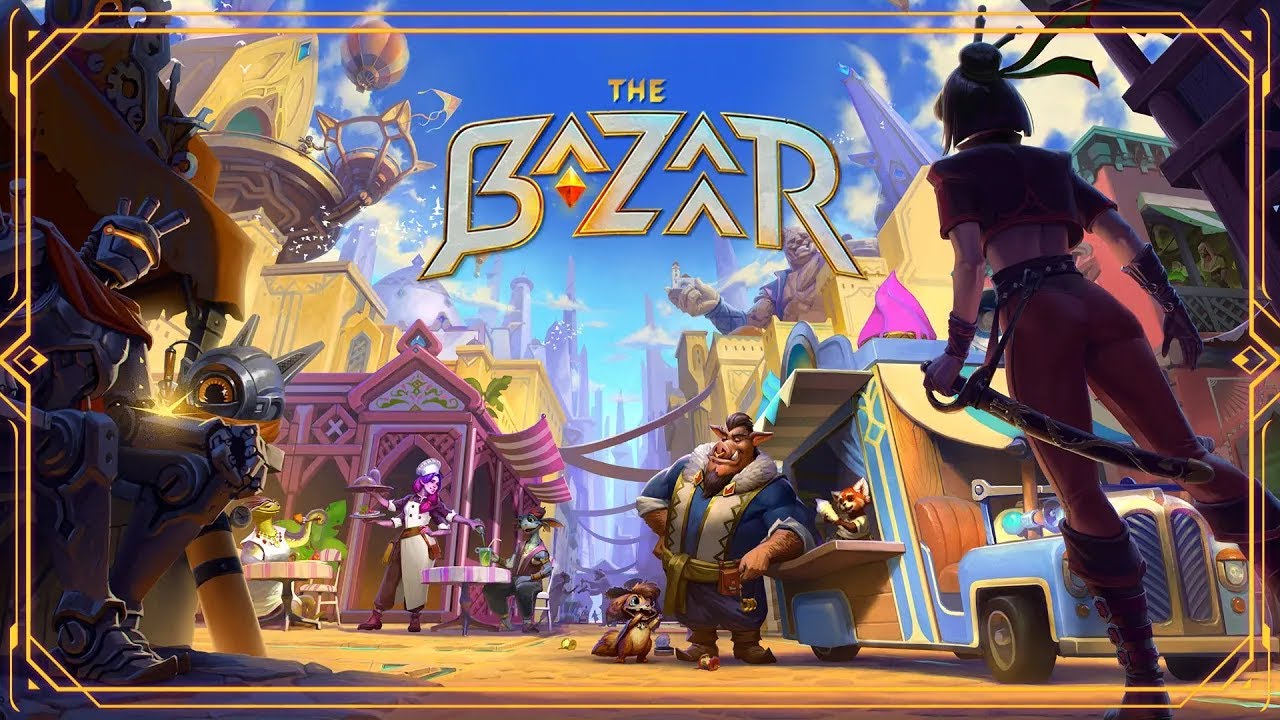
The pieces are deliberately odd. The Play listing names weapons, skills, tools, and potions, then adds dinosaurs to the list, which tells you how seriously the game takes its own setting. There are over 100 unique items to combine, and each hero approaches that catalog differently.
Two details matter before you spend an evening on it. First, the encounters are fully voiced, and there are hundreds of them, so the game wants you to read and listen rather than skip. Second, no two runs are the same by design. If you like solved games with a memorized opening, this one will fight you.
The Bazaar mobile build sits at 100K+ installs and a 3.8 rating on Google Play, with an update pushed on 14 November 2026. That's a young mobile audience, not a mature meta with years of solved builds behind it.
Step 1: Install The Bazaar and Read the Store Page First
The Bazaar download is free on APKPure, and the listing carries in-app purchases, so decide now how you feel about that before a run tempts you.
Open the store page and scroll to two sections. The first is Data safety, which is where the developer's privacy disclosures live. Read it before you grant anything, because a free multiplayer game usually wants more than a paid one. The second is the size and requirements block, since a board full of animated objects and voice lines is not a small install.
The app is rated Teen. That's a fair signal for the tone: cartoon violence, marketplace haggling, and creatures that get destroyed in ways that are funny rather than grim.
Check that your phone has room for updates as well. Live games patch, and the listing already shows a build from 14 November 2026. If storage is tight, clear space before the first launch instead of mid-run.

The Bazaar is a hero-building strategy game that focuses on item combinations, board planning, and asynchronous player battles.
Step 2: Pick a Hero and Learn What It Wants
The roster is expanding, and each hero has a distinct playstyle. That's the single most important sentence on the store page, because it tells you the game is not class-neutral. Two heroes can see the same shop and want completely different things from it.
Don't spread your attention. Pick one hero and play five runs with them, even the bad runs. You'll learn which items that hero converts into damage, which ones are traps, and which encounters punish a slow start.
A practical habit: after each run, name the item that did the most work. Not the rarest one, the one that actually carried. That name is your hero's real identity, and it's the thing to look for next time.
This is also where most new players quit too early. The first runs with an unfamiliar hero feel random because they are random. The pattern only shows up once you've seen the same shop pool a few times.
Step 3: Build a Board Around One Item
The Bazaar rewards a single dominant piece more than a tidy spread of average ones. The store page says it outright: you can build around one powerful item to crush opponents in a single blow, or orchestrate elaborate combos. Both work. Half-finished versions of both do not.
So choose a spine. One item becomes the reason the board exists, and everything else either feeds it, protects it, or buys it time. If a piece doesn't do one of those three jobs, it's occupying a slot you could use later.
Rebuilding is normal. When a better spine shows up, sell the old plan and commit to the new one. Players lose more runs to loyalty than to bad luck.
Board order matters too. Your objects fire in sequence, so a support piece placed after the thing it supports is doing nothing at all. Read the order, then rearrange.
Step 4: Read Encounters Before You Commit
Hundreds of voiced encounters are not decoration. They're the game's difficulty curve, and they're where the run tells you what it's about to do.
Treat each encounter as information. A merchant who talks about fragile goods is hinting at what comes next. A creature that brags about speed is warning you about the turn order. The writing is playful, but it's rarely random.
That reading habit pays off in a specific way. When you know what's coming, you can hold a purchase for one round instead of buying the best thing on offer, and one round of patience is often the difference between a build that works and a build that almost worked.
Skip the dialogue and you're playing a slot machine with extra steps.
Step 5: Stop Tuning and Let the Board Fight
There's a point in every run where more editing makes the build worse. New players miss it because the shop keeps offering something.
The test is simple. If your last three changes didn't increase the damage, healing or disruption your board produces, you're rearranging furniture. Stop. Let the encounters come to you.
Adaptation is the actual skill the game is testing. The store page frames mastery as learning to adapt on the fly, and that's the honest description of the loop. A build that wins one run can lose the next one against a different set of rivals, and the fix isn't a bigger version of the same board. It's a different answer to the same question.
Keep one slot flexible for most of a run. It costs you a little power now and saves entire runs later.
Step 6: Treat the Mobile Version as Its Own Game
The Android release is not a port you play the same way as the PC version. Sessions are shorter, your thumb covers part of the board, and the shop timer feels different when you're on a bus.
That changes good habits. On PC, you can hover over every item and read the numbers twice. On a phone, you should decide before the round starts what you're looking for, then buy fast and read afterwards.
The 100K+ install base also means the mobile meta is thin. There's no settled consensus on what's strong, and that's an advantage if you're willing to test ideas yourself instead of copying a build from a video.
One privacy note worth repeating: multiplayer games collect more than single-player ones, and the Data safety section is the only place where the developer states what's actually shared. Give it thirty seconds.
What The Bazaar Still Doesn't Say About iOS
The Bazaar iOS plans remain unannounced, with no official date for a release. Tempo Games Studio hasn't announced a timeline, and the coverage that followed the Android launch says the same thing.
If you're on an iPhone, the honest answer is that you can't play The Bazaar yet. Don't install a sideloaded build from a random mirror to get around that. Unverified packages from outside the official store are the most common way mobile players pick up malware, and a free-to-play game with in-app purchases is an obvious target.
Wait for the listing, or play on PC in the meantime.
The Bazaar is a hero-building strategy game that focuses on item combinations, board planning, and asynchronous player battles.
Conclusion: Start With One Hero and One Item
The Bazaar is at its best when you stop treating a run as a shopping trip and start treating it as a puzzle with a clock. Pick a hero, find the one item worth building around, and let the encounters tell you what's coming.
Download and install The Bazaar from APKPure, read the Data safety page while you're there, and give the first five runs to a single hero. You'll lose a few. You'll also learn the shape of the game faster than any tier list could teach you, and that knowledge carries into every run after it.
 NEWS
 REVIEWS
 HOWTO