It uses your gmail to send and receive messages. Forget using the touch keyboard to send messages, simply speak to your device.
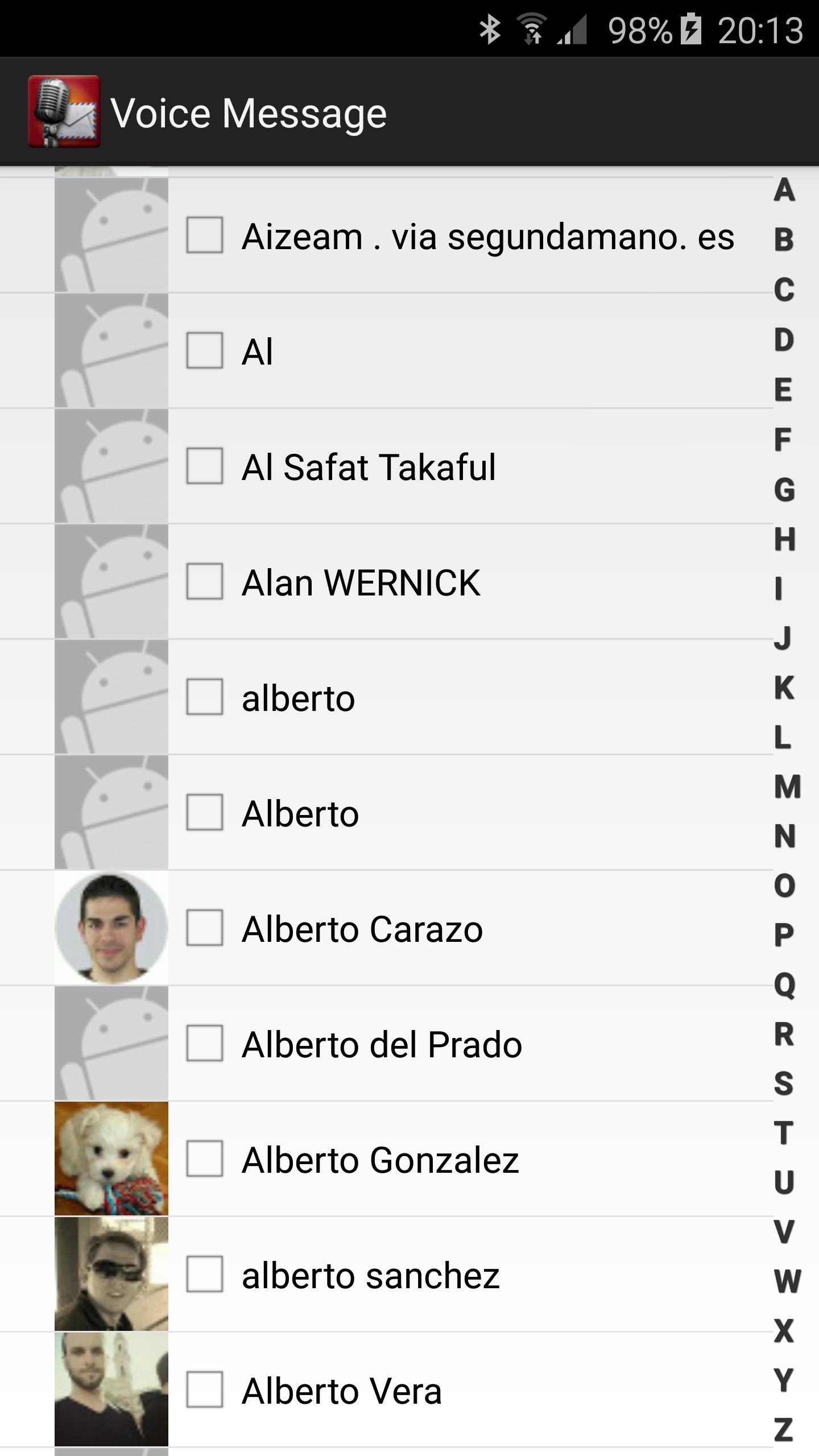
To send a message you must select any contact from the contact list. In order to a contact appear in this list it will have to have an email set.
You can select contacts individually from your Google Account.
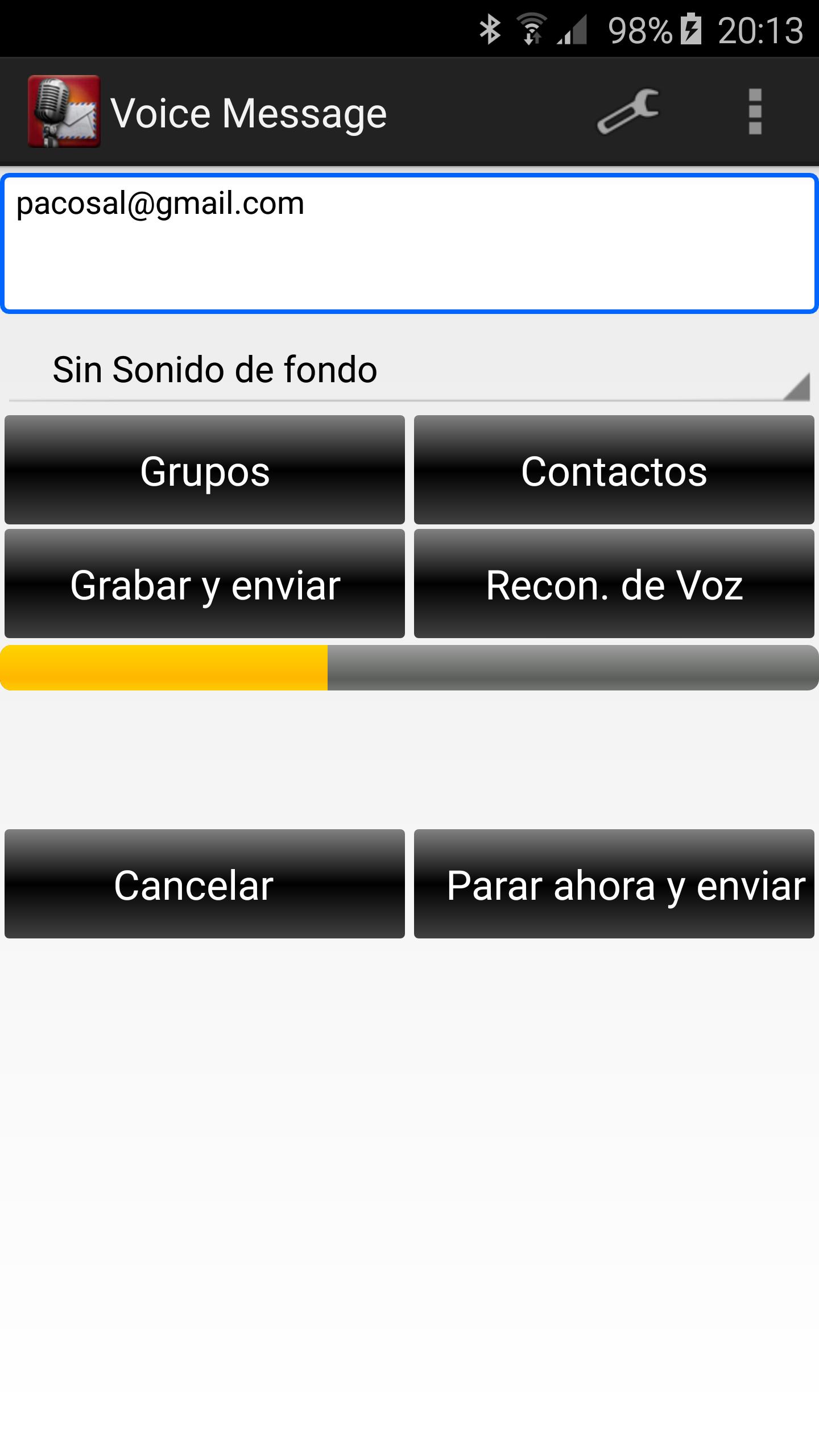
To send the message you can tap on Record and Send button to record your voice or on Voice Recognition button.
Enjoy!
Versi Terbaru
3.7.0Dimuat naik oleh
Jus Tine Ron I
Memerlukan Android
Android 4.0+
Category
PERCUMA Komunikasi APLIKASIPenilaian Kandungan
Everyone
Laporkan
Tandai sebagai tidak sesuaiLast updated on Nov 7, 2016
- Groups removed
- Small changes


APKPure - Sebuah gedung aplikasi berbilang platform yang tertumpu terutamanya pada Android, menyediakan kandungan berkaitan aplikasi yang meluas. Temui aplikasi yang anda mahukan dengan lebih mudah, pantas, dan selamat, dengan muat turun dan pemasangan yang cepat dan cekap.