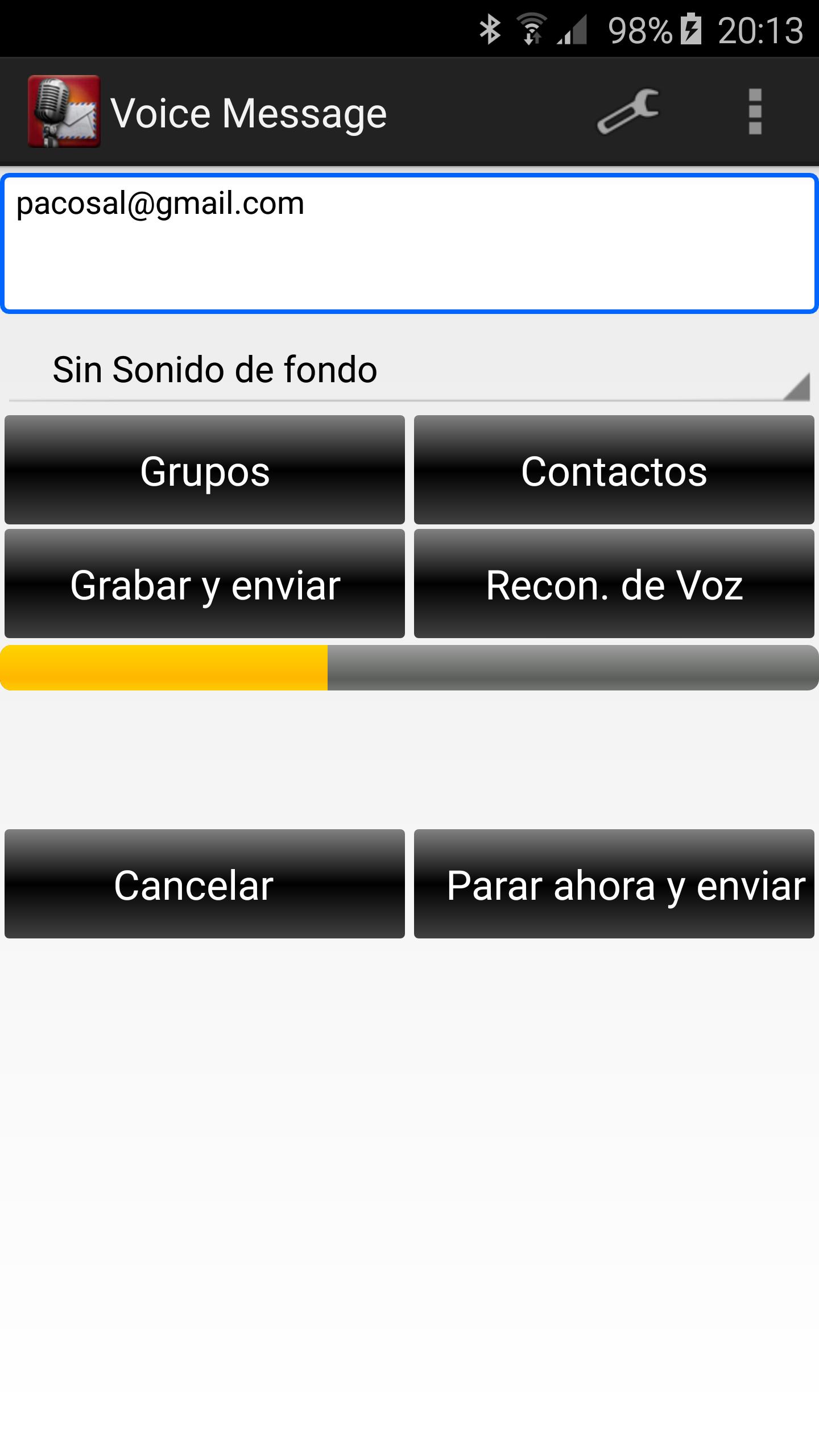
It uses your gmail to send and receive messages. Forget using the touch keyboard to send messages, simply speak to your device.
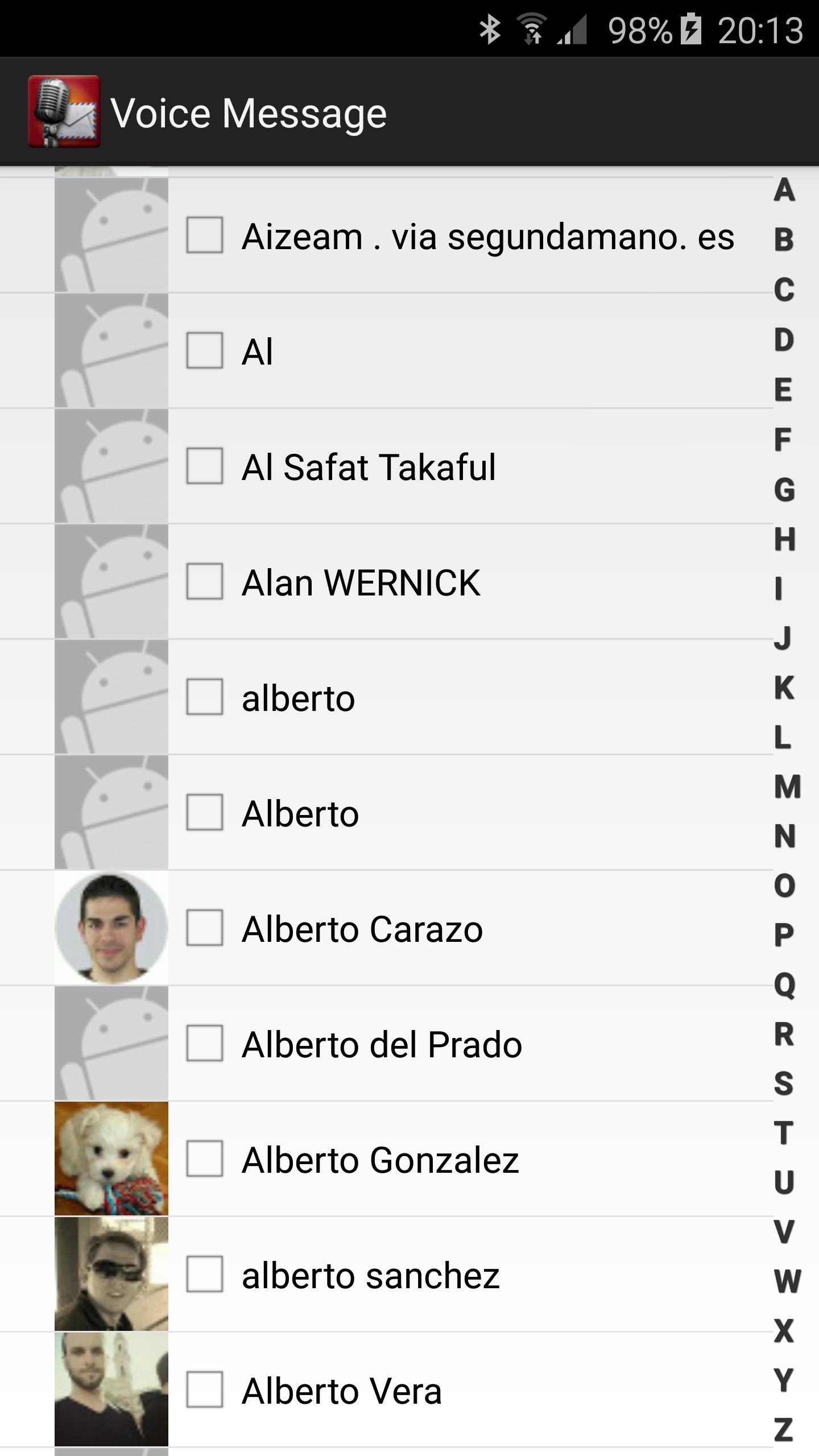
To send a message you must select any contact from the contact list. In order to a contact appear in this list it will have to have an email set.
You can select contacts individually from your Google Account.
To send the message you can tap on Record and Send button to record your voice or on Voice Recognition button.
Enjoy!
Ultima versione
3.7.0Caricata da
Jus Tine Ron I
È necessario Android
Android 4.0+
Categoria
Gratuita Comunicazione APPClassificazione dei contenuti
Everyone
Segnala
Segna come inappropriataLast updated on Nov 7, 2016
- Groups removed
- Small changes


APKPure - Un app store multi-piattaforma principalmente incentrato su Android, che fornisce un'ampia gamma di contenuti relativi alle app. Scopri l'app che desideri in modo più facile, veloce e sicuro, con download e installazioni rapidi ed efficienti.