Package Name:com.tlsvpn.tlstunnel
SHA-256:b5917e5e9b10ba4cc1b567830c4603dc23d650b5c67a2760385370b49f09bf97
Show More


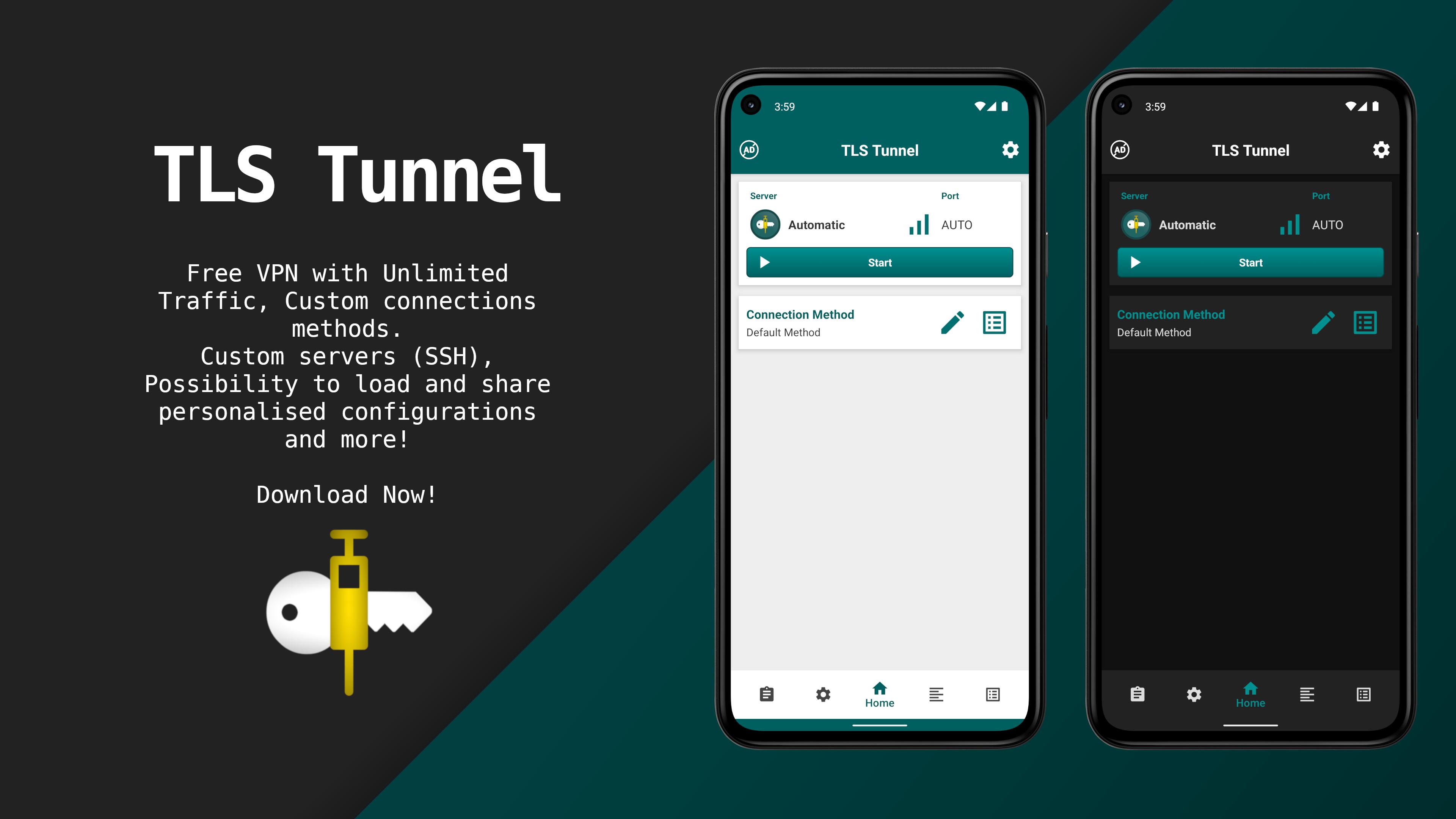
TLS Tunnel focuses on simple, private, and reliable connections so you can reach websites and apps that may be blocked on your network. It uses a proprietary TLSVPN protocol that looks like regular HTTPS traffic to reduce interference and inspection. You can connect to official servers for general access, or set up your own private SSH server when you need more control. No account is required and only an active internet connection is needed. Therefore you can get started quickly and keep your activity protected while you browse, message, or play online.
TLSVPN protocol with TLS 1.3
TLS Tunnel protects traffic using TLS 1.3 or TLS 1.2 with a verified self signed certificate. This design helps prevent interception and makes the connection look like standard HTTPS. As a result, deep inspection and throttling are more difficult for networks to apply.
No account required
TLS Tunnel connects without registration or payment. You only need a working internet connection. This simple start makes it easier to switch servers and reconnect whenever your network conditions change.
Official servers and IPv4 support
TLS Tunnel official servers support any IPv4 protocol so general apps and services work as expected. You can also enable optional communication with other users through generated internal IPs. By default this is off to protect privacy, and you can toggle it on when needed.
Private SSH servers with SNI and connection text
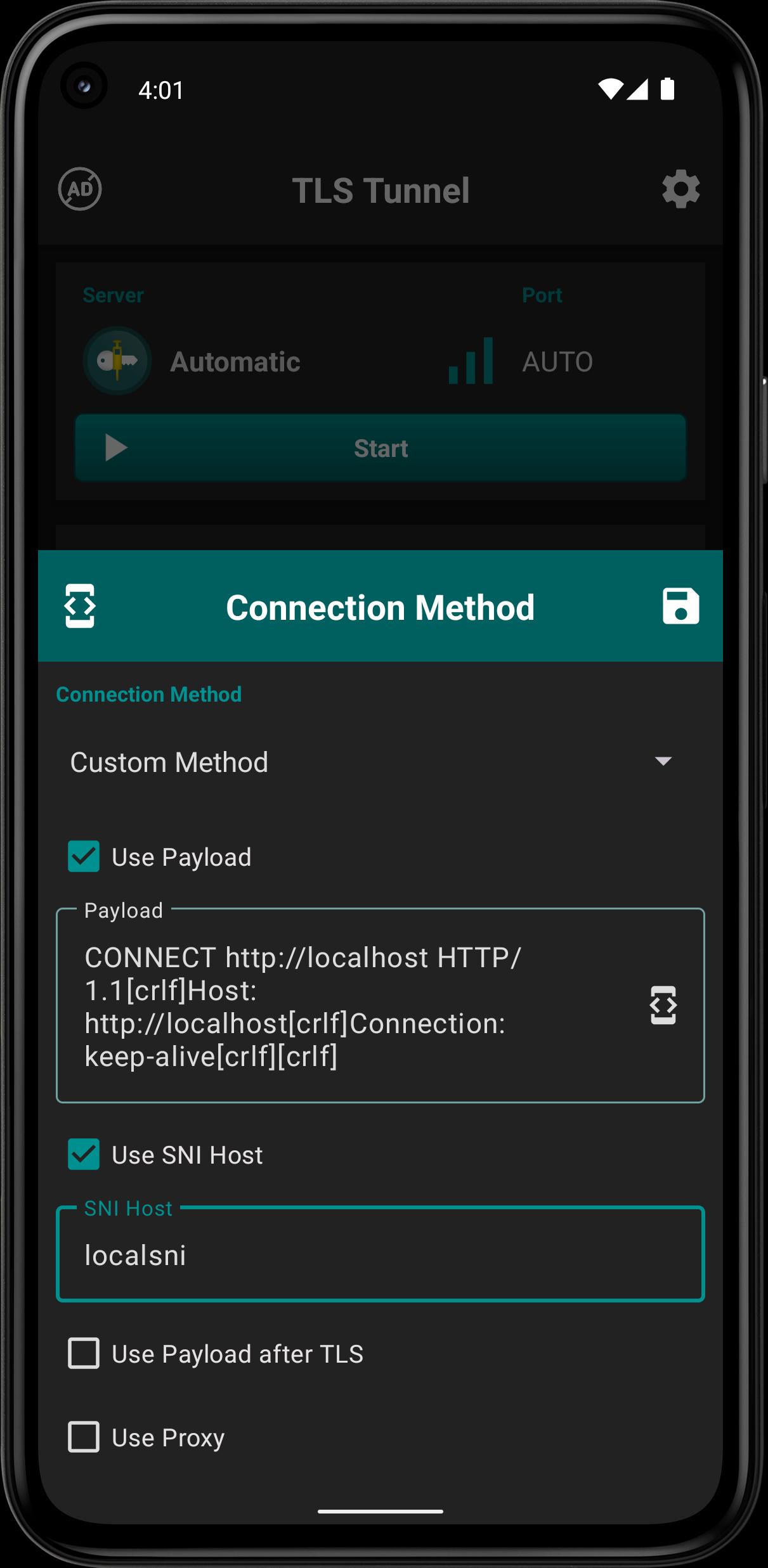
TLS Tunnel allows custom private servers over SSH on port 22. You can define a connection text and use SNI if your server supports it. This flexibility helps you match specific network rules or hosting setups.
UDP on private servers via gateway
TLS Tunnel passes UDP on private servers only when a UDP gateway is available, for example badvpn udpgw. Otherwise only TCP traffic will pass. This is important for some online games and services that depend on UDP.
Privacy and freedom focus
TLS Tunnel aims to cross provider or government barriers while keeping your activity private. Third party private servers are optional and are not operated by TLS Tunnel. Therefore you should choose trusted providers and manage your own keys and settings with care.
TLS Tunnel uses TLSVPN, which wraps traffic inside TLS similar to normal HTTPS. Traditional VPNs often use protocols that can be easier for networks to flag. By verifying a self signed certificate and allowing TLS 1.3 or TLS 1.2, TLS Tunnel makes traffic blend in with common web usage. This approach can reduce blocking and improve reliability on restrictive networks.
TLS Tunnel is built for Android. You can use it on a PC by running the app through an Android emulator. There is no official iPhone version at this time. For news or updates about platform support, check the official website linked below.
Communication between users on official servers is off by default. When enabled, the app assigns internal IPs so devices on the same server can exchange traffic. Use this only when you understand the risks and turn it off again after use. In addition, developer disclosures state the app does not collect data, but it may share personal information and device IDs with third parties. Data is encrypted in transit and data deletion is not available. For private servers, support and security depend on the third party that operates the server, not on TLS Tunnel.
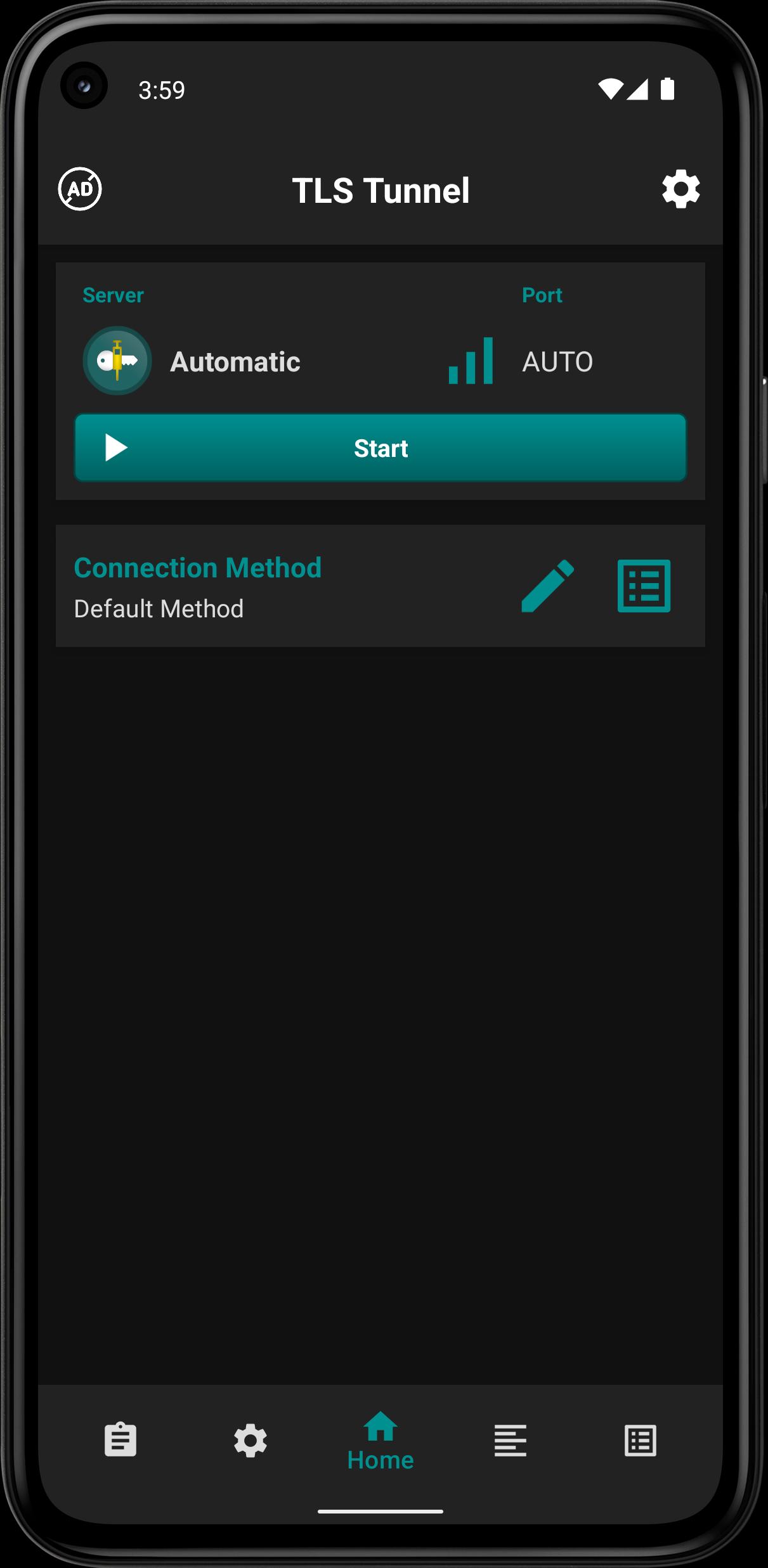
Follow these quick steps to set up a secure connection for browsing and apps. You can use official servers for general access or configure a private SSH server for more control.
TLS Tunnel focuses on secure TLS based tunneling, simple setup, and flexible server choices. Get the TLS Tunnel APK latest version on APKPure to browse and use apps with fewer network limits.
Official channels and support information:
How does TLS Tunnel work?
TLS Tunnel creates a secure tunnel using its TLSVPN protocol that wraps traffic inside TLS. The app verifies a self signed certificate and uses TLS 1.3 or TLS 1.2 to make the connection look like normal HTTPS, which helps it avoid blocking and interception.
Is using TLS Tunnel safe?
TLS Tunnel improves security by encrypting traffic and verifying a certificate, but overall safety depends on your settings and server choice. Official servers aim to protect privacy, while private SSH servers are run by third parties, so you should use trusted hosts and keep credentials secure.
Does TLS Tunnel give free internet data?
No. TLS Tunnel does not generate free data and it requires an active internet connection from your provider. The app helps you bypass restrictions and keep traffic private, but your data usage still comes from your plan or network.
How do I download or update TLS Tunnel APK?
Get the TLS Tunnel APK latest version on APKPure. To update, download TLS Tunnel from APKPure again and install the new build over your current version so your data remains intact.
Can I use TLS Tunnel on PC or iPhone?
TLS Tunnel is an Android app. On PC, you can run TLS Tunnel through an Android emulator to establish a tunnel for your desktop traffic. There is no official iPhone app, so consider Android as the supported platform for the TLS Tunnel APK.
Latest Version
7.2.2Uploaded by
الہﹻﹻﹻﹻﹻعہﹻﹻﹻﹻﹻقہﹻﹻﹻﹻرﹻﹻﹻﹻﹻﹻب الہﹻﹻﹻﹻﹻﹻﹻﹻﹻﹻسہﹻﹻﹻﹻﹻﹻﹻﹻﹻﹻوري
Requires Android
Android 7.0+
Category
Free Tools AppContent Rating
Everyone
Security Report
Check Now
Report
Flag as inappropriateLast updated on May 9, 2026
Routine update and minor improvements






APKPure - A multi-platform app store primarily focused on Android, providing extensive app-related content. Discover the app you want easier, faster, and safer, with quick and efficient downloads and installations.