Perform disk usage and statistics.
1.High capacity folder
A pie chart of the high capacity folder is displayed.
2.High capacity extension
A pie chart of the high capacity extension is displayed.
3.Extension of many files
A pie chart of the many file extensions is displayed.
4.Aggregate media files
A bar chart of the aggregated media file is displayed.
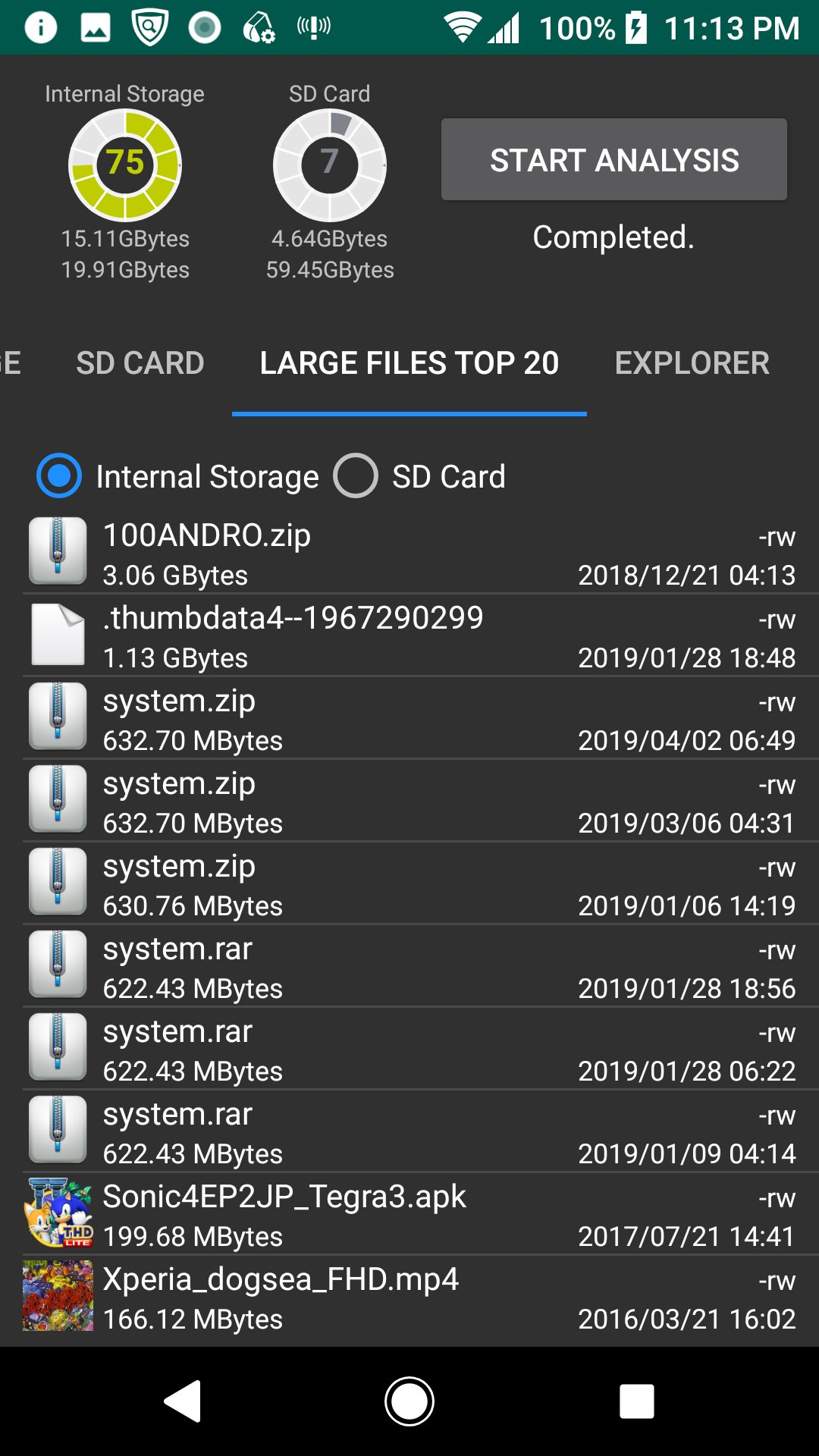
5.Large Files Top 20
The TOP 20 of the large file is displayed. You can also delete it.
6.Explorer
You can check the capacity with Explorer. You can also delete.
7.Cache delete
A list of applications with cache is displayed, and you can clear the cache.
*Since the difference after deletion processing is not reflected in the chart and disk usage gauge, please start analysis again.
เวอร์ชันล่าสุด
1.1.4อัปโหลดโดย
Daniel Hakim
ต้องใช้ Android
Android 5.0+
Category
ฟรี เครื่องมือ แอปการจัดประเภทเนื้อหา
Everyone
รายงาน
ปักธงว่าไม่เหมาะสมLast updated on Aug 19, 2020
เวอร์ชันนี้มีการแก้ไขข้อบกพร่องเล็กน้อยและการปรับปรุงทั่วไป อัปเดตเป็นเวอร์ชันล่าสุดเพื่อประสบการณ์ที่ดีที่สุด





APKPure - ร้านค้าแอปพลิเคชันแบบมัลติแพลตฟอร์มที่มุ่งเน้นระบบ Android เป็นหลัก พร้อมให้บริการเนื้อหาที่เกี่ยวกับแอปอย่างครบครัน ค้นพบแอปที่คุณต้องการได้ง่าย รวดเร็ว และปลอดภัยยิ่งขึ้น พร้อมการดาวน์โหลดและติดตั้งที่รวดเร็วและมีประสิทธิภาพ