Perform disk usage and statistics.
1.High capacity folder
A pie chart of the high capacity folder is displayed.
2.High capacity extension
A pie chart of the high capacity extension is displayed.
3.Extension of many files
A pie chart of the many file extensions is displayed.
4.Aggregate media files
A bar chart of the aggregated media file is displayed.
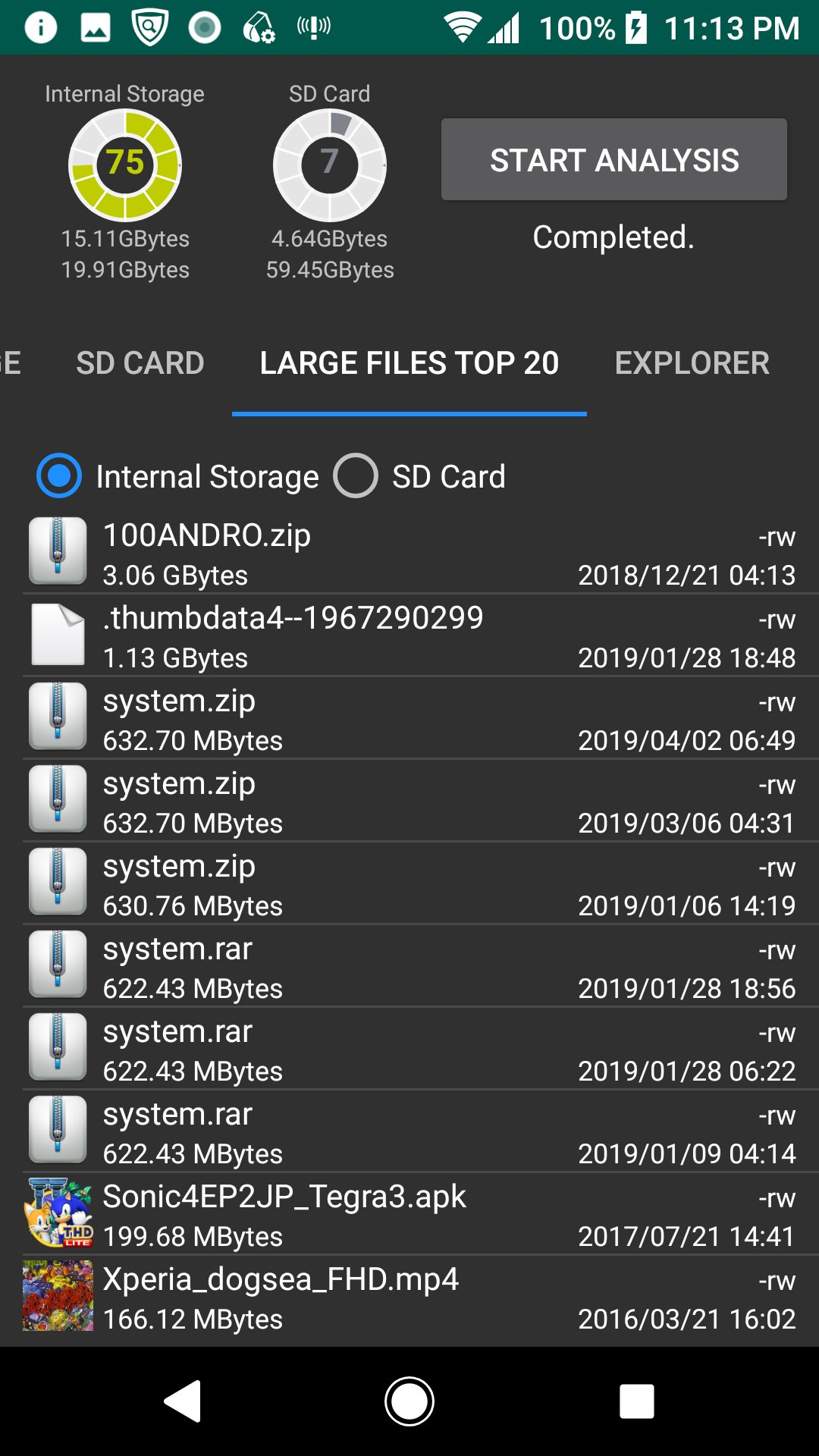
5.Large Files Top 20
The TOP 20 of the large file is displayed. You can also delete it.
6.Explorer
You can check the capacity with Explorer. You can also delete.
7.Cache delete
A list of applications with cache is displayed, and you can clear the cache.
*Since the difference after deletion processing is not reflected in the chart and disk usage gauge, please start analysis again.
সাম্প্রতিক সংস্করণ
1.1.4আপলোড
Daniel Hakim
Android প্রয়োজন
Android 5.0+
বিভাগ
বিনামূল্যে টুল অ্যাপসামগ্রীর রেটিং
Everyone
রিপোর্ট করুন
অনুপযুক্ত হিসাবে ফ্ল্যাগ করুনLast updated on Aug 19, 2020
এই সংস্করণে ছোটখাটো বাগ ফিক্স ও সাধারণ উন্নতি রয়েছে। সেরা অভিজ্ঞতার জন্য সর্বশেষ সংস্করণে আপডেট করুন।





APKPure - একটি মাল্টি-প্ল্যাটফর্ম অ্যাপ স্টোর যা মূলত অ্যান্ড্রয়েডের উপর ফোকাস করে, বিস্তৃত অ্যাপ-সংক্রান্ত কন্টেন্ট প্রদান করে। দ্রুত এবং দক্ষ ডাউনলোড ও ইনস্টলেশনের মাধ্যমে আপনার কাঙ্ক্ষিত অ্যাপটি আরও সহজে, দ্রুত এবং নিরাপদে আবিষ্কার করুন।