Perform disk usage and statistics.
1.High capacity folder
A pie chart of the high capacity folder is displayed.
2.High capacity extension
A pie chart of the high capacity extension is displayed.
3.Extension of many files
A pie chart of the many file extensions is displayed.
4.Aggregate media files
A bar chart of the aggregated media file is displayed.
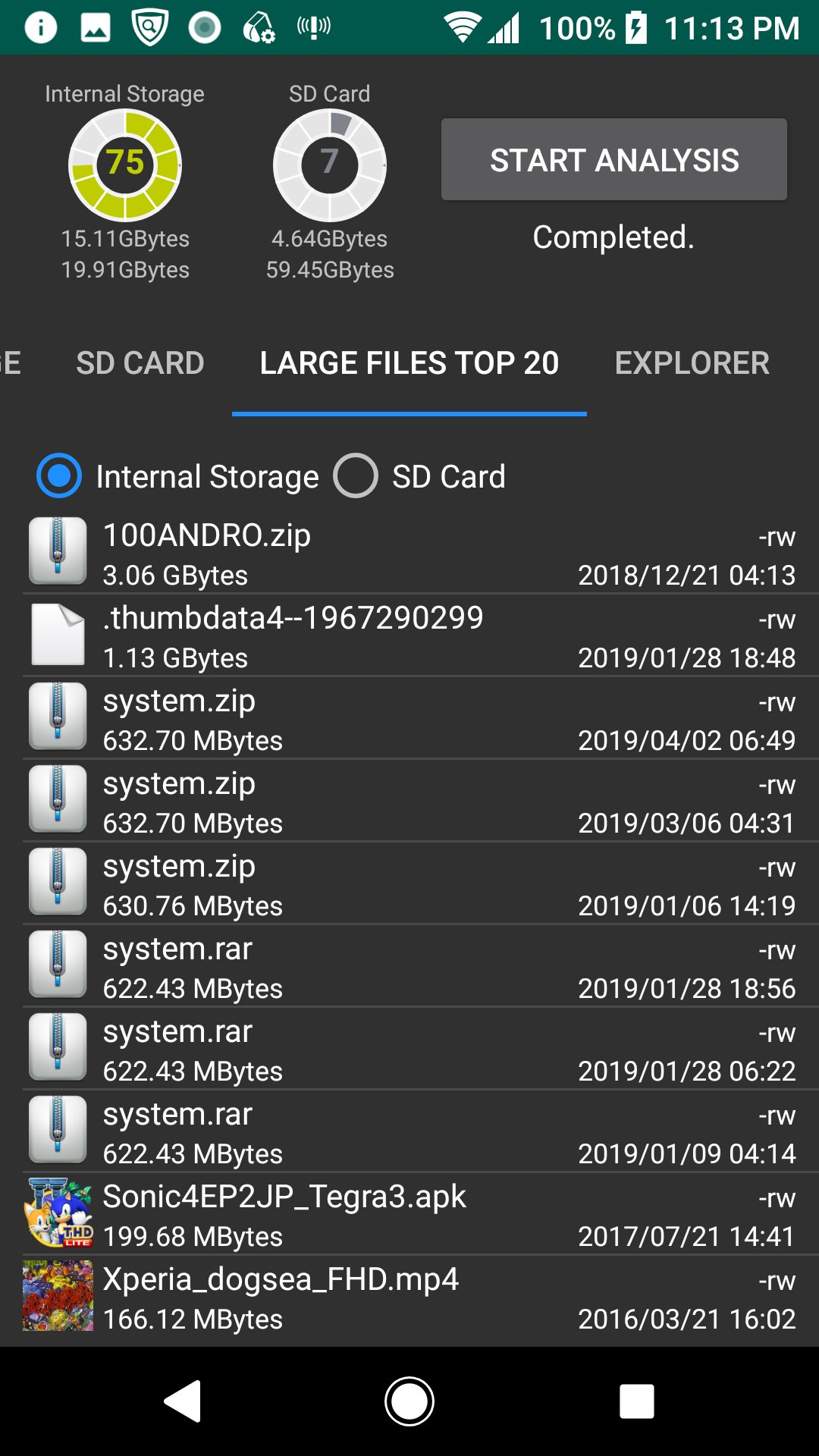
5.Large Files Top 20
The TOP 20 of the large file is displayed. You can also delete it.
6.Explorer
You can check the capacity with Explorer. You can also delete.
7.Cache delete
A list of applications with cache is displayed, and you can clear the cache.
*Since the difference after deletion processing is not reflected in the chart and disk usage gauge, please start analysis again.
Последняя версия
1.1.4Загрузил
Daniel Hakim
Требуемая версия Android
Android 5.0+
Категория
Бесплатно Инструменты ПриложениеВозрастные ограничения
Everyone
Жаловаться
Сообщить о неприемлемом содержанииLast updated on 19/08/2020
В этой версии исправлены мелкие ошибки и внесены общие улучшения. Обновите приложение до последней версии для максимального удобства.





APKPure - Мультиплатформенный магазин приложений, в основном ориентированный на Android, предоставляющий обширный контент, связанный с приложениями. Находите нужные приложения проще, быстрее и безопаснее, с быстрой и эффективной загрузкой и установкой.