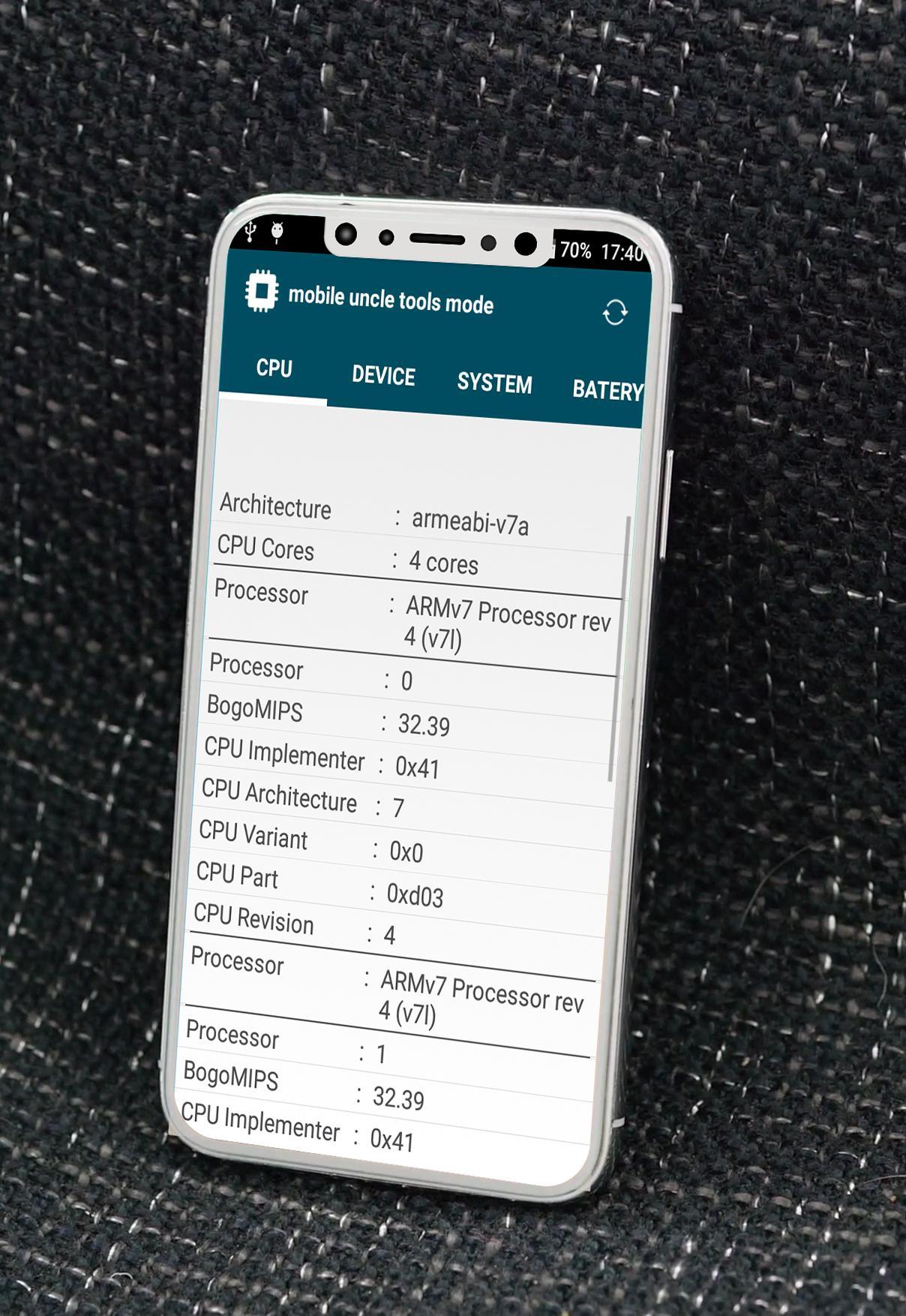
mobile uncle tools 2018 is a best application phone info,mobile uncle tools 2018 reports information about your device like processor, cores, speed, model, ram, camera, sensors etc.
highlight of mobile uncle tools 2018 :
▪ mobile uncle tools "MONITOR" Phone Info:
- CPU/Battery/Ambient temperatures
- CPU/Memory usages
- Battery voltage/level
- Signal strength
▪ mobile uncle tools "DEVICE ID" Phone Info :
- IMEI
- Android Serial Number
- Samsung Serial Number
▪ mobile uncle tools "HARDWARE INFO" Phone Info :
- Hardware / Board (CPU 32/64-bit)
- Platform / Chip
- GPU (Graphics Processing Unit)
- Modem Board
- Hardware Revision
- Total RAM
- Screen (physical size in inches, resolution in pixels, density in dpi and ppi)
- Sound Card
- Camera
- WiFi Chip
- Sensors
- Battery (technology, capacity in mAh, health)
▪ mobile uncle tools "OS INFO" Phone Info :
- Root Existence
- Android Version
- Build Number
- Build Fingerprint
- Build Description
- Build Date
- Changelist
mobile uncle tools 2018 is a Powerful App Phone Info for Mediatek Smartphones.mobile uncle tools is one of the most Important and useful feature Phone Info of Mobile uncle Tools.
FEATURES of mobile uncle tools 2018 :
• mobile uncle tools "Phone Info":
. Displays device info – Information of device and running status
. Apps Info – Apps Info with Installation date & vendor name.
•Battery Information: Well, this option cortex engineering mode application doesn’t allows you to tweak anything, but it shows the battery device id imei changer xposed info like mtk engineering mode 3g to 4g Temperature, Battery Voltage, Device uptime, Battery health etc.
•Usage statistics: It states the Apps usage statistics i.e App name engineering mode for htc, Last time used & Usage uptime mtk droid tools
•Wi-Fi Information
•Device- show model and name version Spec and ram .
•Battery - Monitor level, temperature and voltage of battery and • temperature, capacity.
•CPU Status - See the percent of time CPU run in frequency state since device switched on.
•System :device brand & model, screen resolution, RAM, storage
•Internet Speed Monitor - See current download & upload speed in notifications and combined speed in status bar.
•Data Usage Monitor - Monitor the data usage ( daily, monthly) over WiFi and mobile networks with beautiful graphs.
•Battery Monitor - Monitor level, temperature and voltage of battery with beautiful graphs.
•Widget : A semi transparent widget on home screen displays at-a-glance information of device's status
if you have any questions about "mobile uncle tools 2018" please contact us : karima.reskin@gmail.com
download mobile uncle tools 2018 is available now on google play store!
mobile uncle tools is free.
Latest Version
1.0Uploaded by
Louniss Maskouri
Requires Android
Android 4.0+
Category
Free Tools AppContent Rating
Everyone
Report
Flag as inappropriateLast updated on Oct 7, 2017
Minor bug fixes and improvements. Install or update to the newest version to check it out!




APKPure - A multi-platform app store primarily focused on Android, providing extensive app-related content. Discover the app you want easier, faster, and safer, with quick and efficient downloads and installations.








