

Phone INFO helps you understand your phone’s hardware, system profile, and unique identifiers in one place. It displays clear device facts for quick checks and deeper exploration. The Samsung focused edition, called Phone INFO ★SAM★, also offers brand specific tools to verify authenticity and read service menus when supported. Buyers can confirm manufacturing details before a purchase, while power users can review sensors and SoC data for diagnostics. Moreover, Samsung owners can explore firmware and CSC insights when running stock software. The app supports many languages and follows a privacy forward approach that prioritizes secure data handling.
Complete device specs
Phone INFO shows SoC name and architecture, per core clock speed, brand and model, screen resolution, RAM, and storage. It also displays battery level, status, temperature, and estimated capacity for quick health checks.
Detailed sensor insights
You can review every available sensor with its name, manufacturer, power usage, and live values. Therefore, it becomes easier to troubleshoot missing sensors or compare hardware between similar models.
Samsung tools for verification
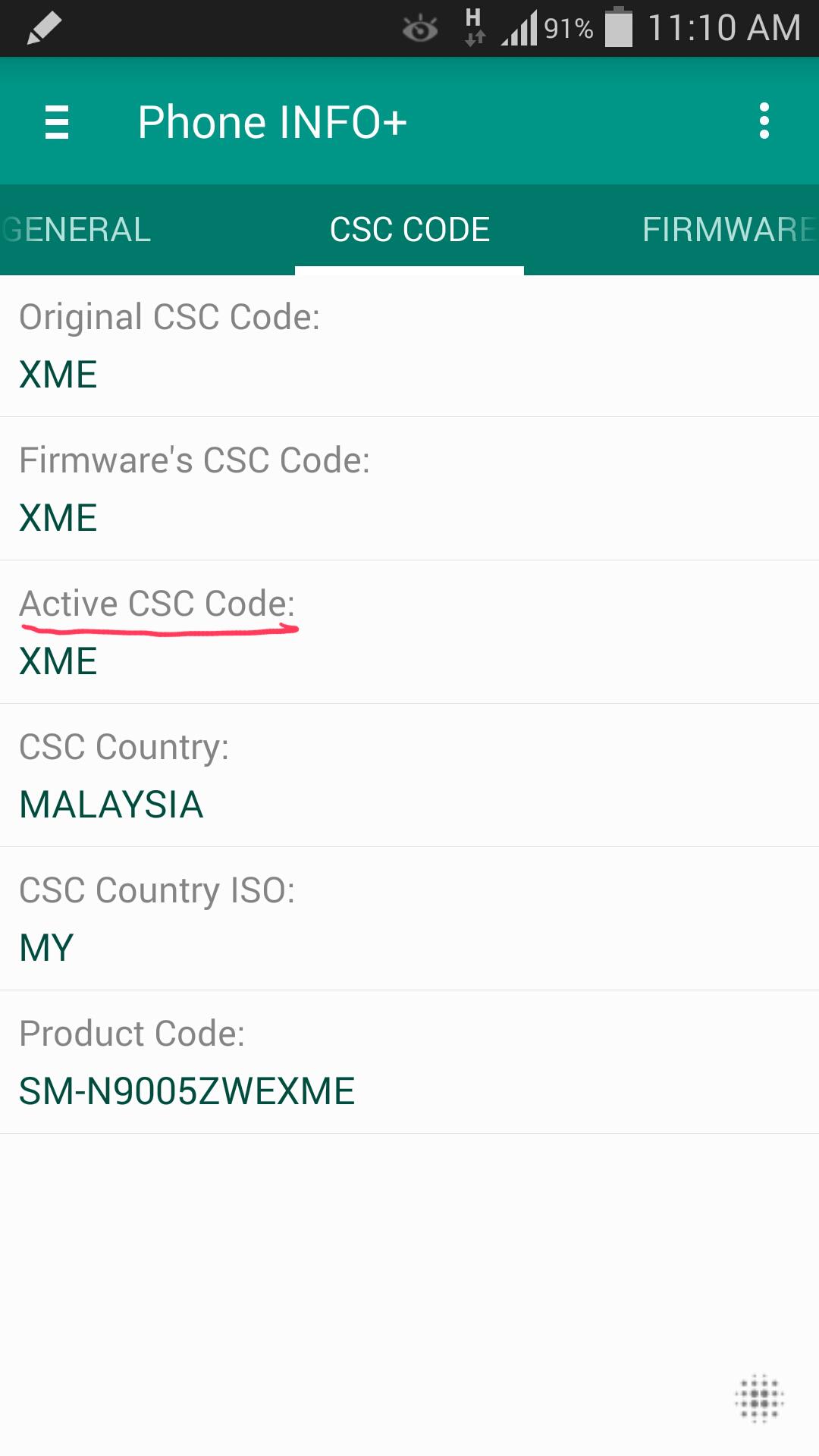
Phone INFO ★SAM★ provides secret code access, ServiceMode main menu entry, Knox Warranty Void status, refurbishment check, and CSC Code Lookup. Some actions may require root and work best on stock firmware.
Firmware utilities for Samsung
The app includes an online stock firmware browser and CSC changer or verifier for multi CSC stock builds. In addition, advanced operations may need root and could be limited on custom ROMs.
Authenticity and ID checks
You can use the S N Analyzer to read country of origin and manufacturing date. The IMEI Analyzer also validates the Luhn check digit so that potential tampering becomes easier to spot.
Privacy and languages
Phone INFO supports Arabic, Deutsch, English, Español, Français, Italiano, 日本語, Português, Русский, Türkçe, Tiếng Việt, 中文 and more. According to the uax io listing, no data is shared with third parties, device IDs may be collected, and data is encrypted in transit.
Choosing the right Phone INFO
This page covers Phone INFO and the Samsung focused Phone INFO ★SAM★. The general version suits any Android device for specs and sensor details. The Samsung edition adds brand specific tools for firmware, CSC, and service menus.
Samsung features and root requirements
Some functions such as secret code launch methods, ServiceMode, and CSC operations may require root. They also work best on stock firmware from the device maker. Custom ROMs or carrier modified builds can limit or block these options.
About secret codes and availability
Codes such as star hash star hash 4636 hash star hash star exist on many devices. However, not all codes are supported on every model due to vendor restrictions. Phone INFO lists and can attempt supported actions, although results vary by device and software.
Use the app to review your phone’s hardware and confirm details before buying or selling a device. The process is simple and works well even if you are new to system tools.
Phone INFO presents clear hardware facts, verification tools, and helpful Samsung utilities in one app. Get the latest Phone INFO APK on APKPure and start verifying your device with confidence.
How do I view my phone info with Phone INFO?
Open the app and check the Overview, which lists model, SoC, screen resolution, RAM, storage, and system details. Phone INFO also shows battery metrics and sensors for a fuller picture.
How can I check IMEI and serial number details in Phone INFO?
Use the IMEI Analyzer to confirm the Luhn check digit and detect formatting issues. Then open the S N Analyzer to see the manufacturing date and country of origin for the device.
Does Phone INFO support Samsung secret codes?
Phone INFO ★SAM★ lists and can launch supported codes on compatible devices, although availability depends on model and software. Some code actions and ServiceMode entries may require root and stock firmware.
Is Phone INFO safe for privacy?
Based on the uax io version, Phone INFO does not share data with third parties, device IDs may be collected, and data is encrypted in transit. These practices help protect your information during use.
Where can I download Phone INFO APK latest version?
The Phone INFO APK is available for secure download on APKPure. Visit this page to download Phone INFO and install the Phone INFO APK latest version when updates arrive.
Latest Version
3.8.5Uploaded by
Rhobyn Melendez
Requires Android
Android 2.3.2+
Category
Free Tools AppContent Rating
Everyone
Report
Flag as inappropriateLast updated on Dec 21, 2020
v3.8.5: Removed unneeded READ_PHONE_STATE permission on Android 10+.
v3.7.6: Added Firmware Status info (in the FIRMWARE tab).
v3.7.4: Added more info in the HARDWARE tab.
v3.6.6:
- Implemented run-time permissions.
- Removed unneeded LOCATION permission.
v3.6.3: Added 'Firmware Update History' (tap the 'Latest Firmware' item).
v3.6.2: Added 'Battery Discharge Cycles', 'Battery Health'.
v3.6.1: Added commercial model name, support for dual SIM.
v3.5.8: Added 'WiFi Chip' info.




APKPure - A multi-platform app store primarily focused on Android, providing extensive app-related content. Discover the app you want easier, faster, and safer, with quick and efficient downloads and installations.






![Device Id Changer [ROOT] APK](https://image.winudf.com/v2/image/Y29tLm1ha2VpbmZvLmFuZHJvaWRpZGNoYW5nZXJfaWNvbl8wX2Y0YjRjZmY3/icon.png?w=102&fakeurl=1)