Scan Date:Mar 1, 2026
Show More


Device Info HW suits users who need clear facts about a phone’s components when verifying specs or troubleshooting. It organizes details into simple tabs, so you can find key data without digging through menus. Whether comparing models before a purchase or preparing a device for resale, the app keeps everything straightforward and consistent. It also supports deeper checks for advanced users when needed, which helps assess the Device Info HW APK for everyday use.
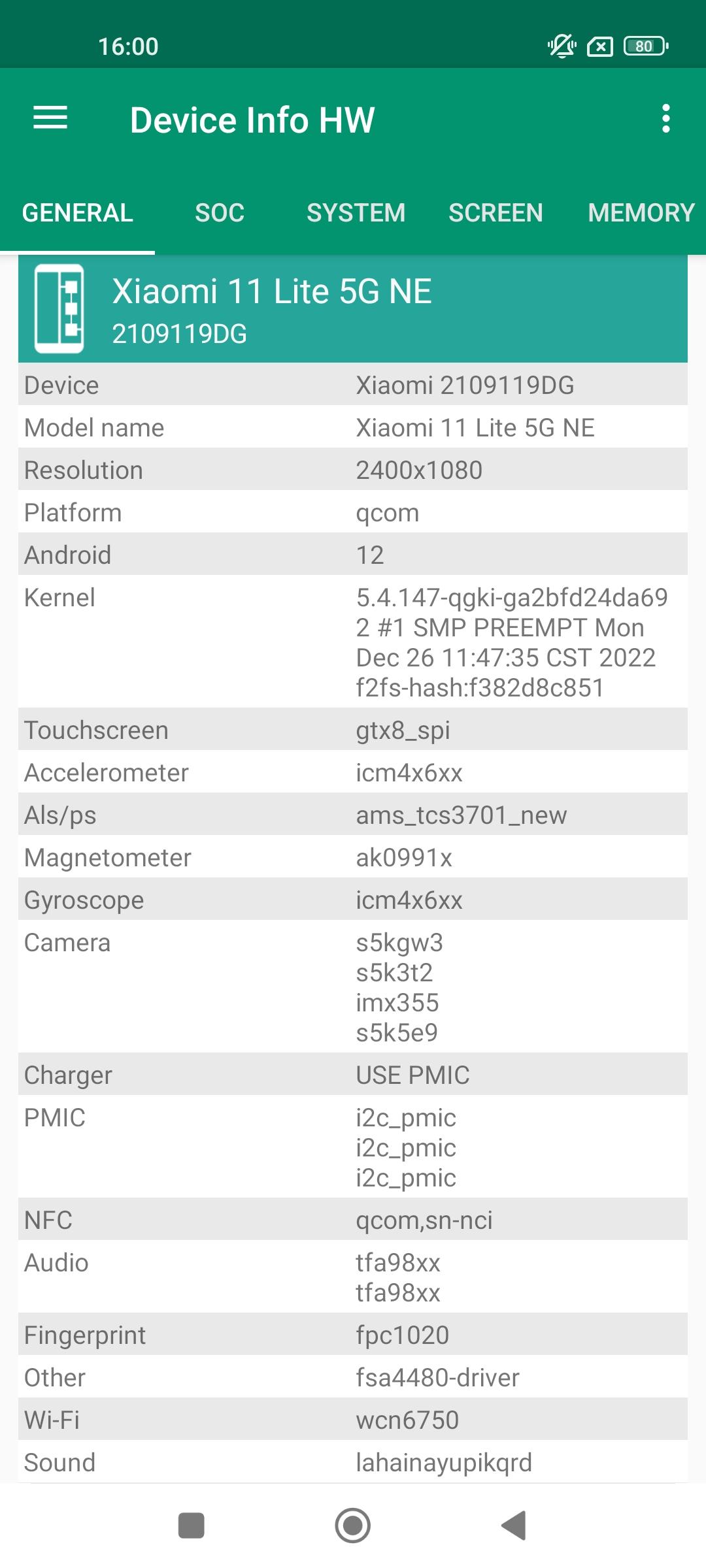
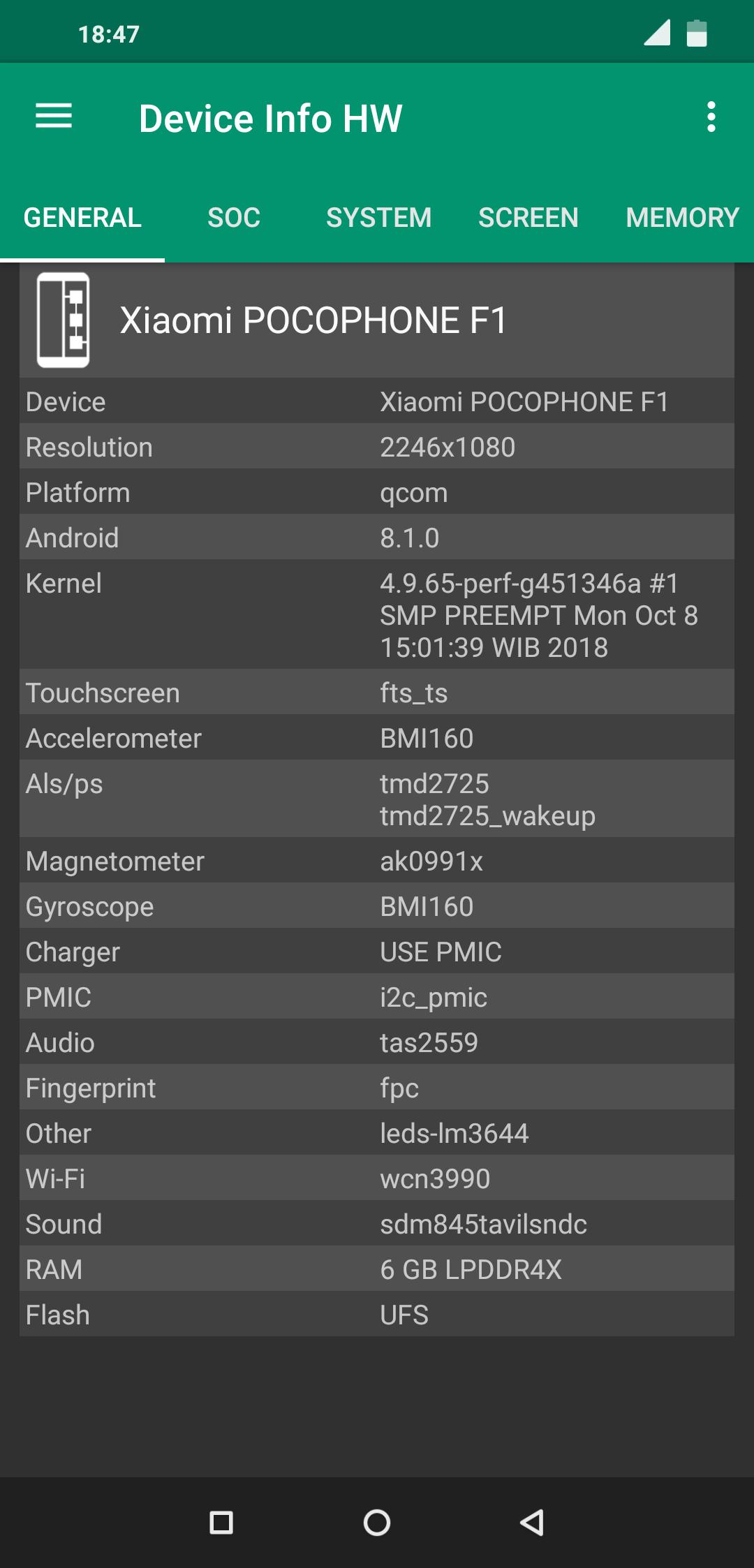
Device Info HW scans and identifies core parts of your phone, then presents them in one place for quick review. It covers display and touchscreen, cameras, CPU and GPU, memory LPDDR, storage types such as eMMC or UFS, battery, thermal sensors, Wi‑Fi and Bluetooth, USB OTG, PMIC, partitions, drivers, input devices, codecs, and DRM. This broad view helps you confirm what is inside your device before moving on to deeper checks.
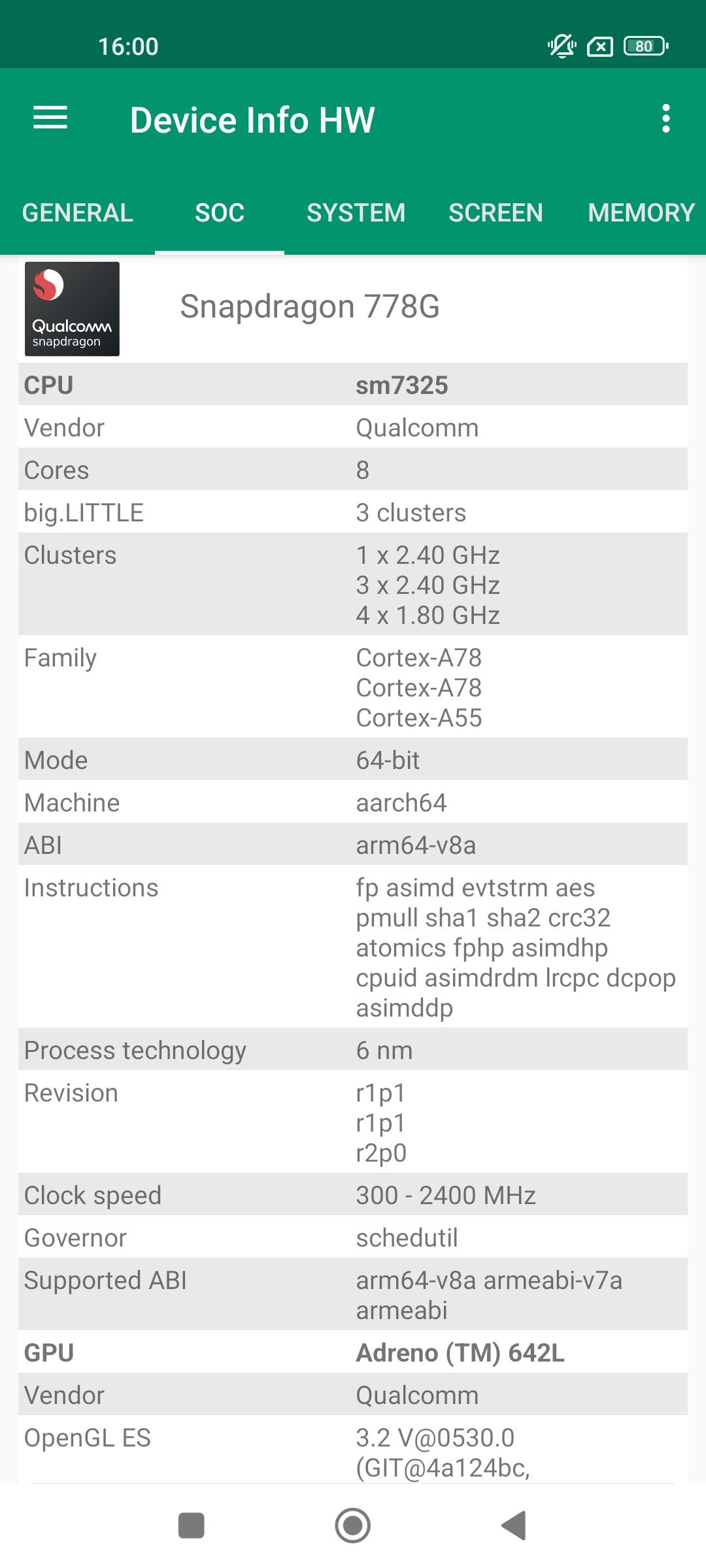
SoC and graphics insights with live monitoringIn the SoC tab, you can see CPU model, core count, cluster layout, governor, and live frequency. GPU details include model, vendor, OpenGL information, and extensions that are useful for compatibility checks. For more analysis, the PRO option adds a CPU frequency chart that shows activity over time, which helps track behavior under load.
Battery diagnostics and profilesThe battery section shows charge and discharge speeds and references manufacturer and kernel power profiles where available. You can review how the device gains or loses power during normal use, then adjust habits or accessories based on the data. In PRO, an enhanced battery tab adds charge and discharge charts to visualize trends more clearly.
Built-in tests and app discoveryDevice Info HW includes quick tests for LCD color accuracy, multi‑touch, and sensors, which you can run when confirming parts or identifying faults. An app info view lists installed apps, including system apps, for fast discovery and details. This helps you cross‑check software alongside hardware, especially when diagnosing performance or compatibility questions.
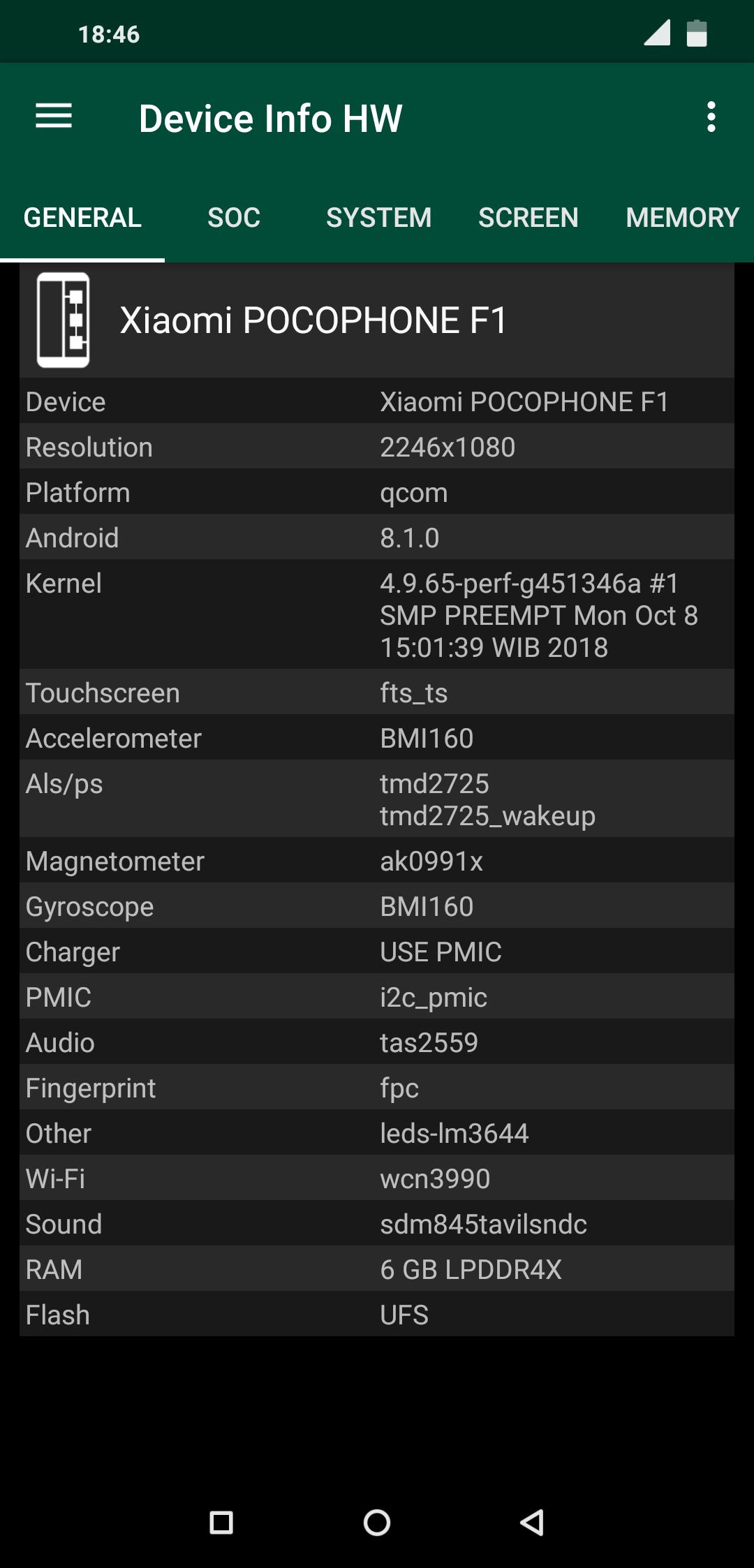
Navigation, themes, root extras, and device databaseTabbed navigation is designed for speed, so you can jump between sections without delay. Theme options include Light and Dark, with Black and Auto available in PRO, plus a Black trial in the free build. With root access, the app can read additional data where possible, and a web device database supports model comparisons and uploads. When you install the Device Info HW latest version, these tools work together to keep hardware reviews consistent.
The free build covers hardware detection, tests, and core tabs. PRO adds report generation to HTML or PDF with customizable sections, including basic info, codecs, and OpenGL ES extensions. It also enables the CPU frequency chart, enhanced battery charts, full theme options, and early access to new versions. Users can copy data quickly via long‑press in both builds, which helps when sharing notes or comparing phones.
Device Info HW works without root, and most tabs display standard details on non‑rooted devices. With root enabled, the app may read extra fields such as deeper driver information or extended partition details, depending on device support. This distinction helps users understand why some values appear on one phone but not another. It keeps expectations realistic when switching between devices with different firmware or permissions.
Permissions are kept minimal. Internet access is used only for manual uploads to the device database, which you can choose when sharing a profile. Camera permission supports legacy API info retrieval on select devices, and it is requested only when needed. The online database helps compare models, view shared profiles, and track differences between hardware revisions over time.
Start with a quick tour of the tabs, then run focused tests to confirm components. If you plan to check reports or share data, consider whether the Device Info HW latest version aligns with your needs.
Device Info HW brings your device’s hardware and software details together in a clear layout. For users who want fast checks and optional reports, it offers a practical way to validate specs and run tests. When ready, you can download Device Info HW and begin your review.
For official resources and documentation, use the link below.
Latest Version
5.26.1Uploaded by
Andrey Efremov
Requires Android
Android 4.1+
Category
Free Tools AppContent Rating
Everyone
Security Report
Report
Flag as inappropriateLast updated on Mar 1, 2026
Minor bug fixes and improvements. Install or update to the newest version to check it out!




APKPure - A multi-platform app store primarily focused on Android, providing extensive app-related content. Discover the app you want easier, faster, and safer, with quick and efficient downloads and installations.