
LuluBox - Allow you to unlock all skin of FreeFire helps users who want organized game access and plugin-driven cosmetic changes without complex setup. It centralizes installed games, improves loading behavior, and creates a more controlled play environment. In addition, it lets you add community plugins to extend features across popular mobile titles. For users looking to try skins and resource tweaks, LuluBox - Allow you to unlock all skin of FreeFire APK offers a simple way to launch games with extra options.
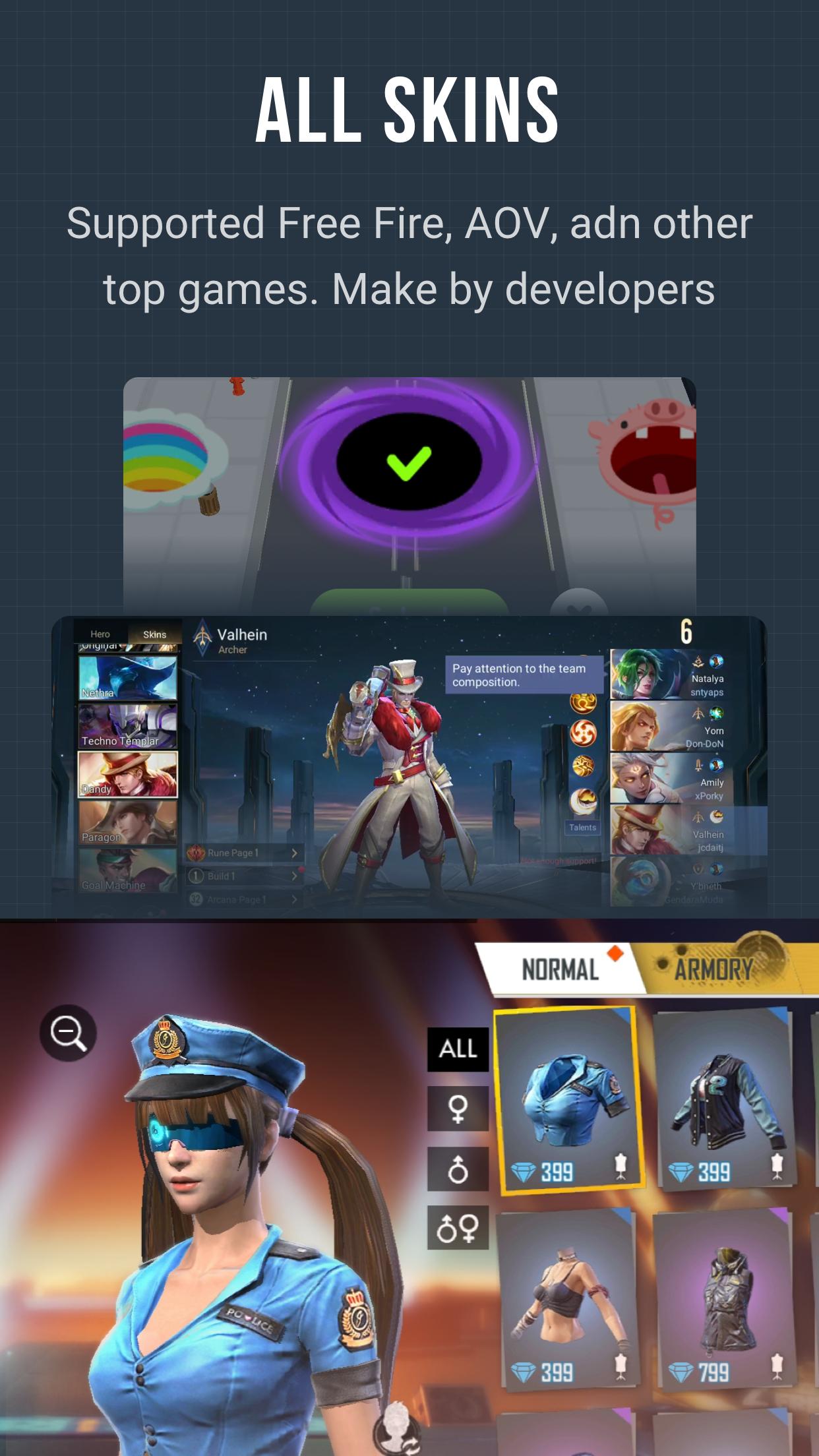
LuluBox - Allow you to unlock all skin of FreeFire focuses on cosmetic unlocks for Free Fire so you can apply skins during play. It also supports popular games like PUBG Mobile, Mobile Legends, Roblox, and Subway Surfers. You select the supported title and enable available plugins to surface skins or items where the plugin allows.
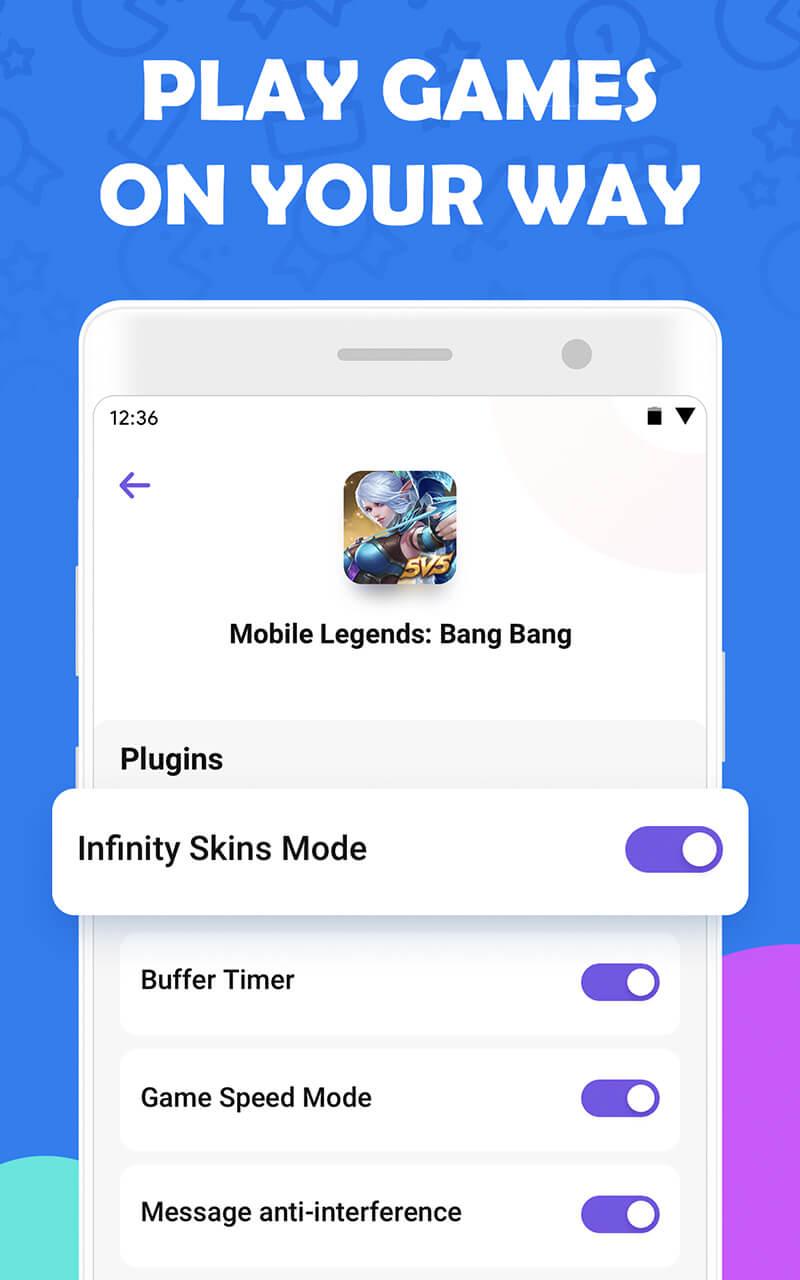
Floating mod menu inside supported gamesYou get a floating menu that overlays the game screen to toggle skins or resources. This menu appears after you launch the game through LuluBox - Allow you to unlock all skin of FreeFire. With a simple tap, the menu lets you switch features on or off without leaving the match.
No root required or mod packagesLuluBox - Allow you to unlock all skin of FreeFire does not require root access. You install the APK and launch supported games from the app. There are no separate modded packages to flash, and no advanced hack skills are needed to use the available plugins.
Community plugins and script supportLuluBox - Allow you to unlock all skin of FreeFire enables users to upload and use their own plugins and scripts. All plugins are user uploaded, and the app itself does not publish plugins; availability and behavior depend on the community. You can add, update, or remove plugins as needed, and features may vary by game version and plugin status.
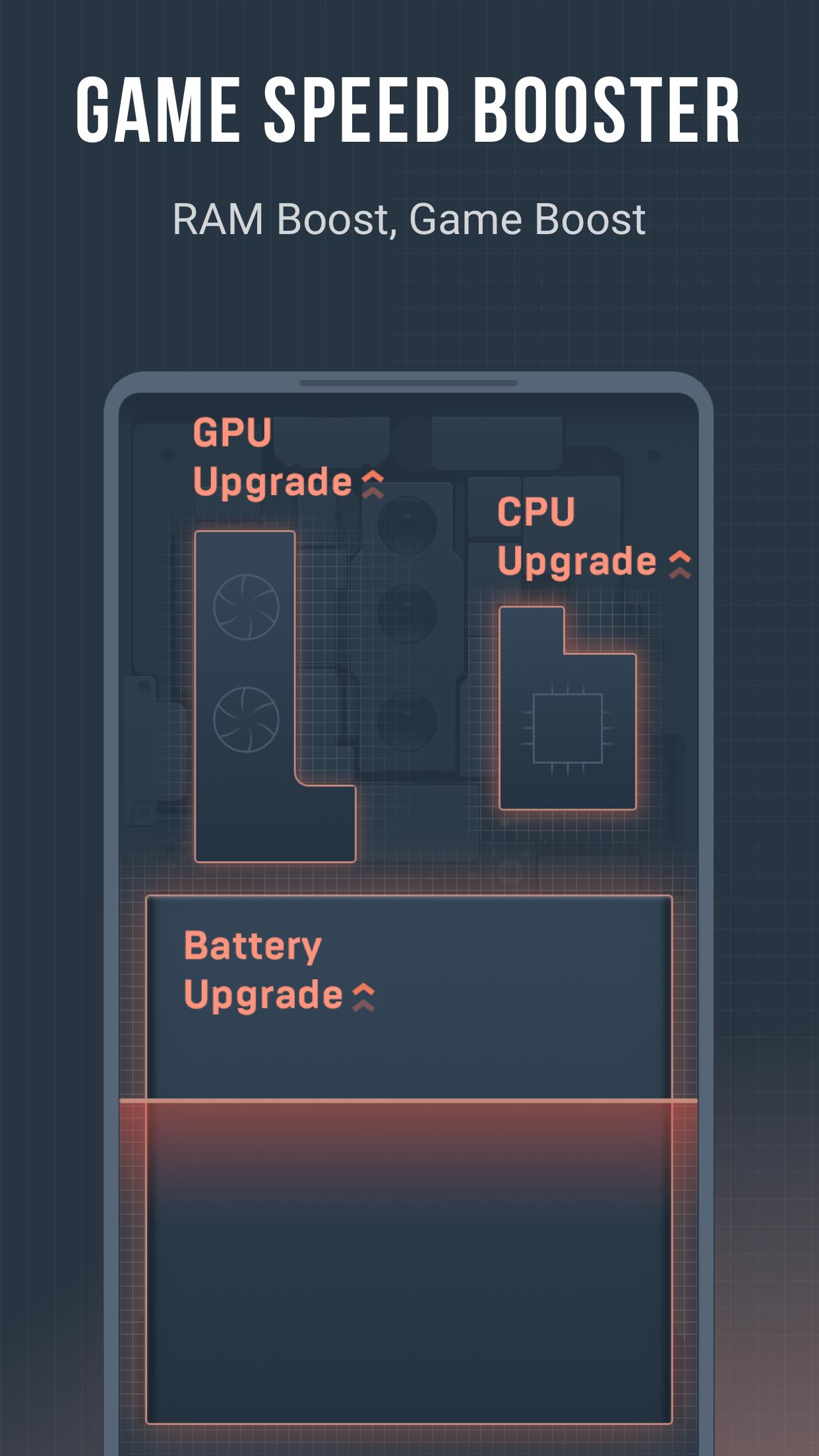
Modded games library and performance boosterThe app includes a large library of modded titles with coins, gems, health, and similar resources unlocked. LuluBox - Allow you to unlock all skin of FreeFire also functions as a game booster to streamline loading and support smoother sessions. It aims to provide a more private environment by isolating play from unnecessary interruptions while gaming.
Plugin features depend on what the community shares and maintains. After a game update, a plugin may stop working until someone updates it. Users should review plugin details before enabling them and check dates or notes for compatibility. Availability often differs between regions and game versions, so results can vary.
LuluBox - Allow you to unlock all skin of FreeFire may request overlay, storage, and usage access permissions. Overlay is needed for the floating menu, while storage access helps the app load plugins or resources. Usage access supports performance boosting and game launching from within the app. You can control permissions from your device settings at any time.
LuluBox - Allow you to unlock all skin of FreeFire is designed for Android phones. Device performance, network stability, and game updates can affect plugin behavior and the floating menu. Some users run Android apps on PC through emulators, but plugin support and stability may differ in those environments. Compared with patch-based tools, LuluBox runs as an overlay rather than modifying the original game package.
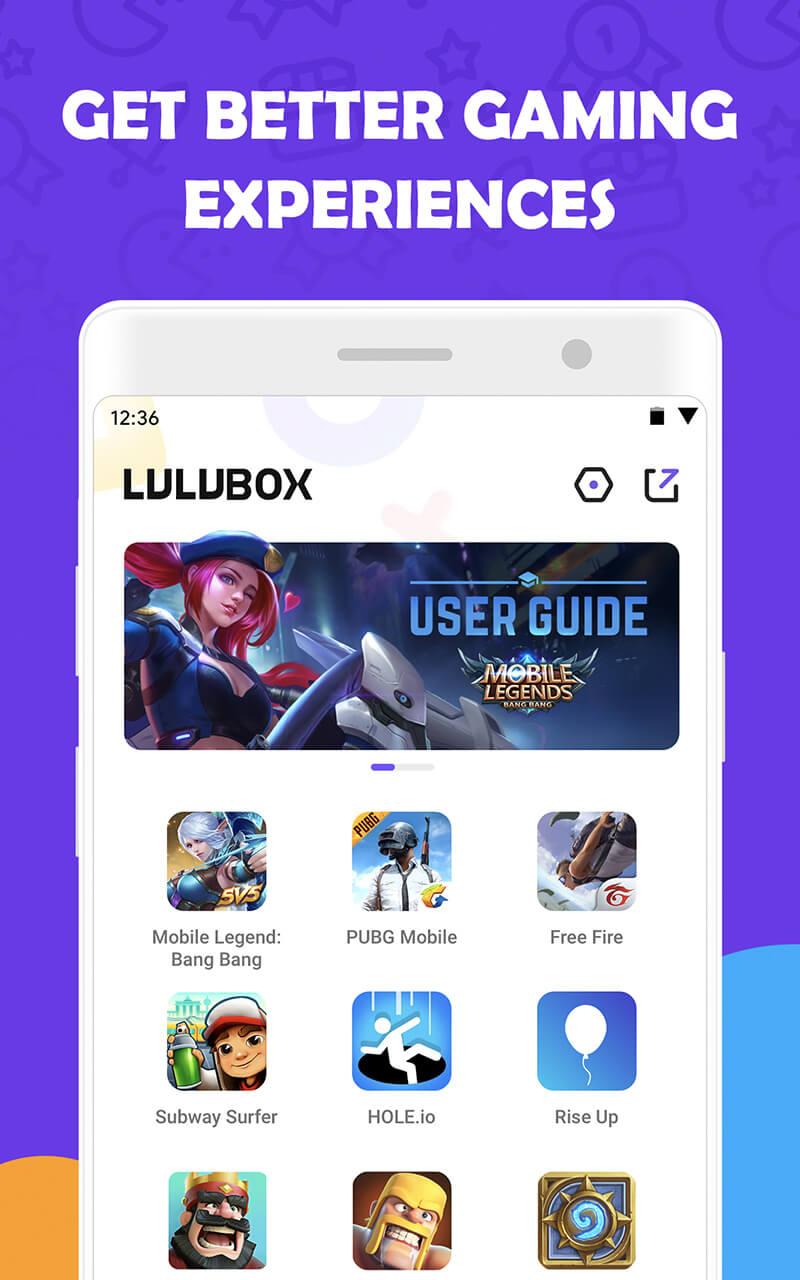
To begin, download LuluBox - Allow you to unlock all skin of FreeFire and open it on your phone. The home screen lists installed games and supported titles. From there, you can enable plugins and manage the floating menu before launching a game.
LuluBox - Allow you to unlock all skin of FreeFire centralizes game launching, provides a floating menu, and supports community plugins for cosmetic and resource tweaks. Before using, confirm plugin availability for your game and version. For the latest options, try LuluBox - Allow you to unlock all skin of FreeFire latest version and review plugin notes inside the app.
Latest Version
6.2.2Uploaded by
lulubox
Requires Android
Android 4.4+
Available on
google playCategory
Free Tools AppContent Rating
Everyone
Report
Flag as inappropriateLast updated on Sep 1, 2021
The old plug-ins are about to expire. We have upgraded some plug-ins to continuously improve the game experience.



APKPure - A multi-platform app store primarily focused on Android, providing extensive app-related content. Discover the app you want easier, faster, and safer, with quick and efficient downloads and installations.