
Lock screen in anywhere!
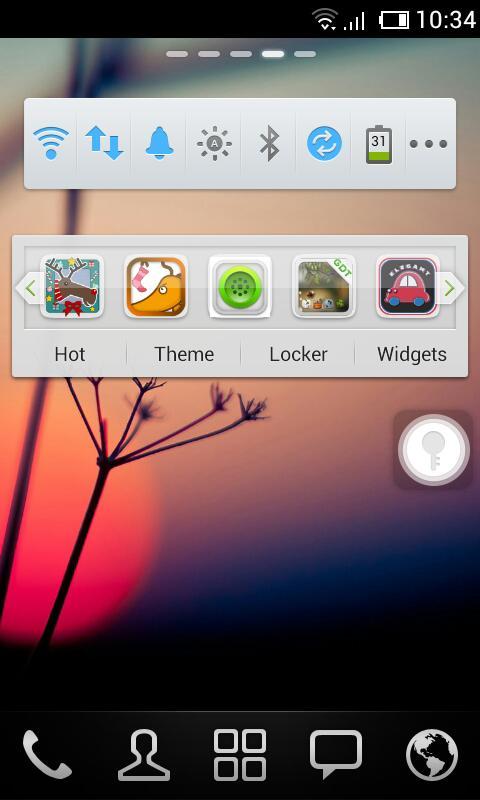
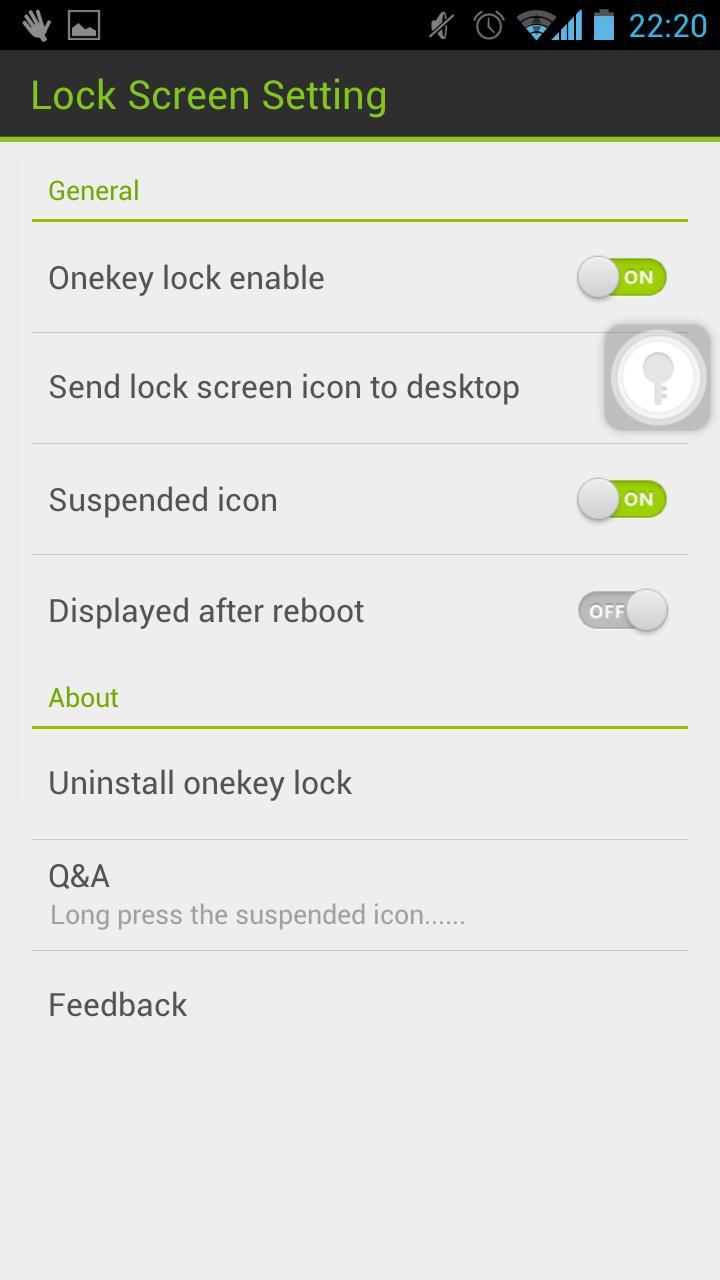
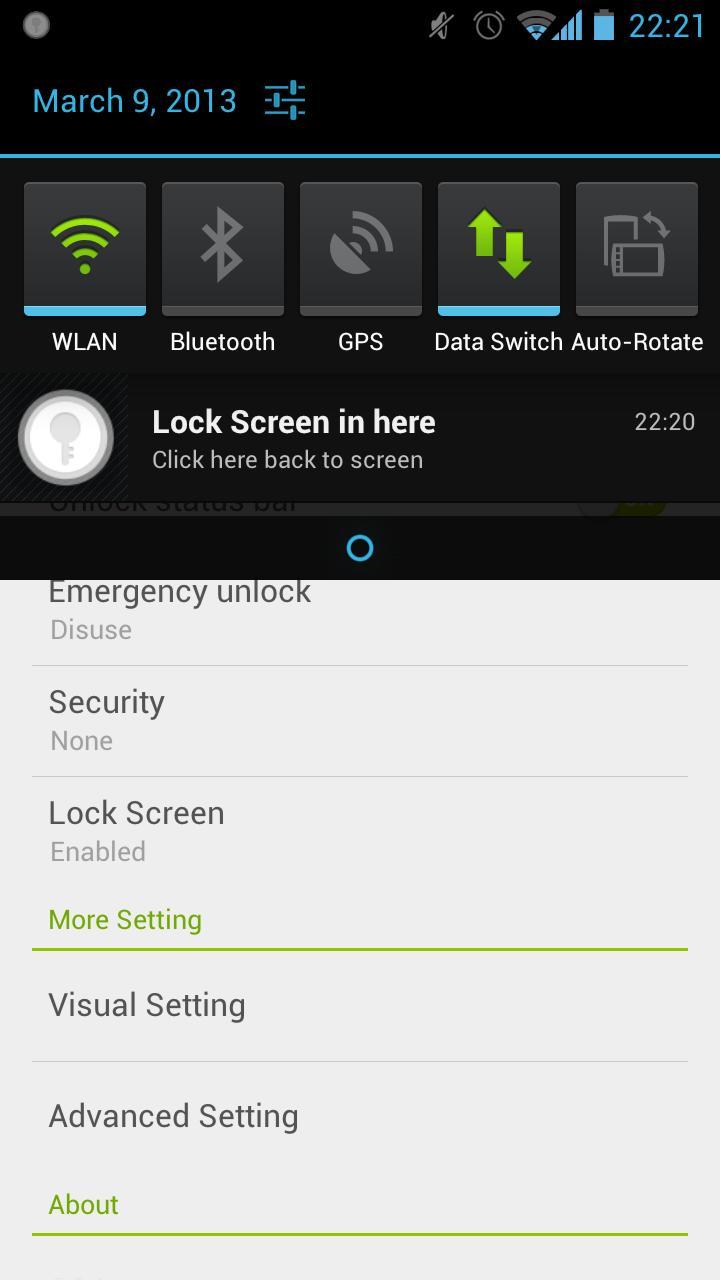
Touch the suspended icon to lock screen, completely liberate the power button.
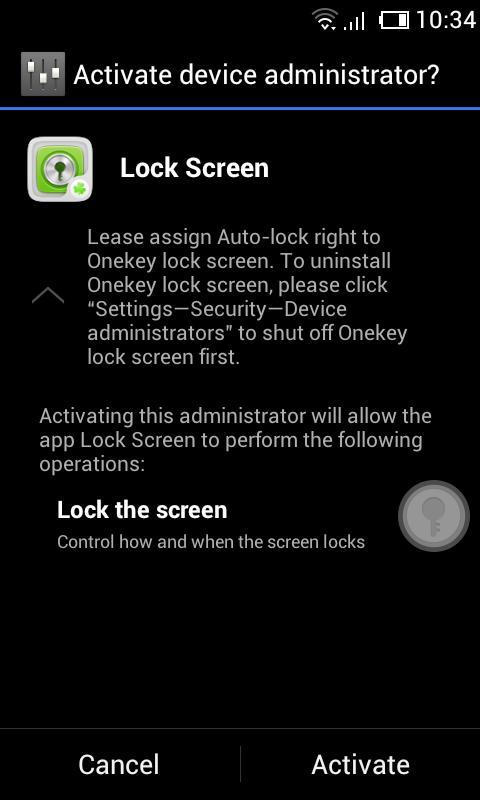
Please assign Auto-lock right to Lock screen.
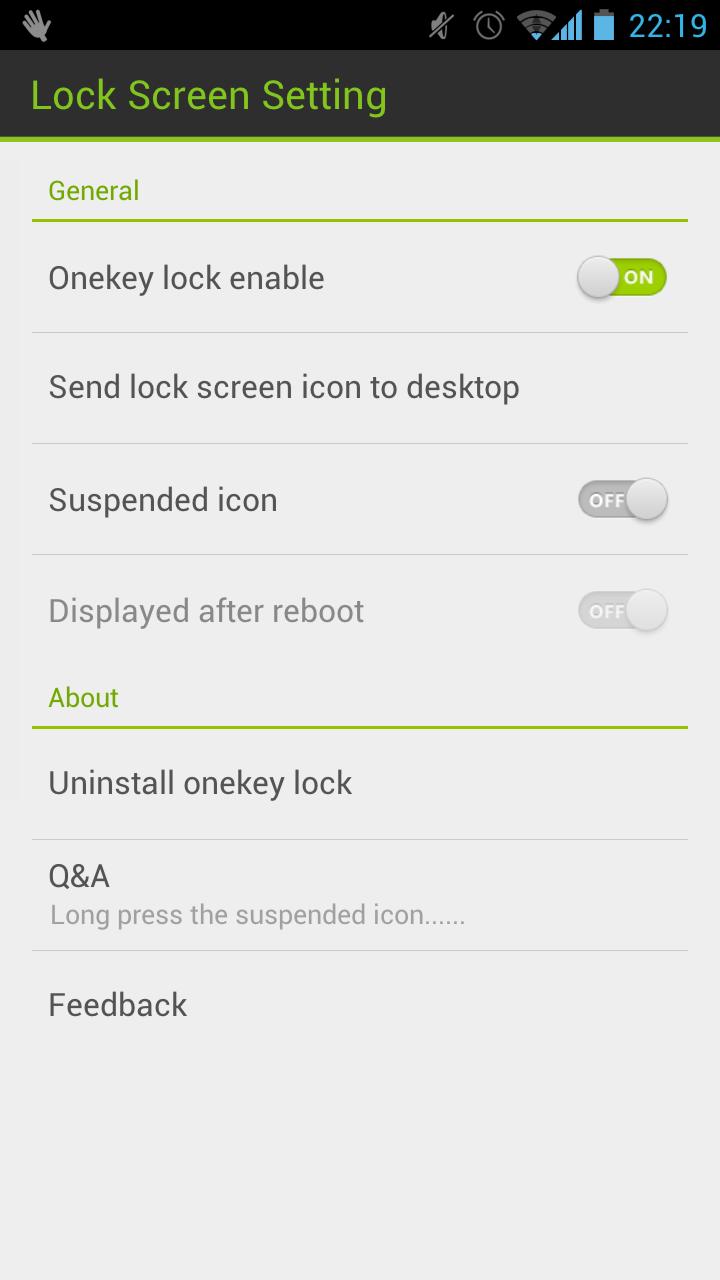
We are so sorry that a lot of users are haunted by the problem of unable to uninstall. Actually, there is no problem about uninstalling Lock Screen. Because of the Android OS, you need to deactivate ‘Lock Screen’ before you uninstall it.
You can uninstall in the Setting of Lock Screen or uninstall it by following operation: click "Settings—>Security—>Device administrators" to shut off Lock screen.
Please let me know if you meet any bugs or want any improvement!
E-mail: golauncher@goforandroid.com
Latest Version
1.60Uploaded by
GOMO Go
Requires Android
Android 2.2+
Category
Free Productivity AppContent Rating
Unrated · Warning – content has not yet been rated. Unrated apps may potentially contain content appropriate for mature audiences only.
Report
Flag as inappropriateLast updated on May 11, 2015
This release includes minor bug fixes and general improvements. Update to the latest version for the best experience.



APKPure - A multi-platform app store primarily focused on Android, providing extensive app-related content. Discover the app you want easier, faster, and safer, with quick and efficient downloads and installations.