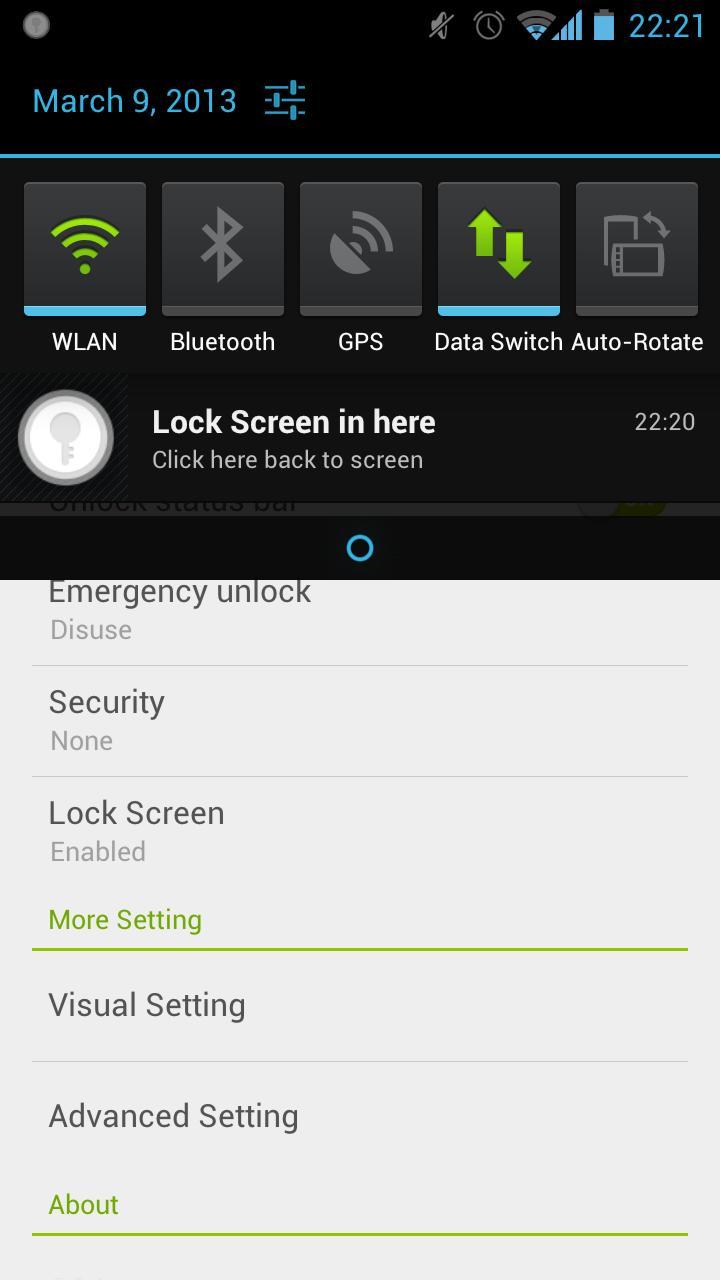
Lock screen in anywhere!
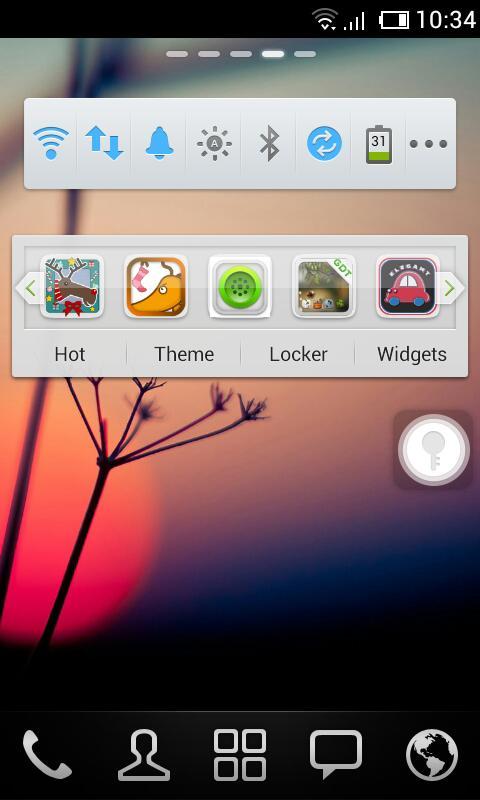
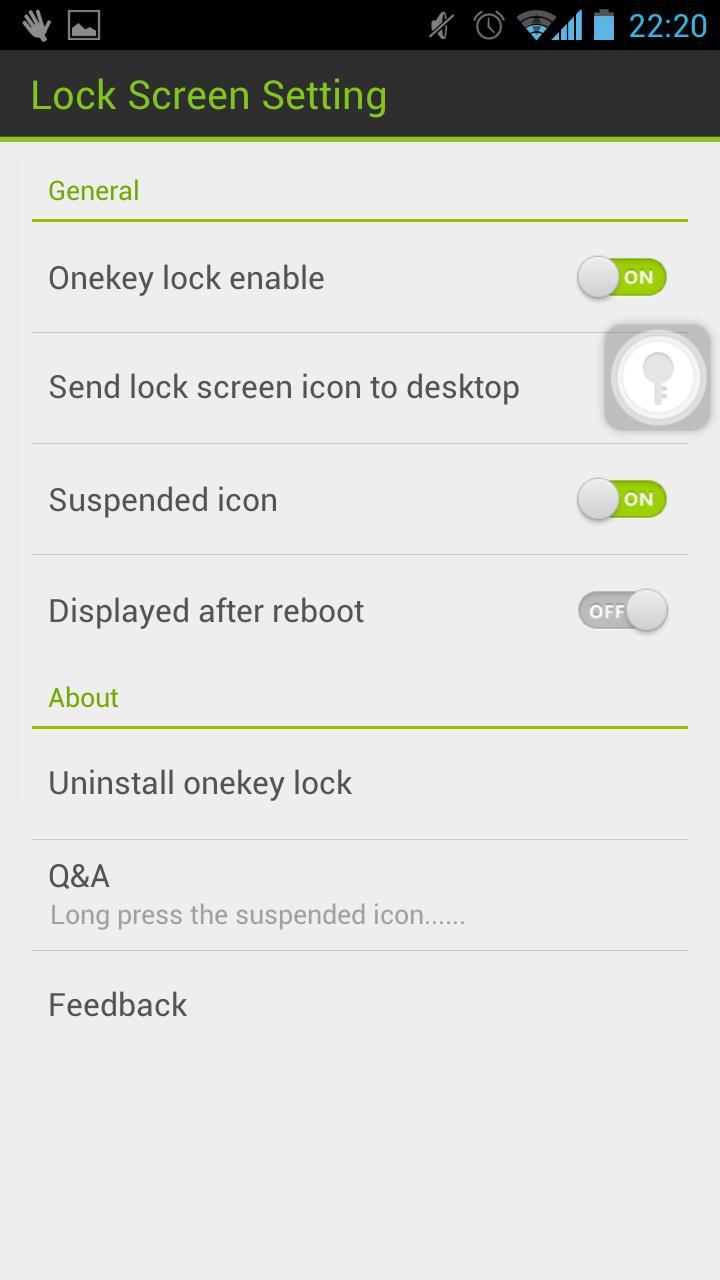
Touch the suspended icon to lock screen, completely liberate the power button.
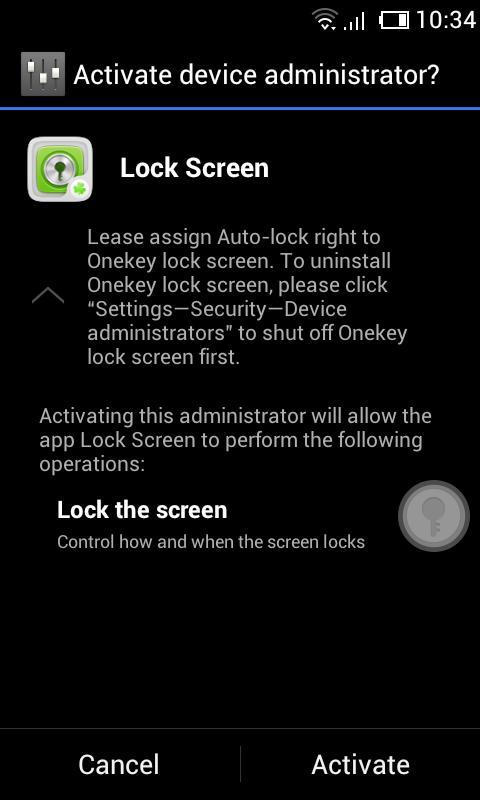
Please assign Auto-lock right to Lock screen.
We are so sorry that a lot of users are haunted by the problem of unable to uninstall. Actually, there is no problem about uninstalling Lock Screen. Because of the Android OS, you need to deactivate ‘Lock Screen’ before you uninstall it.
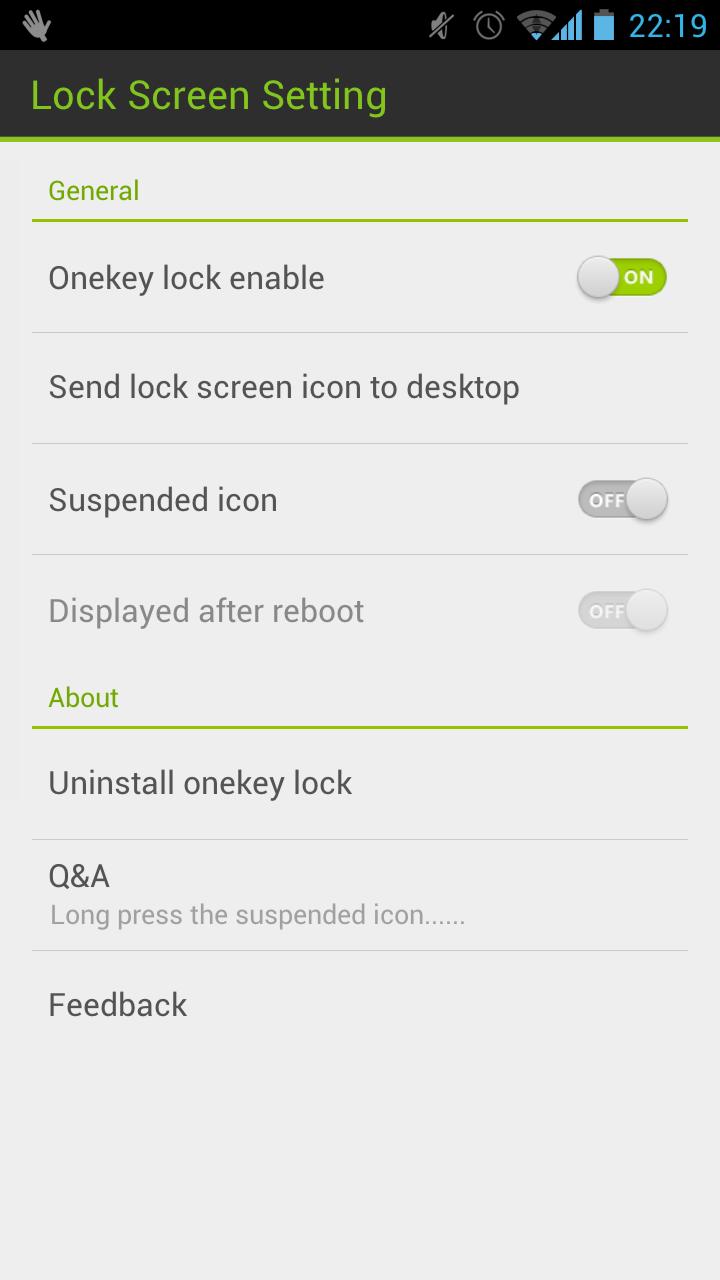
You can uninstall in the Setting of Lock Screen or uninstall it by following operation: click "Settings—>Security—>Device administrators" to shut off Lock screen.
Please let me know if you meet any bugs or want any improvement!
E-mail: golauncher@goforandroid.com
Versi Terbaru
1.60Dimuat naik oleh
GOMO Go
Memerlukan Android
Android 2.2+
Category
PERCUMA Produktiviti APLIKASIPenilaian Kandungan
Unrated · Warning – content has not yet been rated. Unrated apps may potentially contain content appropriate for mature audiences only.
Laporkan
Tandai sebagai tidak sesuaiLast updated on May 11, 2015
Versi ini mengandungi pembaikan pepijat kecil dan penambahbaikan umum. Kemas kini kepada versi terkini untuk pengalaman terbaik.



APKPure - Sebuah gedung aplikasi berbilang platform yang tertumpu terutamanya pada Android, menyediakan kandungan berkaitan aplikasi yang meluas. Temui aplikasi yang anda mahukan dengan lebih mudah, pantas, dan selamat, dengan muat turun dan pemasangan yang cepat dan cekap.