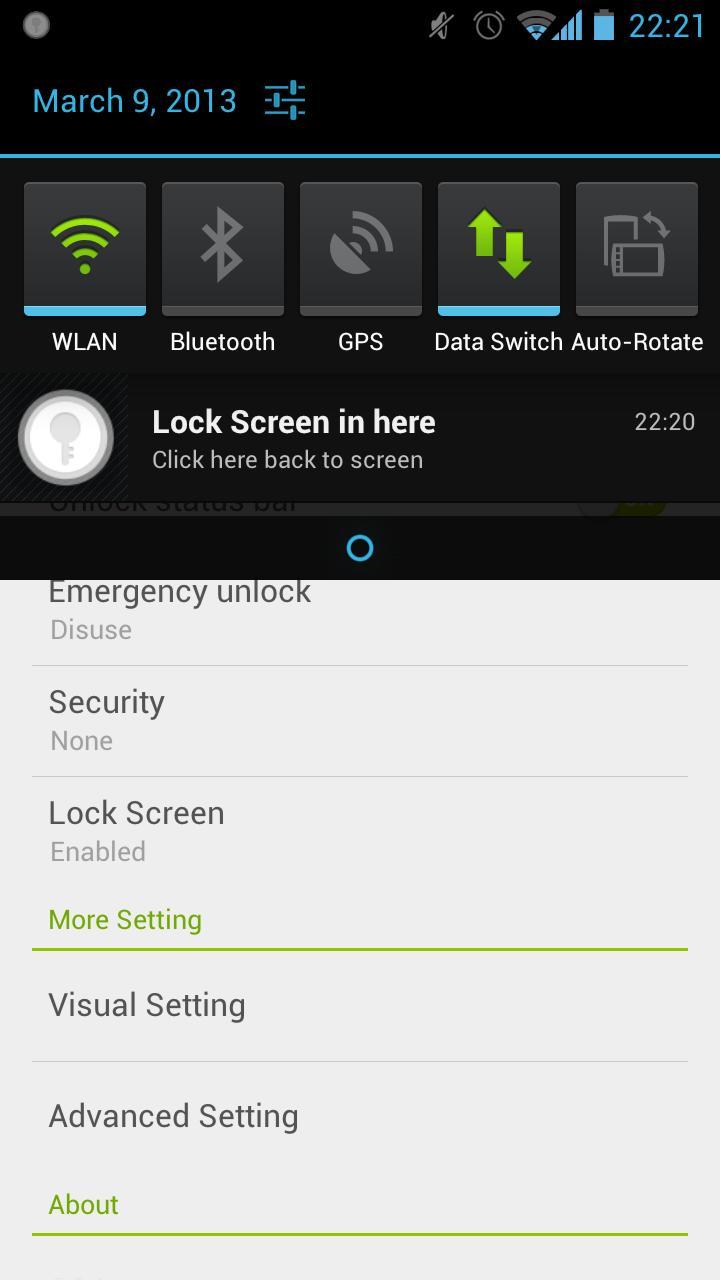
Lock screen in anywhere!
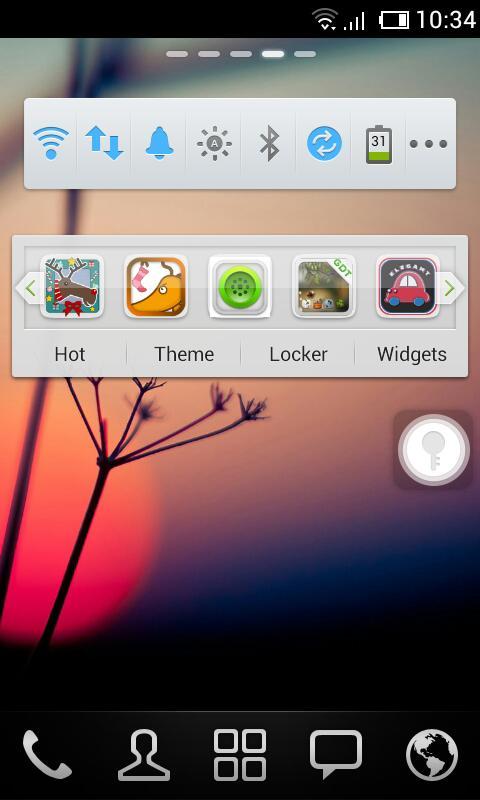
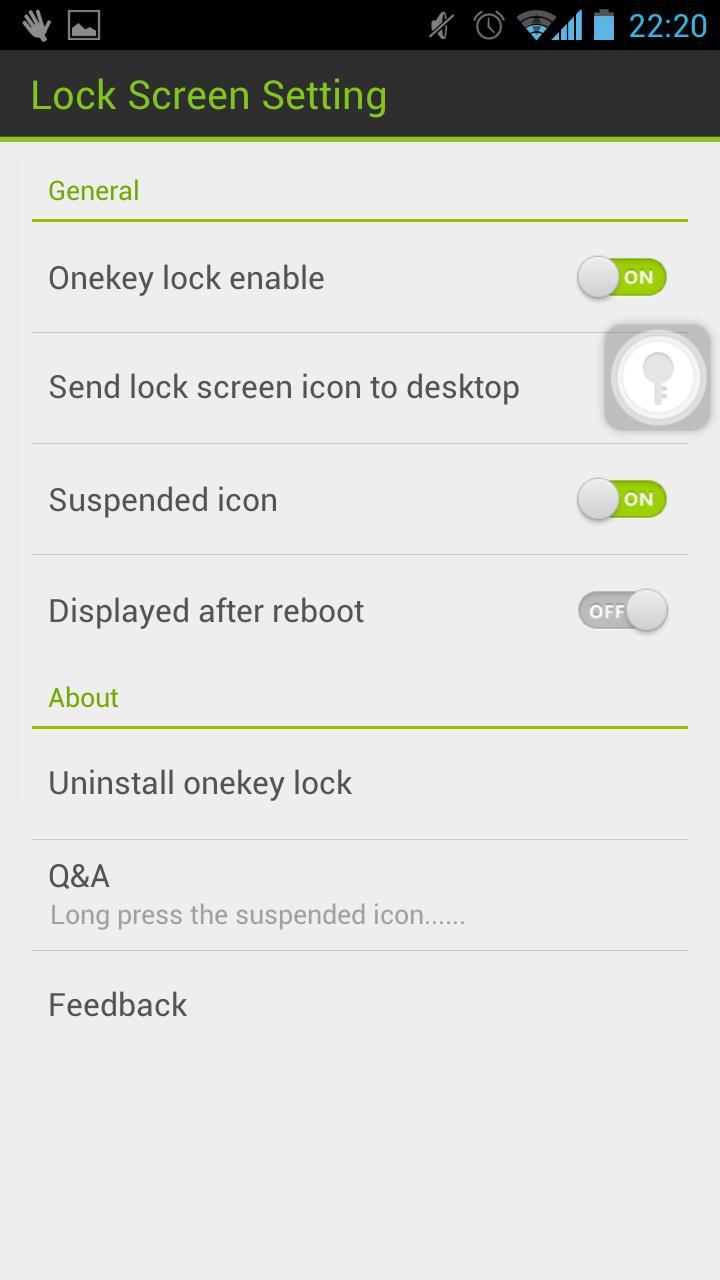
Touch the suspended icon to lock screen, completely liberate the power button.
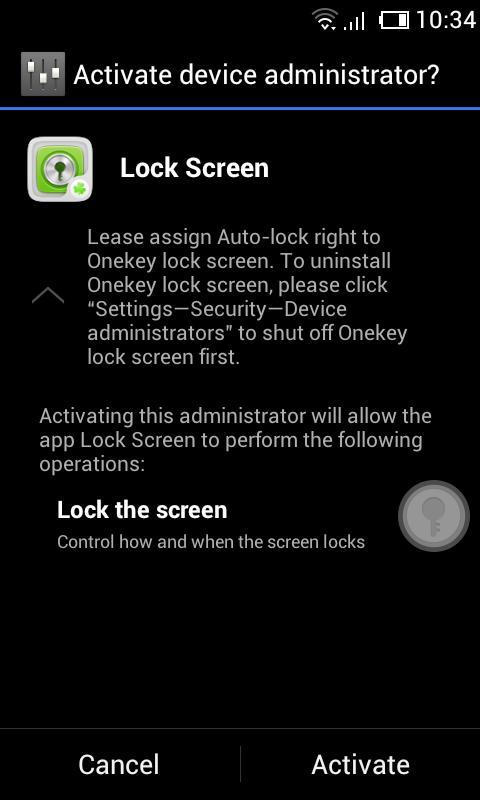
Please assign Auto-lock right to Lock screen.
We are so sorry that a lot of users are haunted by the problem of unable to uninstall. Actually, there is no problem about uninstalling Lock Screen. Because of the Android OS, you need to deactivate ‘Lock Screen’ before you uninstall it.
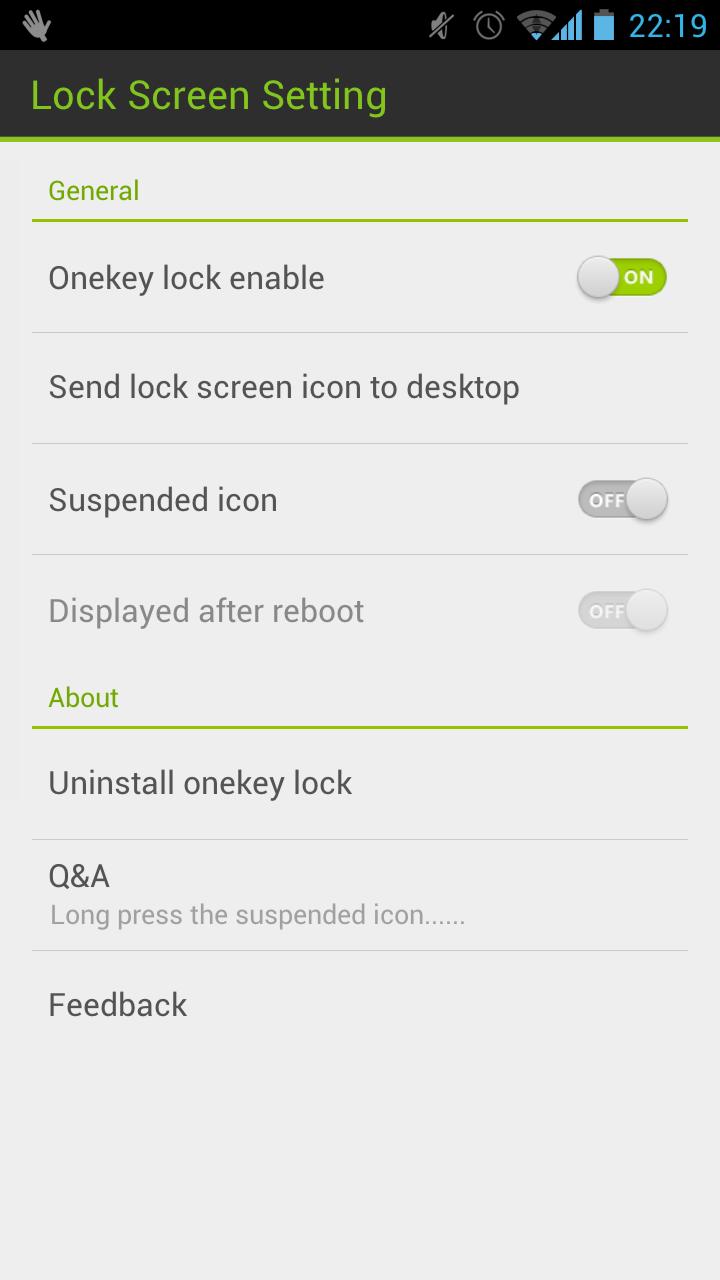
You can uninstall in the Setting of Lock Screen or uninstall it by following operation: click "Settings—>Security—>Device administrators" to shut off Lock screen.
Please let me know if you meet any bugs or want any improvement!
E-mail: golauncher@goforandroid.com
Dernière version
1.60Telechargé par
GOMO Go
Nécessite Android
Android 2.2+
Catégories
Gratuit Productivité APPLICATIONClassification du contenu
Unrated · Warning – content has not yet been rated. Unrated apps may potentially contain content appropriate for mature audiences only.
Signaler
Signaler comme inappropriéLast updated on May 11, 2015
Cette version comprend des corrections de bugs mineurs et des améliorations générales. Installez la dernière version pour profiter d’une expérience optimale.



APKPure - Une boutique d'applications multi-plateforme principalement axée sur Android, offrant un vaste contenu lié aux applications. Découvrez l'application que vous souhaitez plus facilement, plus rapidement et en toute sécurité, avec des téléchargements et des installations rapides et efficaces.