Lock screen in anywhere!
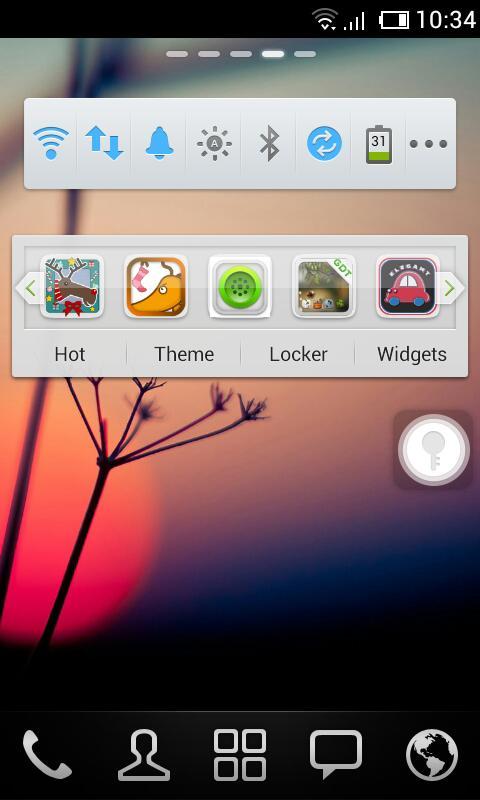
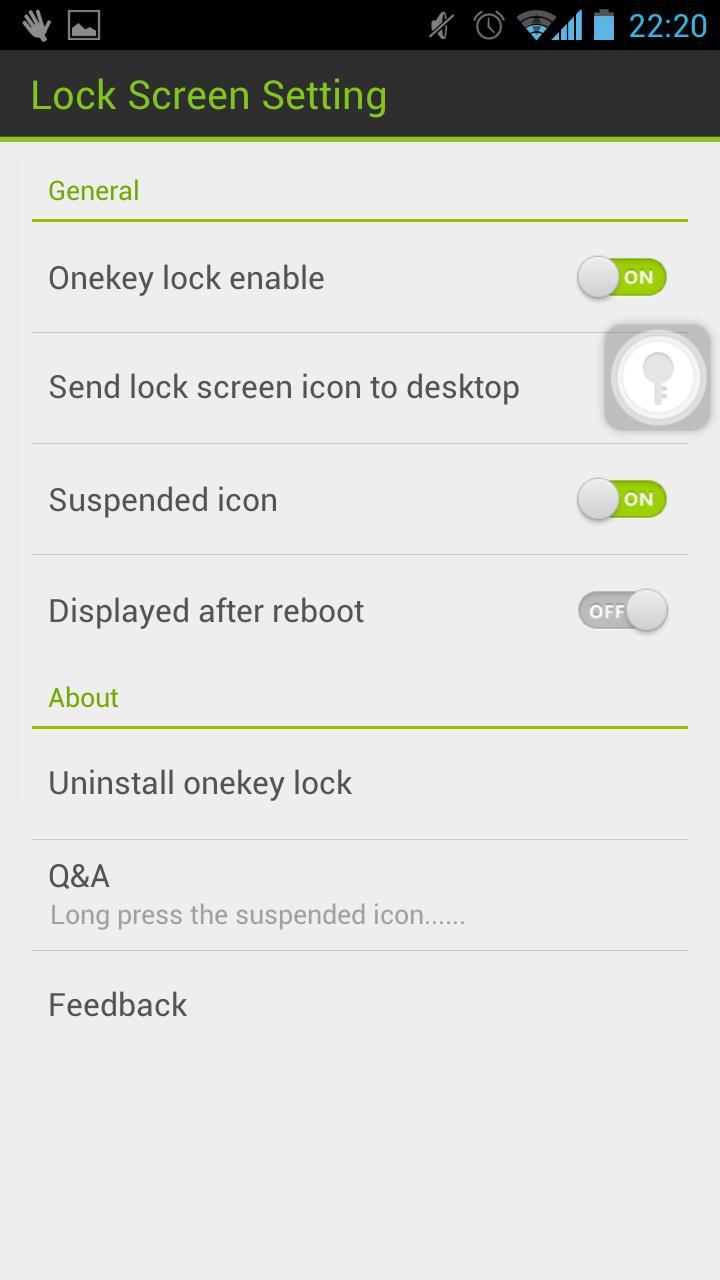
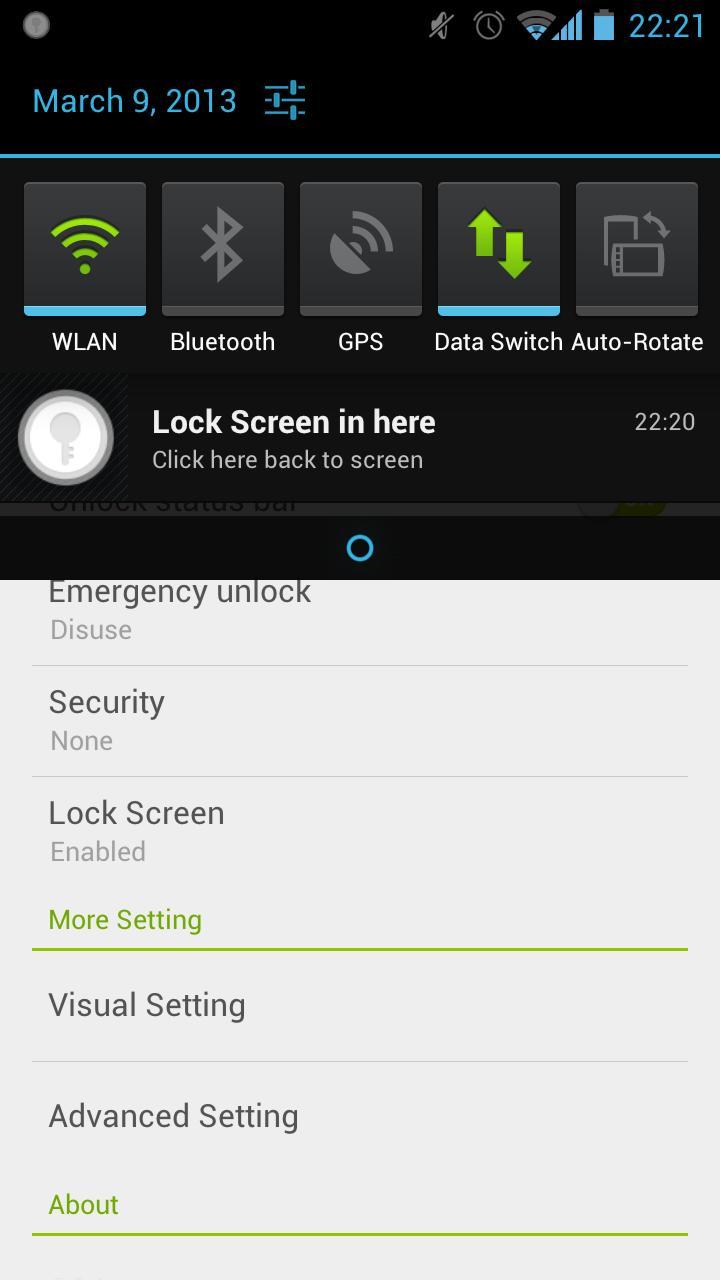
Touch the suspended icon to lock screen, completely liberate the power button.
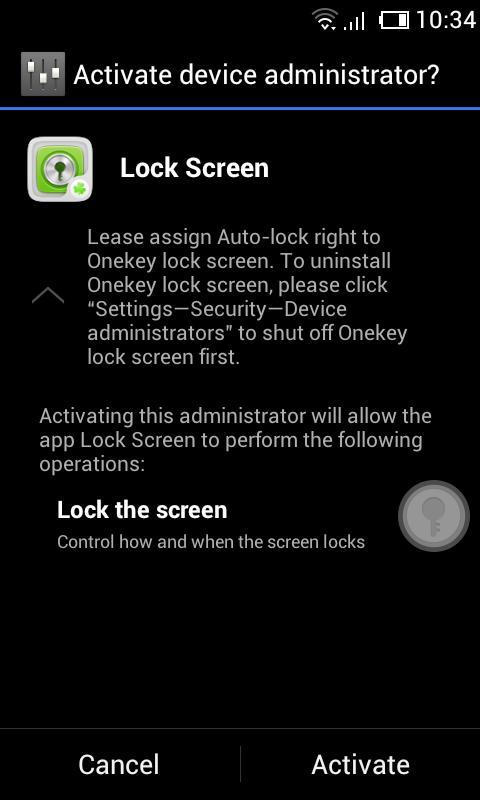
Please assign Auto-lock right to Lock screen.
We are so sorry that a lot of users are haunted by the problem of unable to uninstall. Actually, there is no problem about uninstalling Lock Screen. Because of the Android OS, you need to deactivate ‘Lock Screen’ before you uninstall it.
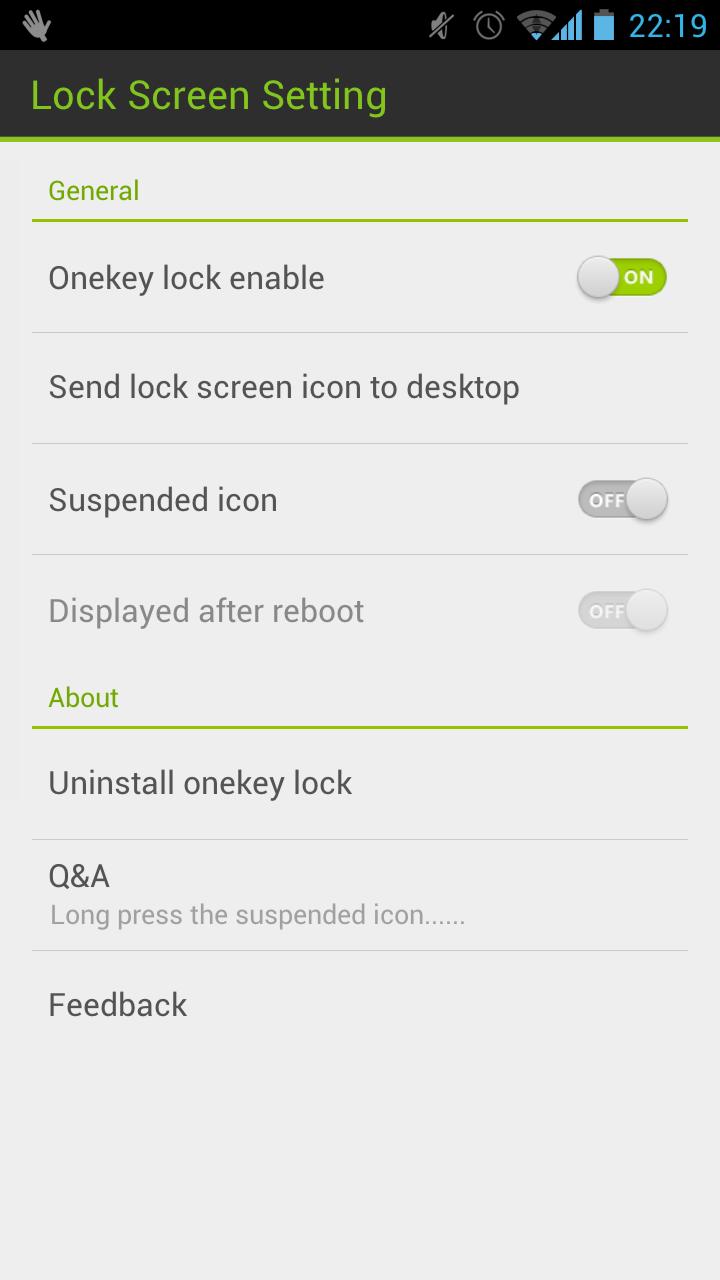
You can uninstall in the Setting of Lock Screen or uninstall it by following operation: click "Settings—>Security—>Device administrators" to shut off Lock screen.
Please let me know if you meet any bugs or want any improvement!
E-mail: golauncher@goforandroid.com
Última Versión
1.60Presentado por
GOMO Go
Requisitos
Android 2.2+
Categoría
Gratis Productividad APPClasificación de contenido
Unrated · Warning – content has not yet been rated. Unrated apps may potentially contain content appropriate for mature audiences only.
Reportar
Marcar como inapropiadoLast updated on 11/05/2015
Esta versión incluye pequeñas correcciones de errores y mejoras generales. Actualiza a la versión más reciente para disfrutar de la mejor experiencia.



APKPure - Una tienda de aplicaciones multiplataforma enfocada principalmente en Android, que proporciona un amplio contenido relacionado con aplicaciones. Descubre la aplicación que deseas de forma más fácil, rápida y segura, con descargas e instalaciones rápidas y eficientes.