KingRoot is intended for experienced Android users who want to change settings that are normally restricted by the system. It runs as an APK on supported phones and tablets and handles much of the rooting process in the background. As a result, users do not need to enter command-line instructions or install a custom recovery before starting. The KingRoot APK is mainly relevant for older Android devices, since support depends on the exact model and installed firmware.
Automated root process
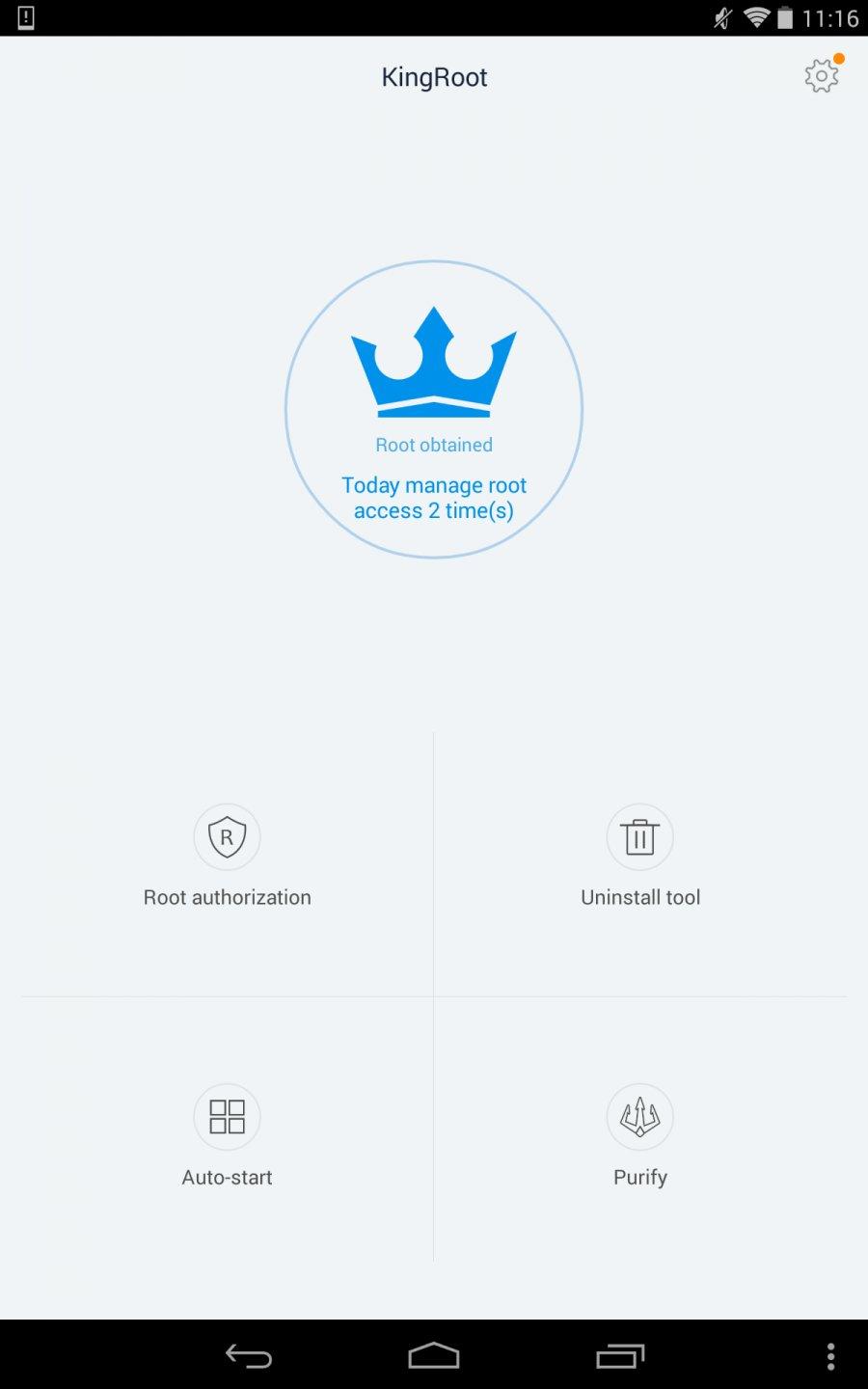
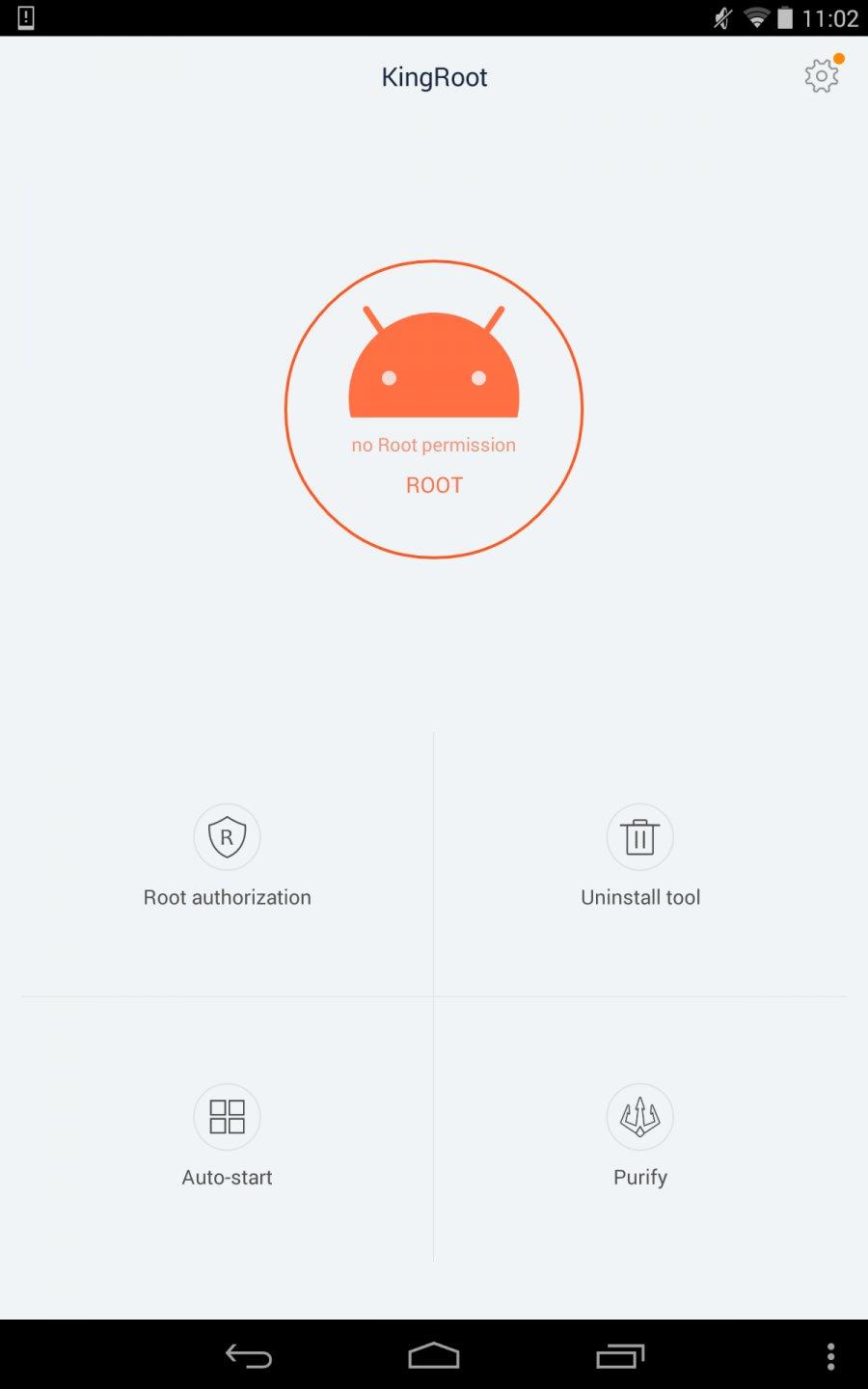
KingRoot starts the rooting process after you tap the main root button. It attempts to obtain superuser access without requiring bootloader unlocking or custom recovery flashing. However, the result still depends on whether the device model and firmware are supported.
System customization options
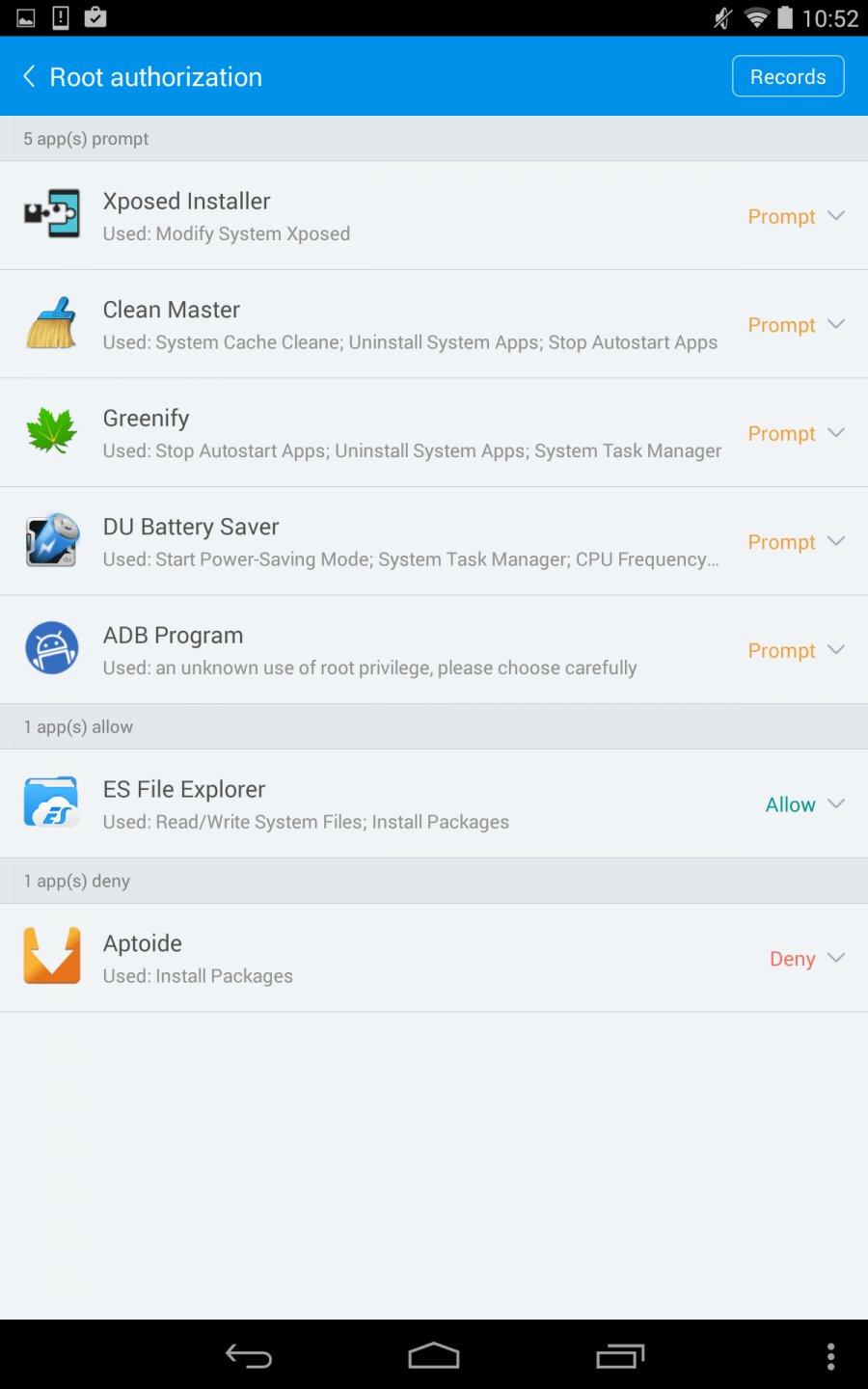
Once root access is available, you can use apps and settings that need deeper system permissions. KingRoot can support changes such as custom fonts, themes, boot animations, system modifications, and kernel adjustments. These changes affect parts of Android that are usually unavailable in normal use.
Control over installed apps
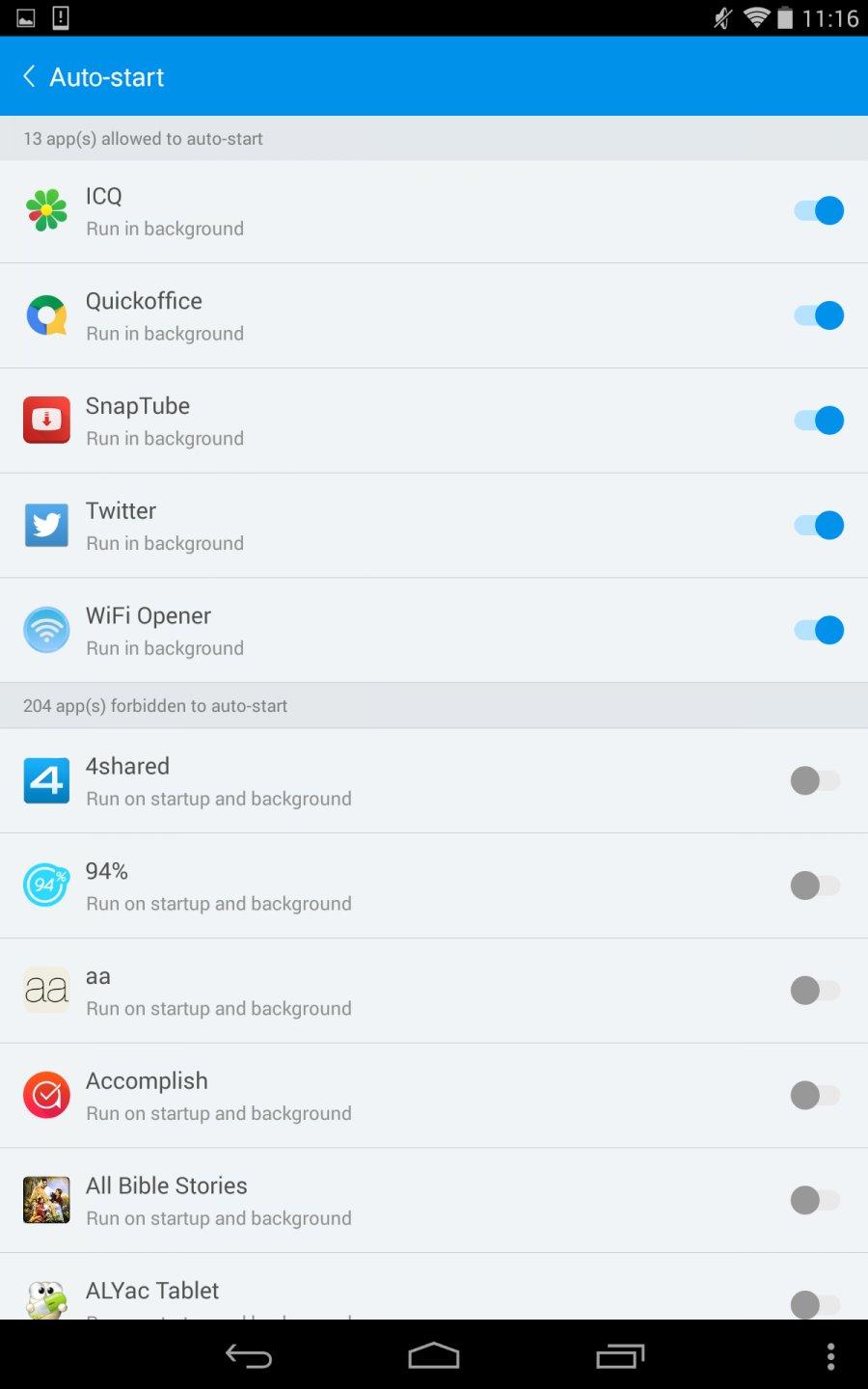
KingRoot can help you remove unwanted preinstalled apps that cannot normally be deleted. You can also manage background processes and review which apps use system resources. This may be useful when an older device has limited available memory or slows down during everyday use.
Battery and ad controls
With root access, you can identify apps that use a large amount of battery or continue running in the background. KingRoot also enables the use of root-based ad-blocking tools across installed apps. These controls require care because changing system settings can affect app behavior.
Backup, restore, and Clean Unroot
KingRoot provides options to back up apps and data before making system changes. If you need to return to a non-rooted setup, the Clean Unroot function can remove root access. This can be useful when troubleshooting problems or when you want to restore access to normal OTA updates.
KingRoot officially targets many Android devices running versions from Android 4.2.2 to Android 8.1. It does not support every phone or tablet in that range, because rooting results can change with the manufacturer, model, security patch, and firmware version. Android 9 and later devices may not work with KingRoot.
Before using KingRoot, check the exact device model and create a full backup of important files. An unsupported device or an interrupted root process can lead to data loss, boot loops, or system instability. Rooting can also prevent some OTA updates from installing until root access is removed.
KingRoot is sometimes confused with KingoRoot because the names are similar. They are separate Android rooting tools from different developers, so guides, versions, and compatibility information may not apply to both. Check that the app name shown on the file and the instructions match KingRoot before following a rooting guide.
After you download KingRoot, set aside time to back up your personal files and charge the device. Rooting changes protected parts of Android, so avoid starting when the phone may restart, lose power, or be interrupted. When the process finishes, confirm the result before changing system settings.
Open KingRoot on the Android phone or tablet and review the device status shown on the main screen.
Back up apps, photos, documents, and other important data before starting the root process.
Tap the root button and keep the device powered on while KingRoot performs its automated checks and actions.
After the device restarts or KingRoot reports completion, use a root checker app to verify that superuser access is active.
If the device becomes unstable or you need standard update access again, open KingRoot and use Clean Unroot, then restore your backup if needed.
KingRoot is an Android root utility for supported older devices that need deeper system access. Check your model and firmware first, back up your data, and use KingRoot latest version only when you understand the effects of rooting and unrooting.
Latest Version
5.4.0Uploaded by
KingRoot Studio
Requires Android
Android 2.3.2+
Category
Free Tools AppReport
Flag as inappropriateLast updated on May 23, 2024
This release includes minor bug fixes and general improvements. Update to the latest version for the best experience.

APKPure - A multi-platform app store primarily focused on Android, providing extensive app-related content. Discover the app you want easier, faster, and safer, with quick and efficient downloads and installations.