Package Name:com.arlosoft.macrodroid
SHA-256:ebe418cdae53f44f5e29e6a64e22ab4afb20da07eaa0dc3f16ce8b4473601319
Show More


MacroDroid helps users cut routine steps and handle phone tasks automatically. It suits quick fixes, like silencing alerts at work, as well as layered workflows that depend on time or location. You can start from simple guidance, then grow into more complex setups at your own pace. Templates and a wizard reduce the learning curve, while advanced options are available when needed. With clear onboarding and community examples, MacroDroid APK supports practical automation for daily use.
Build macros with triggers, actions, and constraints
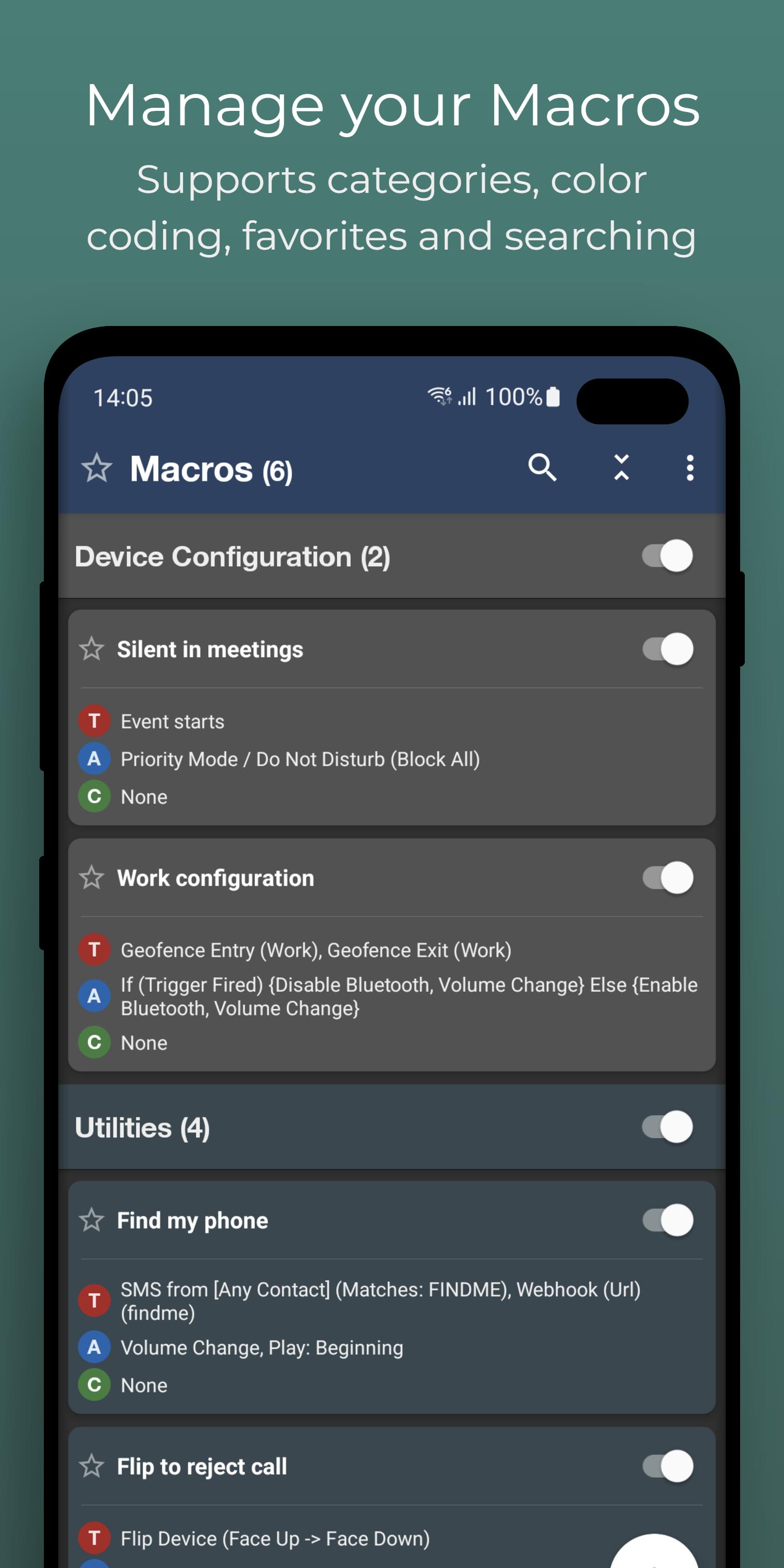
MacroDroid uses a simple structure. You pick a trigger to start a macro, choose one or more actions to run, and add optional constraints to control when it should execute. This model covers common needs, such as reacting to notifications or changing settings based on time or place.
Guided setup and starter templates
You can set up your first macro using a step by step wizard that explains each choice as you go. MacroDroid also offers templates that show typical scenarios, which helps you understand the flow before building your own. These guided options reduce trial and error and speed up first use.
Community resources and shared examples
MacroDroid includes access to thousands of shared templates, plus a forum and wiki where users discuss setups. Official tutorials help you learn different approaches and troubleshoot common issues. As you become more familiar, you can adapt community macros or publish your own for others to try.
Integrations and Wear OS support
MacroDroid works with Tasker and Locale plugins for extended functions. There is also a Wear OS companion that lets you trigger actions from your watch and display complications. These integrations can bridge gaps in your phone’s automation and make quick controls available on your wrist.
Practical everyday use cases
MacroDroid can manage files, send auto responses for SMS or email, and adjust sound and brightness based on time or context. You can toggle Bluetooth or Wi Fi when certain conditions are met to reduce manual steps. It can also read out notifications using text to speech for hands free updates.
MacroDroid offers a free version with ads and a limited number of macros. The Pro upgrade removes ads and unlocks unlimited macros. Some users have reported recent changes to trial or usage limits, so it is best to check the current in app details before building many workflows. If you rely on multiple automations, the Pro option avoids hitting the limit.
MacroDroid may request permissions such as Accessibility Services to perform certain actions and detect events. Automations run locally on your device and depend on the access you grant. For sensitive apps and data, only enable the permissions that support the macros you need, and review what each trigger or action can read or change. You can disable or delete macros at any time if a behavior is not desired.
To evaluate fit, look at common scenarios you may automate. Driving and commuting safety can include announcing messages or toggling Do Not Disturb. Home and work location automations can manage Wi Fi and sound profiles. Battery saving sets rules for screen brightness and radios. File housekeeping can clear old downloads. Notification management can group or read out alerts when busy.
If you are new to automation, begin with a single, simple macro and expand later. After you download MacroDroid, the wizard and templates can guide you through setup and testing. Keep macros small at first so it is easy to see what each step does.
MacroDroid focuses on practical phone automation that you can set up without coding. Use templates for quick wins and add constraints to refine behavior. For ongoing improvements, check the MacroDroid latest version to access updated triggers, actions, and fixes.
Official information and support can be found here:
Latest Version
5.63.15Uploaded by
Khảii Hoàngg
Requires Android
Android 6.0+
Category
Free Tools AppContent Rating
Everyone
Security Report
Check Now
Report
Flag as inappropriateLast updated on May 8, 2026
Various bug fixes and UI improvements.





APKPure - A multi-platform app store primarily focused on Android, providing extensive app-related content. Discover the app you want easier, faster, and safer, with quick and efficient downloads and installations.