Scan Date:Apr 17, 2026
Show More


Intune Company Portal helps employees who need secure access to work apps and data on mobile devices. After your IT admin sets up your account and your company uses Microsoft Intune, you can sign in with your work account. The app guides you through setup and access while keeping work separate from personal content. Some features may not be available in all countries, so follow your company’s guidance. When you install the Intune Company Portal APK, complete enrollment only when asked by your organization.
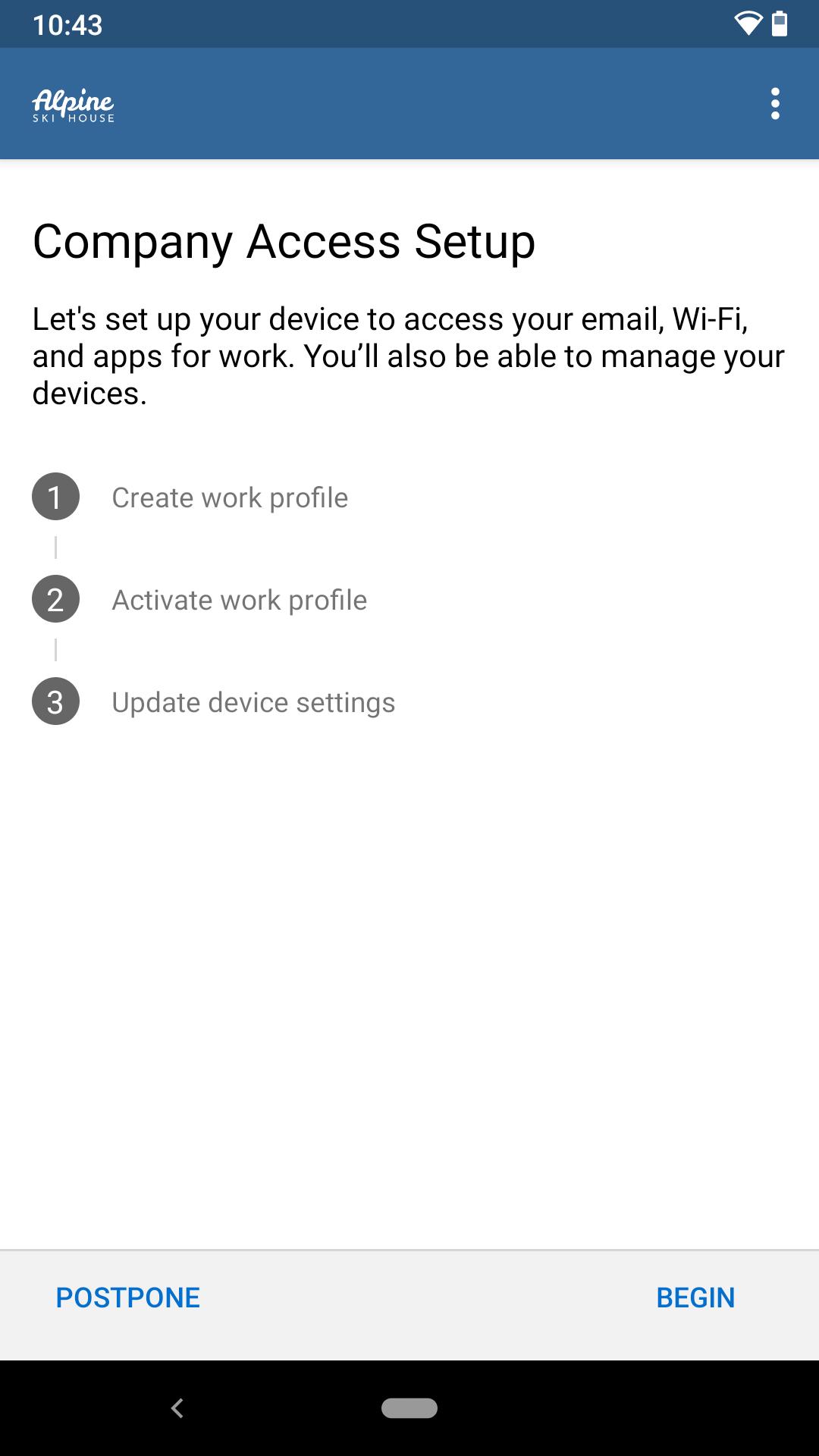
Enroll with your work account
Use your work account to enroll your device so you can access approved corporate resources. Your organization must subscribe to Microsoft Intune, and an IT administrator needs to enable your account before you start. If certain options do not appear in your region, follow local company policy.
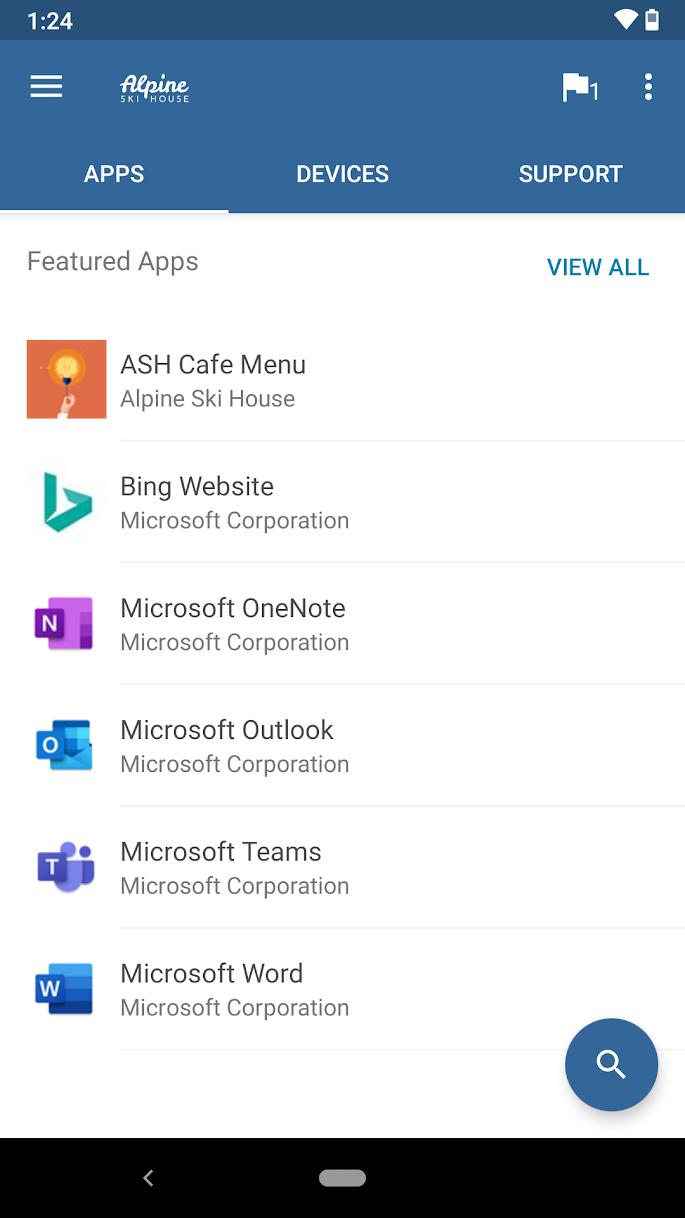
Find and install company apps
View and manage your devices
See all devices you have enrolled and take allowed actions when needed. You can unenroll a device or start a remote wipe if your organization requires it, helping protect work information on lost or replaced hardware.
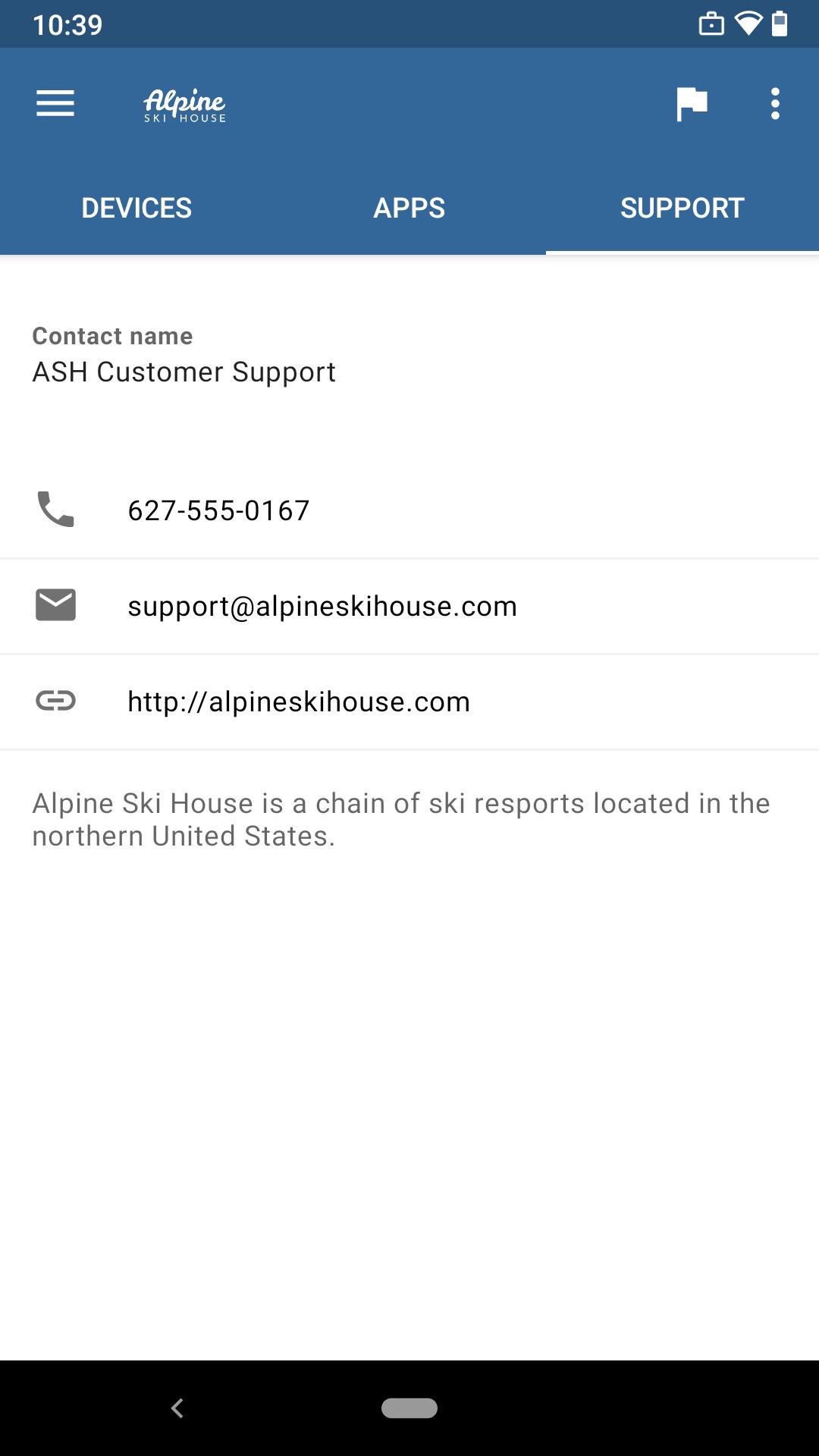
Support and account tools
Use this app when your organization asks you to enroll and access work resources on Android. Follow your IT admin’s instructions during setup and for any regional limitations. To stay current and compatible, install the Intune Company Portal latest version when directed by your company.
Latest Version
5.0.6942.0Uploaded by
Microsoft Corporation
Requires Android
Android 8.0+
Category
Free Business AppContent Rating
Everyone
Security Report
Report
Flag as inappropriateLast updated on Apr 20, 2026
Minor bug fixes and improvements. Install or update to the newest version to check it out!







APKPure - A multi-platform app store primarily focused on Android, providing extensive app-related content. Discover the app you want easier, faster, and safer, with quick and efficient downloads and installations.