
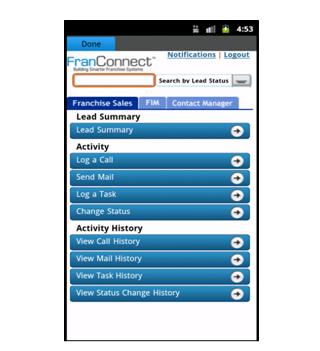
FranConnect Mobile application allows user to manage and view FranConnect notifications on the mobile.
To configure FranConnect Mobile for the first time, enter your FranConnect Application credentials (Login Id, Password and Buildcode) in their respective fields.
Click on the Config button to get an auto update for Notifications, click on the Refresh button to get the Notifications in real time and to view all the Notifications you can click on the View More button.
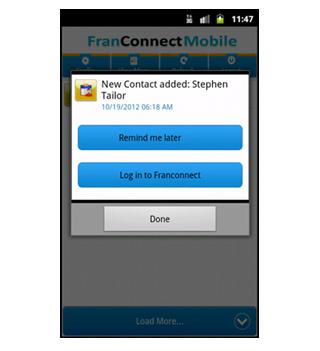
You can click on any Notification and set it to "Remind me Later", which will remind you later at that particular time.
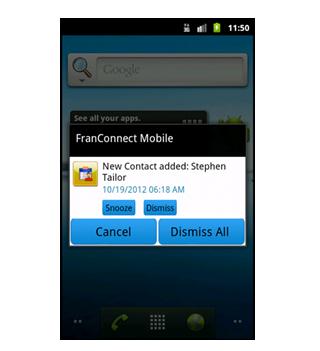
User can snooze or dismiss the particular or all the notifications
Latest Version
1.2Uploaded by
Eduardo Villalta
Requires Android
Category
Free Business AppContent Rating
Unrated · Warning – content has not yet been rated. Unrated apps may potentially contain content appropriate for mature audiences only.
Report
Flag as inappropriateLast updated on Jul 30, 2016
This release includes minor bug fixes and general improvements. Update to the latest version for the best experience.




APKPure - A multi-platform app store primarily focused on Android, providing extensive app-related content. Discover the app you want easier, faster, and safer, with quick and efficient downloads and installations.