
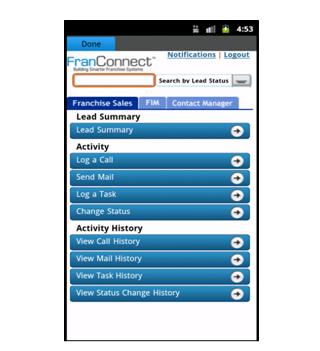
FranConnect Mobile application allows user to manage and view FranConnect notifications on the mobile.
To configure FranConnect Mobile for the first time, enter your FranConnect Application credentials (Login Id, Password and Buildcode) in their respective fields.
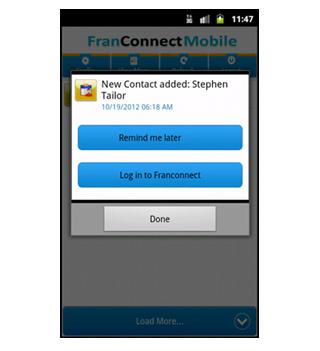
Click on the Config button to get an auto update for Notifications, click on the Refresh button to get the Notifications in real time and to view all the Notifications you can click on the View More button.
You can click on any Notification and set it to "Remind me Later", which will remind you later at that particular time.
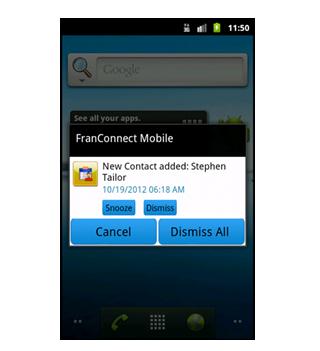
User can snooze or dismiss the particular or all the notifications
Last updated on Jul 30, 2016
이 버전에는 사소한 버그 수정과 전반적인 개선 사항이 포함되어 있습니다. 최상의 환경을 위해 최신 버전으로 업데이트하세요.



APKPure - 안드로이드를 중심으로 한 멀티플랫폼 앱스토어로, 다양한 앱 관련 콘텐츠를 제공합니다. 더 쉽고, 빠르고, 안전하게 원하는 앱을 찾아보세요. 빠르고 효율적인 다운로드와 설치가 가능합니다.