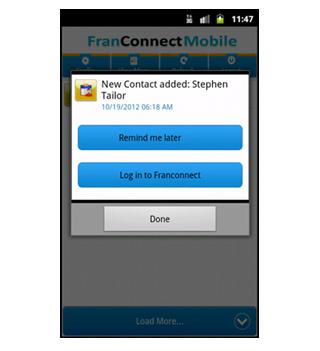
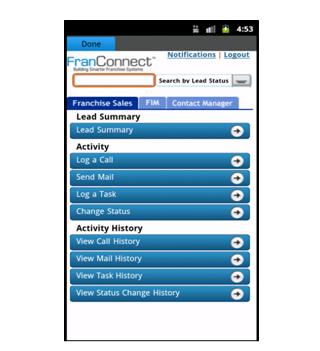
FranConnect Mobile application allows user to manage and view FranConnect notifications on the mobile.
To configure FranConnect Mobile for the first time, enter your FranConnect Application credentials (Login Id, Password and Buildcode) in their respective fields.
Click on the Config button to get an auto update for Notifications, click on the Refresh button to get the Notifications in real time and to view all the Notifications you can click on the View More button.
You can click on any Notification and set it to "Remind me Later", which will remind you later at that particular time.
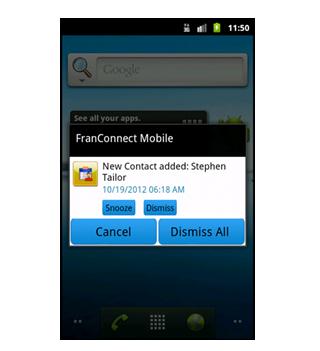
User can snooze or dismiss the particular or all the notifications
最終のバージョン
1.2投稿者
Eduardo Villalta
Android 要件
カテゴリー
フリー ビジネス アプリコンテンツのレーティング
Unrated · Warning – content has not yet been rated. Unrated apps may potentially contain content appropriate for mature audiences only.
Last updated on 2016年07月30日
このバージョンには軽微な不具合の修正と全般的な改善が含まれています。快適に利用するため、最新版にアップデートしてください。



APKPure - Androidを中心としたマルチプラットフォームのアプリストアで、豊富なアプリ関連コンテンツを提供しています。より簡単に、より速く、より安全にアプリを見つけることができ、ダウンロードとインストールも迅速かつ効率的です。