
Before using the app it is recommended to make a backup of your current CCcam.cfg file
Features:
-Download your configuration file (CCcam.cfg)
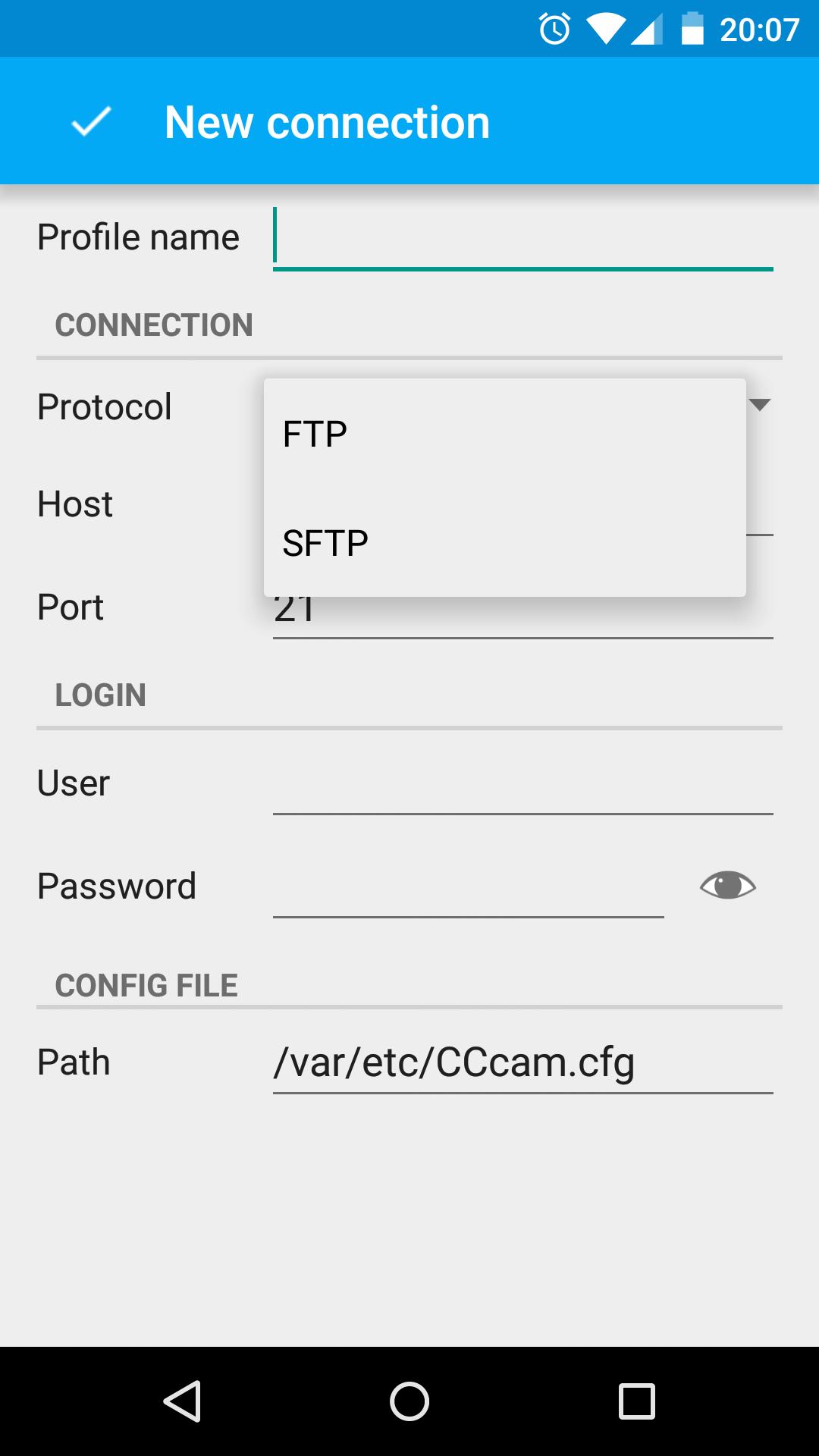
-Connect to your STB through FTP or SFTP protocols
-Enable or disable servers, clients or options with a single click
-NEW! View status of servers/clients if WebInfo is activated
-Reorder elements by dragging them along the list
-Edit or add new servers (support for CCcam and NewCamd)
-Edit or add new clients with a full range of options
-Upload your file back to the STB
Latest Version
1.0 Beta 1.31Uploaded by
David Aaron Mejia Pineda
Requires Android
Android 4.1+
Category
Free Tools AppContent Rating
Everyone
Report
Flag as inappropriateLast updated on Dec 8, 2015
★ Now you can see what servers and clients are online/offline. If WebInfo is enabled and configured, a new icon will show top-right of the screen to refresh the status. Avatars will change their color to green (if connected) or red (if offline)
★ Buf fixes and performance improvements





APKPure - A multi-platform app store primarily focused on Android, providing extensive app-related content. Discover the app you want easier, faster, and safer, with quick and efficient downloads and installations.
















