Scan Date:May 21, 2026
Show More

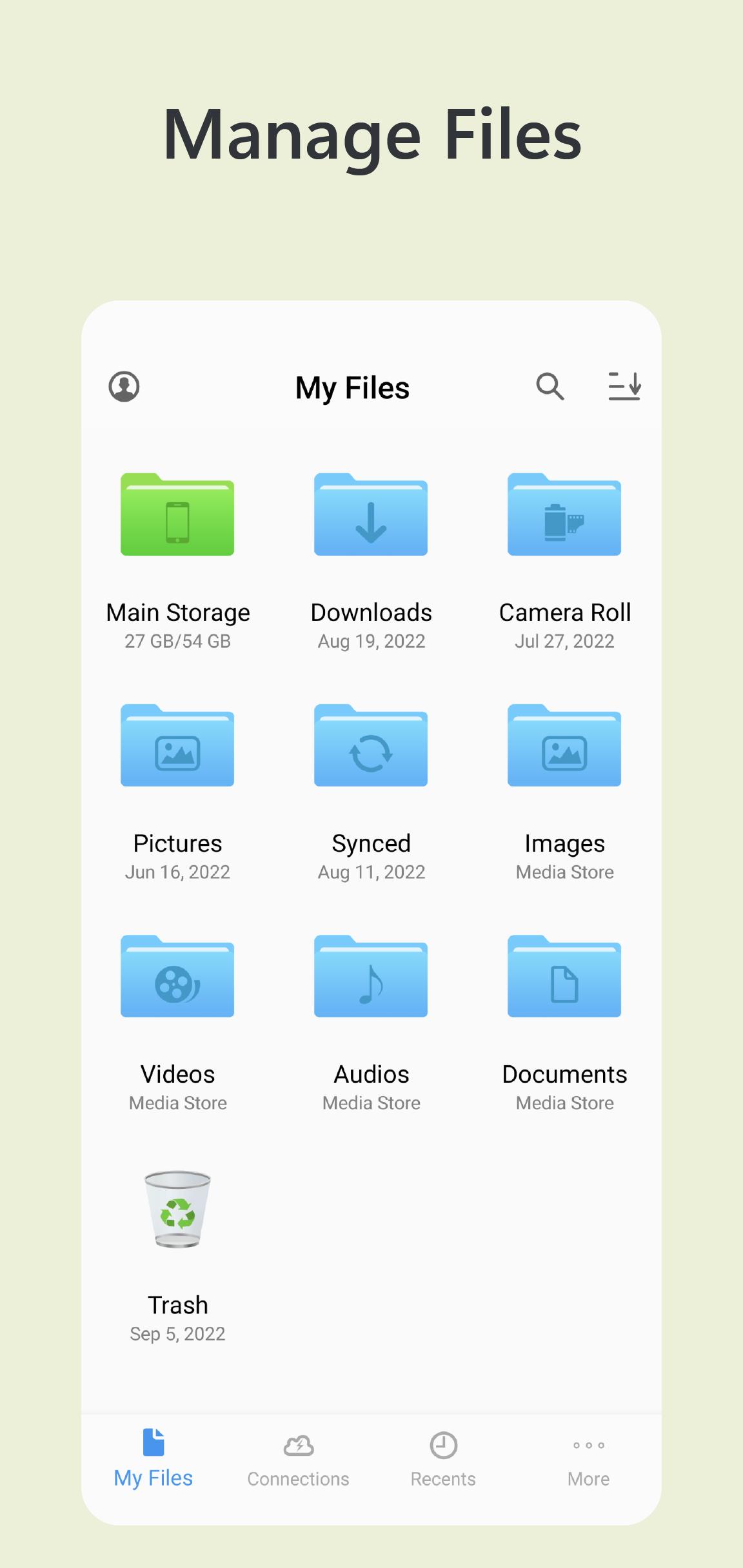
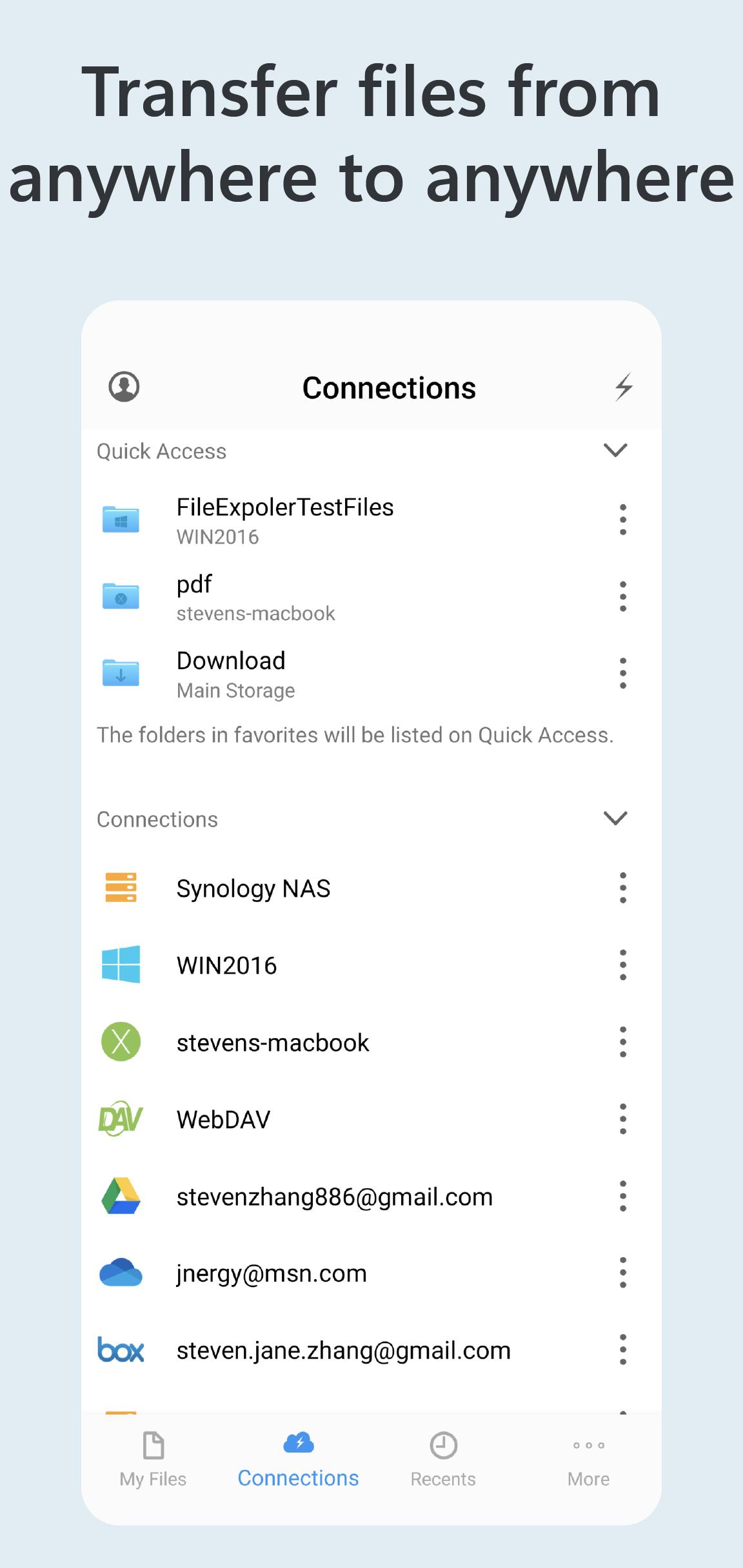
Owlfiles is a powerful file management app on mobile platforms and desktop platforms. It can access not only local files, but also files on your computer, NAS and cloud. Stream movies and music to your Android devices. Directly view and manage documents, photos on your computers, NAS and cloud without downloading.
FEATURES:
* Access network shares on PC, Mac, NAS via SMB protocol.
* Access NFS, WebDAV, FTP and SFTP services.
* Access Google Drive, OneDrive, Dropbox, Box, OwnCloud, Amazon S3 and S3 compatible storages, Mega Cloud and pCloud.
* Access USB Drive and SD Card
* Automatically discover computers, servers and NAS when you setup a new connection.
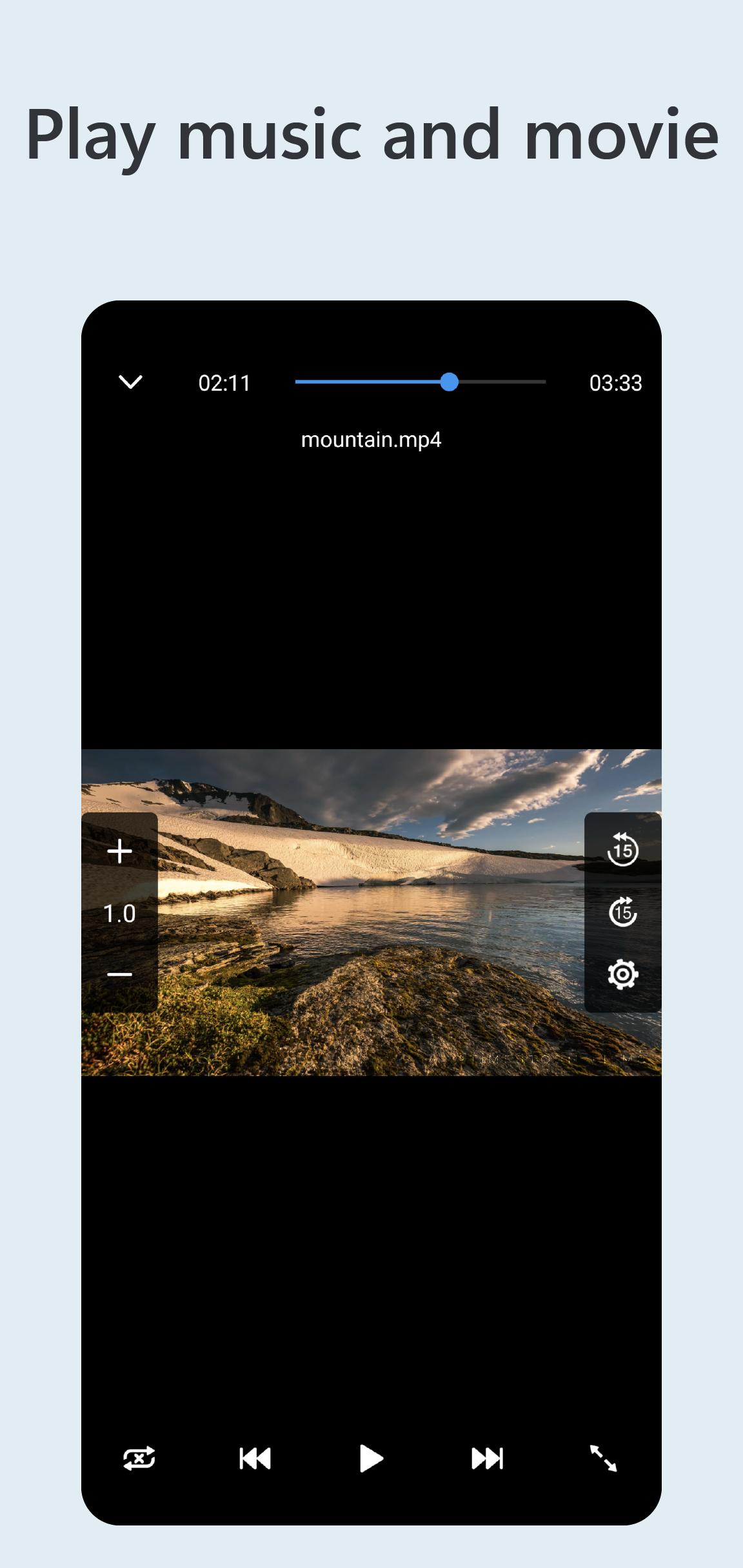
* Stream movies and musics from computer/NAS/cloud to Android device.
* View, rename and delete files.
* Add files to favorites.
* Show recent opened files.
* Dark Mode
* Optimize UI for large screen devices: ChromeOS, Tablet and Android TV.
* SAF(Storage Access Framework) Provider: Open and edit files in Owlfiles from other apps.
* File Transfer:
Copy and move files among computer, NAS, cloud, Android.
Transfer files by drag and drop.
Built-in FTP Server and HTTP Server for file transfer.
Nearby Drop: Transfer files between two nearby Android and iOS devices.
* Network Tools:
Ping a host
List all opened ports of a host.
List all devices on LAN
Wake-On-Lan (WOL)
===== Owlfiles Pro =====
FEATURES:
Create unlimited connections with your computers, NAS and cloud storages.
Sync connections to all your devices.
Edit photos
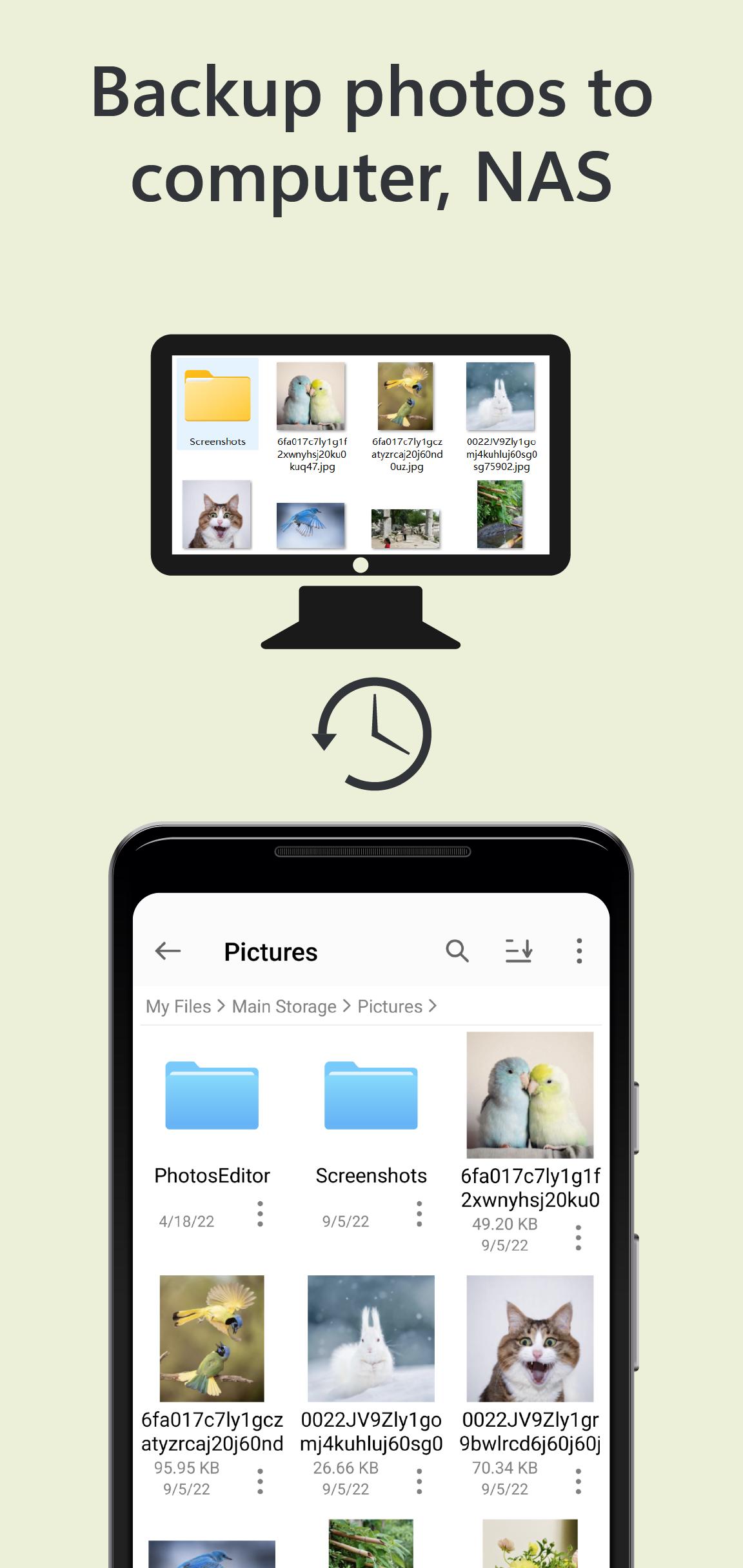
Backup photos to your computer, NAS and cloud storages.
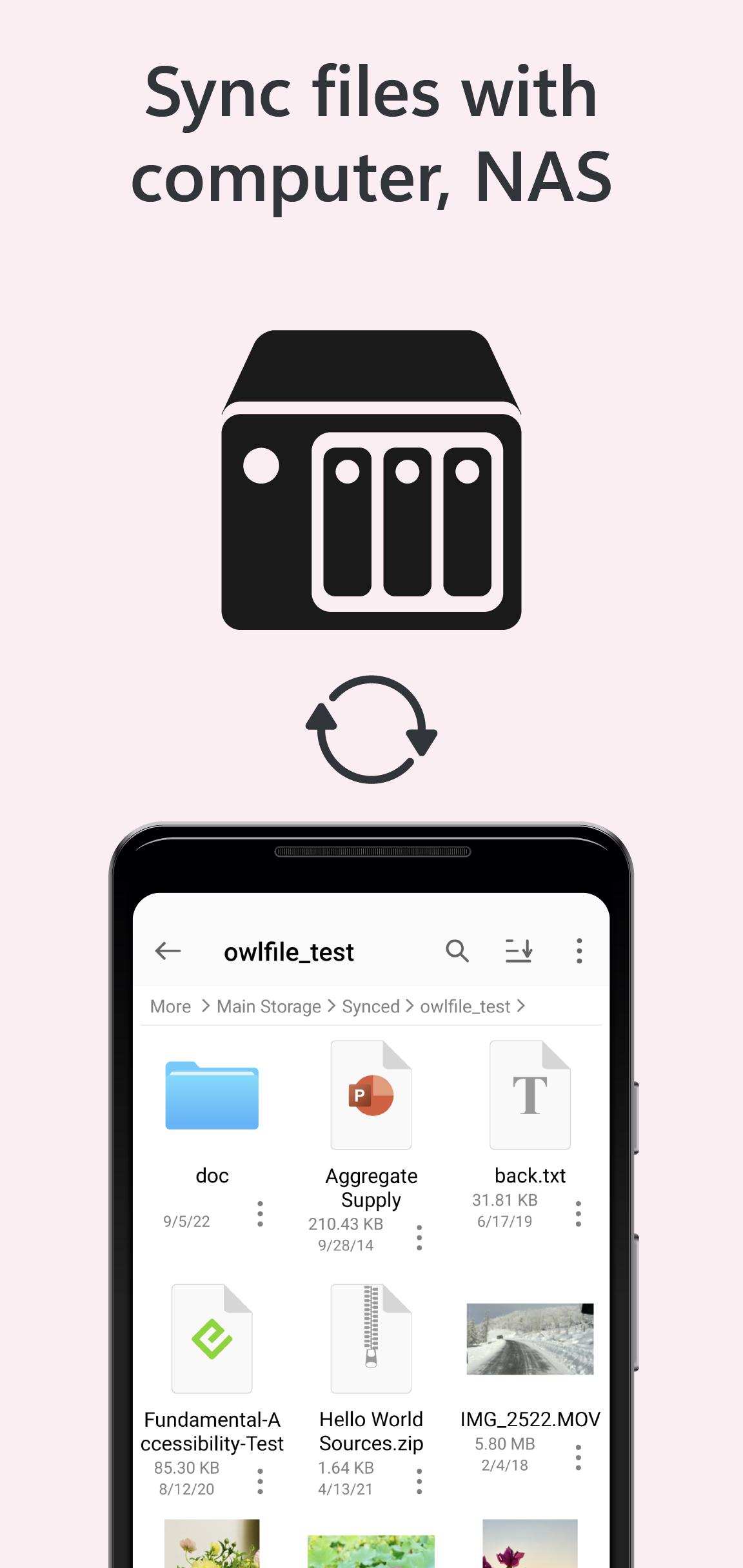
Sync files between Android device and computer/NAS/cloud storage.
Use Owlfiles on your mobile, desktop and TV platforms.
Privacy Policy: https://www.skyjos.com/owlfiles/privacy.html
Terms of Use (EULA): https://www.skyjos.com/owlfiles/terms.html
===== CONTACT US =====
Email: support@skyjos.com
Twitter: @SkyjosApps
Facebook: @SkyjosApp
Latest Version
14.4Uploaded by
Mohamed Ashraf
Requires Android
Android 8.0+
Category
Free Tools AppContent Rating
Everyone
Security Report
Report
Flag as inappropriateLast updated on May 21, 2026
* Add pCloud support.
* SAF(Storage Access Framework) Provider: Access files in Owlfiles from the other apps (MS Word, Acrobat Reader etc.).
* Use an image with the same filename as the thumbnail for videos and audios.
* Play slideshow on Android TV. Press the DPad center button on TV remote to play slideshow.
* Bug fixes and stability improvements.




APKPure - A multi-platform app store primarily focused on Android, providing extensive app-related content. Discover the app you want easier, faster, and safer, with quick and efficient downloads and installations.