Scan Date:Sep 11, 2025
Show More


Game Booster Pro: Turbo Mode helps users who experience lag, stutter, or sudden disconnects and want clear explanations before changing settings. It organizes your titles in one place and presents easy to read performance and network information so you can spot possible causes. As a result, you can decide whether to adjust graphics, switch networks, or change your DNS. The app focuses on visibility rather than promises, and it does not claim to increase hardware speed. You can find the Game Booster Pro: Turbo Mode APK for direct installation on Android devices.
Centralized game launcher
Game Booster Pro: Turbo Mode keeps your mobile games in one tidy hub, which reduces the time spent searching through your phone. You can open titles directly from the app and keep a clearer view of what you play most. This setup also supports quick access to the built in diagnostics before you start a session.
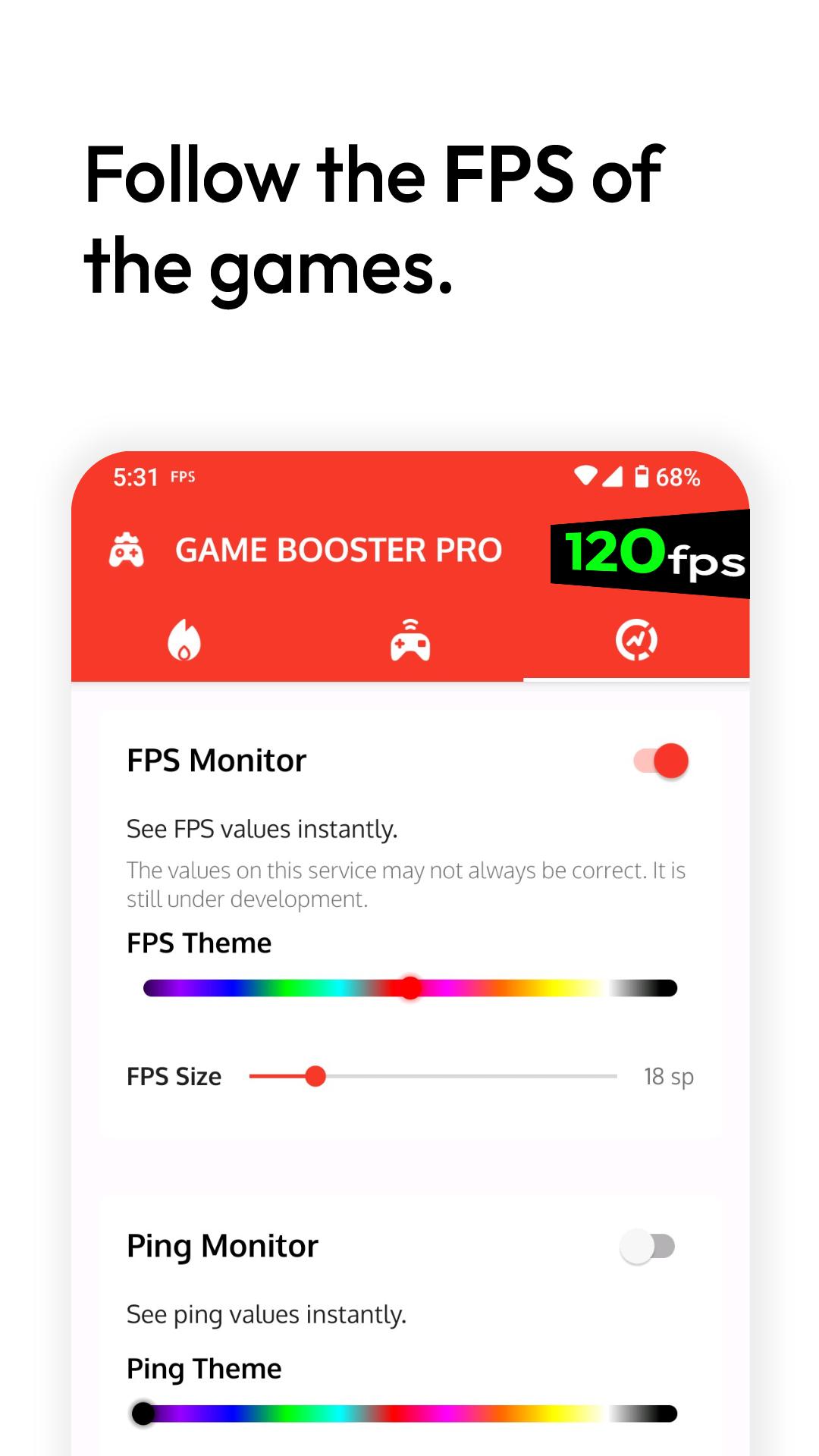
Informational FPS panel
You can view real time frames per second in supported games to identify frame drops or judder as they happen. The panel is informational and does not add performance, which keeps expectations clear. Some titles or devices may not allow FPS overlays due to system or game restrictions, so availability can vary by game.
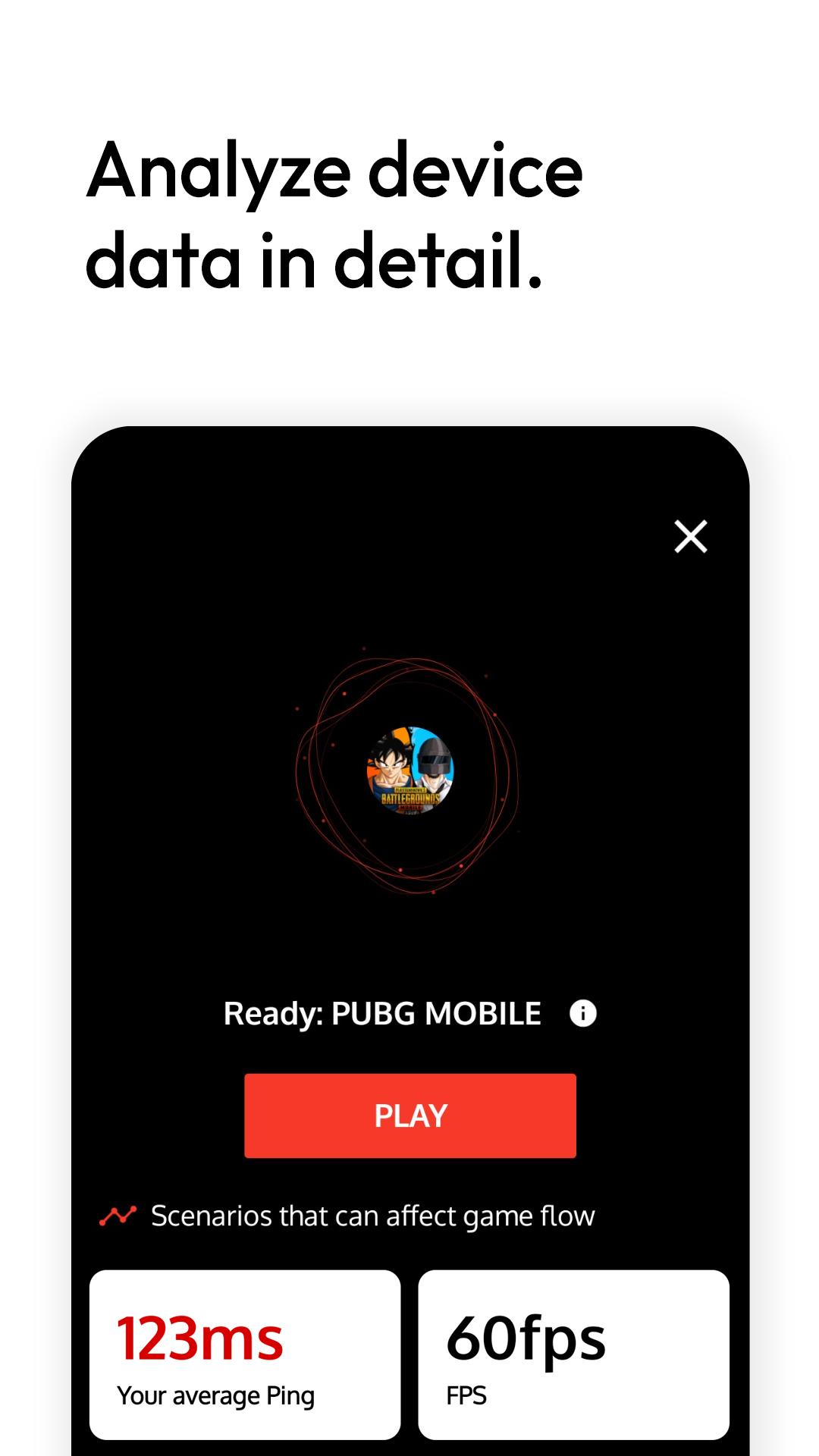
Ping analyzer for latency checks
The built in analyzer measures network latency in milliseconds to help you identify if lag is related to your connection. Results appear quickly, which makes it useful before ranked or time sensitive matches. If the readings show higher than expected ping, you can switch networks or try DNS adjustments based on the data.
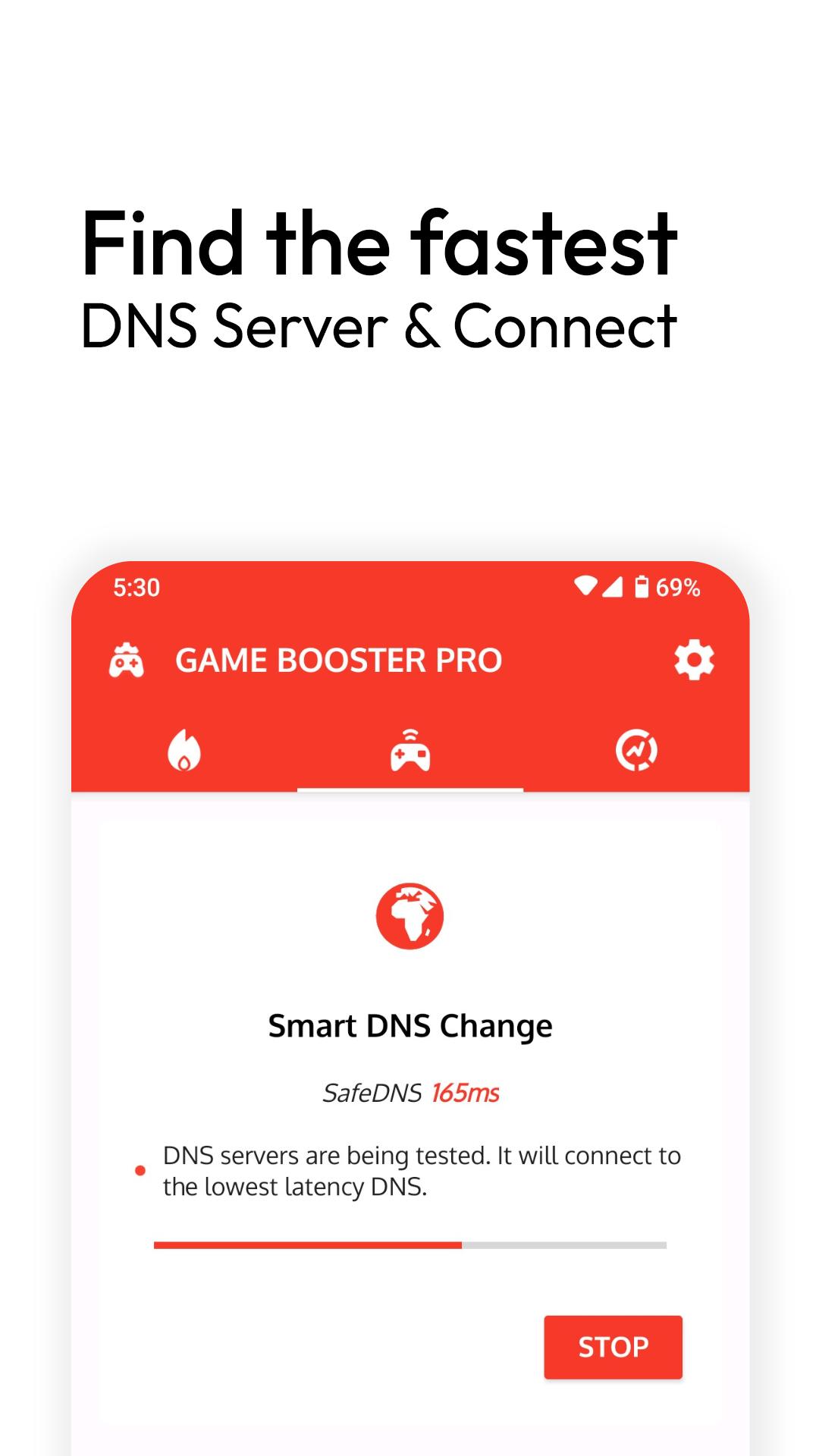
Smart DNS switcher using a VPN service
Game Booster Pro: Turbo Mode tests multiple DNS servers and connects to the lowest latency option to reduce name lookup delays. Android requires a VPN permission to apply a custom DNS at the system level, so the app asks for that approval when you enable this tool. The focus is on quicker DNS resolution, and it is not a speed booster for device hardware.
Pre game readiness checks
Simple prompts remind you about basic conditions that can interrupt play, such as low battery or power saver modes. You can review these cues before launching a match to reduce avoidable disruptions. This lightweight step pairs well with the ping test for a quick routine before competitive play.
The VPN permission request appears when you enable the smart DNS feature because Android applies DNS changes through a local VPN service. This approval is required to route DNS queries to your chosen resolver and does not imply hardware acceleration. You can disable the DNS tool at any time inside the app.
The FPS panel depends on game and device support. Certain games block overlays or limit access to performance counters, which may prevent the panel from showing. If supported, you might also need to grant display over other apps permission for the overlay to appear during gameplay.
This listing is verified on APKPure to help users identify authentic packages and publisher information before installation.
Set up takes only a few minutes and can be done before your next session. For the best experience, install the Game Booster Pro: Turbo Mode latest version and follow this quick routine on your Android phone.
Game Booster Pro: Turbo Mode brings your games together and shows practical, real time diagnostics so you can make informed changes. It focuses on clear data around frames and network latency rather than promises of hardware gains. To begin, download Game Booster Pro: Turbo Mode and run a quick check before your next match.
For questions or support, contact the developer using the information below.
Latest Version
3.8.1rsUploaded by
Sergio Ferreira
Requires Android
6.0
Category
Tools AppContent Rating
Everyone
Security Report
Report
Flag as inappropriateLast updated on Oct 7, 2025
Minor bug fixes and improvements. Install or update to the newest version to check it out!







APKPure - A multi-platform app store primarily focused on Android, providing extensive app-related content. Discover the app you want easier, faster, and safer, with quick and efficient downloads and installations.