Package Name:com.qwently.booklight
SHA-256:cadc42fcaf07f1f88caeddd9d810a92f7ea8ea973ae03be9306fdc83888ea1bd
Show More

Booklight emits a soft light using the screen of your device. You can manually adjust the brightness and it never goes to standby. Different themes are available so that you can choose the light color that suits you best. Use light to create a unique atmosphere!
Book light
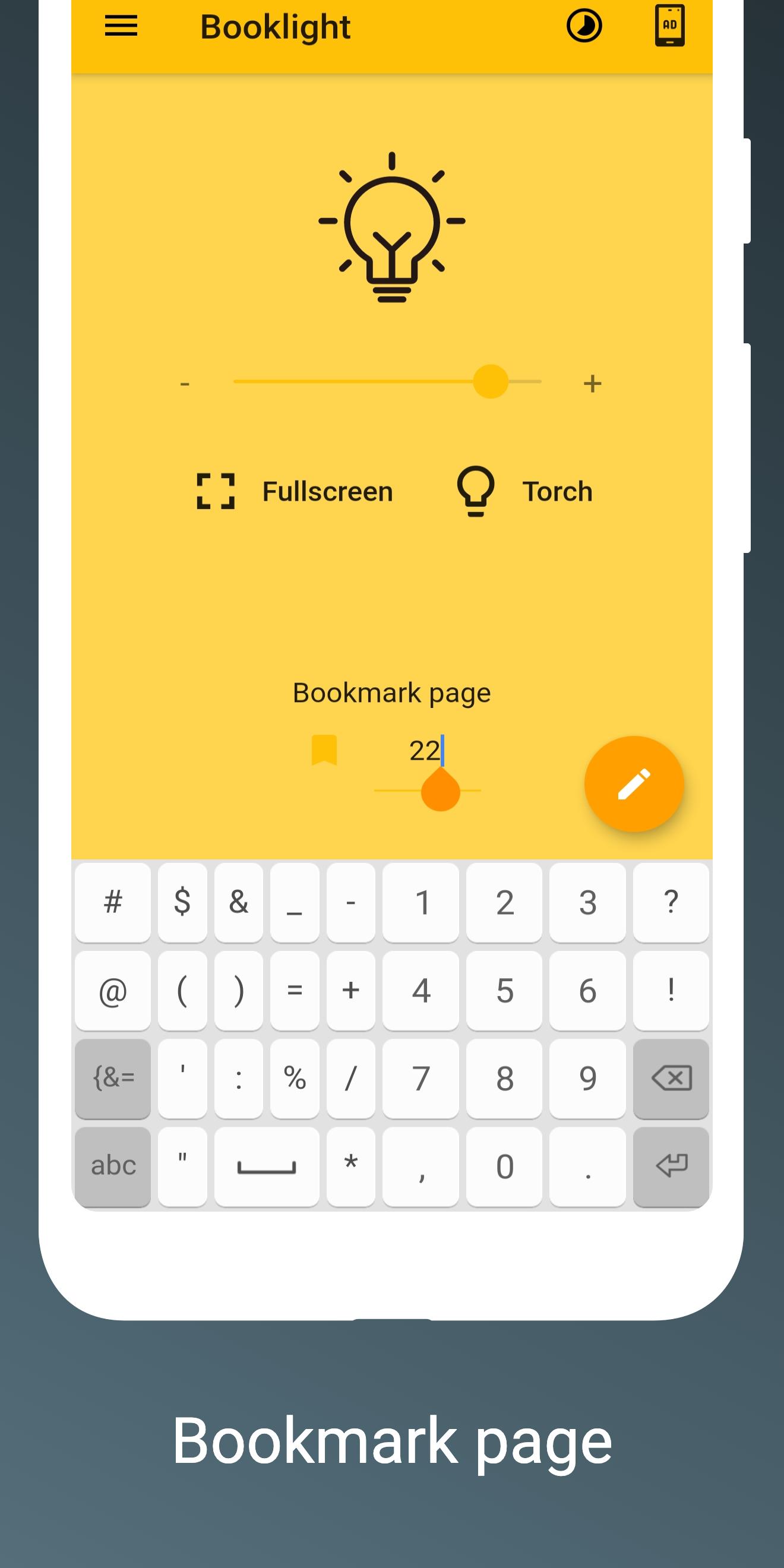
Would you like to read a book at night but you don't have a lamp and if the light is on, it disturbs others? Booklight is the right solution. Use the screen of your phone as a lamp in order to illuminate the pages of your favourite book. There is a bookmark section where you can save a page number in order to start reading the book from where you left off. Wish you good reading with the mobile low-energy consumption book light!
Travel light
Avoid disturbing anyone with the flash lamp. Booklight is a good soft light that is perfect for traveling on public transport (bus, metro, train, plane). Try it and let us know what you think about it!
Desk lamp
Why not? Use Booklight as an alternative to your standard desk lamp. You can change the intensity of the light making it perfect for a variety of conditions.
Photography soft light
If you are a photographer you can use Booklight as a soft light to take creative shots with your camera. Play with colored light and its brightness to create interesting photo effects.
Different themes
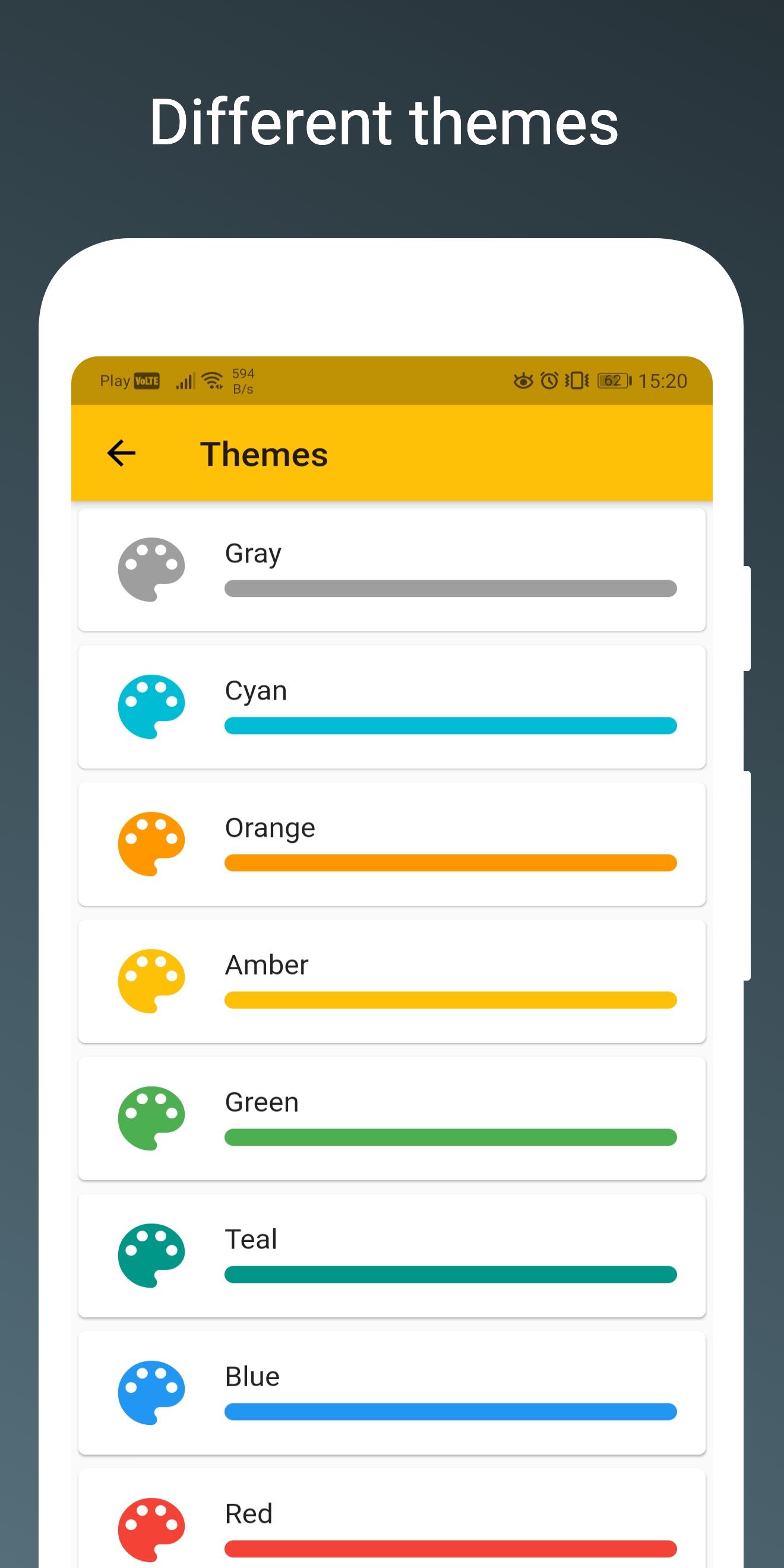
Changing the color of the light is very simple. Just select a new theme from the menu. You can use different color lights: gold light, gray light, cyan light, orange light, amber light, green light, teal light, blue light, red light, pink light, purple light, indigo light, lime light, deep orange light, light blue light, deep purple light and light green light.
Illumination Timer
Set the timer specifying hours, minutes and seconds. When it ends, the application will be turned off automatically. Very useful when you want to use Booklight as a night light.
Capture thoughts and quotes
When reading books, bright ideas often come up. Use the floating button to add a quick note: save your thoughts, book quotes or anything else on your mind. Access all saved notes from the main menu. With a click, you can edit what you saved when you want.
In summary, Booklight is excellent when you need dim light, dim screen, low illumination, low light, phone light, screen light, lighting tool, reading light, ultra brightness, night lamp, flash light, torch light and display light.
Latest Version
1.24.0Uploaded by
Mostafa ELgamil
Requires Android
Android 7.0+
Category
Free Tools AppContent Rating
Everyone
Security Report
Check Now
Report
Flag as inappropriateLast updated on Oct 16, 2025
Enhanced performance and UX/UI improvements, including updated libraries and support for 16KB pages





APKPure - A multi-platform app store primarily focused on Android, providing extensive app-related content. Discover the app you want easier, faster, and safer, with quick and efficient downloads and installations.