
Step by step instructions
1) Choose Audio from the list that you want to Cut (Long press if you want to play)
2) Select area(start & end time "in seconds") to be chopped from your audio using forward and backward selector
3) Hit the "Cut" button and enjoy
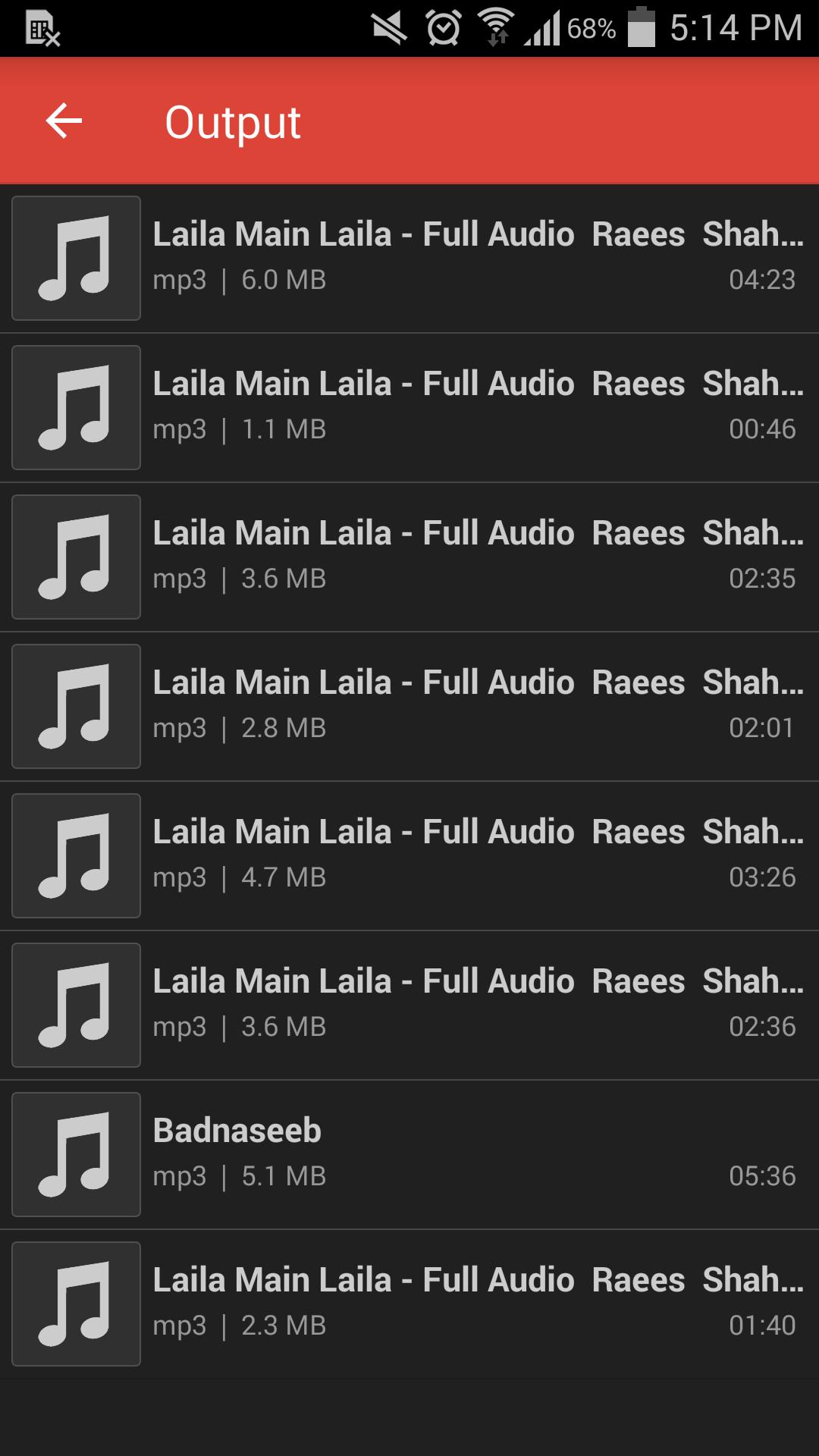
4) The cut results are stored in "/storage/emulated/0/Audio Cutter" folder
Features
- Simple and natural user interface and lightweight browsers for Input and Output
- View all audios and choose one to cut
- Integrated audio player to play audio before cutting (support play/pause)
- Fast audio cutting and easy to use with user-friendly UI
- Support various types of audios (MP3, AAC, WAV and most other music formats)
- Cut audio without losing audio quality
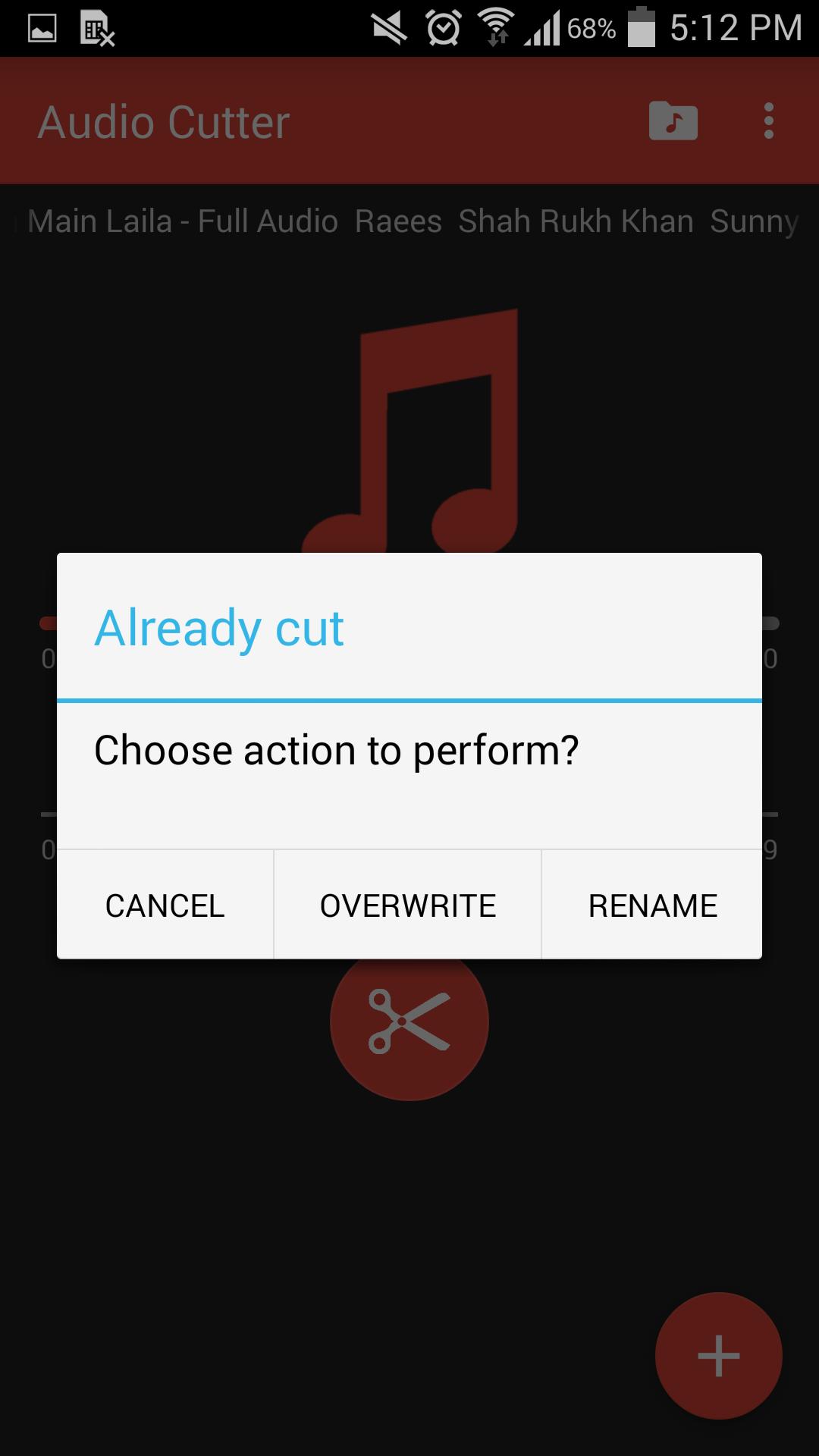
- Options (Play, Cancel Conversion, Replace if output file exist, Rename if output file exist)
- Run in Background
Audio cutter makes the best ringtone from your old songs.
Used icons in this app downloaded from www.icons8.com.
Latest Version
1.5Uploaded by
GamesHippo
Requires Android
Android 4.1+
Category
Free Music & Audio AppContent Rating
Everyone
Report
Flag as inappropriateLast updated on Jan 31, 2024
Minor bug fixes and improvements. Install or update to the newest version to check it out!





APKPure - A multi-platform app store primarily focused on Android, providing extensive app-related content. Discover the app you want easier, faster, and safer, with quick and efficient downloads and installations.









